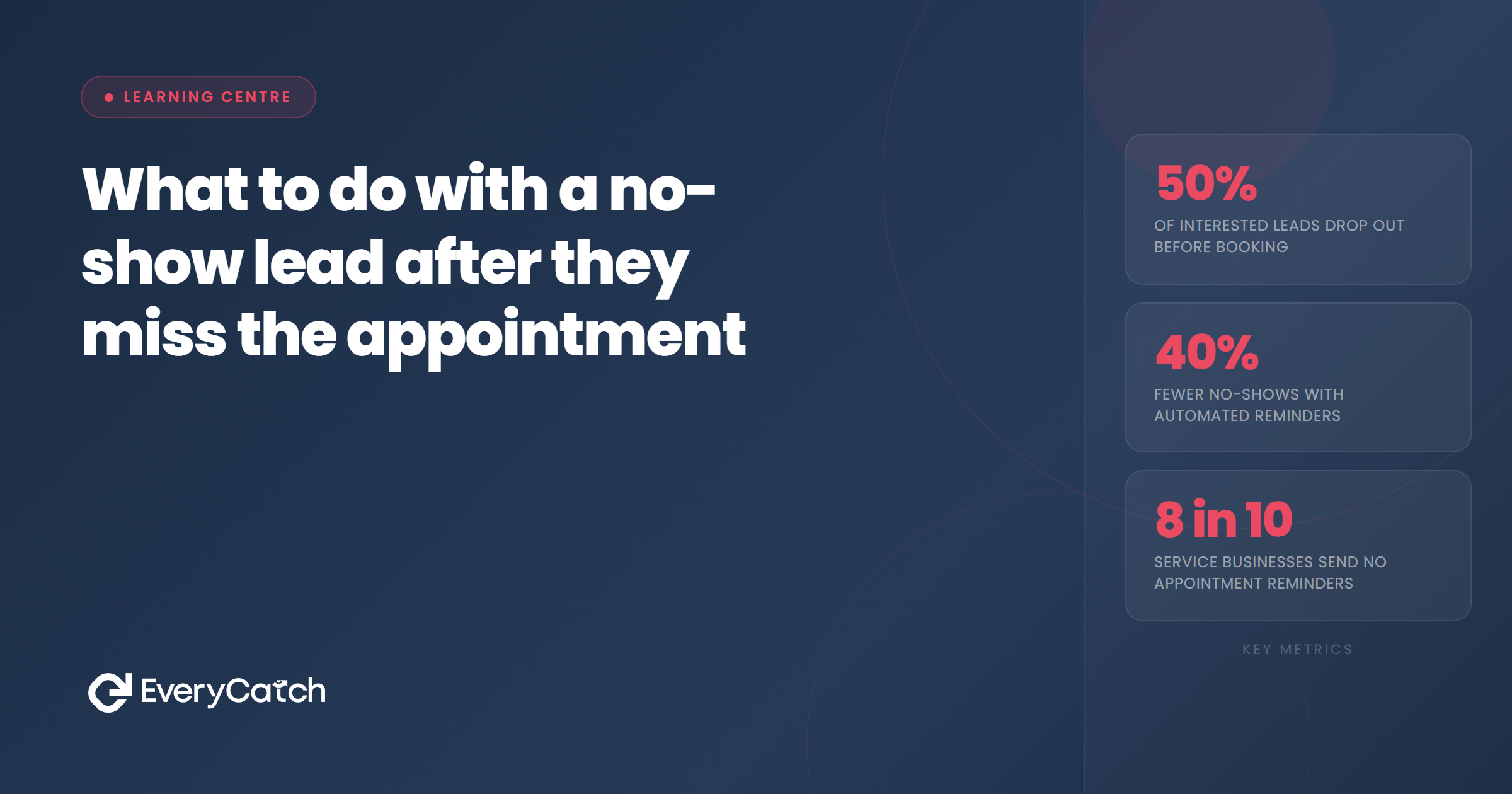

- A no-show is not a rejection. Most happen because of competing priorities, not lost interest.
- The first 60 minutes after a missed appointment are when recovery is most likely.
- A short, neutral follow-up message outperforms a long apology or a pointed question.
- Offering a direct rebooking link reduces the friction of responding — don't just ask if they want to rebook.
- After two unanswered follow-up attempts, move the lead to a long-term nurture list rather than active chasing.
Why no-shows are less final than they feel
A prospect books an appointment with you. The time comes and they don't appear. No call, no message, no warning. It is frustrating, particularly when you have held that slot and prepared for the meeting. The natural reaction is to write the contact off and move on.
That reaction costs most service businesses more than they realise. The majority of no-shows are not a sign that the prospect has changed their mind. Life genuinely gets in the way. A family issue, a conflicting work obligation, a forgotten appointment — these account for a significant share of missed slots. The prospect may feel embarrassed about it, which makes them less likely to make contact first. If you don't reach out, the silence becomes permanent by default rather than by decision.
The businesses that recover no-shows systematically are the ones that treat the missed appointment as a pause, not a close. They have a short, professional response ready and they send it quickly. The businesses that do nothing lose those contacts permanently — and they never know which ones would have converted.
What to do in the first hour
Timing matters more than most businesses appreciate. Research on missed appointments consistently shows that the probability of recovery drops sharply as time passes. In the first hour, the prospect is typically still aware they missed the slot. They may be intending to reach out but haven't done it yet. A message from you at that point arrives when the topic is still front of mind.
Before sending anything, do a quick check: did the prospect contact you by a channel you may have missed? A WhatsApp message, a direct message on social media, or an email that landed in a busy inbox. If they did reach out and you didn't see it, your first response is to that message, not a chase.
If there is no contact from them, the right first step is a short text or WhatsApp message, not a phone call. A call places immediate social pressure on the recipient. A message gives them the option to respond in their own time, which actually increases the likelihood of a reply. Keep it brief, keep it warm, and make it easy for them to do something with it.
Losing bookings to no-shows?
EveryCatch can detect missed appointments and send a professional follow-up automatically — within minutes of the missed slot.
Book a free discovery callHow to word the follow-up message
The wording of the follow-up message matters considerably. Two common mistakes undermine what should be a straightforward interaction.
The first mistake is an accusatory tone: "You missed your appointment today." This is accurate but it puts the recipient on the defensive. They already know they missed it. Reminding them of that fact without offering anything useful just makes the interaction uncomfortable.
The second mistake is overcorrecting in the opposite direction: "No worries at all, completely understand!" This signals that you don't value your own time and makes it harder to establish a professional tone going forward.
The approach that works is neutral and practical. Something like: "Hi [name], I had us down for [time] today — hope everything's okay. Happy to rearrange when you're ready. Here's a link to pick a new slot: [booking link]." Short, non-confrontational, and gives them a single clear action to take. The question "hope everything's okay" acknowledges that life happens without making a big deal of it. The link removes the back-and-forth of trying to find a new time.
The rebooking step
A common follow-up mistake is asking "would you like to rebook?" without making rebooking easy. A yes/no question without an obvious next step leaves the prospect with more friction than necessary. They now have to reply, wait for your response, and then go through the scheduling process again. Each step is another point where the conversation can drop off.
Including a direct booking link in every follow-up message collapses that process into a single action. The prospect taps the link, picks a slot, and the appointment is confirmed without any further exchange. If your booking system allows it, link directly to the same appointment type they originally booked rather than to a general calendar view. Fewer decisions means fewer opportunities to not complete the process.
If you receive no response to your first message within 48 hours, a second follow-up is appropriate. Keep it shorter than the first: "Just checking in — happy to find a new time whenever works for you. [Booking link]." This second message serves as a low-pressure reminder without escalating the tone. Send no more than two or three follow-up messages over a week before stepping back.
When to stop chasing
Persistence has a point of diminishing returns. Two follow-up messages over five to seven days is a reasonable limit for active chasing. Beyond that, sending more messages risks damaging the relationship, and a prospect who hasn't responded twice is unlikely to respond to a third message in the same sequence.
Stopping active follow-up does not mean removing the contact from your system. Move them to a longer-term nurture list instead — a monthly or quarterly check-in that shares something useful rather than chasing a booking. No-show leads who were genuinely interested often come back weeks or months later when their timing is right. The businesses that keep those contacts in a low-pressure sequence capture that later business; the businesses that delete unresponsive contacts lose it.
Tag the contact clearly in your system: "No-show, follow-up sent x2, moved to nurture." That record means anyone picking up the contact later has context, and your automated system doesn't accidentally restart an active chase sequence.

From the EveryCatch team
EveryCatch helps service businesses automate their follow-up after no-shows, sending professional recovery messages within minutes of a missed appointment. The system handles the timing and the wording so the business owner doesn't have to.



