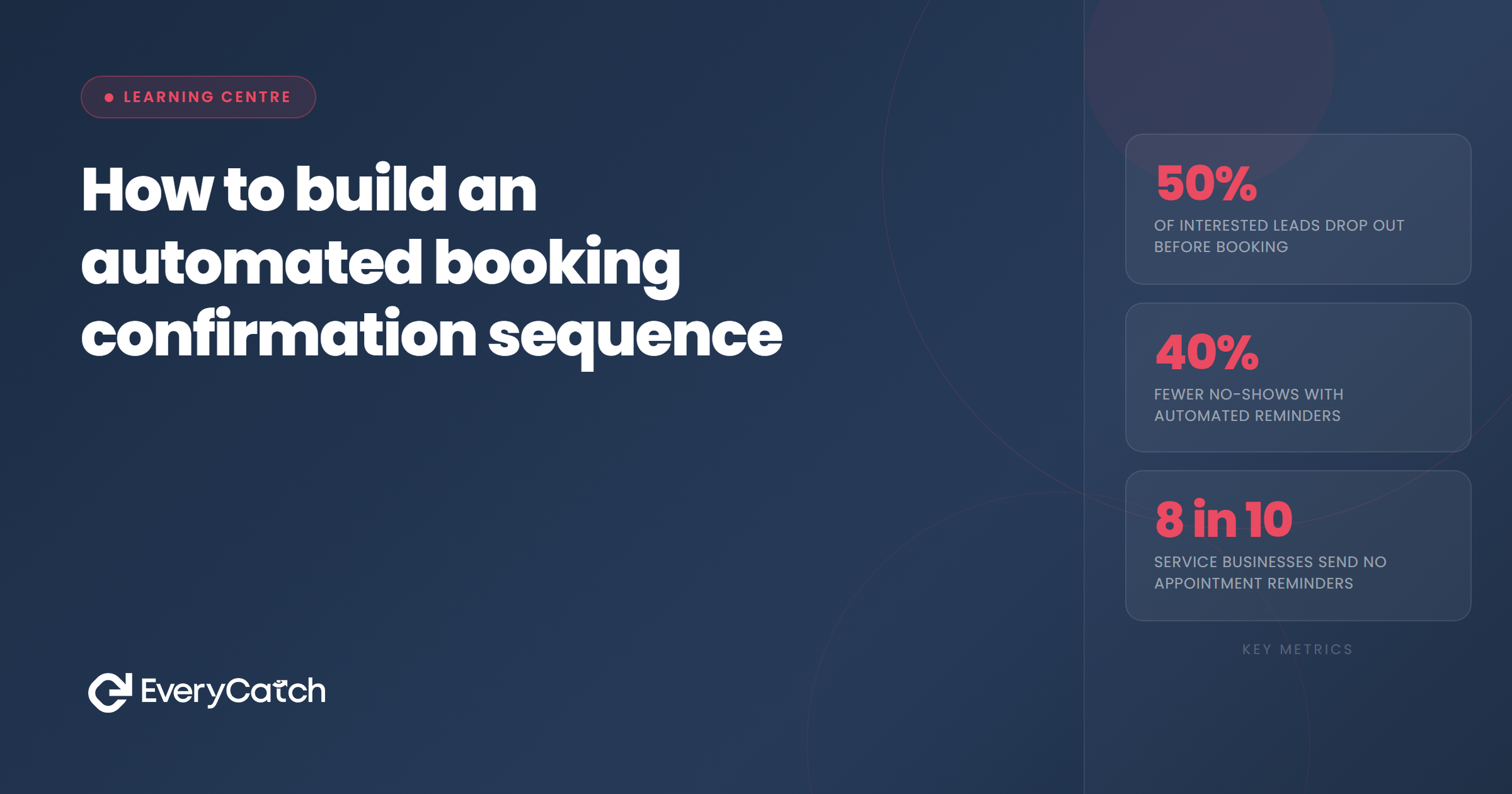
- The confirmation sequence has three jobs: remove anxiety, reduce no-shows, and set expectations for the appointment itself.
- Three messages cover most service businesses: instant confirmation, advance reminder, and day-before or morning-of touchpoint.
- Each message should contain exactly what the customer needs at that point, no more, and be sent by the right channel at the right time.
- SMS is the most reliable channel for confirmation messages; email adds depth for pre-appointment preparation material.
- Most CRM and booking tools can run this sequence automatically once it is built. The main cost is building it once correctly.
What the sequence is actually doing
A booking confirmation sequence is not a formality. It is doing several things simultaneously, and understanding each of them determines what the messages should contain and when they should arrive.
The first job is reassurance. The moment someone books, they often feel a mix of relief and low-level uncertainty: did it go through, what happens next, what should they bring, where exactly is the location? An immediate confirmation resolves all of these at once. When it does not arrive, or arrives ten minutes late, the customer starts to wonder. By the time they decide to call to check, you have already spent staff time on an unnecessary touchpoint.
The second job is reducing no-shows. No-shows are not usually deliberate; they are usually the result of the appointment not being in the customer's mental foreground at the right time. A well-timed reminder brings it back into view before it is too late to act. The closer the reminder is to the appointment and the more specific it is about time and logistics, the harder it becomes for the customer to simply not turn up.
The third job is setting the customer up to arrive prepared. For many service types, an unprepared customer takes longer, produces a worse outcome, or requires a rescheduled appointment. Sending preparation instructions at the right point in the sequence, not at booking when the customer is not yet thinking about it, means the instructions arrive when they are most likely to be read and acted on.
Message one: instant confirmation
This message fires the moment the booking is confirmed, ideally within 30 seconds. Its sole job is to eliminate uncertainty. The customer has just committed to an appointment; tell them immediately that the commitment has been received.
What this message should contain: the date and time of the appointment, the name and address or access details for the appointment location, a reference number or booking ID if one exists, a contact number or email address the customer can reach you on, and clear instruction on what to do if they need to cancel or reschedule.
What this message should not contain: a lengthy company overview, marketing copy, a list of all your services, or requests for reviews. The customer has just booked; that is the only thing that matters right now. Keep it short, specific, and practical.
SMS works best for this message because it is delivered and read almost immediately. Email is a useful backup or secondary channel, particularly if the confirmation contains more detail, directions, or preparation guidance. If you send both, do not repeat the same content verbatim; let the SMS be brief and the email carry depth.
Message two: the advance reminder
For most appointment types, a reminder sent three to five days in advance sits in a useful position: close enough for the customer to take preparatory action, far enough out that they can reschedule if needed without losing the slot entirely.
Want this built for your business?
EveryCatch can set up the full confirmation and reminder sequence inside your existing booking or CRM system, so it runs automatically from day one.
Book a free discovery callThis message should confirm the appointment details again, briefly, then add the preparation content that belongs here. If the appointment requires the customer to bring anything, to have completed any paperwork, to arrive at a different entrance, or to fast beforehand, this is the message in which that information belongs. It is close enough to the appointment that the customer will act on it, but far enough out that they have time to do so.
Keep the preparation content specific. "Please bring any relevant medical history" is less useful than "Please bring your GP referral letter and a list of any current medications." The more specific the instruction, the more likely it is to be followed, and the less likely you are to spend appointment time recovering from an unprepared customer.
This message can be email, SMS, or both. If you choose SMS, keep it short and link to a page with full preparation details rather than trying to pack everything into 160 characters. If email, a clean, readable layout with a clear subject line referencing the appointment date performs significantly better than a wall of text.
Message three: the day-before or morning-of
The third message is the one that has the most direct effect on no-show rates. Its job is to make the appointment impossible to forget at the point when forgetting it is still avoidable. Sent the day before, or on the morning of the appointment for early slots, it brings the appointment back into the customer's active awareness and gives them a final, convenient opportunity to cancel or reschedule if they cannot make it.
That last point matters. A message that makes it easy to cancel or reschedule sounds counterintuitive, but a customer who reschedules is significantly better than a customer who simply does not appear. Rescheduling fills the slot with someone else; a no-show wastes it entirely. Including a rescheduling link in this message reduces no-shows and reduces the number of wasted slots.
The message itself should be short: appointment details, a friendly acknowledgement that you are looking forward to seeing them, and the option to reschedule if needed. No preparation content at this point; if they have not prepared by the day before, a reminder of what they needed to bring is more likely to cause anxiety than resolve it. Keep this message warm, brief, and practical.
SMS is the right channel here. On the day before an appointment, email often goes unread until after the window to act has closed. SMS is seen, usually within minutes, and the customer can act on the rescheduling link immediately if needed.
Tools and setting up the sequence
Most booking tools and CRM platforms can run this sequence automatically once it is configured. GoHighLevel, Acuity, Calendly, Cliniko, and most sector-specific booking tools all have automation capabilities that fire messages based on the booking date and time. The setup typically involves creating the three message templates, setting the trigger conditions, and confirming the timing rules.
The main variable to get right is timing. Automated messages should be set to fire at sensible hours, not at 3am, and should account for the time between booking and appointment. A customer who books with three hours to spare should not receive a five-day-in-advance reminder, and a customer who books six weeks ahead should not receive only a same-day confirmation and then silence until the morning of the appointment.
Most platforms allow conditional logic that handles this gracefully: "send the three-day reminder only if the appointment is more than three days away at the time of booking; otherwise send the day-before reminder on the next available trigger point." Getting this logic right the first time saves the customer experience from feeling jagged and prevents the situation where a customer receives a reminder before they have received a confirmation.
For businesses that are not yet using an integrated booking and CRM system, a manual version of this sequence, using a task or calendar reminder to trigger the messages, is still better than nothing. The automation makes it reliable; the logic makes it effective. Get the logic right first, then automate it.

From the EveryCatch team
EveryCatch helps service businesses build booking confirmation sequences inside their existing CRM or booking tools, set up correctly the first time and running automatically from then on.



