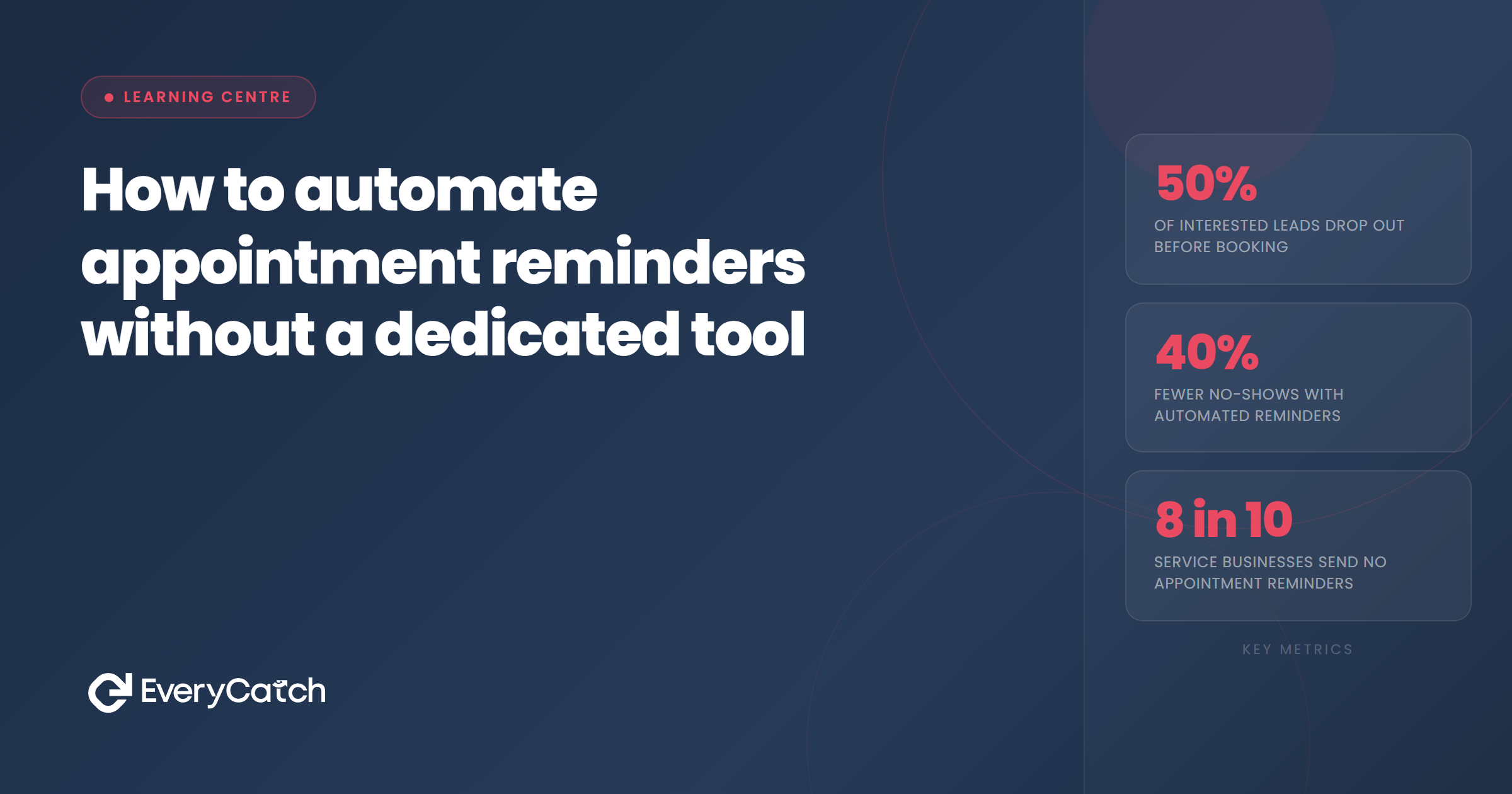
- Most CRM and booking platforms include basic automation that can handle reminders without additional cost.
- The three essential touchpoints are booking confirmation, day-before reminder, and morning-of nudge.
- SMS delivers reminders faster and more reliably than email for time-sensitive messages.
- Personalisation, using the customer's name and referencing the specific service, improves read rates and attendance.
- A working reminder system built from existing tools beats a perfect system never built at all.
What most businesses already have available
Before buying anything new, it is worth understanding what the tools already in use can actually do. Many service businesses are sitting on reminder capability they have never switched on.
If you use a CRM or customer management platform, there is a good chance it includes workflow automation that can trigger messages based on appointment dates. Most platforms in this category, whether they are designed specifically for service businesses or adapted for that use, have this built in. The feature is there; it just has not been configured.
If you take bookings through an online calendar or booking tool, many of these platforms include built-in reminder sending. Google Calendar, Calendly, Acuity and similar tools all offer some form of automated reminder to the customer when an appointment is created. The defaults are often set to email only and timed generically, but they can usually be customised.
If you use a phone system that supports SMS, or a messaging platform that connects to your customer database, you may already have the means to send automated text reminders triggered by calendar events. The capability is often there; it just requires connecting the pieces.
The exercise worth doing before investing in new software is to open each tool you currently use and look at what it can trigger automatically when a new appointment is created. In many cases, a properly configured version of what you already have is enough to build a working three-touchpoint reminder sequence.
Building the sequence
The reminder sequence works as a series of automated messages triggered by the appointment date. Each message fires at a defined interval before the appointment, with no manual action required once the rules are set up.
The trigger is the appointment creation. When a new booking is made, the system records the date and time and queues the reminder messages accordingly. The first fires immediately as a confirmation. The second fires the evening before. The third fires on the morning of the appointment. None of these require human involvement.
Setting this up in a CRM or booking platform involves creating an automation workflow with three steps, each tied to the same trigger but offset by different time intervals. Most platforms refer to these as workflows, automations, or sequences. The interface varies, but the logic is the same: appointment created, send message A now, send message B in X days, send message C on the morning of appointment day.
The key variable to configure carefully is the timing offset. "The day before" should mean the evening before, around 5 to 7 pm, rather than early morning. A reminder sent at 7 am on the day before a 9 am appointment the next morning is too far in advance to feel immediately relevant. The morning-of message should be timed so it arrives one to two hours before the appointment, not first thing in the morning for a late afternoon slot.
The three touchpoints every system needs
Not sure what your existing tools can actually do?
EveryCatch reviews your current setup and builds a reminder system from the tools already in place, or recommends exactly what to add if something is missing.
Book a free discovery callEvery reminder system needs at least three messages to do its job properly. More than three risks becoming intrusive. Fewer than three leaves gaps in the protection.
The confirmation. This goes out immediately when the booking is made. Its job is to tell the customer the appointment is confirmed, give them all the details they need (date, time, location, what to bring or expect), and set the tone for the business relationship. A strong confirmation reduces anxiety, sets expectations, and starts the customer's mental preparation for the appointment.
The day-before reminder. This is the highest-impact message in the sequence. It arrives at a moment when the appointment is close enough to feel real, the customer can still rearrange without difficulty if needed, and the reminder lands in time to influence the next day's plans. It should be short, include the time and location, offer a way to rearrange, and ideally ask for a simple confirmation reply or click.
The morning-of nudge. This keeps the appointment in active awareness on a day that is already filling up with competing demands. It is the shortest message of the three: the time, the address if needed, and anything practical the customer needs to remember (parking instructions, what to bring, where to check in). Nothing more.
Each of these can be sent by email, SMS or both, depending on the platform and the customer's preferences. SMS works better for the day-before and morning messages. Email works better for the confirmation, where more detail is useful and the customer expects to refer back to it.
Keeping automated reminders from feeling like spam
The gap between a reminder that feels helpful and one that feels like a system notification is smaller than it seems. Three things make the difference.
The first is personalisation. Using the customer's first name and mentioning the specific service they booked, rather than a generic "your appointment," makes the message feel directed at them rather than fired at a list. Most platforms support this through merge tags or personalisation fields. It takes thirty seconds to add and meaningfully changes how the message lands.
The second is sender identity. A reminder that comes from "EveryCatch" or "Andrew at EveryCatch" reads differently from one that comes from "noreply@bookingsystem.com." Use the business name and, where possible, a person's name, in the sender field. Customers are more likely to open and read a message when they recognise who it is from.
The third is tone. Reminder messages tend to default to stiff, transactional language because they are written once and applied to everyone. Rewriting them in the same voice the business uses when talking to customers, direct and warm without being forced, takes the edge off the automated nature of the message. The customer does not need to know it was sent by a system; they just need it to sound like it came from a person who is looking forward to their visit.

From the EveryCatch team
EveryCatch helps service businesses get more from the tools they already have, building reminder and follow-up systems that run automatically and require no ongoing manual work to maintain.



