- A booking confirmation should always include date, time, location or link, and what to prepare
- The cancellation policy and rescheduling option reduce friction and last-minute no-shows
- A confirmation that answers every pre-appointment question keeps the customer engaged
- Format matters: email for record-keeping, SMS for immediacy, ideally both
- Automated follow-up sequences extend the job the confirmation starts
Why booking confirmations directly affect show rates
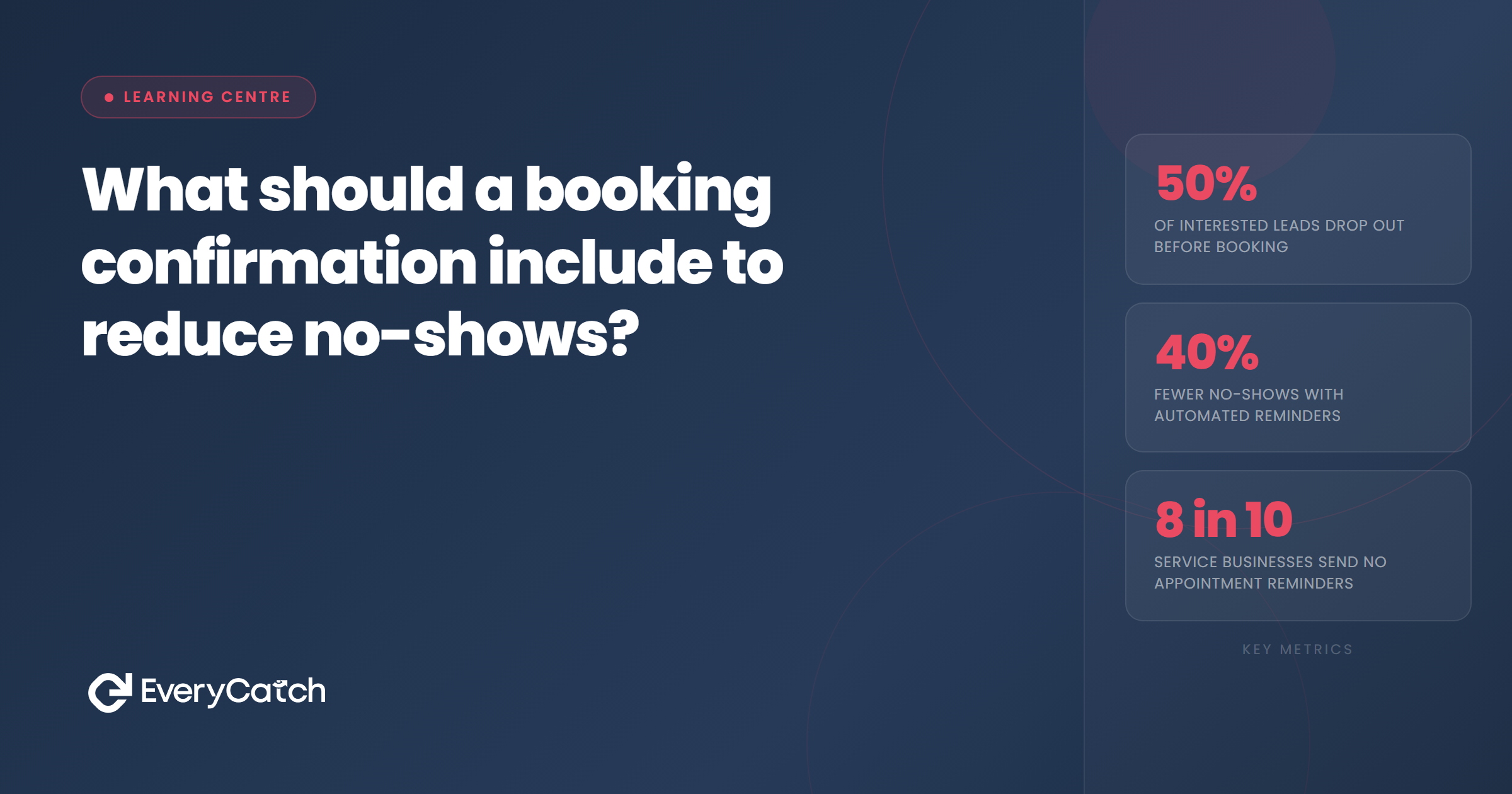
Most no-shows are not deliberate. The customer forgot, got the time wrong, was unsure where to go, or simply lost confidence in the appointment after booking it. A well-written booking confirmation eliminates most of those failure points before they develop.
The confirmation is the first thing a customer receives after saying yes. It sets the tone for the appointment and, handled well, reinforces their decision to book. Handled poorly, it plants doubt. A vague or incomplete confirmation leaves the customer without the information they need, which means they either contact you to ask, or they assume it will sort itself out and then it does not.
The goal is a confirmation that the customer can refer back to at any point between booking and arrival, find every answer they need, and feel confident showing up. That is the standard worth aiming for. To understand where confirmations fit in the wider booking flow, it helps to read why the booking step loses more leads than you think first.
The essential elements every booking confirmation needs
There is a base set of information that belongs in every booking confirmation regardless of industry or appointment type. If any of these are missing, the confirmation is incomplete.
Date and time
This seems obvious but it is frequently where mistakes appear. State the date in full rather than shorthand. Write "Tuesday 22 July 2026 at 2:30pm" not "22/07 at 14:30." The latter requires the customer to decode it; the former requires nothing. Include the time zone if your customers are not always local.
Location or meeting link
For in-person appointments, include the full address plus anything that helps with arrival: parking details, which entrance to use, floor number, what name to give at reception. For online appointments, include the direct meeting link. Do not ask the customer to log in and find it. Put the link in the confirmation so they can click it at the right time.
What to bring or prepare
This is the section most businesses skip, and it is the one that causes the most friction at the appointment itself. If the customer needs to bring documents, complete a form, fast beforehand, or wear specific clothing, tell them in the confirmation. Preparation instructions also serve another purpose: they make the appointment feel real and imminent, which keeps the booking psychologically anchored.
Contact details
Include a direct phone number or email the customer can use if something changes. Making it easy to contact you before an appointment reduces last-minute no-shows because customers are more likely to rebook or cancel in advance if doing so feels frictionless.
What a booking confirmation should include to reduce no-shows specifically
Beyond the basics, there are elements that specifically target the reasons customers do not show up.
A clear cancellation and rescheduling option
Many businesses avoid including this because they worry it makes it easy to cancel. The evidence goes the other way. When customers know they can reschedule without effort, they are more likely to rebook at a better time than simply not show up. A customer who reschedules is not a lost appointment. A no-show usually is.
Keep the rescheduling link prominent. A sentence with a clickable link is enough. "Need to change the time? Reschedule here." That is all it takes.
A brief reminder of what they booked and why
Include a short description of the service or appointment type. Not a sales pitch, just a factual line: "You have booked a 45-minute initial consultation to discuss your new kitchen design." This reinforces the value of the appointment and reconnects the customer with the reason they booked. It is particularly effective when there is a gap of several days between booking and appointment.
The next step in the sequence
Tell the customer what happens next. "You will receive a reminder 24 hours before your appointment" is a simple line that sets expectations and keeps the engagement alive. It also signals that this is a professional operation, which builds confidence. Automated follow-up sequences make this part easy to set up once and run consistently without manual effort.
Keep customers engaged between booking and appointment
EveryCatch sends confirmation messages and automated follow-ups so customers arrive prepared and confident.
See how it worksTiming and format for booking confirmations
The confirmation should go out immediately after booking, not within a few hours. Delay creates doubt. If the customer books at 11am and does not receive a confirmation until 3pm, they have spent four hours wondering whether the booking went through. That uncertainty costs goodwill and, for some customers, prompts them to book elsewhere.
Email versus SMS
Email is the right format for the primary confirmation because it gives the customer a record they can search and refer back to. It also gives you enough space to include all the relevant information without it feeling cramped.
SMS works well as a follow-up to the email, particularly when the appointment is short-notice. An SMS with the headline details and a link to the full confirmation is easy to act on from a phone. The two channels complement each other: email for completeness, SMS for immediacy.
Tone and length
Keep the confirmation clear and functional. A friendly tone is fine but it should not come at the cost of clarity. The customer needs to find the appointment details quickly. Use formatting to help: put the date, time and location near the top, use short paragraphs, and avoid burying important information in blocks of text.
Common mistakes that undermine booking confirmations
Several patterns appear repeatedly in confirmations that do not do their job.
- Vague subject lines. "Your booking is confirmed" is weak. "Your appointment on Tuesday 22 July at 2:30pm is confirmed" is specific and searchable. The customer can find it in their inbox without opening the email.
- No rescheduling option. As noted above, this increases no-shows rather than reducing them.
- Missing preparation instructions. Customers who arrive unprepared often cannot complete the appointment, which means the slot is lost and has to be rebooked anyway.
- No follow-up sequence. One confirmation is not enough for appointments booked more than a few days in advance. A reminder at 48 hours and again at 24 hours significantly lifts show rates.
- Broken links. Test every link in the confirmation before deploying it. A broken rescheduling link or a dead meeting URL is worse than no link at all because it signals to the customer that the operation is not reliable.

Written by EveryCatch
EveryCatch helps local service businesses capture more leads, book more appointments, and keep customers engaged from first contact to return visit. This article is part of the Learning Centre, a practical resource for business owners who want systems that work.



