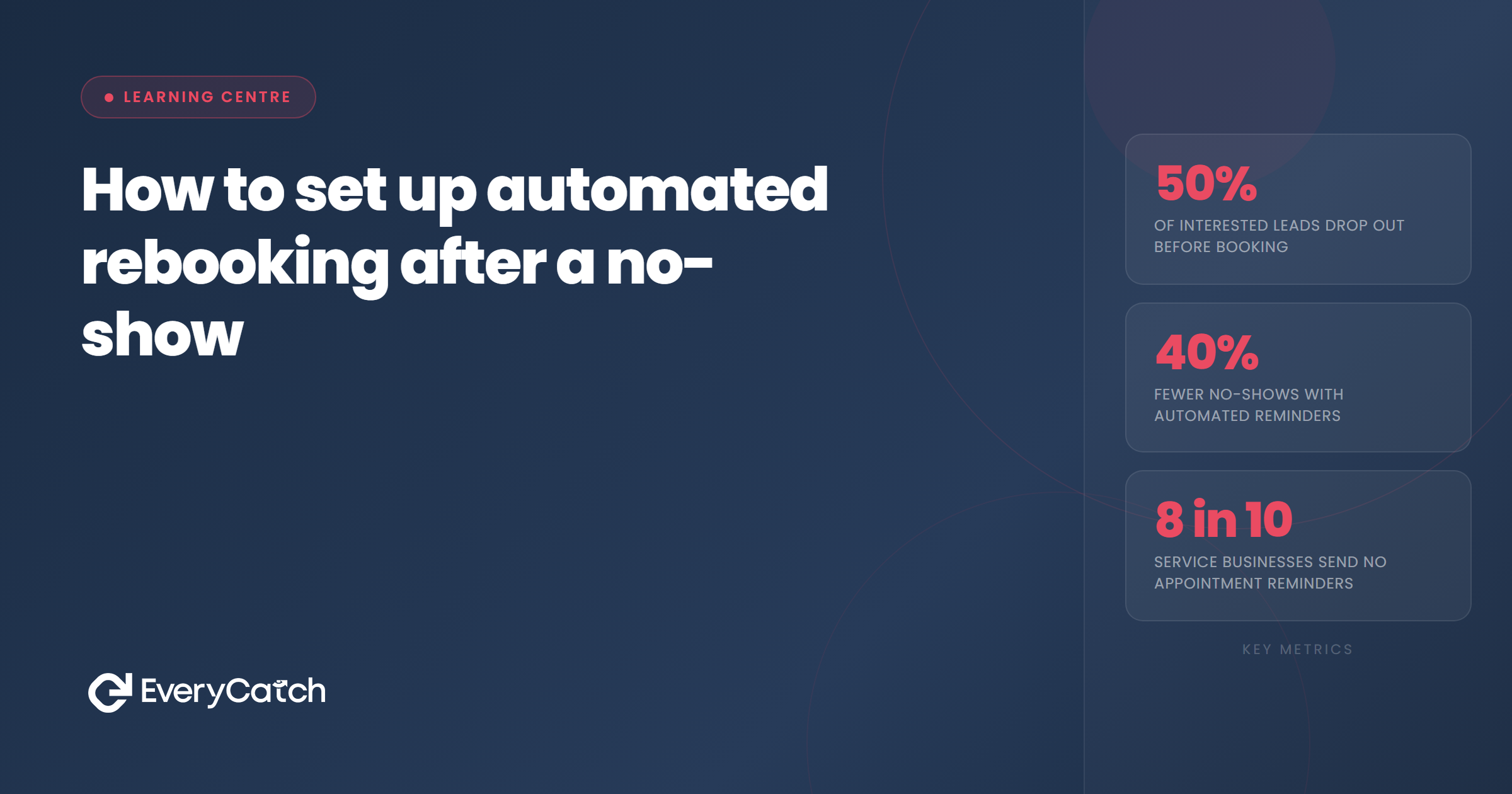
- Manual no-show follow-up is almost always too slow — automation fires within minutes of a missed slot.
- The trigger needs to be set in your booking or CRM system to detect when an appointment time passes without attendance confirmation.
- Two messages over five to seven days is the right sequence depth — enough to recover, not enough to irritate.
- Every message in the sequence must include a direct rebooking link, not a question about whether to rebook.
- Contacts who don't respond after the sequence move to a long-term nurture list, not the bin.
Why manual follow-up fails after a no-show
When someone misses an appointment, most service businesses do one of two things. They make a mental note to follow up later, or they call the person immediately. The mental note gets forgotten in the flow of the day. The immediate call puts social pressure on a prospect who may already feel awkward about missing the slot, which makes them less likely to respond warmly.
The window for effective no-show recovery is narrow. Within the first hour of a missed appointment, the prospect is still in that headspace — aware they missed it, possibly intending to reach out themselves. A message at that point has a reasonable chance of getting a response. A message sent later that afternoon, or the following morning, arrives when the moment has passed and other priorities have taken over.
Automation solves the timing problem completely. The system detects the missed appointment and sends the first message within 30 to 60 minutes, without any action required from you. Whether you are on another appointment, handling an emergency, or finishing the working day, the follow-up goes out at exactly the right time.
Step 1: Set the no-show trigger
The starting point for any automated rebooking sequence is a trigger — the event that tells the system a no-show has occurred. In most booking systems and CRMs, this trigger is based on the appointment time passing without a confirmed attendance status.
How the trigger is configured depends on your system. In GHL-based platforms like EveryCatch, you can create a workflow that fires when an appointment reaches its scheduled time and the contact has not been marked as attended or cancelled. The trigger typically fires 30 to 60 minutes after the appointment time, which gives a brief window for the contact to arrive late before the sequence starts.
The prerequisite for this to work is that your appointments are tracked in a system that records attendance. If you manage appointments in a paper diary or a basic calendar without status fields, the automation cannot detect the no-show. Migrating to a booking system that integrates with your CRM is the enabler here, not an optional extra.
Want this running without building it yourself?
EveryCatch includes automated no-show follow-up as part of the managed service — set up by the team, not by you.
Book a free discovery callStep 2: Build a short two-message sequence
The sequence should be short. Two messages, sent at appropriate intervals, is enough to demonstrate follow-through without tipping into harassment.
The first message goes out 30 to 60 minutes after the missed appointment. Its job is to acknowledge the missed slot in a neutral tone and make rebooking easy. Something like: "Hi [name], I had us down for [time] today — hope everything's okay. Here's a link to pick a new time whenever suits: [booking link]." No lecture, no guilt, no extended apology. A practical message with a single clear action.
The second message goes out 48 hours later if there has been no response. This one is shorter still: "Just checking in — happy to find a new time if you'd like to. [Booking link]." The tone remains warm but it does not chase or pressure. After this second message, the active sequence ends.
Some businesses add a third message at the five to seven day mark. This is acceptable but should be used only if the service is high-value enough to justify three touchpoints. For most appointment-based service businesses, two messages is the right limit before stepping back.
Step 3: Include a direct rebooking link in every message
Every message in the sequence must contain a direct link to rebook. Not a question about whether they want to rebook. Not a request to call you. A link that takes them to the booking page with one tap.
This matters because friction is the enemy of conversion at every stage of the process. A prospect who receives a message saying "would you like to rebook?" must reply, wait for your response, and then go through the scheduling process. Each of those steps is a place where the conversation can drop. A direct link removes all of that: tap, pick a slot, done.
If your booking system offers appointment type-specific links, use those rather than a general calendar view. The prospect should land directly on the same type of appointment they originally booked, not on a page that asks them to choose from a list of options.
Step 4: Set the stop conditions
An automated sequence without stop conditions will keep running even when the outcome has already been resolved. If the prospect books through the link in message one, message two should not go out. Most workflow tools handle this with a goal condition: if the contact books an appointment, exit the sequence.
If the prospect replies to say they are no longer interested, the system should detect that reply and stop the sequence. This requires your messaging platform to be connected to the workflow — replies need to be visible to the automation, not just to an inbox that nobody is monitoring in real time.
After the sequence ends without a response, the contact should move automatically to a long-term nurture list rather than being deleted or left in a stale state. A tag in your CRM — something like "no-show, rebooking sequence complete" — makes this easy to manage and ensures that future follow-up is appropriate rather than accidentally restarting the active sequence.

From the EveryCatch team
EveryCatch builds and manages no-show recovery sequences as part of the core service. The trigger, the messages, the stop conditions — all configured and maintained without any technical work from the business owner.



