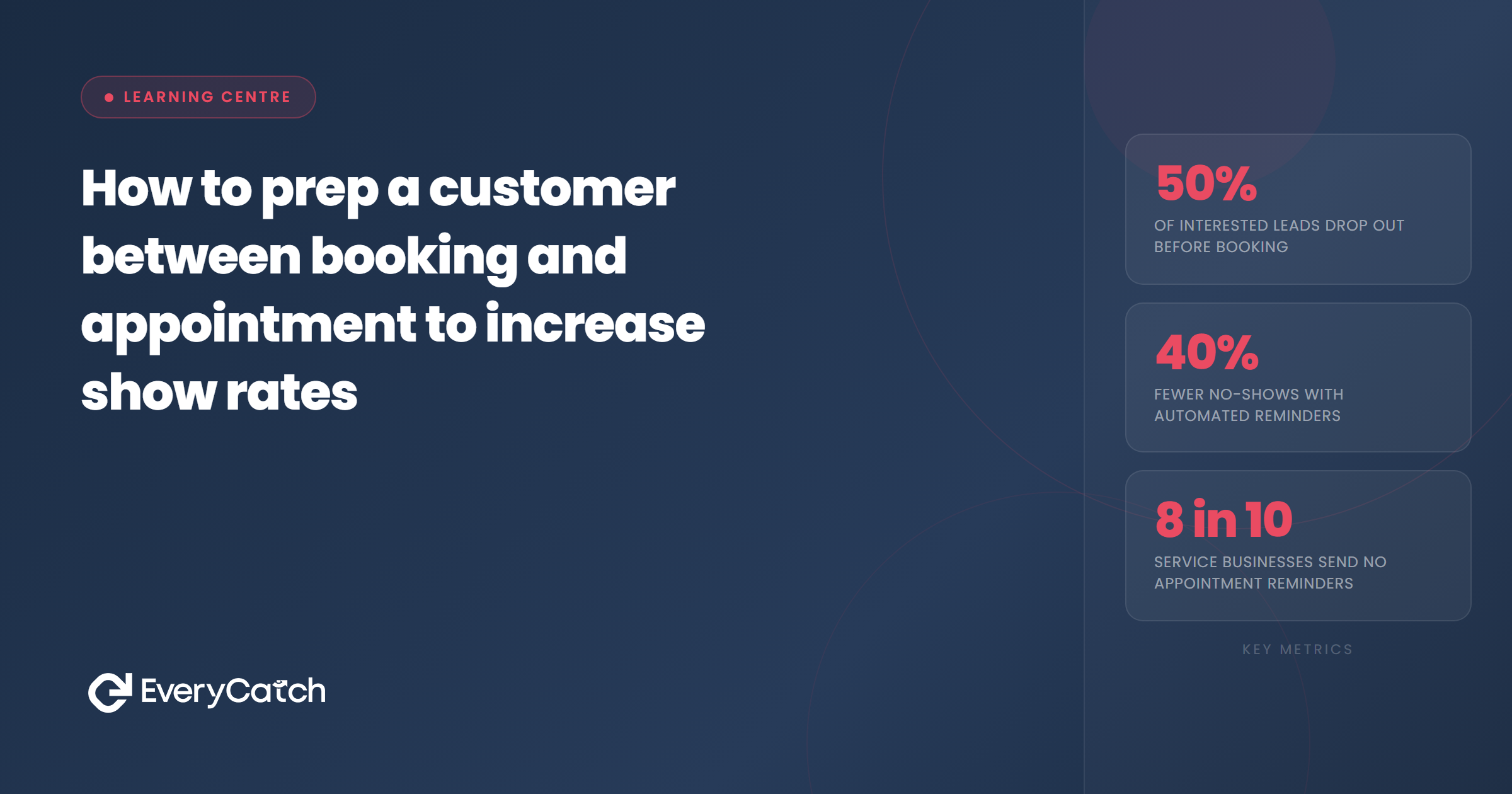

- The gap between booking and appointment is where most no-shows develop
- Prep customers with a three-stage sequence: confirmation, 48-hour follow-up, day-of reminder
- Each message should do a specific job, not repeat the same information
- Preparation instructions significantly reduce appointment delays and do-overs
- Automated follow-up sequences handle this without requiring manual effort each time
Why the gap between booking and appointment matters
The period between a customer confirming a booking and actually showing up for the appointment is where show rates are won or lost. A customer who books enthusiastically on a Monday may have completely forgotten by the following Thursday. Life intervenes, the appointment slips down their mental priority list, and eventually they either forget or convince themselves they can rebook later.
Prepping customers during this window is not about pestering them. It is about keeping the appointment real and relevant. Each contact point serves a purpose: it reminds them of the value they booked, gives them something actionable, and reduces the chances that confusion, doubt, or forgetting causes a no-show.
The booking step itself is often where businesses invest their attention, but the gap that follows is equally important. Understanding why the booking step loses more leads than you think provides useful context for why the period after booking deserves the same care as the booking itself.
The prep sequence that increases show rates
A simple three-stage sequence covers most situations. The timing and content of each stage can be adjusted for your business, but the structure holds across service types and appointment lengths.
Stage 1: Immediate confirmation
This goes out within minutes of the booking being made. Its job is to confirm the appointment details clearly and set the tone. A customer who receives a prompt, professional confirmation feels more confident about the business they have just booked with. A customer who books and hears nothing for hours wonders whether the booking registered.
Stage 2: Preparation message (48 to 72 hours before)
This is the message most businesses skip, and it is where a lot of the prep work actually happens. The preparation message has a specific job: get the customer ready. It restates the appointment details briefly, then focuses on what the customer needs to do before arriving. Documents to bring, forms to complete, anything to arrange. It also gives them a clear rescheduling route if something has come up since they booked.
Stage 3: Day-of reminder
A short, practical message sent on the morning of the appointment. Date, time, location or link. Nothing more is needed at this stage. The customer already has the preparation information. The day-of reminder is simply a prompt that surfaces the appointment at a time when they are actively planning their day.
How to prep customers effectively at each stage
Each stage needs to feel relevant rather than automated, even when it is automated. The difference is in what each message contains and how it is written.
Give them something to do
Passive messages that just restate appointment details do less work than messages that give the customer an action. Completing a pre-appointment questionnaire, downloading directions, or reviewing a checklist of what to bring all create a small act of engagement that reinforces the appointment in the customer's mind. An appointment they have prepared for feels more committed than one they simply accepted.
Remind them of the value
Between booking and appointment, a customer may forget why they booked. A single sentence that reconnects them with the outcome they are expecting is enough. "Looking forward to helping you with your kitchen design on Thursday" reminds the customer of the benefit without overselling. It also signals that the business is engaged and expecting them, which adds a mild social commitment to the appointment.
Make rescheduling easy
Including a rescheduling option in the preparation message is the counterintuitive move that actually protects the appointment. When customers know they can change the time without difficulty, they are far more likely to rebook at a better time than to silently fail to show up. A no-show is almost always harder to recover from than a rescheduled appointment.
Automate your pre-appointment prep
EveryCatch sends timed preparation messages and reminders so customers arrive ready and your show rates go up.
See how it worksWhat to include in each prep message
Different stages call for different content. Repeating the same information at every stage trains customers to ignore the messages.
Confirmation message
- Date, time, and location or meeting link
- Brief description of what they have booked
- Contact number or email for questions
- Rescheduling link
- Note that a reminder will follow
Preparation message
- Date and time (brief restatement)
- Specific preparation instructions
- Anything they need to bring
- Rescheduling link, presented as frictionless
- A line that reconnects them with the value of the appointment
Day-of reminder
- Date and time
- Location or meeting link
- One-line preparation reminder if relevant
- Contact number in case they need it
Making the prep sequence automatic
The challenge with a three-stage prep sequence is consistency. Doing it manually for every customer is a process that breaks down as soon as the business gets busy. The moments you most need to focus on delivery are the moments when manually following up on every pending appointment becomes impractical.
Automated follow-up sequences allow you to build the prep workflow once and have it run consistently for every booking. The confirmation sends immediately, the preparation message triggers at the right interval before the appointment, and the day-of reminder sends on schedule. The customer experience is consistent regardless of how busy the diary is.
The other benefit of automating this is data. When prep messages are part of a tracked sequence, you can see open rates, click rates on rescheduling links, and patterns in when customers tend to disengage. That data feeds back into refining the sequence over time.

Written by EveryCatch
EveryCatch helps local service businesses capture more leads, book more appointments, and keep customers engaged from first contact to return visit. This article is part of the Learning Centre, a practical resource for business owners who want systems that work.



