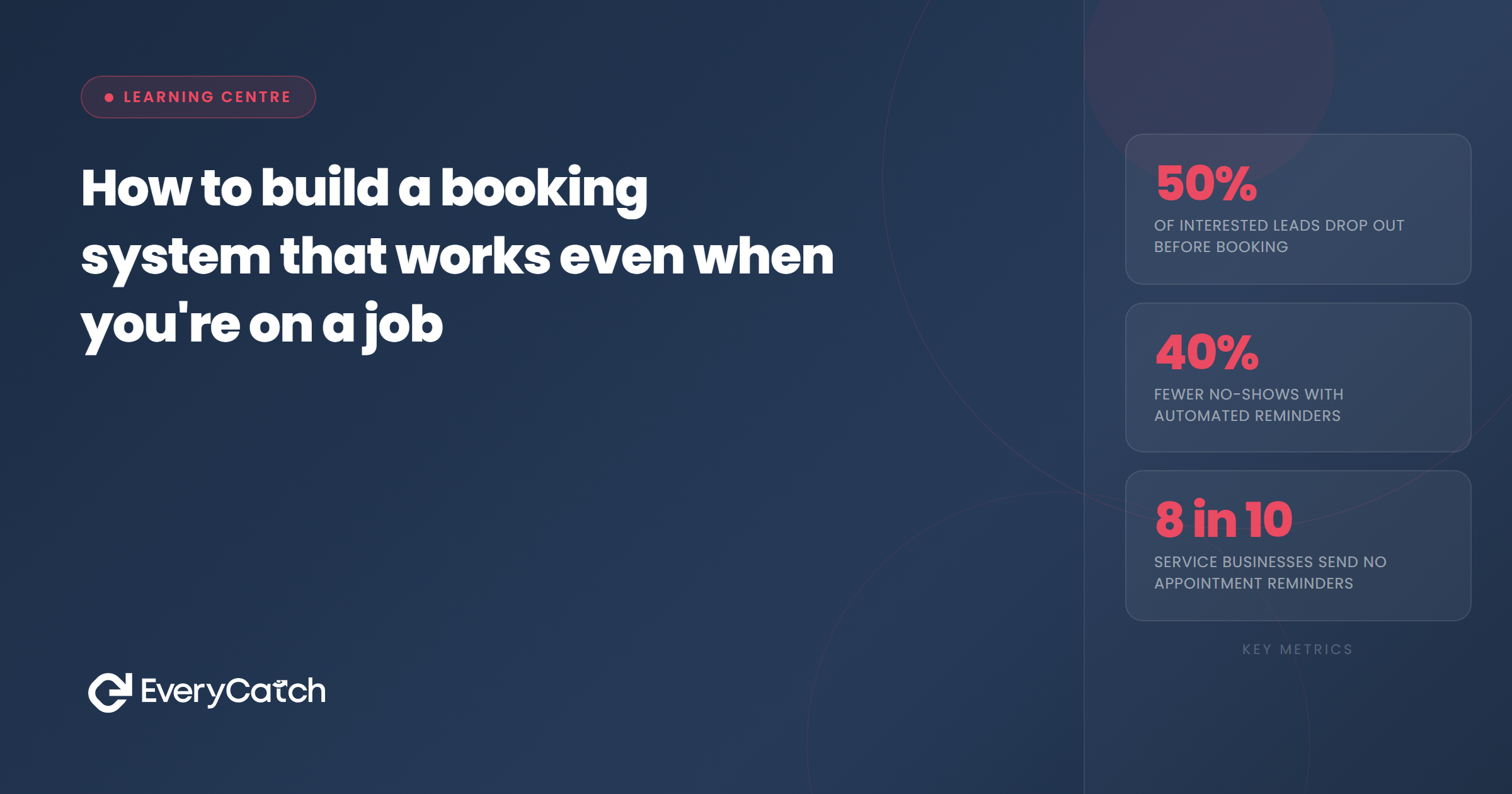

- A booking system that works while you are on a job must be fully automated, not just digital.
- The five components are: instant response, qualification, calendar sync, confirmation, and missed call recovery.
- Most leads are lost in the first 10 minutes. Automation removes that window entirely.
- Missed calls are one of the biggest booking killers for service businesses working in the field.
- The right setup requires no manual input from you during the working day.
Building a booking system that works while you are on the job means setting it up so the system does everything a good receptionist would do, without you being available. That means responding to new enquiries within seconds, asking the right questions, presenting available slots, and confirming the appointment, all before you finish the task in front of you. The moment you have to pick up your phone to handle a booking during a job, the system has already failed.
This is not a niche problem. Most tradespeople, mobile service providers, and sole traders work in conditions where they simply cannot answer calls or respond to messages during the day. The result is a slow response time that hands leads to competitors who were faster. Understanding why the booking step loses more leads than most owners realise puts the problem in sharper focus, but the fix is the same either way: build the system properly so it runs without you.
The problem with manual booking for field-based businesses
The manual approach works until you are busy. When business is quiet, you can answer calls, reply to messages, and chase quotes yourself. But the moment you have a full diary, those inbound enquiries start to slip. A missed call at 10am that you return at 4pm is often too late. The prospect has already booked someone else, or they have simply moved on.
The same pattern applies to messages. A text or web enquiry that arrives at 2pm while you are mid-job sits unanswered. By the time the job is done and you are back at the van, the window has closed. This is not a failing on your part. It is a structural problem with a manual booking process that requires your attention at exactly the moment your attention is somewhere else.
A proper booking system removes that dependency. It handles the first response, the follow-up questions, and the calendar confirmation without you needing to be involved at all.
What a booking system that works on the job actually does
There are five things a field-proof booking system needs to do. Get all five right and the system runs itself. Miss any one of them and there is still a gap where leads fall through.
Instant response. The moment a prospect makes contact, whether by phone, message, or web form, they get a reply within seconds. Not within an hour. Not at the end of the day. Within seconds. This is the single most important factor in whether a lead converts, and it is the one most often missing from manual setups.
Qualification. Before a slot is offered, the system needs to know enough about the job to book it correctly. The questions vary by trade. A plumber might need to know whether it is an emergency or a planned repair. A cleaner might need to know the property size. The system collects this through a short, natural conversation, not a ten-field form.
Calendar sync. Available slots need to reflect your actual diary. If the system offers a time you cannot honour, the booking creates more work than it saves. A system that syncs live with your calendar prevents that entirely.
Confirmation. Once a slot is agreed, the system sends a confirmation to the customer and logs the appointment. No manual entry required. No risk of the booking existing only in a text thread that gets buried.
Missed call recovery. This is where most setups fall short. A missed call is not just a lost call. Without a recovery step, it is a lost lead. The missed call text-back feature handles this automatically: the moment a call goes unanswered, a text message fires to the caller's number, acknowledges the missed call, and opens a conversation that can lead to a booking. That single step recovers a significant portion of enquiries that would otherwise be gone.
Building the system step by step
Setting this up does not require technical knowledge, but it does require you to make a few decisions upfront. Work through these in order and the system builds itself around your answers.
Step 1: Define your booking rules. What information do you need before you can confirm a job? Write down the two or three questions that matter most. These become the qualification questions the system asks automatically.
Step 2: Connect your calendar. Your booking system needs live access to your diary. This prevents double-booking and means every slot offered is genuine. Most platforms support Google Calendar or iCal; some work with job management tools directly.
Step 3: Set your availability windows. Tell the system which days and times you take bookings. If you do not work Sundays, it will not offer Sunday slots. If you keep Friday afternoons free for admin, block them out. The system works within whatever boundaries you set.
Step 4: Write your response messages. The automated replies that go to prospects should sound like you, not like a robot. A few sentences in your natural tone of voice, acknowledging the enquiry and explaining what happens next, is enough. Keep it short and direct.
Step 5: Enable missed call text-back. Turn this on and configure the message that fires when a call is missed. A simple "Sorry we missed your call, we'll get back to you shortly. In the meantime, can you tell us what you need?" is enough to keep the lead warm and open a channel for the booking conversation to continue.
Why missed call handling is the most overlooked part of the booking system
Field-based businesses miss calls constantly. It is unavoidable. You are on a roof, under a sink, or speaking to a customer face to face. The phone rings, you cannot get to it, and the caller hangs up. Under the old model, that is the end of the story. The caller either redials someone else or forgets about it.
Missed call text-back changes the outcome. Within seconds of the missed call, the caller gets a text from your number acknowledging the missed call and inviting them to share what they need. Most people will respond. The conversation continues by text, the system qualifies the enquiry, and a booking can be made without you ever calling them back manually.
For tradespeople and mobile service businesses, this single feature is often the highest-impact change in the entire setup. It converts what was previously a dead end into a recoverable lead.
Keeping the booking system simple enough to actually work long-term
The temptation when building an automated booking system is to add too many steps. Extra qualification questions. Longer confirmation messages. Automated follow-up sequences before the job even happens. Each addition feels useful in isolation, but together they create a system that is slow, complicated, and more likely to put prospects off than move them forward.
The rule is: ask only what you genuinely need before confirming the booking. Everything else can wait until closer to the appointment, or until you speak to the customer in person. A booking system that gets out of the way and lets the customer confirm quickly will always outperform one that makes them work for it.
Want to see a booking system set up for your trade?
Book a free call and we will show you exactly how EveryCatch handles enquiries and missed calls automatically for field-based businesses.
Book a free discovery call
From the EveryCatch team
EveryCatch is built for service businesses that need enquiries handled while they are out on jobs. The system responds instantly, qualifies leads, and books appointments into your calendar, so nothing falls through while you are working.



