You can now build and manage workflows directly from your own code. The new Workflows API, currently in private beta, lets you create, read, update, publish and delete workflows, and also read each workflow's execution logs and performance statistics.
- Create workflows – Create a workflow from a full JSON definition. New workflows start as drafts so you can review and test before publishing.
- Read and update workflows – Read any workflow as a JSON definition, adjust it in your code, and send the updated version back through the API.
- Validate before saving – Validate a workflow definition for errors without saving it. Each reported error points to the exact step that needs fixing.
- Publish or unpublish – Publish a draft workflow when it is ready, or switch a published workflow back to draft if you need to pause and edit it.
- Search and delete – Search workflows by name, status, folder or creation date, and delete workflows that you no longer need.
- Step types – Programmatically list every trigger and action type available in the account, including their fields and configuration options, so you can build valid definitions from your own tools.
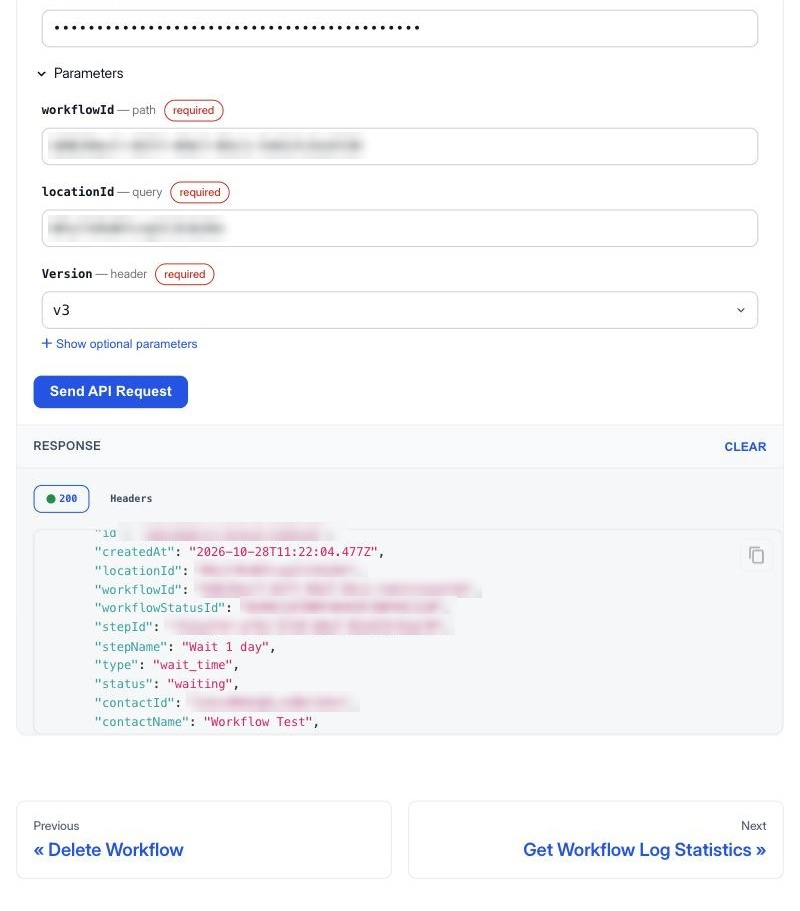
- Execution logs – Retrieve logs to see who entered a workflow, what happened at each step and which steps failed, including the error message for each failure.
- Statistics – Pull counts of enrollments, completions and failures per step, aggregated by hour, day or week for reporting and monitoring.
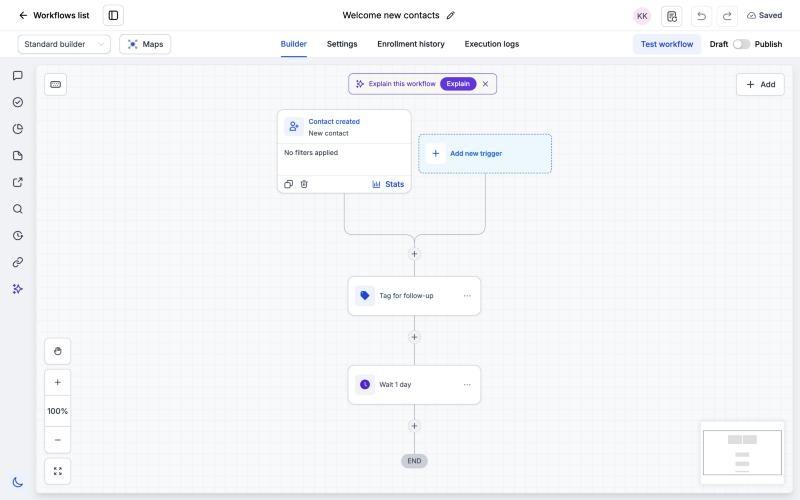
With the Workflows API, you can:
- Roll out the same workflow to many EveryCatch accounts from code, without rebuilding it in the UI for each client.
- Detect failing workflow steps using your own monitoring or alerting, instead of manually checking each workflow inside EveryCatch.
- Let your own app or AI agent design and configure workflows for your clients automatically, based on their goals or plan.
For example, you can read a workflow from your template account, create it in each client account, then publish it in each one as part of your onboarding or rollout process.
You can also set up a weekly check, such as: every Monday, count failures per step for your key workflows, list the contacts affected by those failures, and send an automated summary to your team for review.
Or you can connect it to your own product signup: when a client signs up in your product, your app can create and publish a tailored onboarding workflow in their EveryCatch account automatically.
- In the account, go to Settings → Private integrations, create a new integration, and select the workflow scopes you need: View Workflows, Edit Workflows, Publish Workflows, Delete Workflows and View Workflow Logs.
- Send the token as a bearer token in your API requests, and include the header Version: v3 and the account's locationId with every request.
- Use the Workflows API reference for full details of each endpoint and its fields. Each endpoint page includes a request panel where you can try calls using your token.
Notes and details
- Private beta: the Workflows API is currently enabled only for selected accounts. Other accounts receive a 403 with WORKFLOW_API_NOT_ENABLED_FOR_LOCATION. Contact support if you would like access for your account.
- Updates replace the entire workflow definition. Always read the workflow first, make your changes, then send back the full updated definition to avoid overwriting other changes.
- To edit a published workflow, first set it to draft using the API or the UI. While a workflow is in draft, its triggers are turned off and any contacts inside the workflow are paused until it is published again.
- App steps only accept an app account that is already connected in that EveryCatch account. Make sure required integrations are connected before creating or updating workflows that use app steps.
- Deleting a workflow is permanent. Deleting it stops all contacts currently inside that workflow and removes it from the account, so only delete workflows you are sure you no longer need.
- Logs are available for up to 30 days per request and up to 60 days in total history. Logs show live workflow runs; test runs from the workflow builder are not included.
You can find the full support documentation for the Workflows API here.



