Your client portal can now go beyond displaying content. With custom objects in client app builder, you can create interactive experiences where members submit information, create records, and work with data that stays fully in sync with your EveryCatch CRM.
You can simply describe what you want to build in plain language, and AI will help you set up the data structure, portal pages, and workflows, without any custom code.
What changed
- AI-powered custom object creation – Describe the information your members should submit, and AI will automatically propose custom objects, fields, dropdowns, and relationships that match your use case.
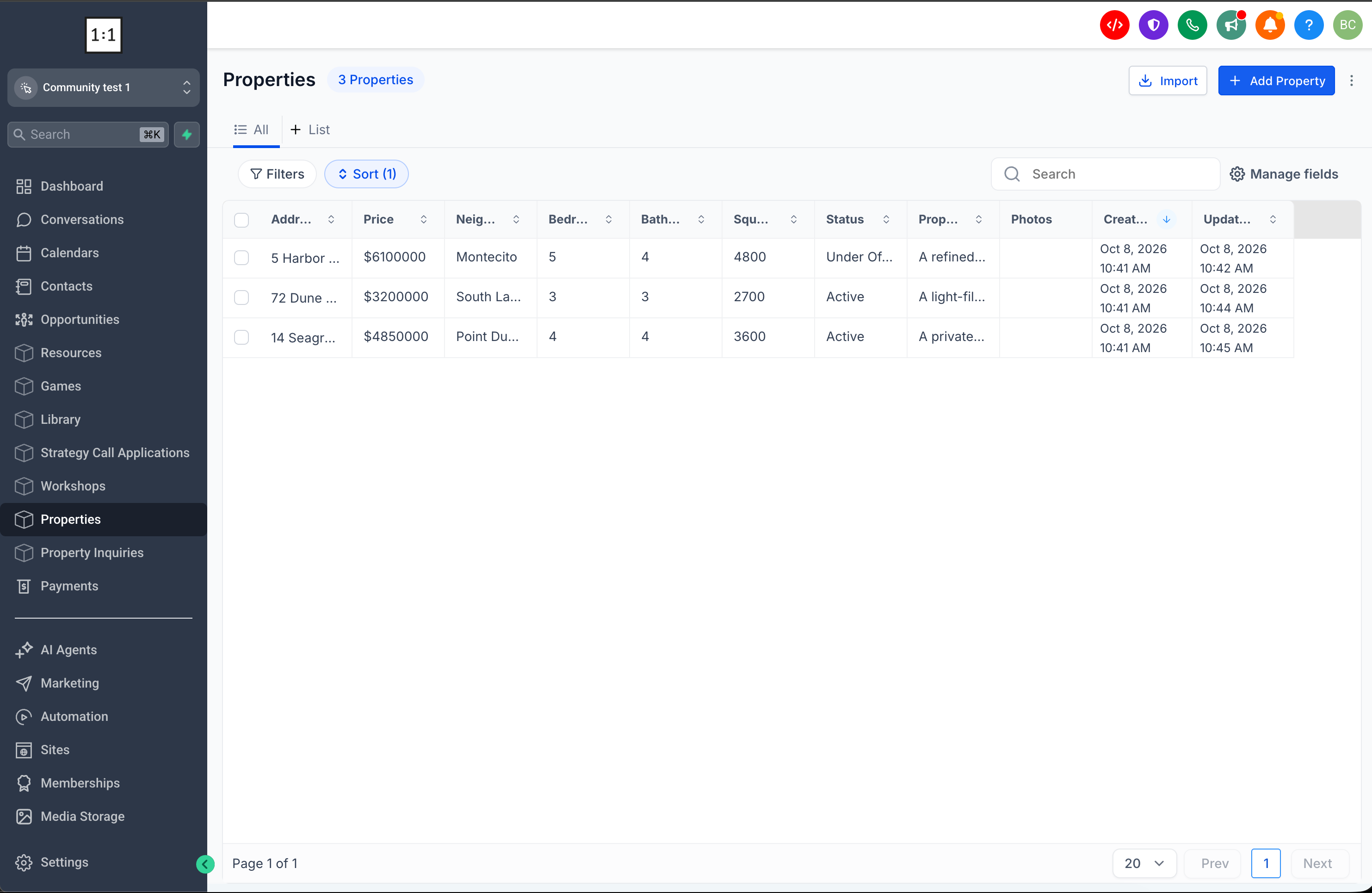
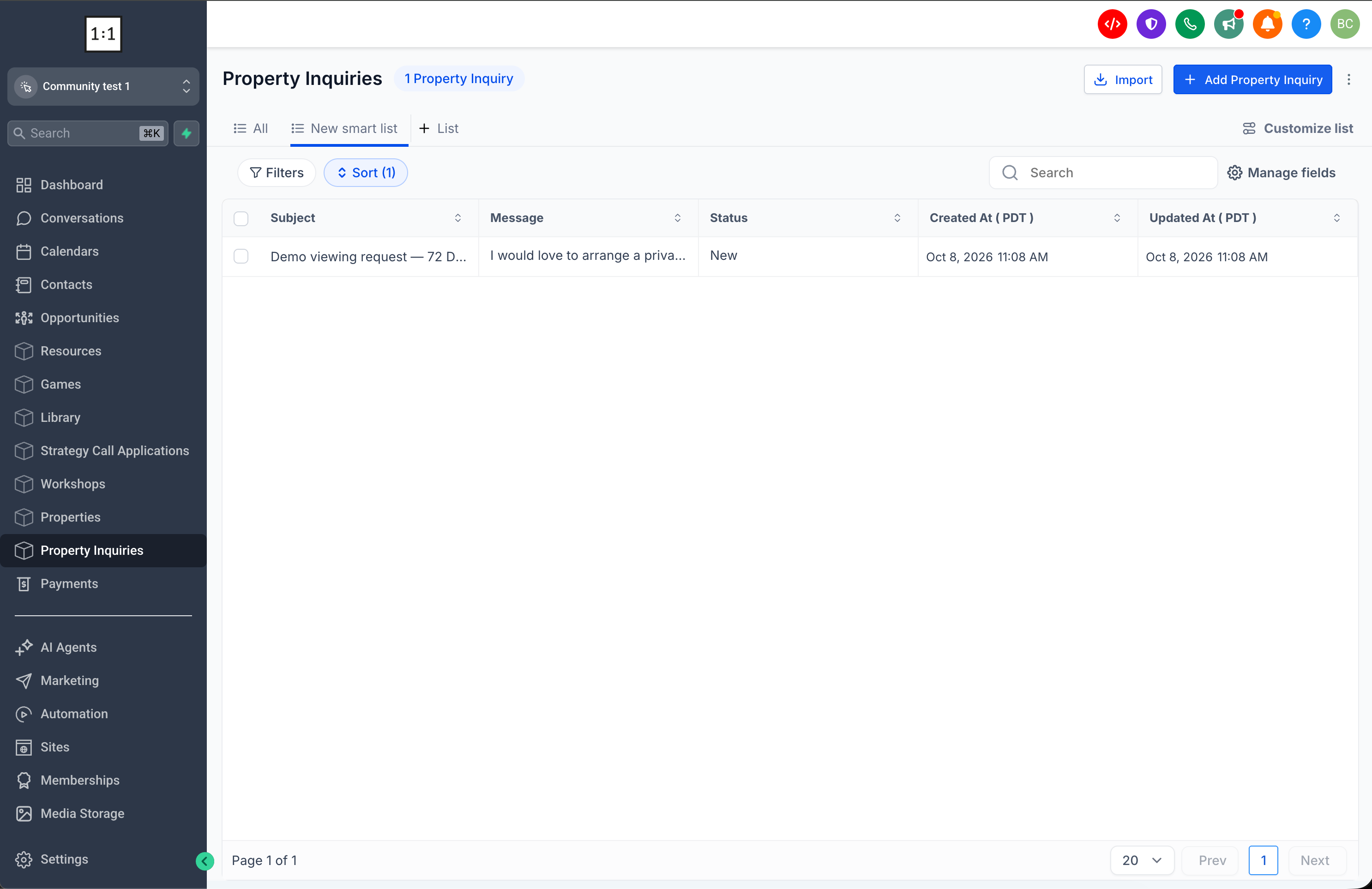
- Direct CRM integration – Any information that members submit is saved directly as custom object records inside your EveryCatch CRM account.
- Review before creating – You can preview the suggested data structure, sample records, and access permissions before confirming any changes to your CRM.
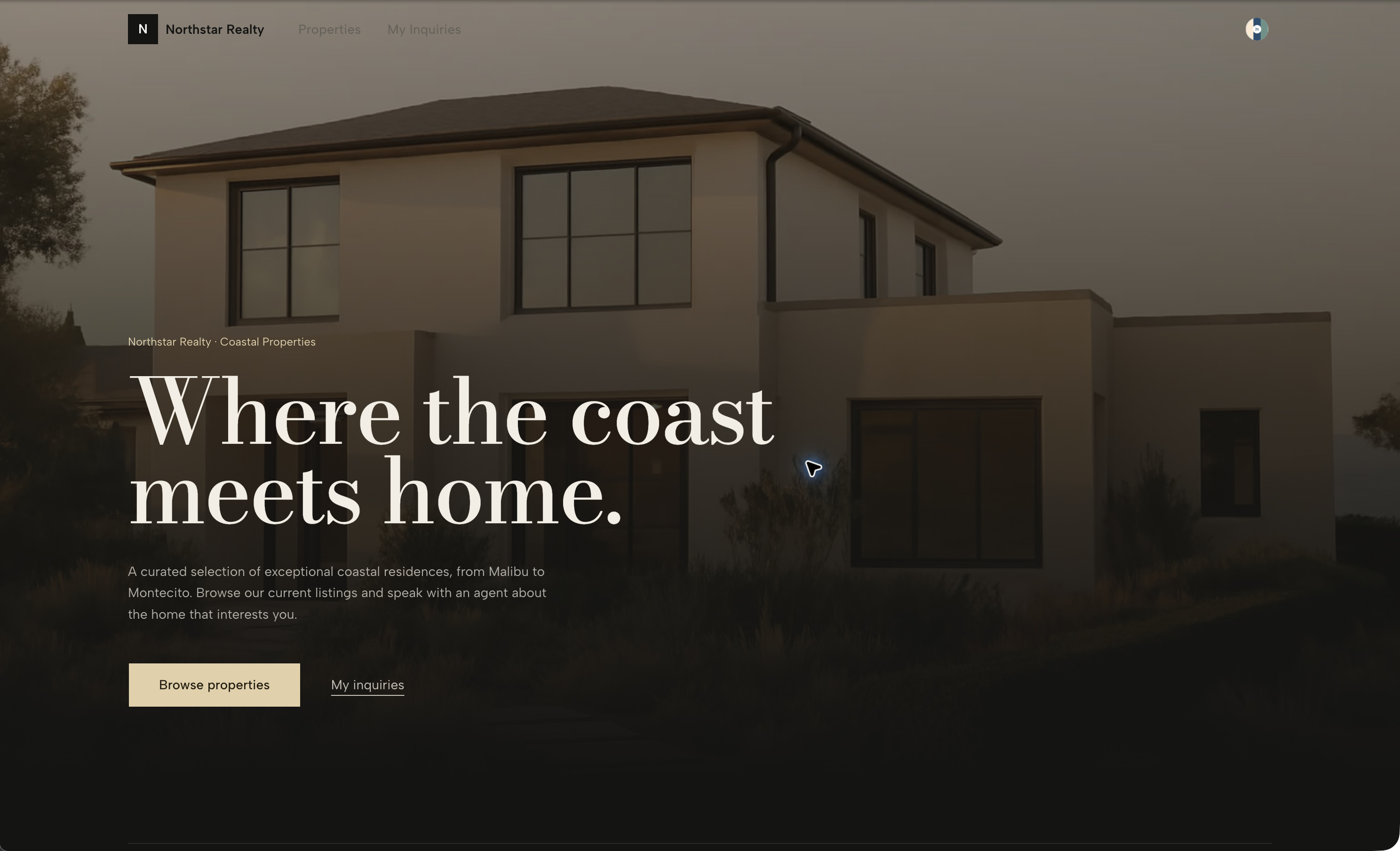
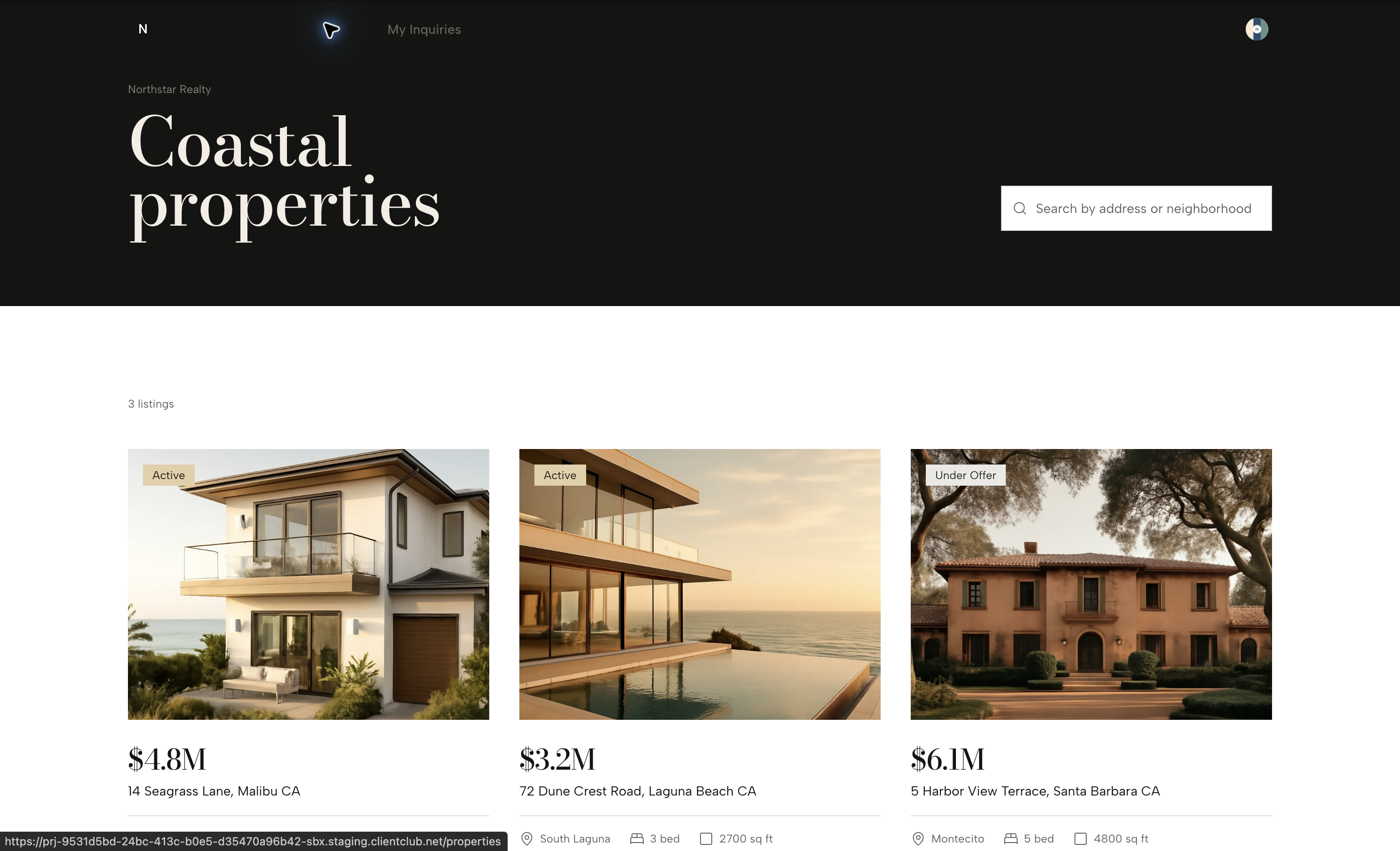
- Interactive member experiences – EveryCatch can auto-generate portal pages where members can view and add records such as service requests, applications, inquiries, or bookings.
- Flexible data visibility – Choose whether members can see only their own records, their company’s records, or all records in a read-only view, depending on your workflow.
- Built-in payment support – When you connect a payment provider, you can enable payment actions on records using EveryCatch invoices so members can pay directly from the portal.
- Smart object management – Create up to 3 custom objects per request, reuse existing objects when it makes sense, and stay within the CRM limit of 10 custom objects per EveryCatch account.
Why it matters
Previously, creating a client portal that collected and stored custom member information often required extra tools, manual work, or separate integrations.
Now, with custom objects in client app builder, your portal becomes an interactive front door to your CRM, so member actions and your internal data stay aligned.
Whether you are collecting program applications, service requests, property inquiries, onboarding forms, or booking details, members can submit information directly in your portal while everything is organized in EveryCatch as structured CRM records.
What you will benefit from
- Collect information seamlessly – Let members submit requests, applications, and other key details without leaving your portal experience.
- Keep everything connected – Store member-submitted data automatically in your existing EveryCatch CRM so your team has one source of truth.
- Build without coding – Use AI to generate custom data structures and linked portal pages just by describing what you want to collect.
- Stay in control – Review and approve each proposed custom object, along with its fields and access rules, before it is created in your CRM.
- Create more interactive portals – Move beyond static content with personalized, data-driven experiences that adapt to each member’s activity.
Getting started
- Enable client app builder from Labs.
- Open client app builder and start building or updating your client portal.
- Describe the information you want members to submit, such as “Let members apply for a 1:1 coaching session.”
- When prompted, confirm that you want to use custom objects in your EveryCatch CRM.
- Review the proposed objects, fields, relationships, and visibility settings to ensure they match your process.
- Approve the plan so AI can create the custom objects and the connected portal pages for you.
You can then access and manage the newly created custom objects directly inside your EveryCatch CRM, alongside your existing contact and account data.
Availability: Custom objects are available through client app builder in Labs and currently support web-based client portals and Vibe Coding experiences. Branded mobile app support is also included.



