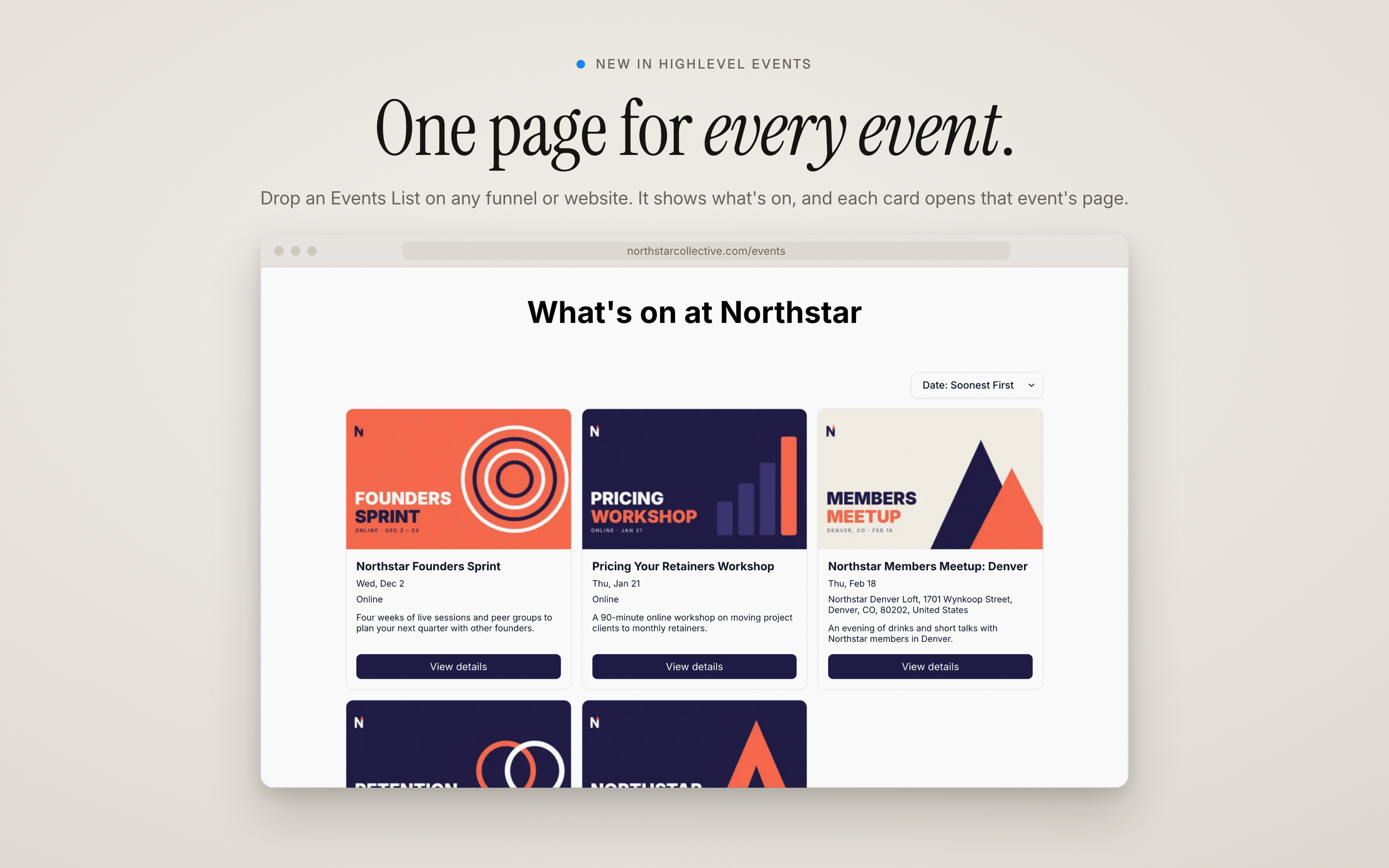
You can now keep your event pages up to date without manual edits. Events has its own elements in the EveryCatch funnel and website builder, so a single page can automatically list all your published events in one place.
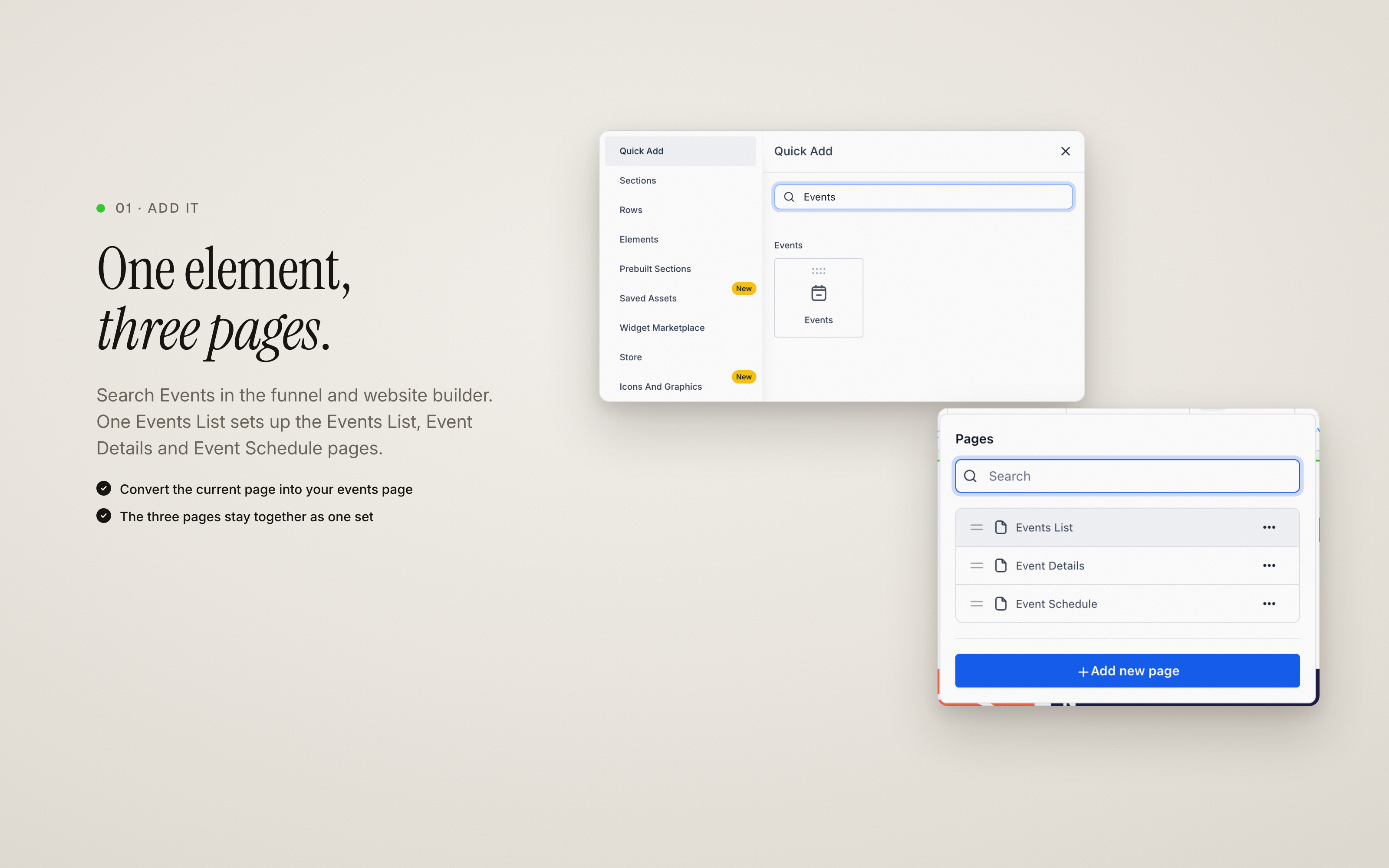
EveryCatch now lets you create three connected event pages from one element. In the builder, use Quick Add to search for "Events", drag the element onto your page, then choose "Convert this page". The builder will generate a complete set of pages for you: Events list, Event details and Event schedule.
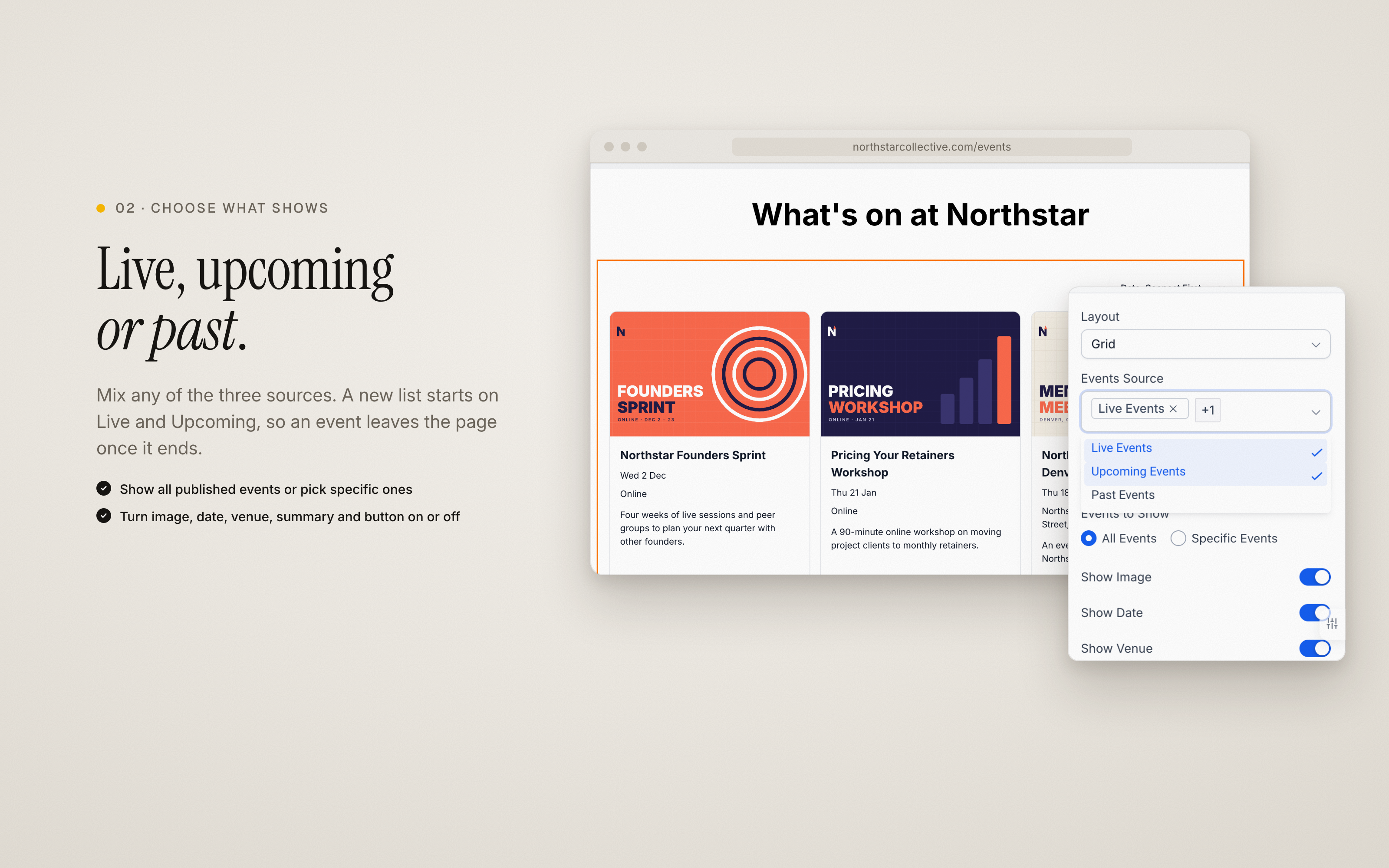
You stay in control of which events appear. You can show any mix of live, upcoming and past events, display all events or only selected ones, and optionally highlight a featured event at the top. New lists start with live and upcoming events only, so an event automatically drops off the page once it has ended.
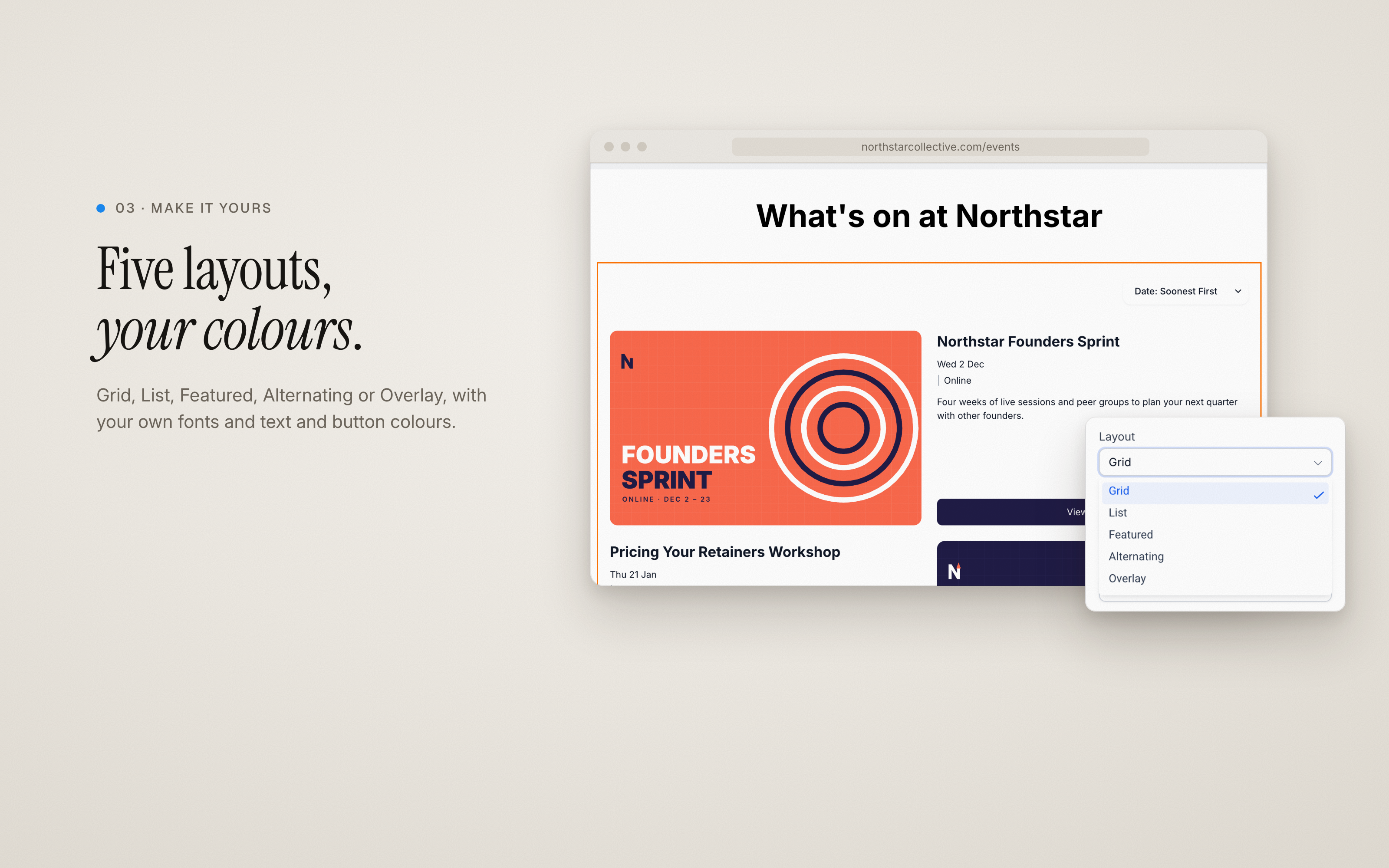
You can match your event section to your brand. Choose from Grid, List, Featured, Alternating or Overlay layouts. Set your own fonts, text colours and button colours, and decide whether to show or hide the image, date, venue, summary and action button for each event.
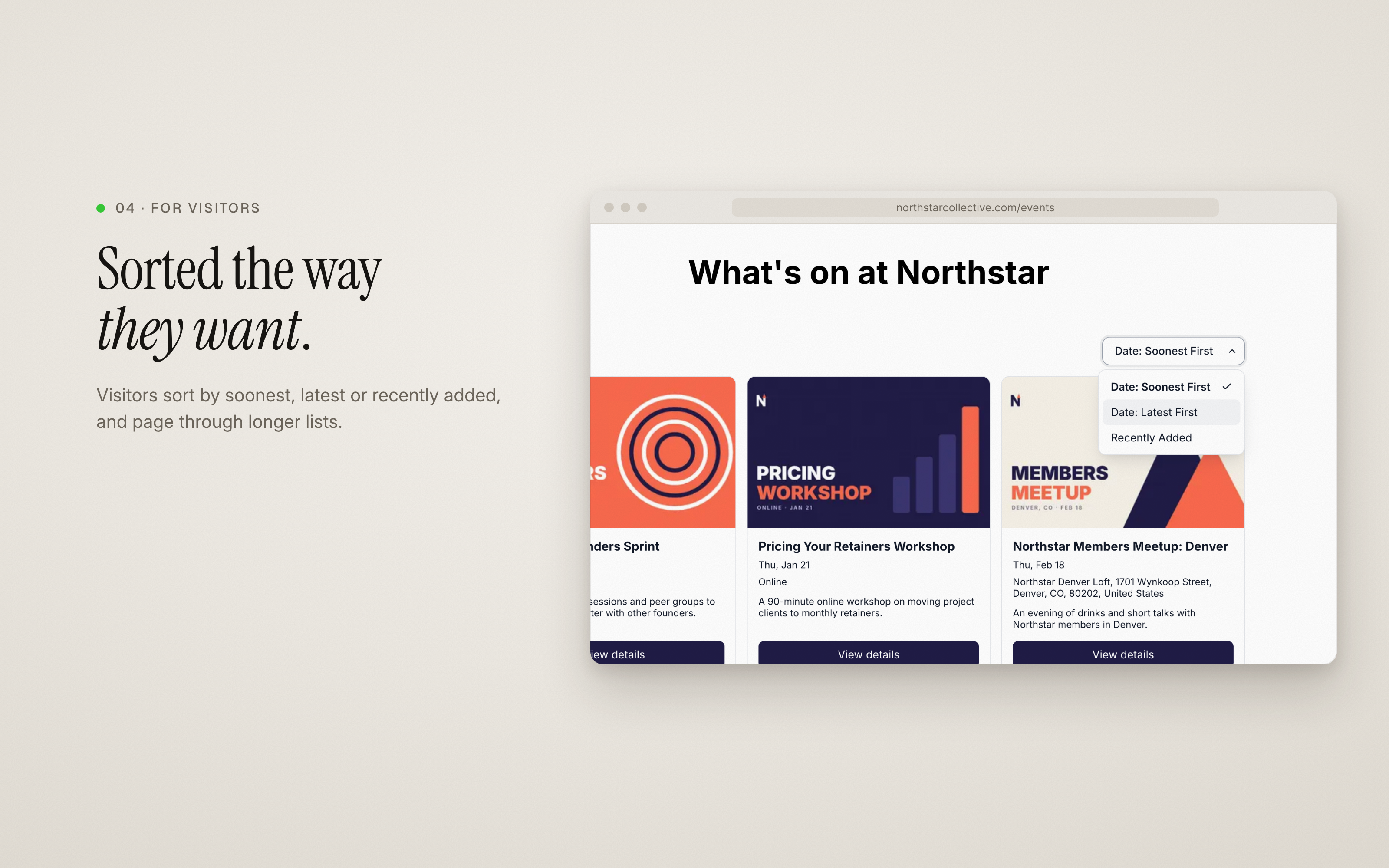
Visitors can quickly find the events that suit them. You set the default sort order, and your visitors can switch between soonest first, latest first and recently added. Longer lists include pagination so people can move through events page by page.
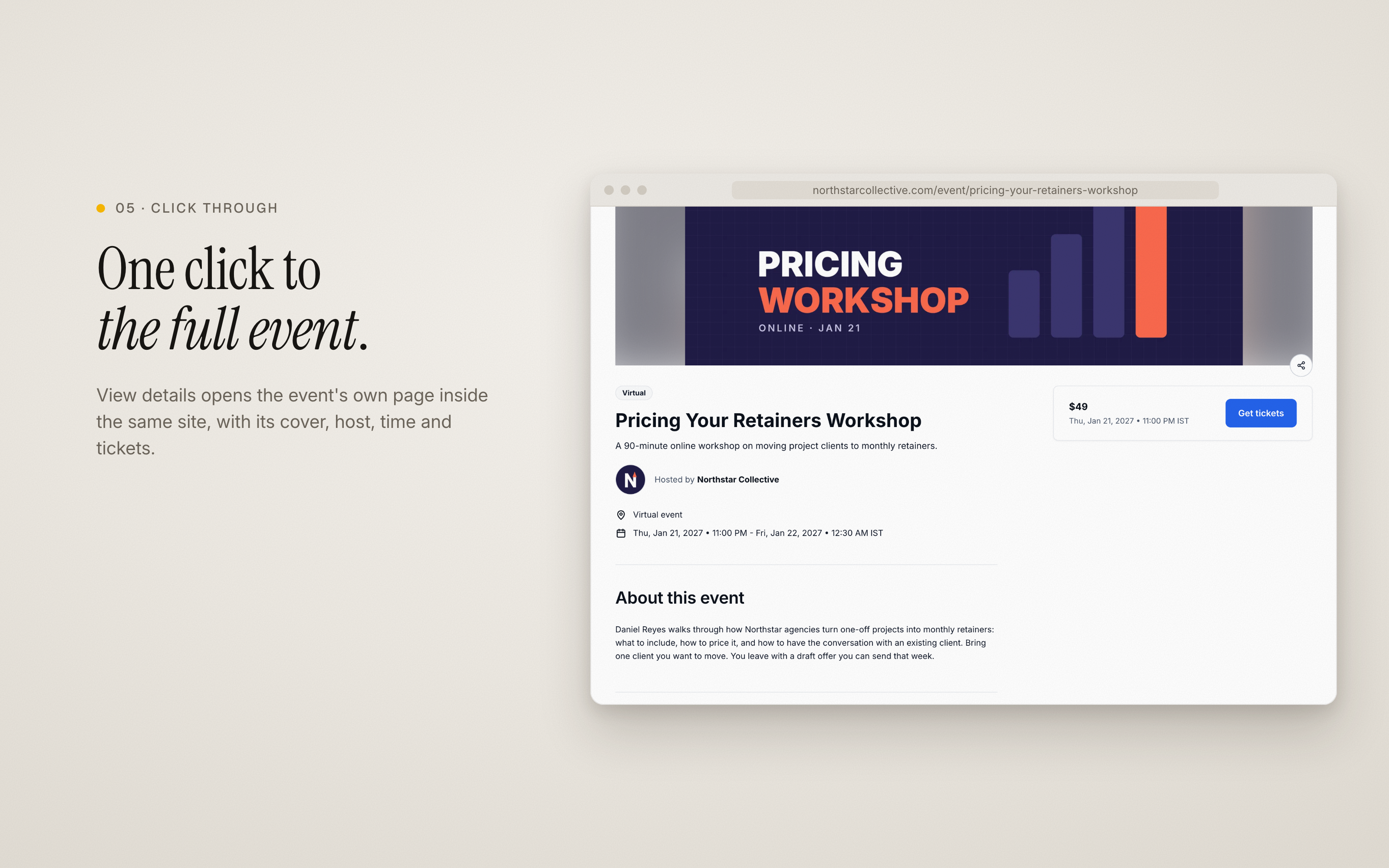
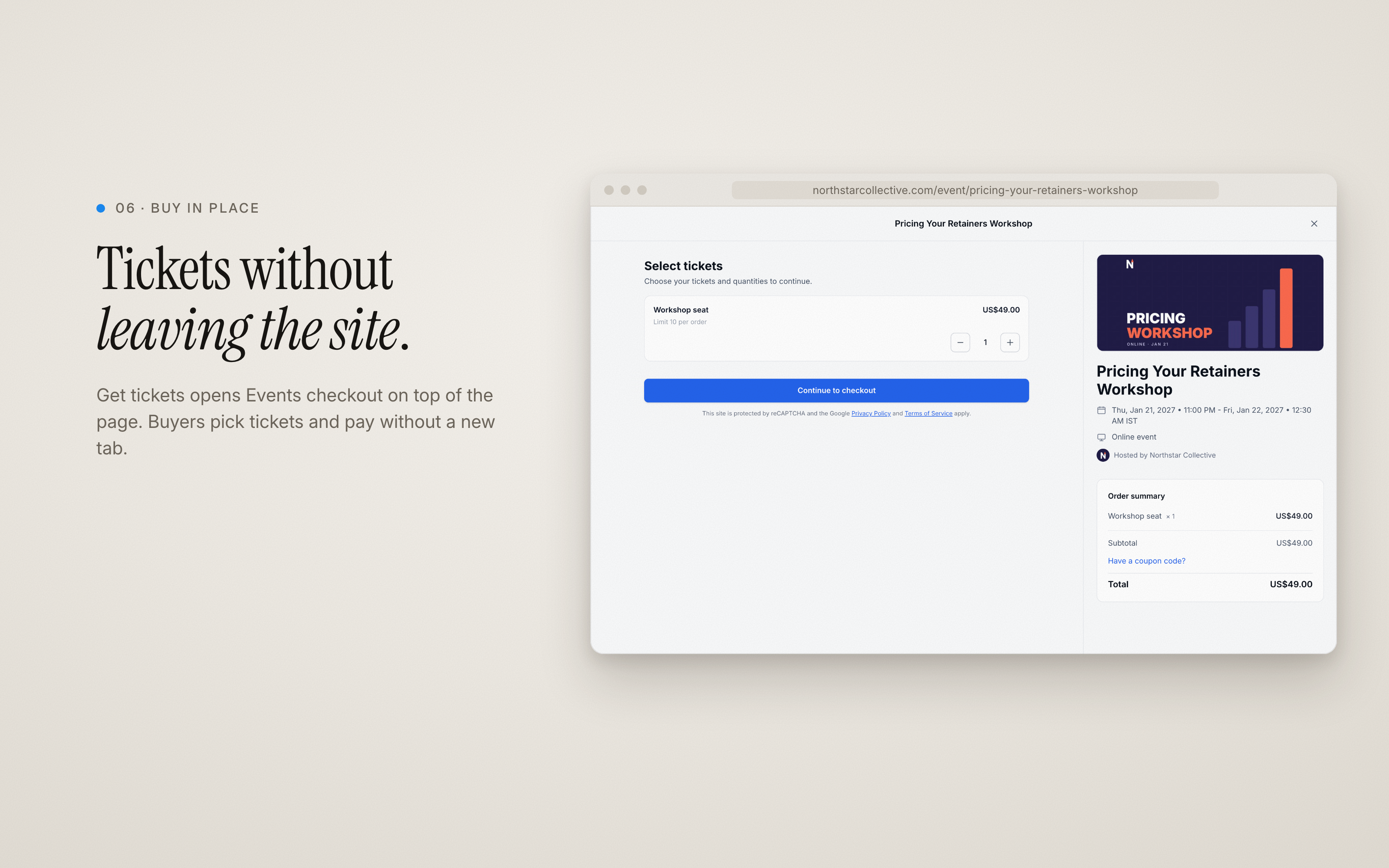
Event details and ticket sales now stay on your site. When someone clicks "View details", they see the event's own page within the same EveryCatch site. When they click "Get tickets", checkout opens in a panel over the page, so they can choose tickets, apply a coupon and pay without opening a new browser tab.
To get started: open a funnel or website page → click + → search for Events → drag the Events element onto the page → click Convert this page → choose a layout and events source → Publish. Your location must have Events enabled in Labs for this to work.