What changed
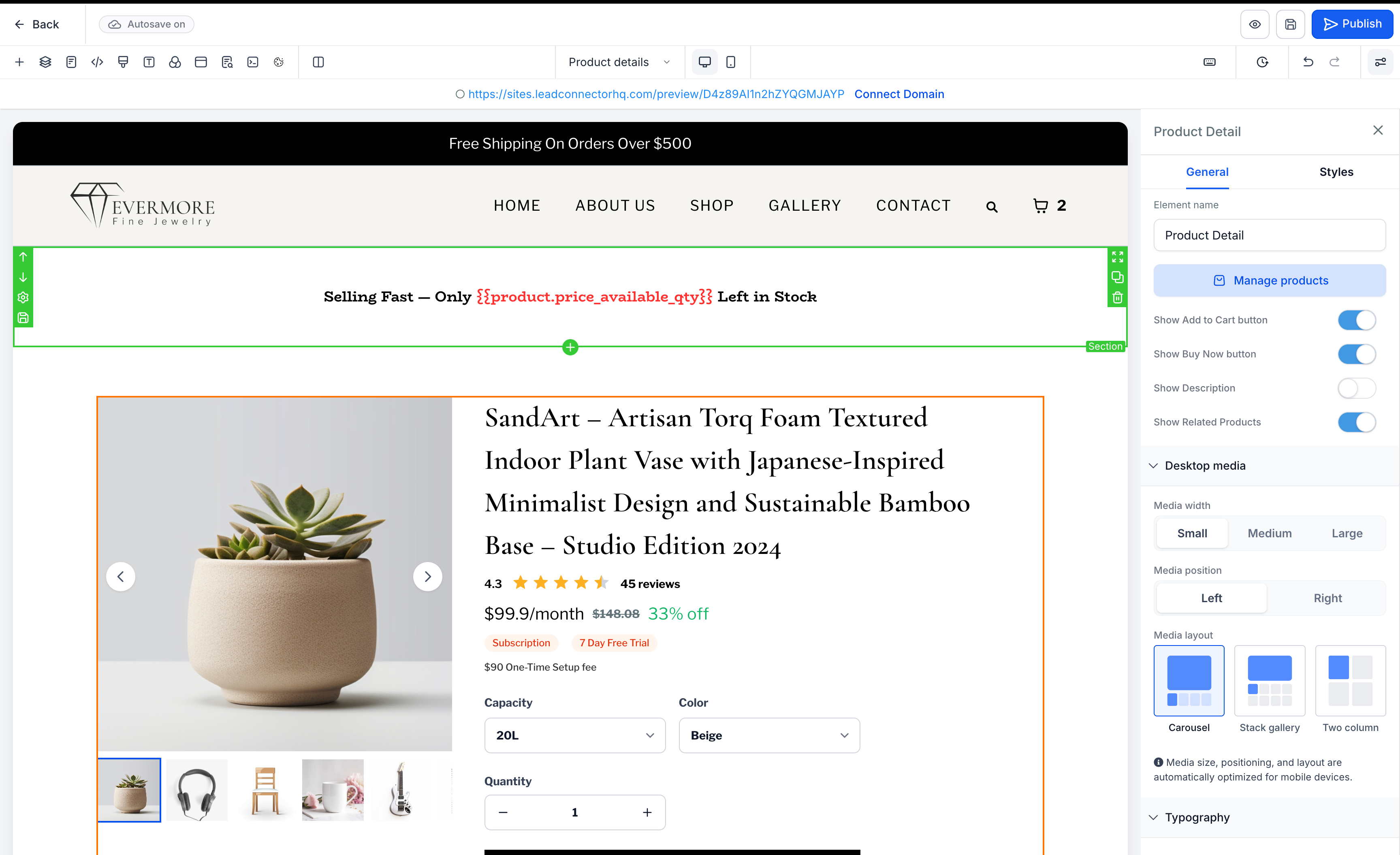
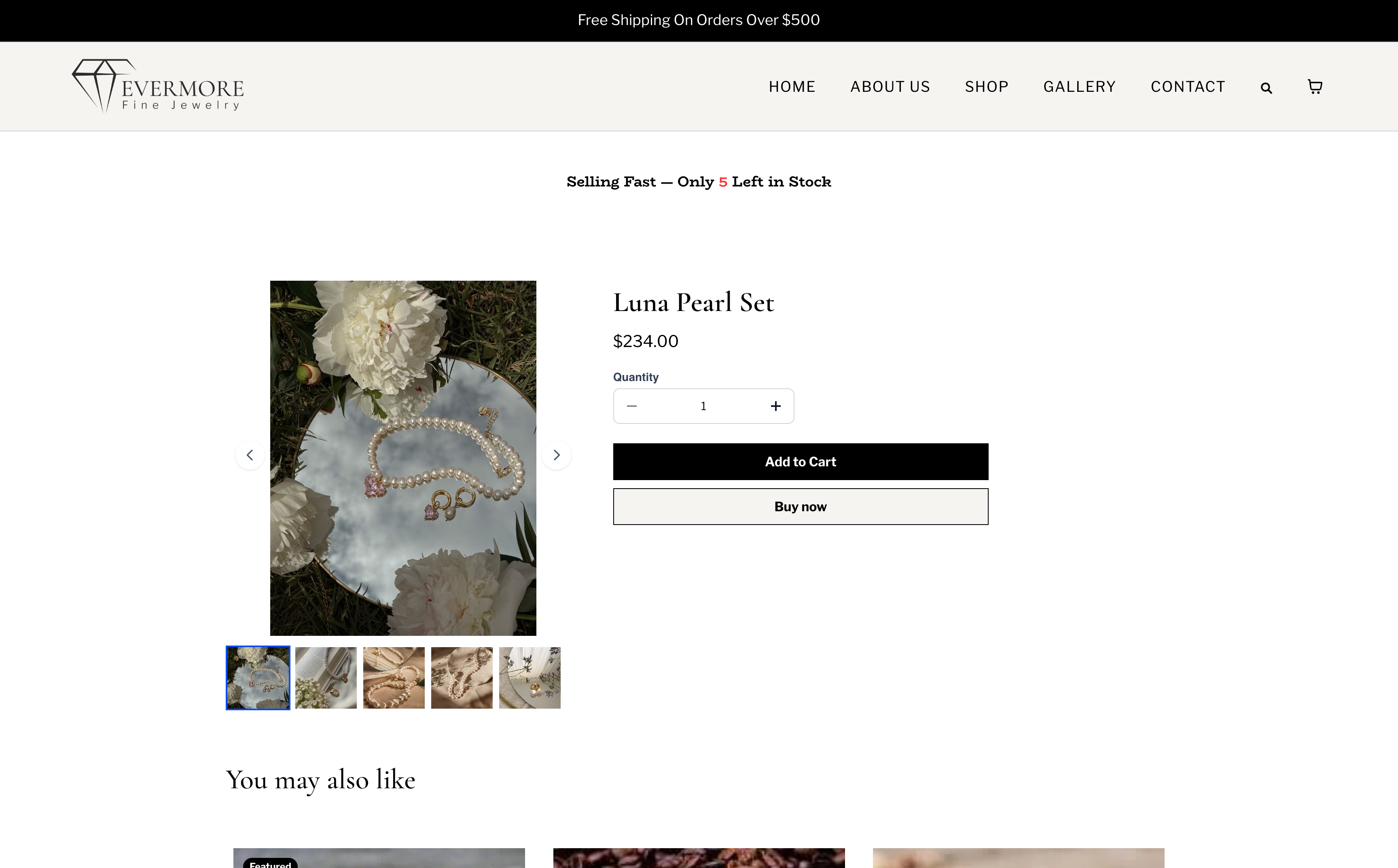
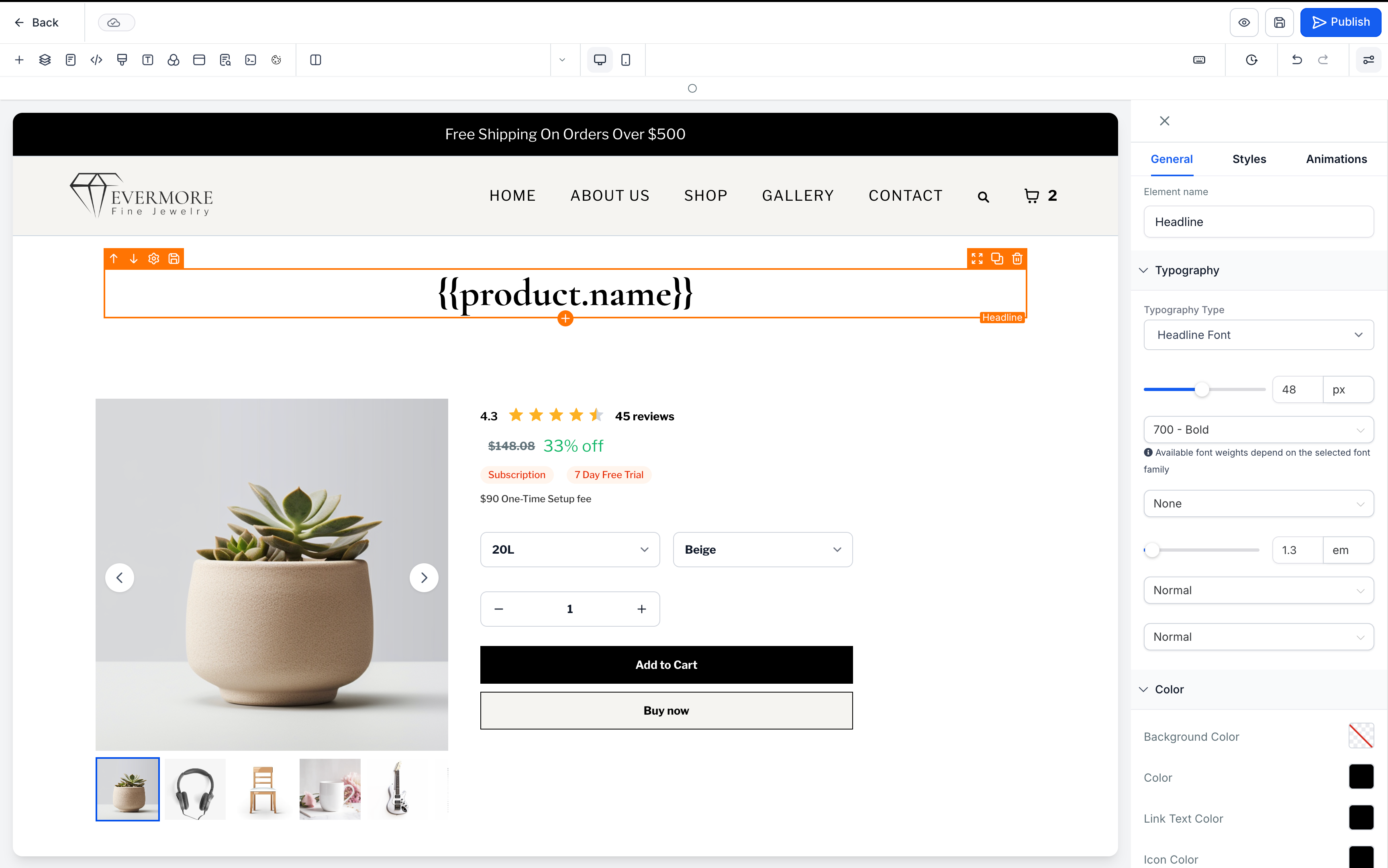
You can now use product-related custom values on EveryCatch product detail pages to automatically pull product-specific information into supported text elements on the page.
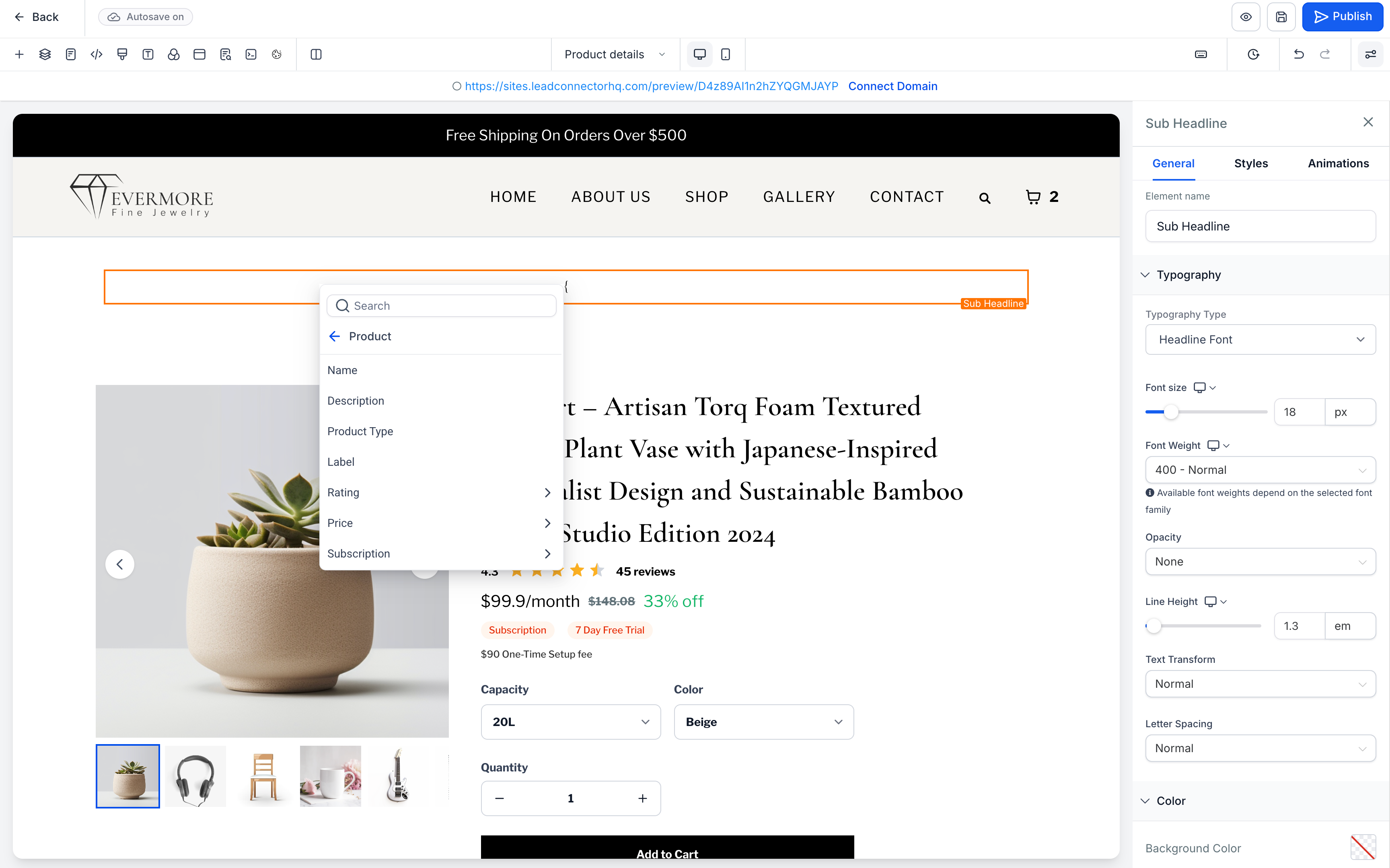
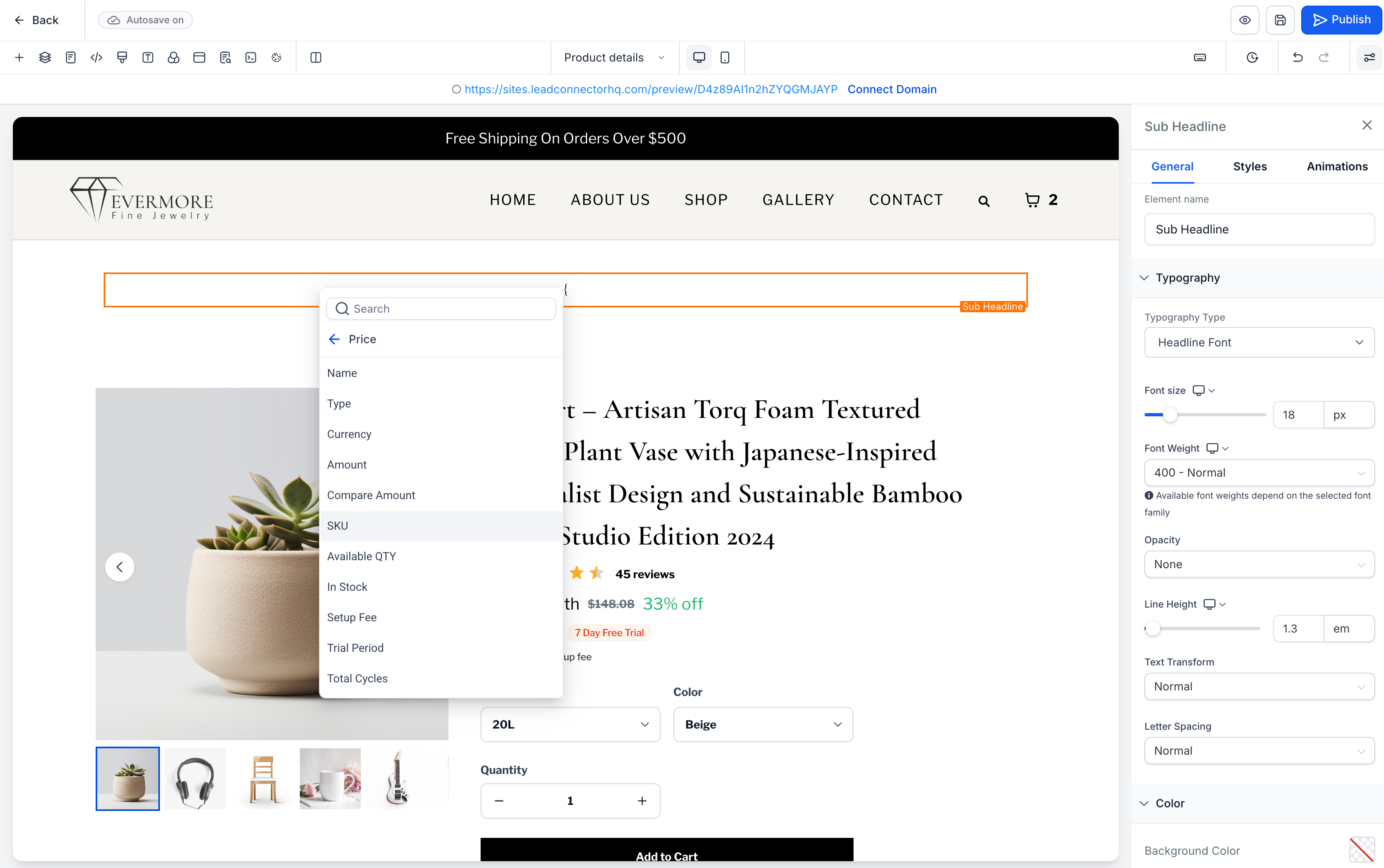
These custom values let you display details such as product name, description, product type, label, ratings, price, SKU, stock status, subscription information, and shipping dimensions. When shoppers switch between variants, any variant-based values such as price, SKU, stock, and subscription details update automatically to match the selected variant.
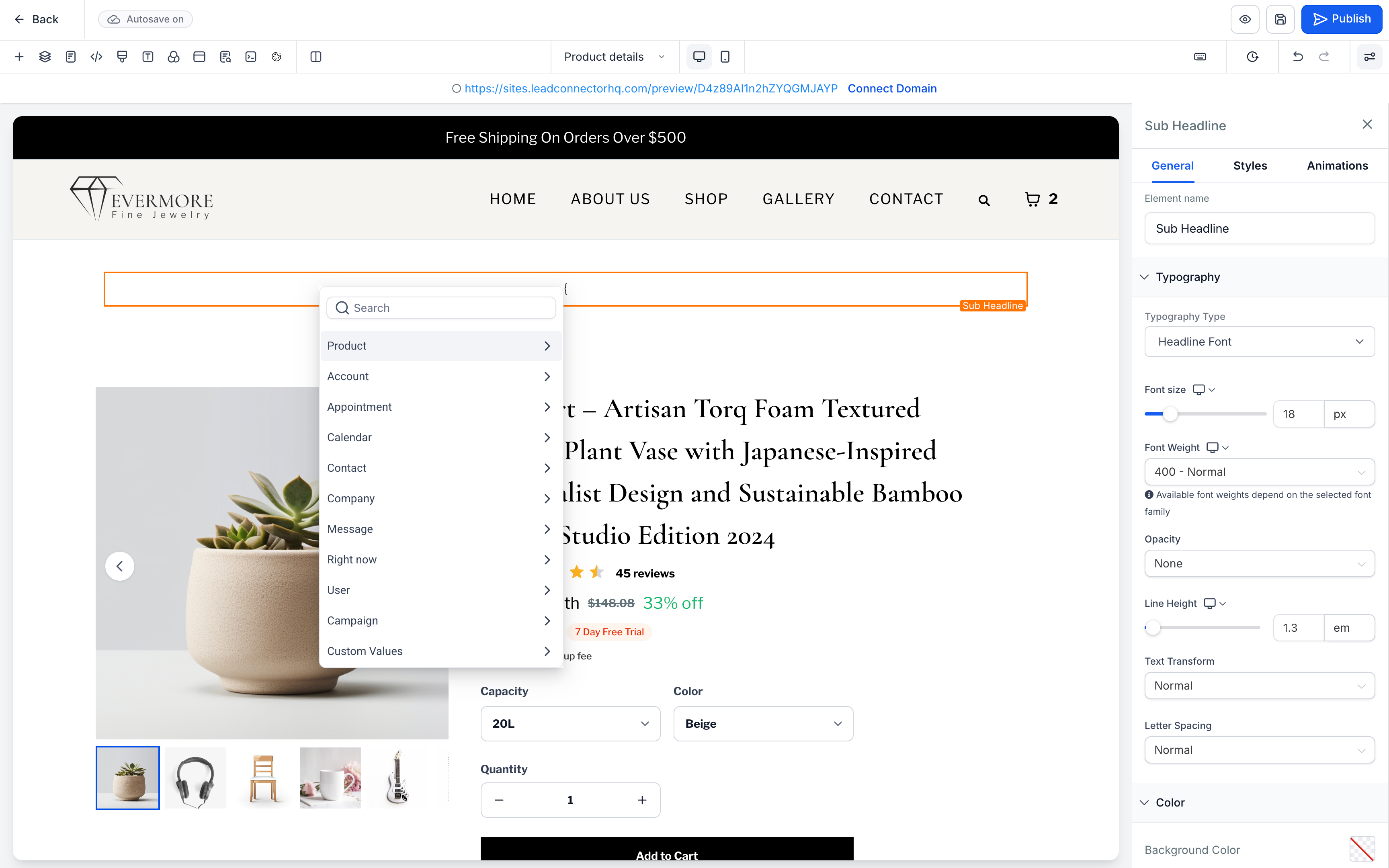
You will find these product tokens in the Product section of the Custom values picker, so you can quickly build richer, more tailored product detail page content without manual updates.
How to use it
- Open the Store Builder in EveryCatch, then go to a Product Detail Page or a Custom Product Detail Page.
- Select one of the supported text elements: Heading, Sub-heading, Paragraph, Bullet list, or Rich text.
- Open the Custom values picker and select the Product section.
- Choose and insert the product token you want to display on the page.
- Save your changes and publish the page.
A few details to know
- Product custom values only work on Product Detail Pages and Custom Product Detail Pages in EveryCatch.
- Supported elements are Heading, Sub-heading, Paragraph, Bullet list, and Rich text.
- Custom values do not work on Product Listing, checkout, landing pages, funnels, blogs, webinars, calendars, or any other non-product detail pages.
- Custom values do not resolve inside buttons, FAQs, countdown timers, image captions, form fields, or other elements that are not supported.
- Featured Product is a standalone element. Adding it to a non-product detail page does not enable product custom values on that page.
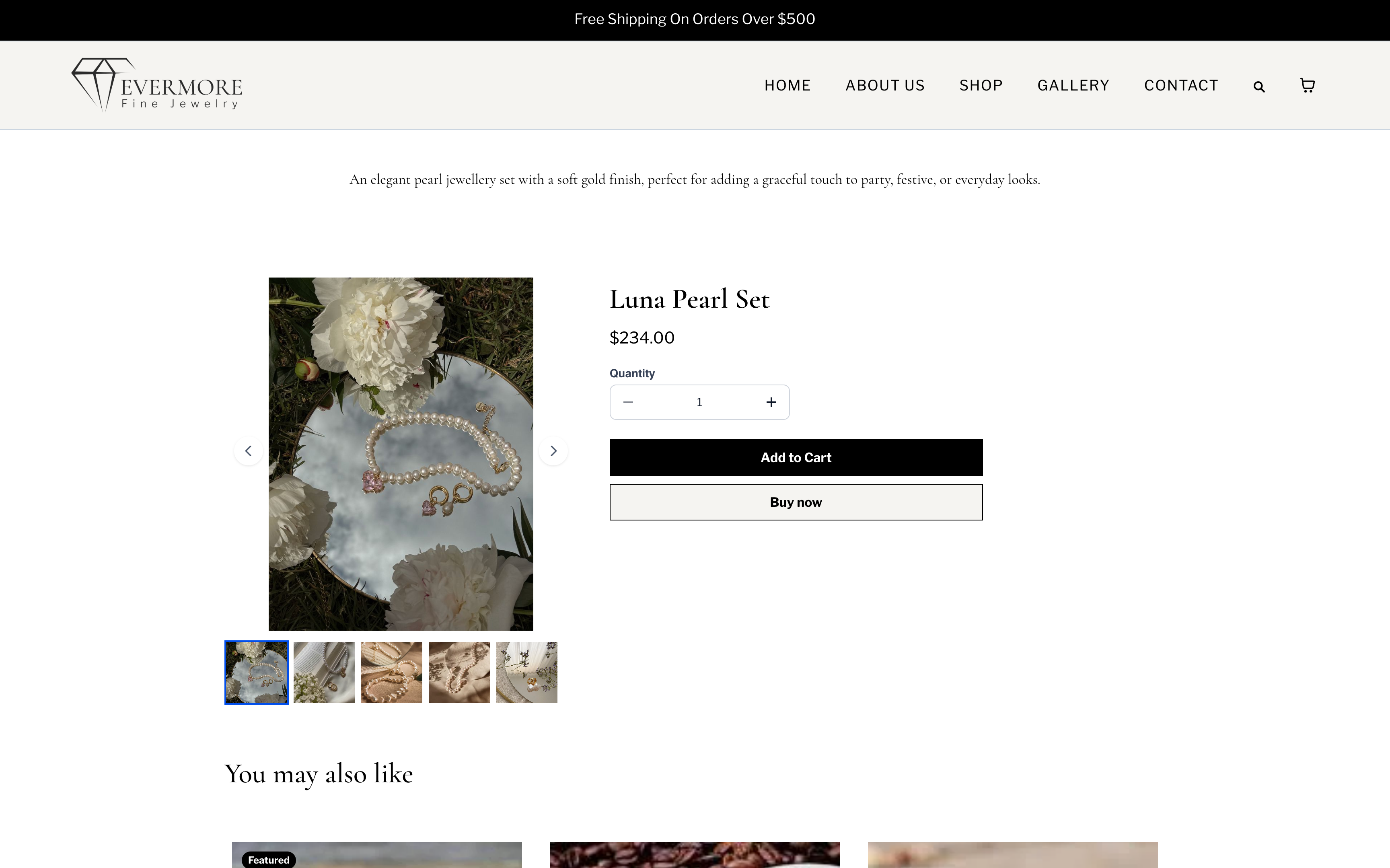
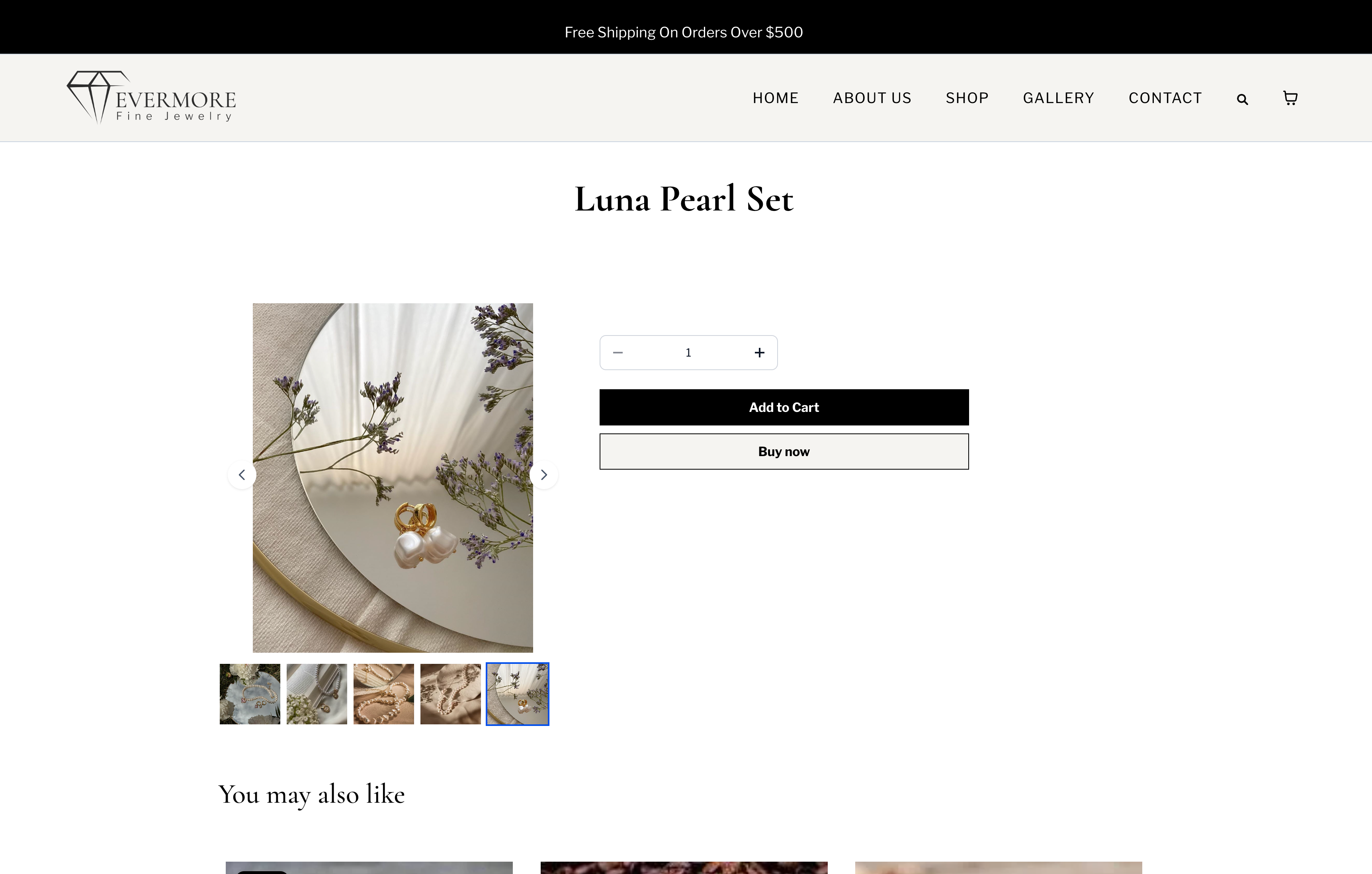
- If a value is unsupported or missing, it shows as blank on the live page so shoppers do not see broken or partial token text.
Images