EveryCatch meeting rooms are now HIPAA compliant, so healthcare teams can host virtual visits and internal meetings in an environment designed to support their regulatory needs.
EveryCatch now gives you quick meeting controls in the top bar, so you can manage recordings and transcripts without interrupting the flow of your call.
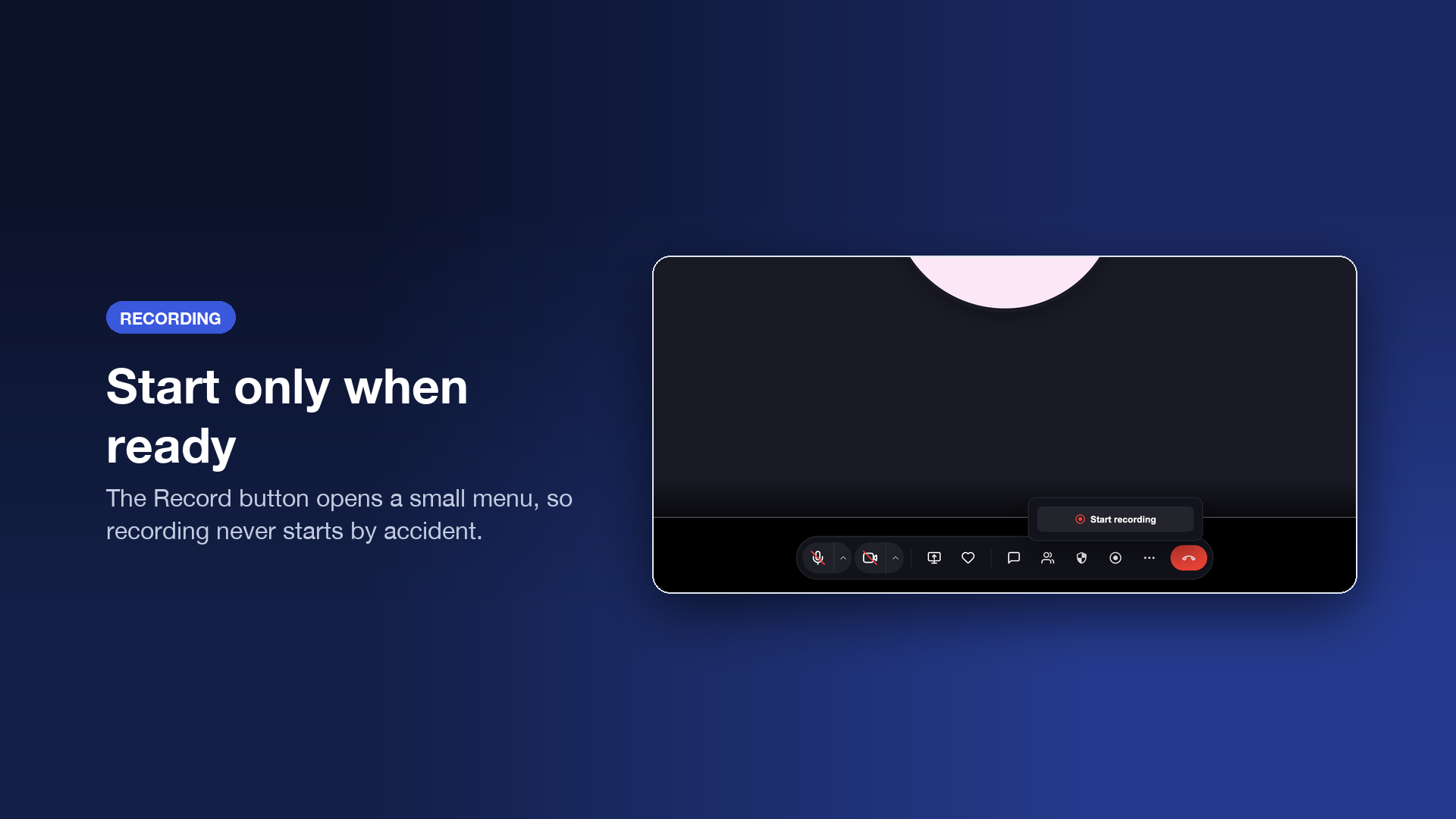
- Start recording with confirmation: Click Record in the top bar, then select Start recording to begin. This extra step helps prevent recording by accident.
- Stop recording from the top bar: When recording is active, click REC in the top bar, then choose Stop recording to end it immediately.
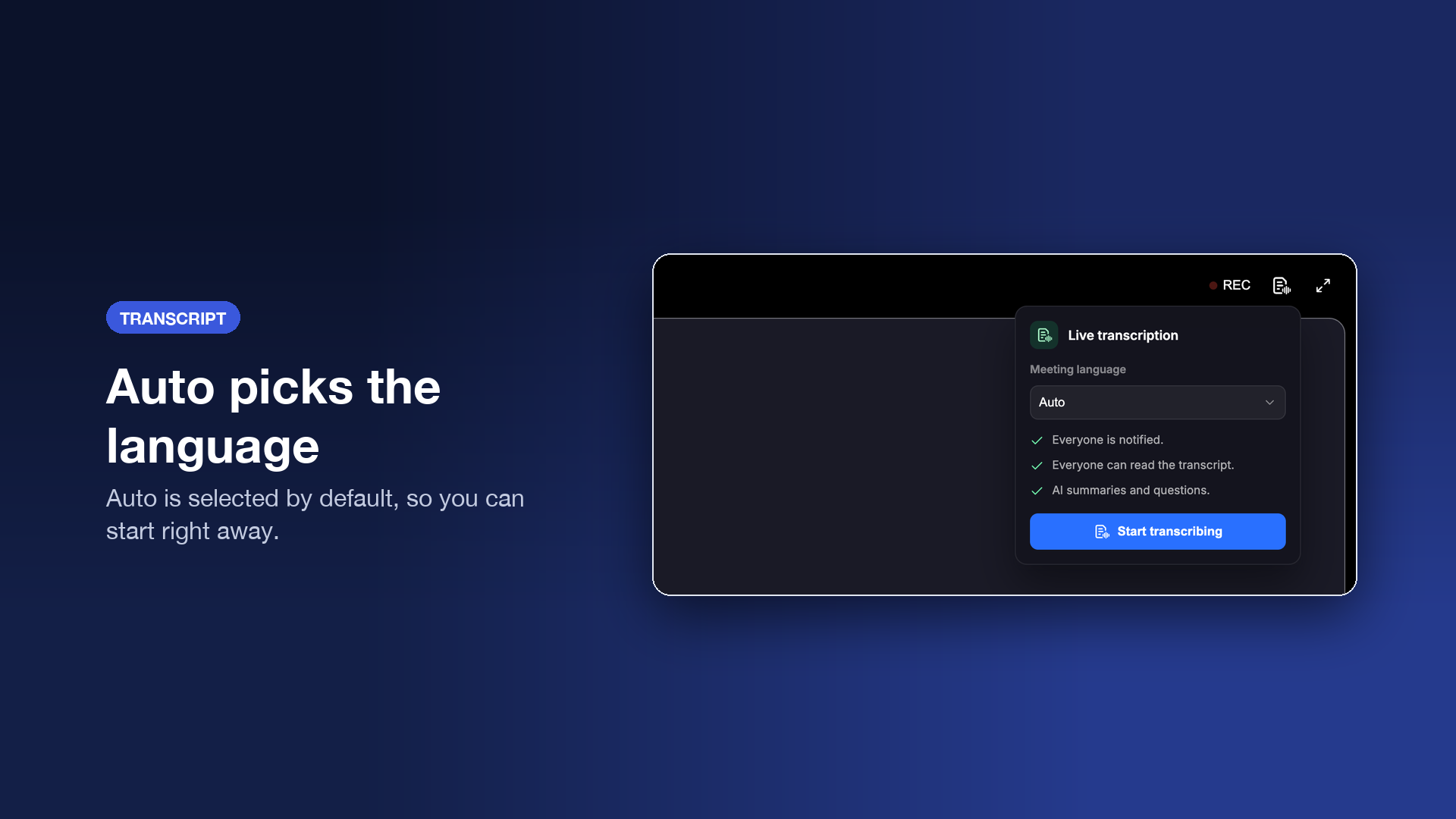
- Automatic language detection: Transcription now defaults to Auto instead of English. EveryCatch will automatically detect the spoken language, and Auto is listed first in the language dropdown for faster setup.
How to use meeting room recording and transcription
Use the Record and REC buttons in the top bar to start and stop recordings as you meet. For live transcripts, open Transcript in the top bar, leave Auto selected unless you want a specific language, then click Start transcribing to begin capturing the conversation.