Overview
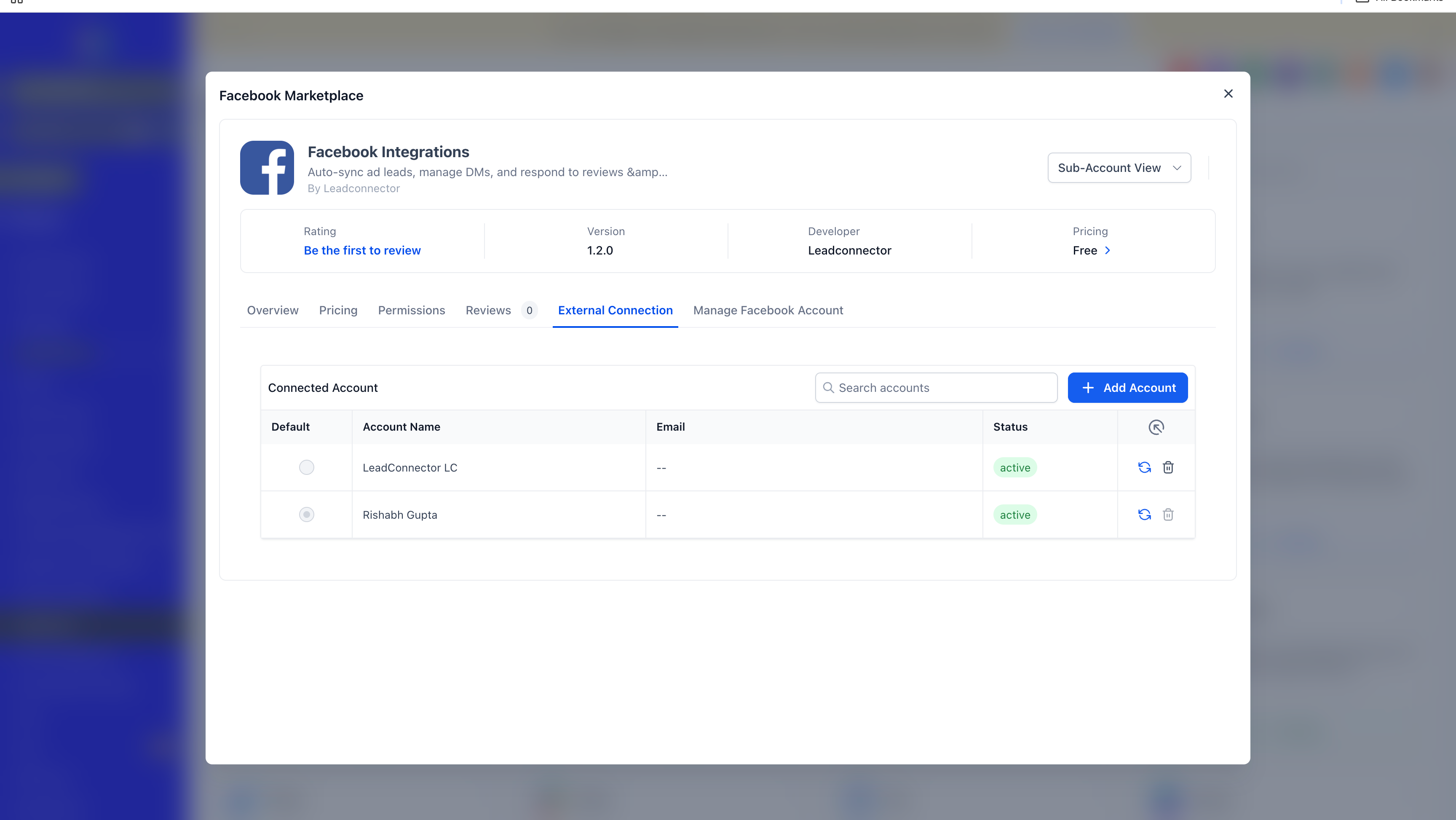
EveryCatch now supports multiple Facebook accounts in a single workspace, so you can manage several Facebook accounts and their Pages together without juggling separate setups.
With this update, you can connect multiple Facebook accounts, each with multiple Facebook Pages, and keep them all active at the same time. You no longer need to disconnect an existing connection or repeatedly switch accounts just to work with a different Page.
We have also moved the Facebook integration into the Marketplace architecture. This gives you a single place to manage the integration, along with better stability and security, including secure token storage through the Marketplace keychain.
What changed
Multiple Facebook account connections
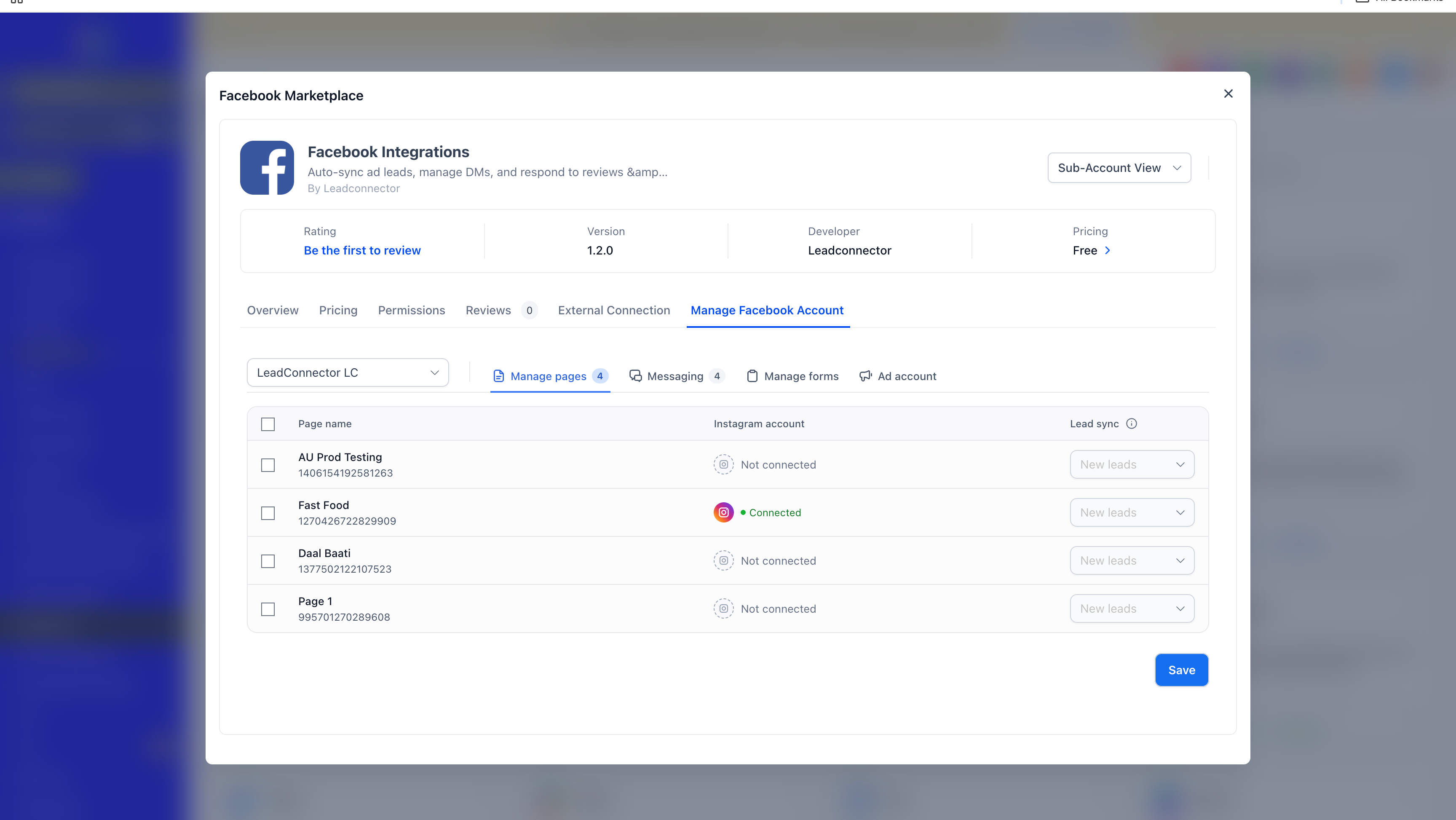
- Connect multiple Facebook accounts to the same EveryCatch account, and choose multiple Facebook Pages under each connected account.
- Manage all your linked Facebook accounts and Pages together without disconnecting existing integrations or logging in and out of Facebook accounts.
Messaging across multiple Pages
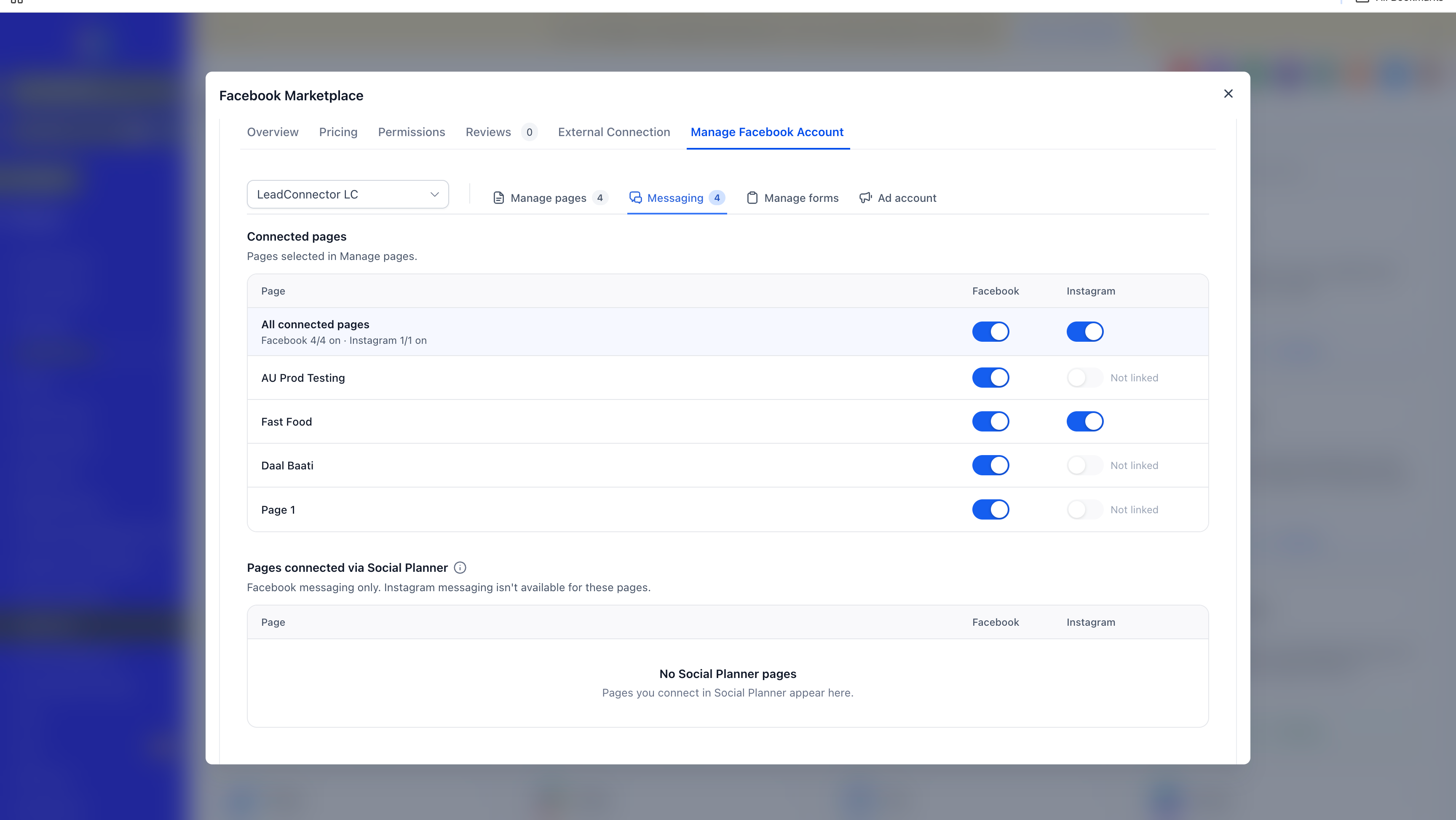
- Sync and manage messages from all connected Facebook Pages in EveryCatch, including Pages that belong to different Facebook accounts.
- Keep conversations organized while you manage several brands or social identities from one place.
Lead sync across connected Pages
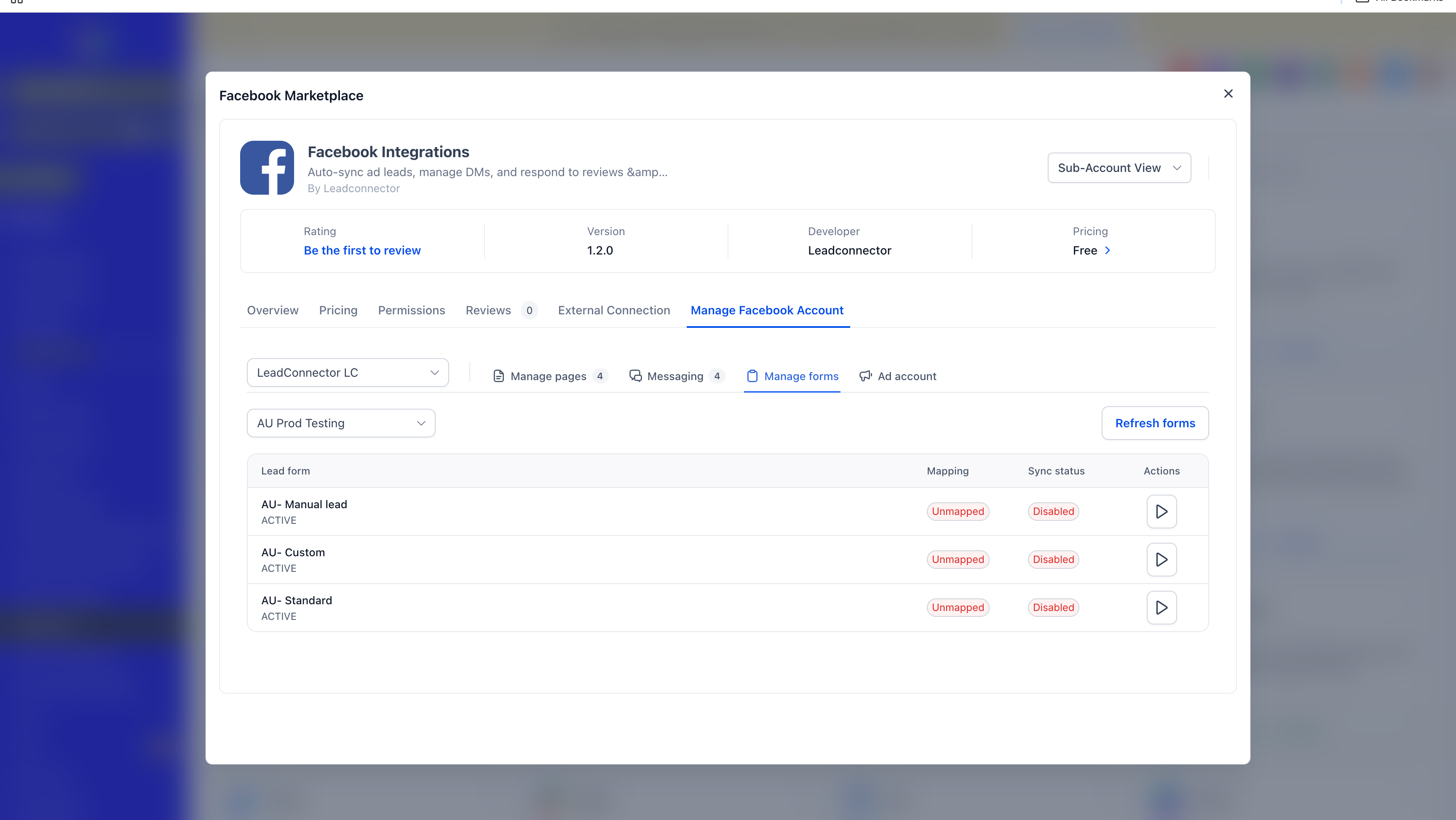
- Sync leads from multiple connected Facebook Pages so your team can capture and handle incoming leads from different Facebook accounts inside the same EveryCatch account.
Automations across multiple Facebook Pages
- Run supported EveryCatch automations across multiple connected Facebook Pages without creating a separate Facebook integration for each account.
Marketplace migration
The Facebook integration now runs on the Marketplace architecture, which improves the way it works day to day.
- More stable integration behavior.
- Stronger security using the Marketplace keychain for secure token storage and upkeep.
- A smoother connection and authorization experience when you link or manage Facebook accounts.
How to get started
Use these steps to turn on and start using the new Facebook functionality:
- Go to Labs in EveryCatch and enable the feature: Facebook marketplace migration & multiple account support.
- Navigate to Settings → Integrations.
- Search for and select Facebook.
- Click to connect an additional Facebook account.
- Complete the Facebook authorization flow when prompted.
- Select the Facebook Pages you want to use and grant the requested permissions.
- Once connected, use your Facebook accounts and Pages in supported workflows like Lead Sync, Messaging, and Automations.
Why this matters
With this update, you can now:
- Centralize management: Manage several Facebook accounts and all their Pages from a single EveryCatch account.
- Improve flexibility: Support multiple brands, businesses, and identities within one environment.
- Increase efficiency: Avoid the repeated disconnecting and reconnecting of Facebook accounts when you change Pages.
- Scale your operations: Give agencies and growing businesses a way to handle a larger number of Facebook accounts and Pages confidently.
- Streamline workflows: Sync leads, manage Page messages, and run automations across multiple connected Pages in one place.
- Improve security: Rely on secure token storage and management through the Marketplace keychain.
ℹ️ Good to know
Here are a few details and limitations to be aware of as you use the updated integration:
- Existing integrations: Your existing Facebook connections are being migrated into the Marketplace automatically as part of this release. You do not need to disconnect or reconnect them yourself.
- Facebook authorization: Facebook login, permissions, and access rules continue to follow Meta’s requirements and review processes.
- Page availability: The Facebook Pages and related assets you see depend on the permissions you grant when you authorize each Facebook account.
- Shops and ad accounts: These currently support only a single connected Facebook account at a time.
- Multiple account support scope: Multiple Facebook accounts are currently supported only for the features listed below.
- Lead Sync
- Messaging across Pages that belong to different Facebook accounts
- Automations
What's next?
Next, we plan to unify Facebook connections with Social Planner in EveryCatch. This will make connection management simpler and reduce interface complexity, so a single Facebook connection can power all supported features and give you a consistent experience across products.
Preview