Managing companies just got more flexible.
You can now create Company Smart Lists to save a customized company view with your preferred filters, sorting, and visible fields - and reuse that list anytime without setting it up again.
What changed
- Added Company Smart Lists inside Companies
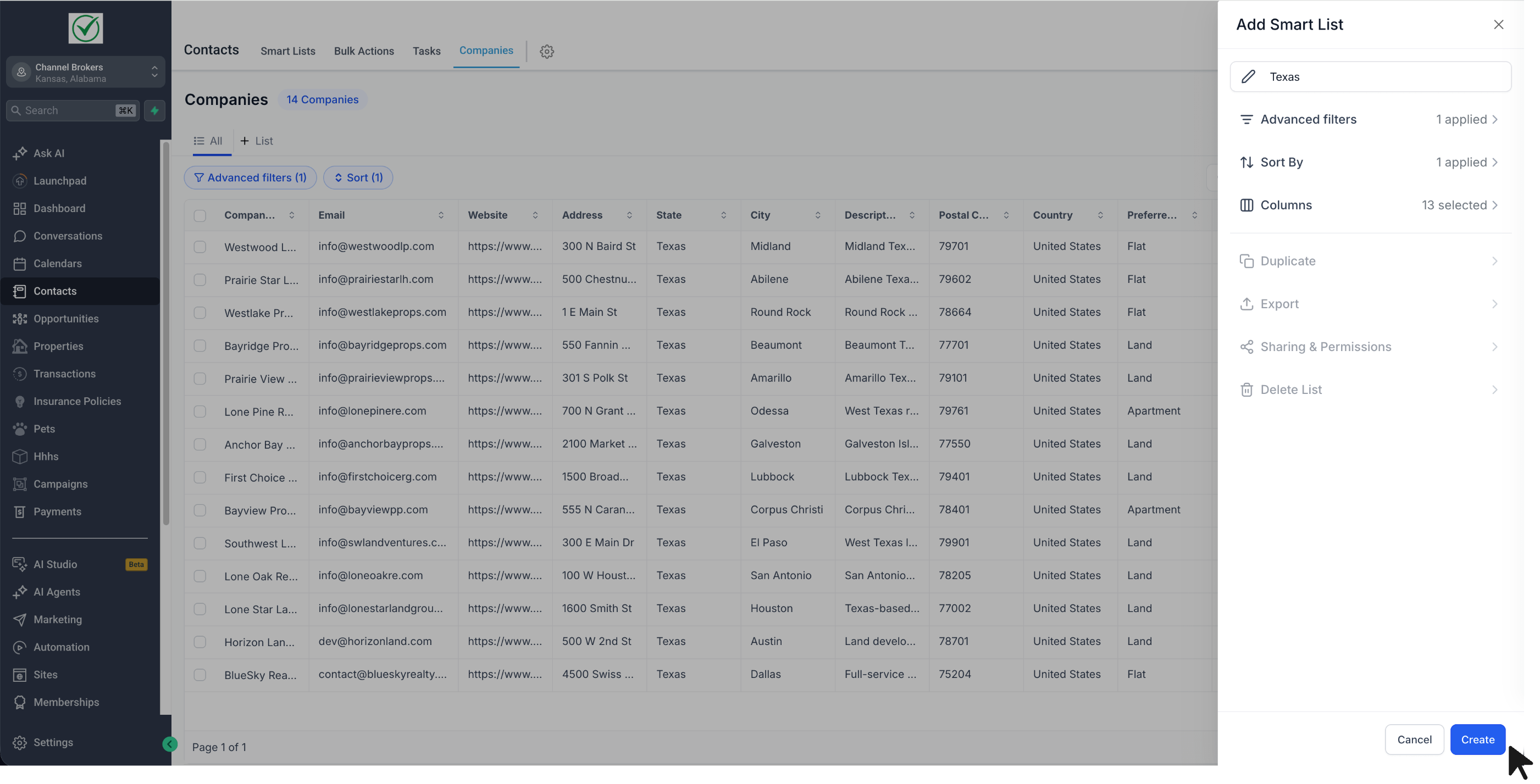
- Save your preferred: advanced filters, sort order, and visible fields
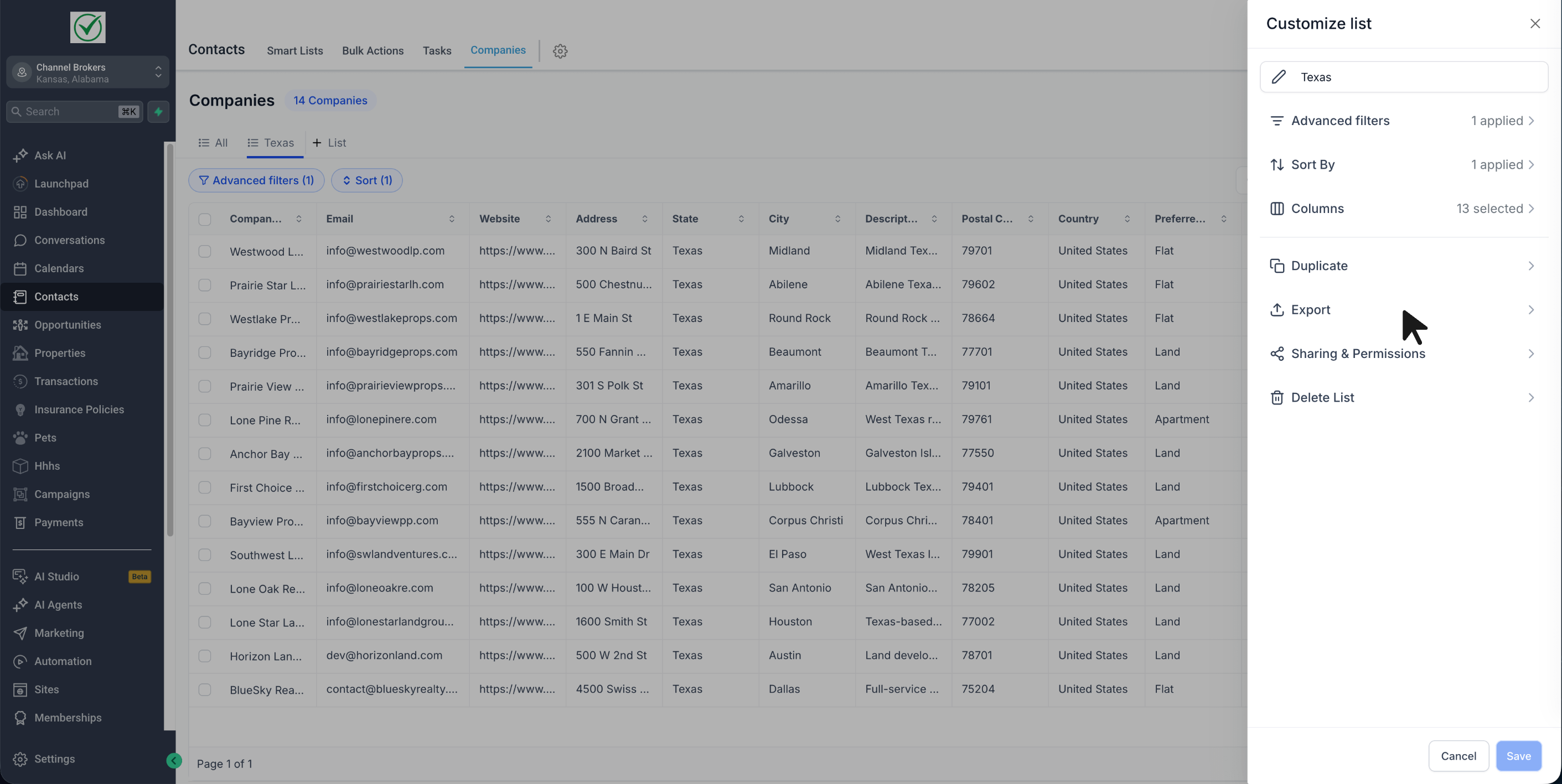
- Duplicate an existing Smart List to quickly create another version
- Export Smart List results to CSV
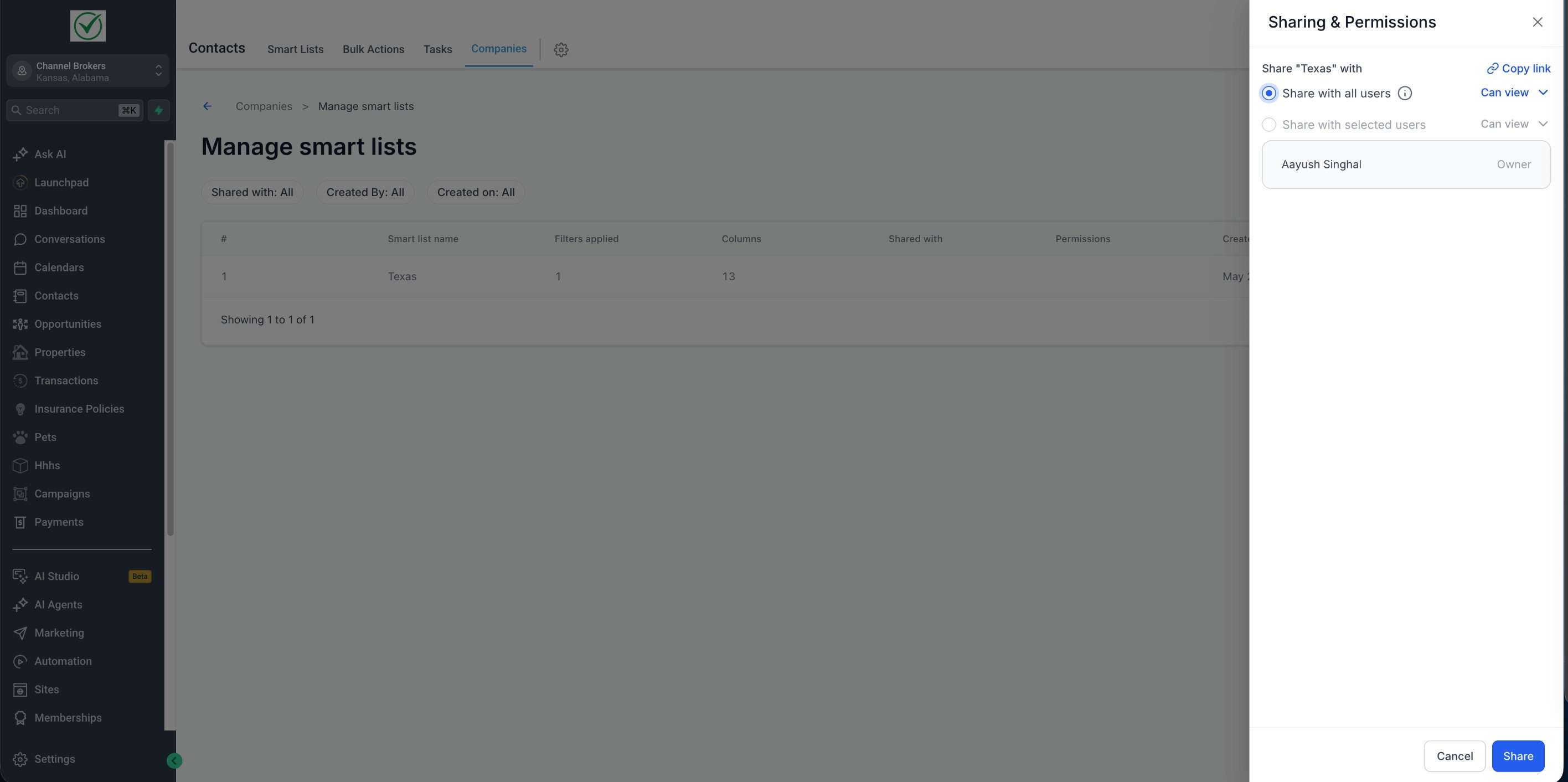
- Share Smart Lists with: all users or selected users
- Give shared users either view access or edit access
- Copy and share a direct link to a Smart List
- Save updates back to the same Smart List or save them as a new one
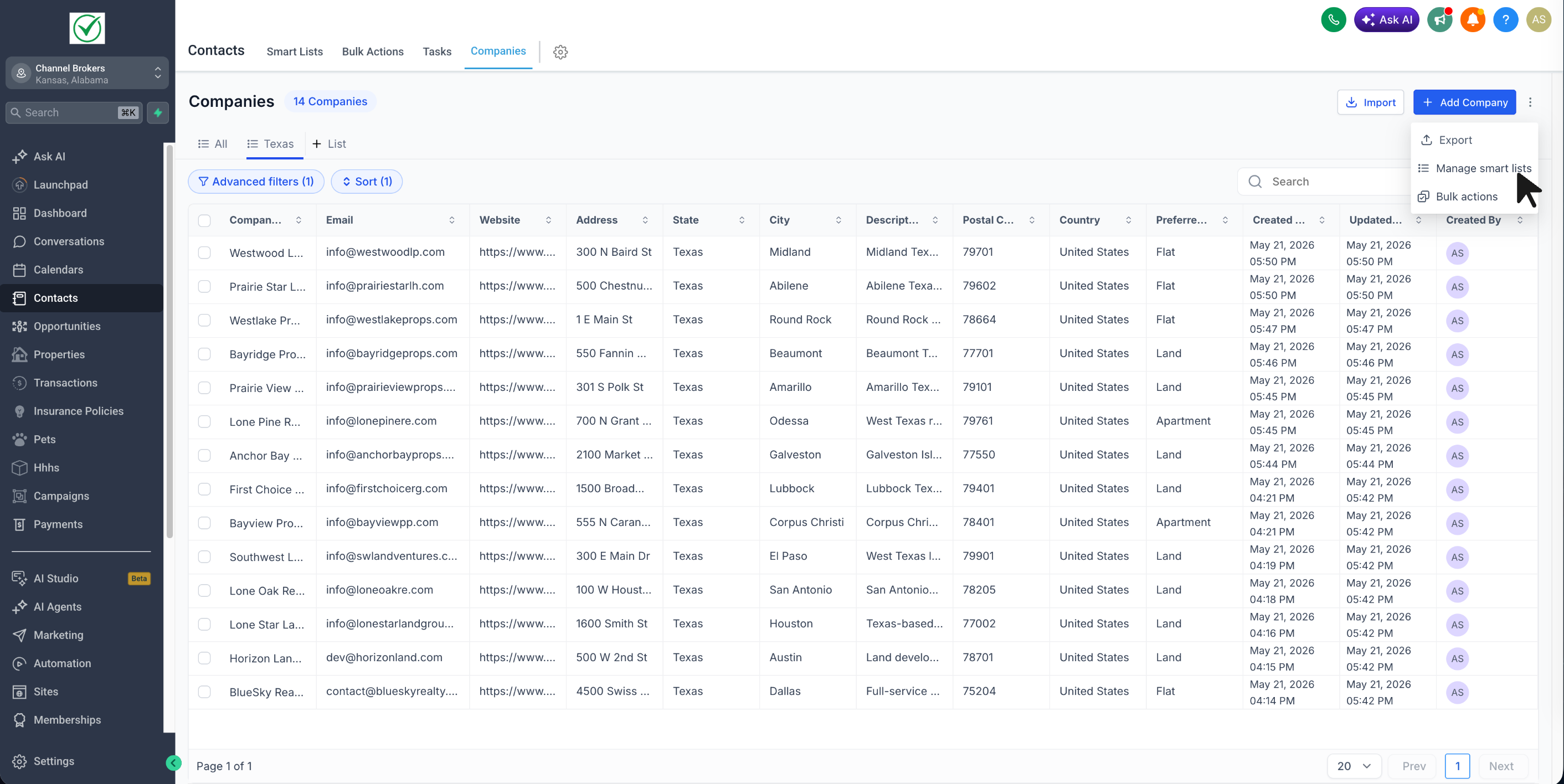
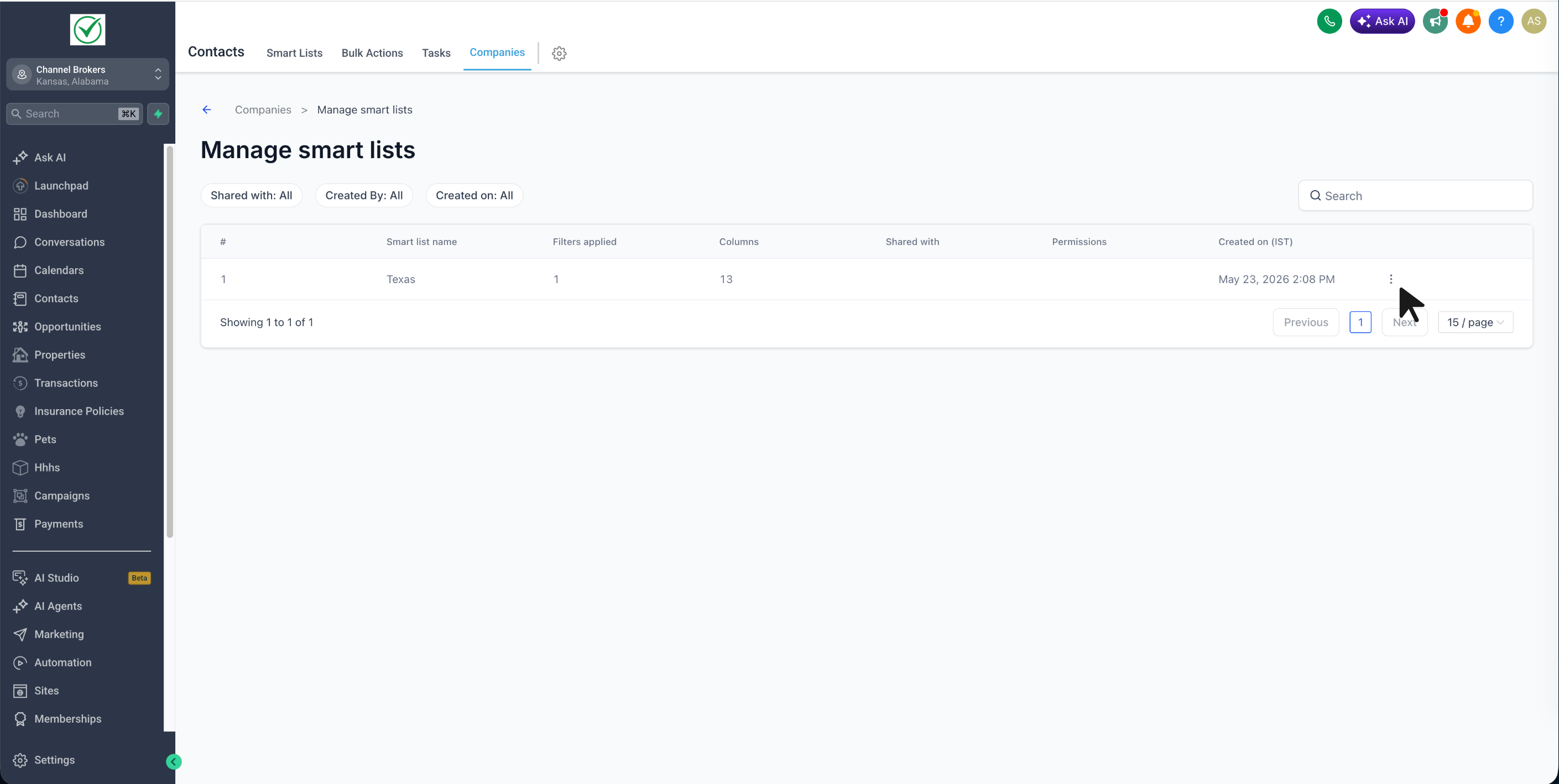
- Manage Smart lists page to review all Smart Lists in one place
How it works
- Turn on Company Smart Lists from Account Labs
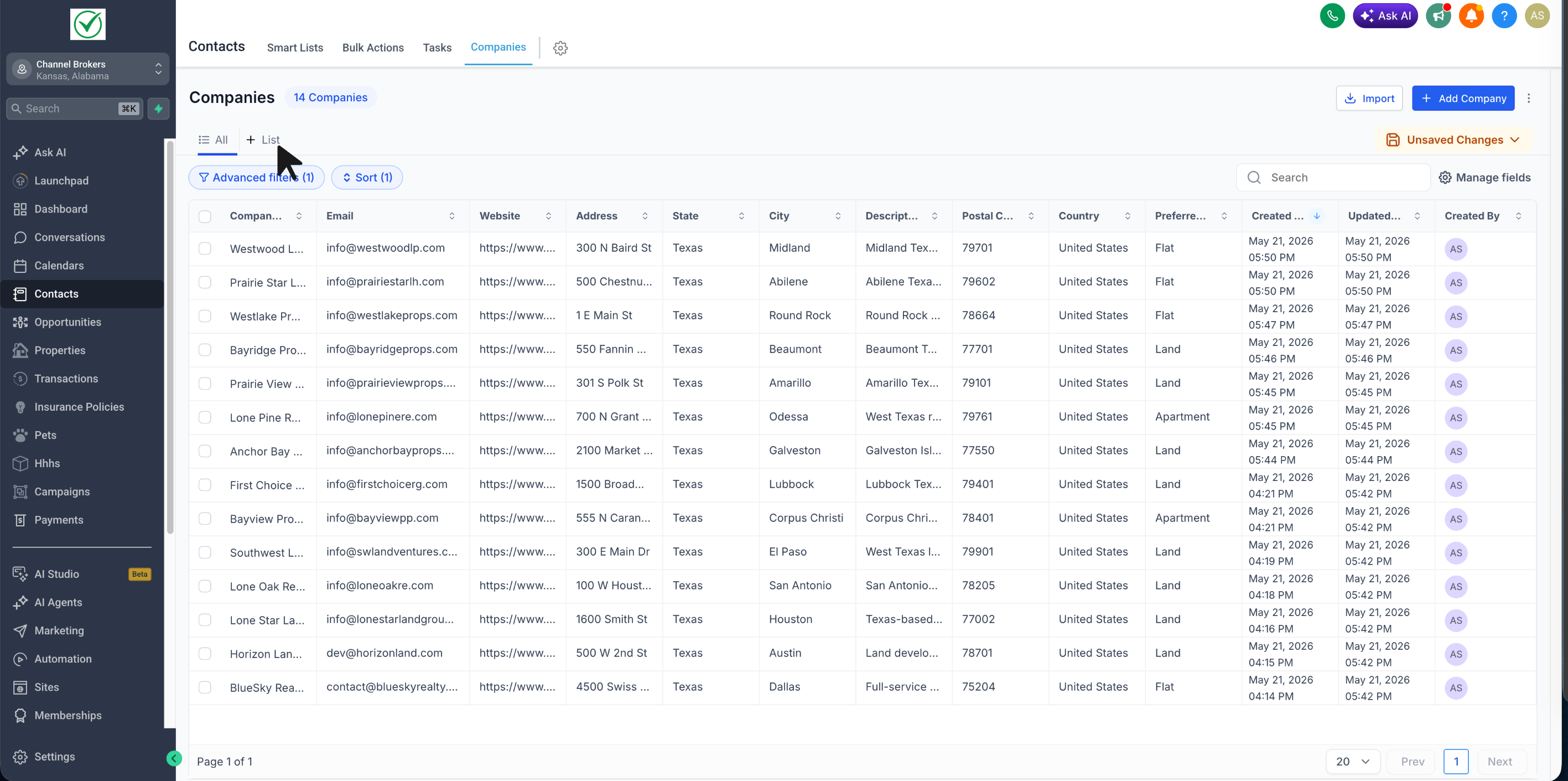
- Go to Contacts → Companies
- Click on + List
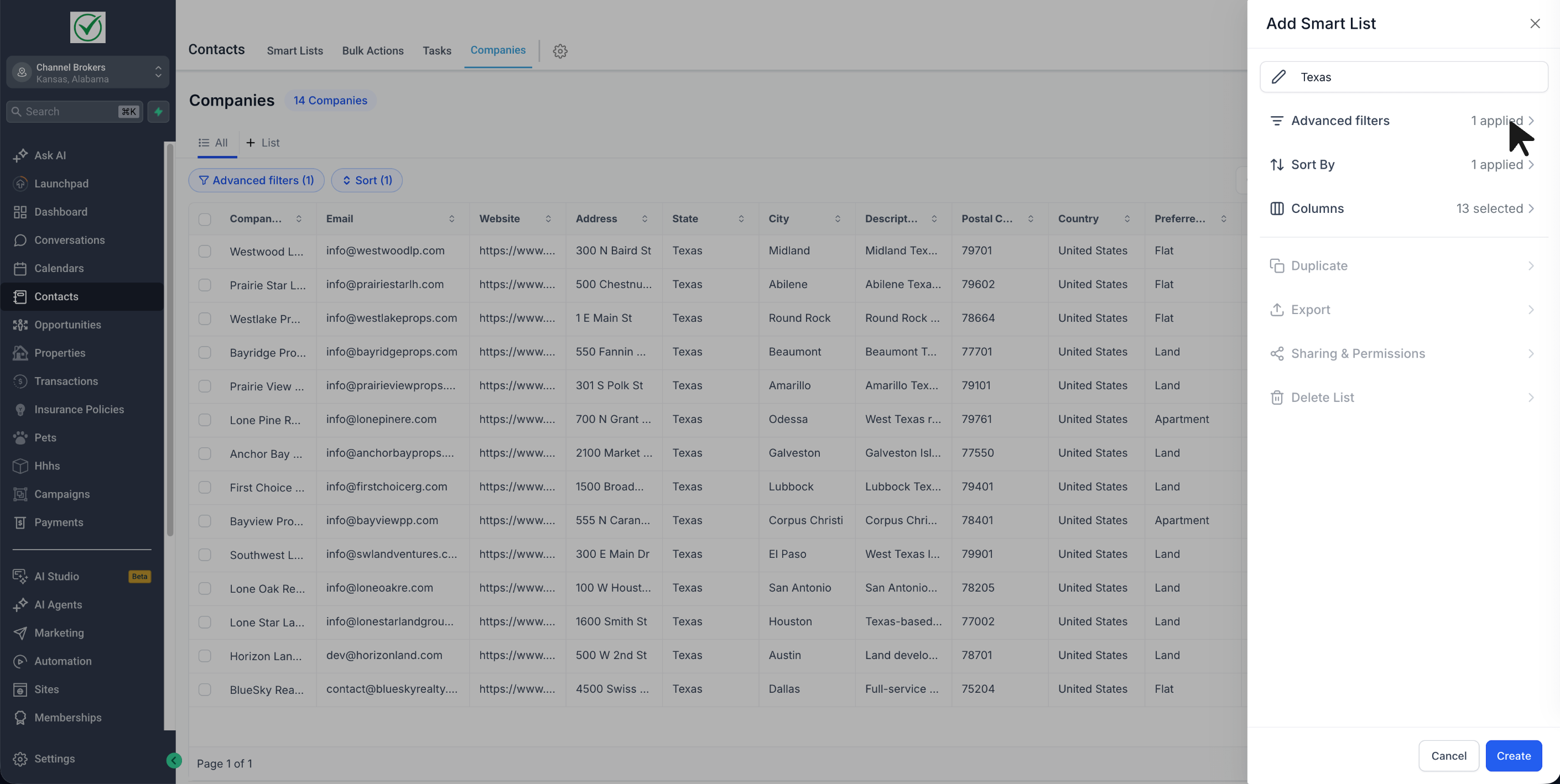
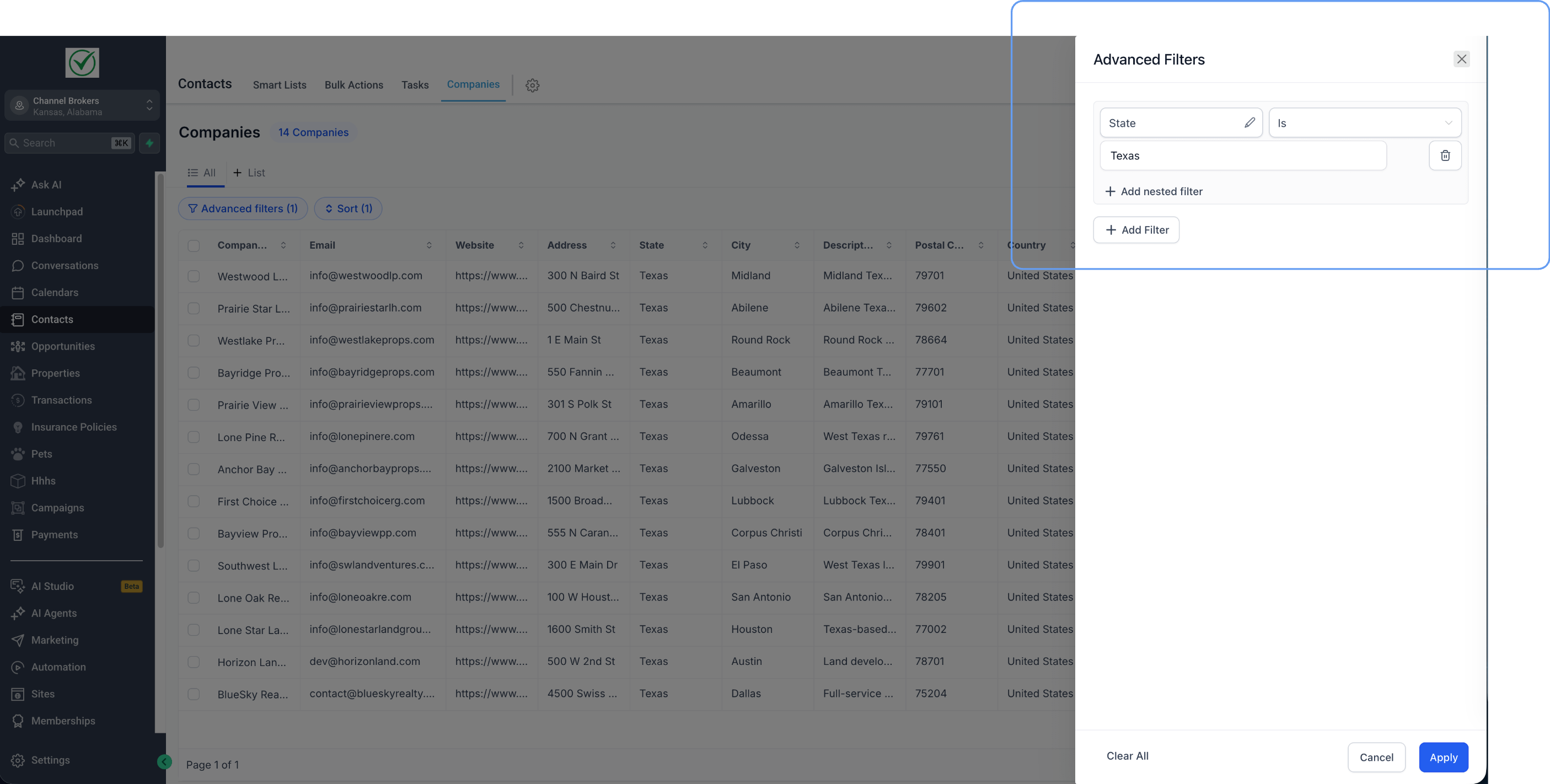
- Apply the filters, sorting, and fields you want
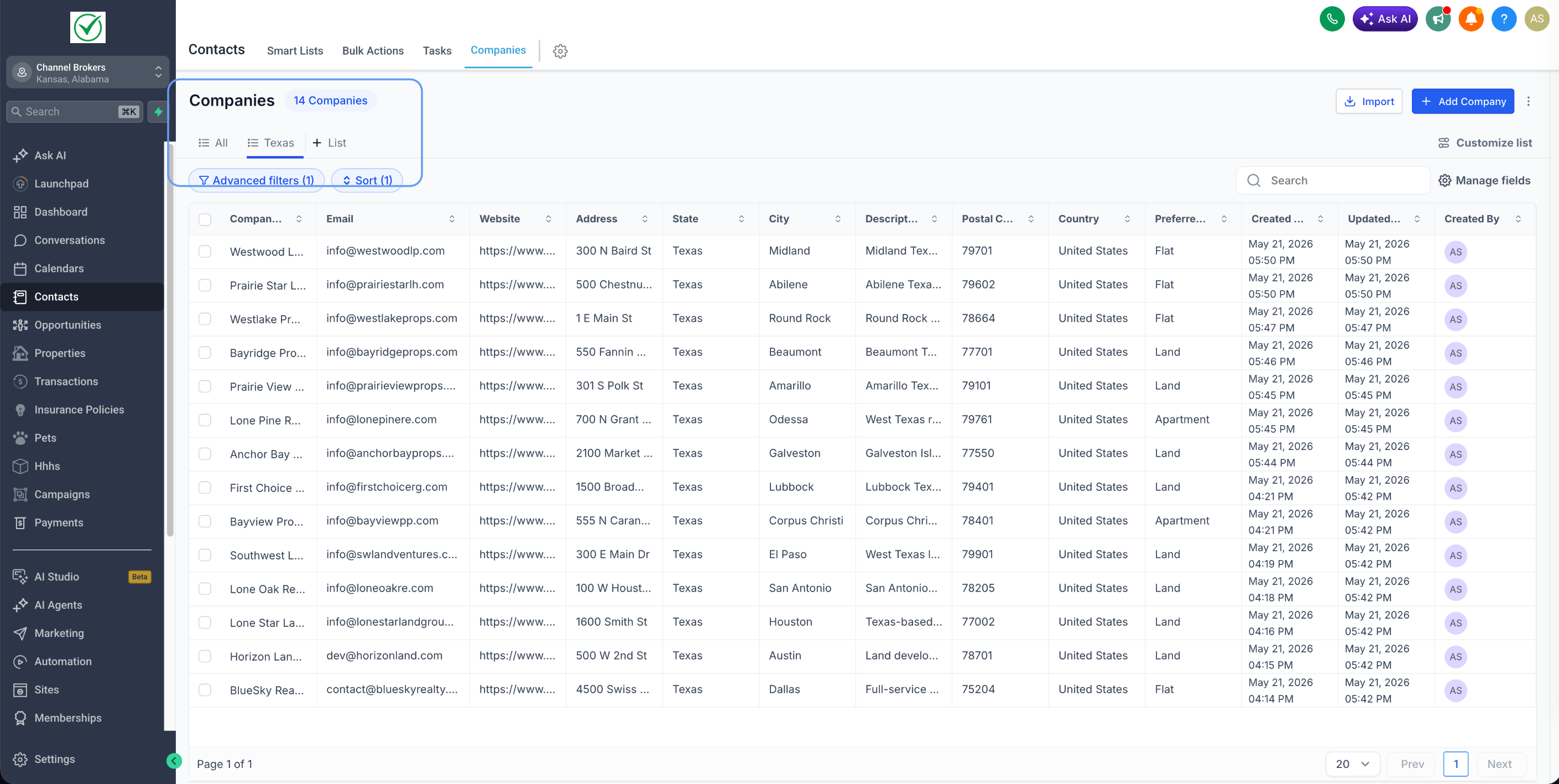
- Name the Smart List and save it
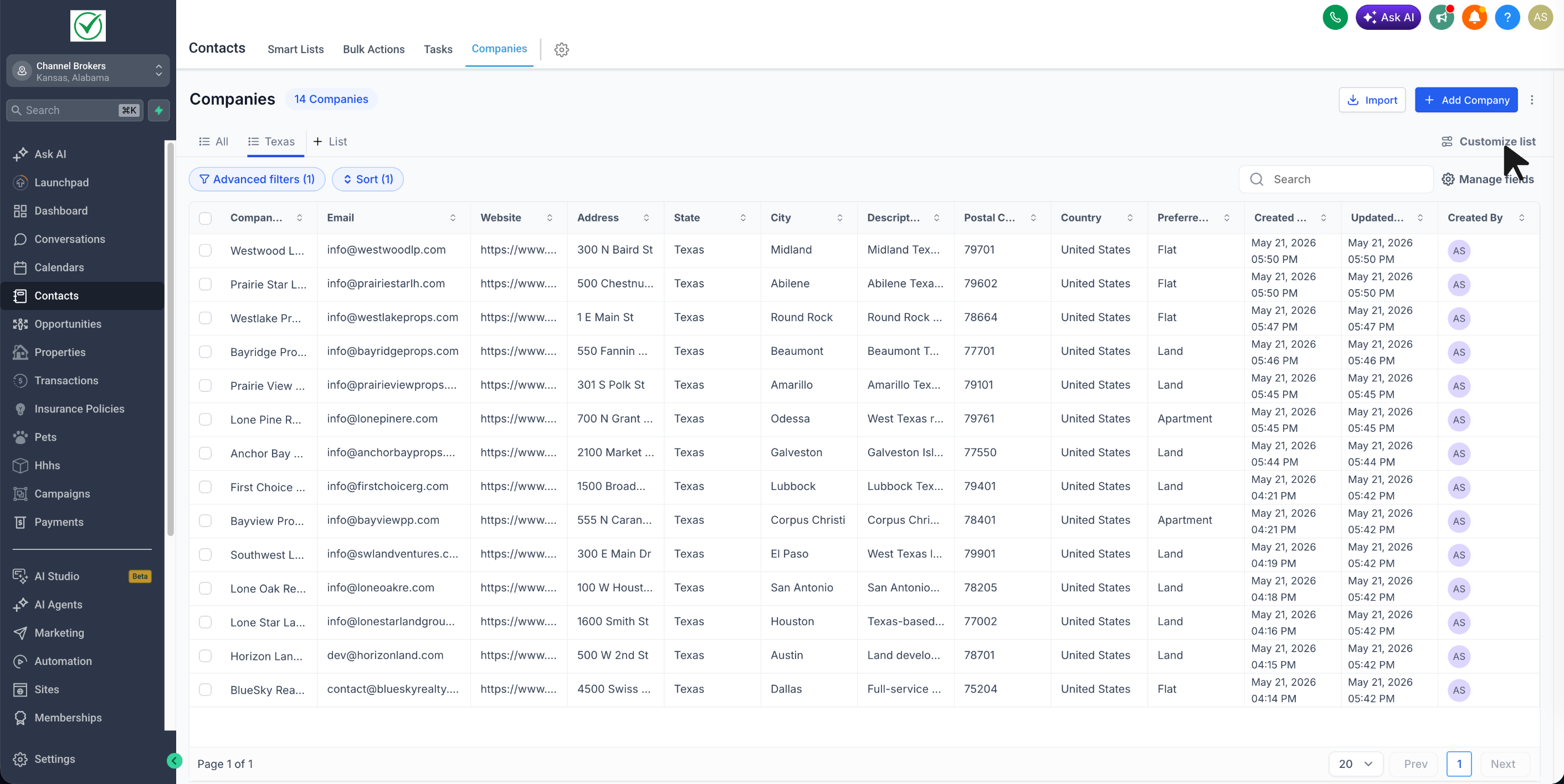
- Reopen it anytime to continue editing, sharing, exporting, or duplicating it
- Open Customize list to manage: Duplicate, Export, Sharing & Permissions, and Delete List
Why it matters
- Reduces repetitive setup for teams working with Companies
- Makes it easier to return to the exact lists you use most
- Helps standardize account lists across users
- Makes sharing important filtered lists much easier
Notes
- This feature is currently available in Account Labs
- Users with edit access can also change sharing permissions



