Overview
Several regions have updated how they observe local time, and EveryCatch now follows these new rules everywhere time zones are used in your account. British Columbia, Alberta and Manitoba will no longer move clocks back an hour on November 1, 2026 and will stay on permanent daylight time. Morocco has moved to permanent UTC+0. When you select the matching time zone, your appointments, notifications and workflows stay aligned with local time in those areas.
What changed
New time zone for British Columbia
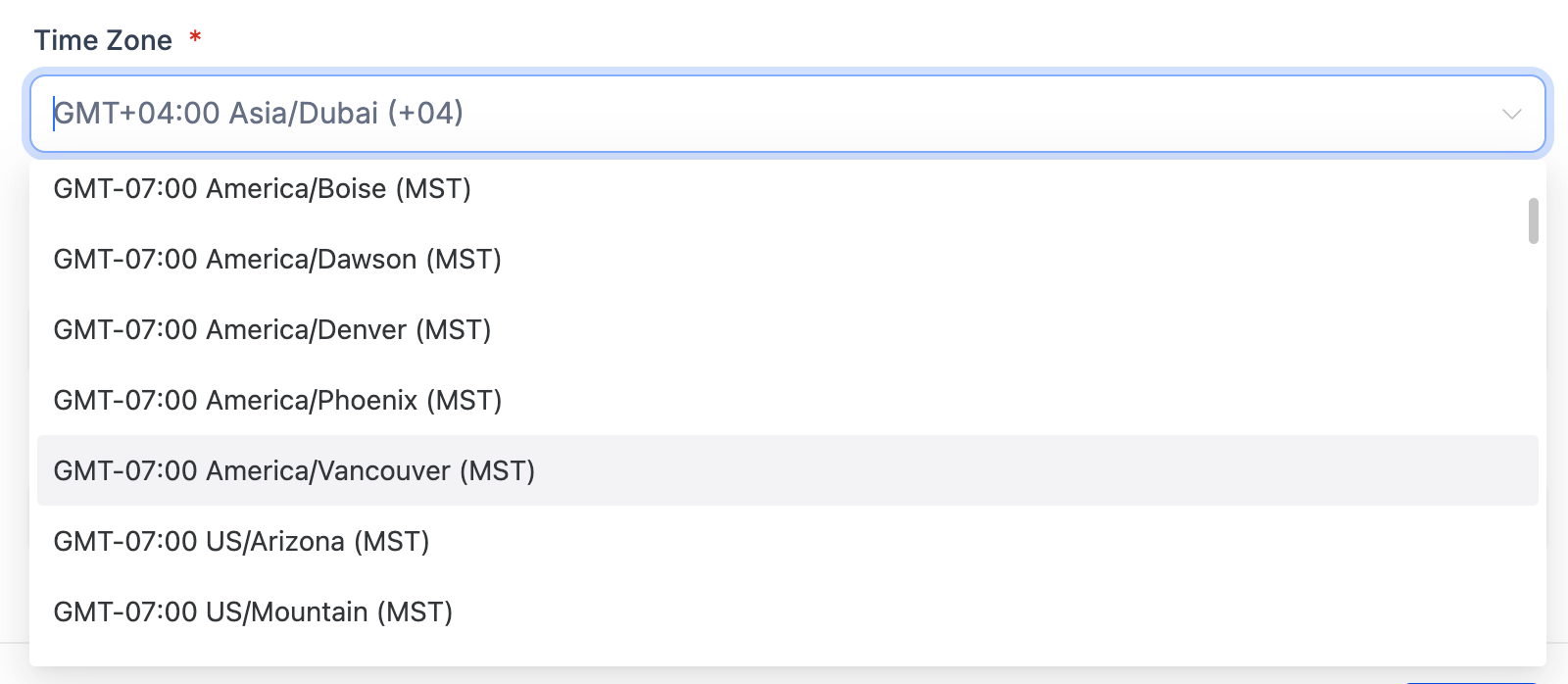
America/Vancouver is now available as a time zone option in EveryCatch. It stays on UTC-7 all year with no fall back on November 1, 2026, so schedules and automations for British Columbia remain consistent through the usual daylight savings period.
Updated time zones for Alberta, Manitoba and Morocco
America/Edmonton (Alberta) now follows permanent UTC-6 from November 1, 2026. Any calendars, reminders or automations using this time zone will keep that offset all year.
America/Winnipeg (Manitoba) now follows permanent UTC-5 from November 1, 2026, so your schedules and workflows stay locked to that time offset going forward.
Africa/Casablanca (Morocco) now follows permanent UTC+0, effective from September 20, 2026. Any use of this time zone in EveryCatch will match the current national standard.
Accurate times across modules
These updated rules apply everywhere these time zones appear in EveryCatch, including scheduling, notifications and profile settings. This keeps times from drifting by an hour around the dates when clocks previously changed.
How to use it
- Wherever you set a time zone in the app, such as your location time zone in Business Profile, select the one that matches your region: America/Vancouver, America/Edmonton, America/Winnipeg or Africa/Casablanca.
- If you are using a U.S. time zone such as US/Mountain or America/Los_Angeles as a stand-in, switch to the matching regional time zone above so your times stay correct after November 1, 2026 (or September 20, 2026 for Morocco).
- Review existing contacts that are still on a U.S. time zone and update their Time Zone where needed. Existing contacts and settings are not changed automatically, because US/Mountain and America/Los_Angeles are also used by businesses in the United States.
Why this matters
- Appointments and notifications reach customers at the correct local time.
- Workflows that depend on time of day run when you expect them to.
- You avoid manual adjustments to compensate for new local time rules.
- Your U.S. contacts stay untouched, since no time zones are switched automatically.