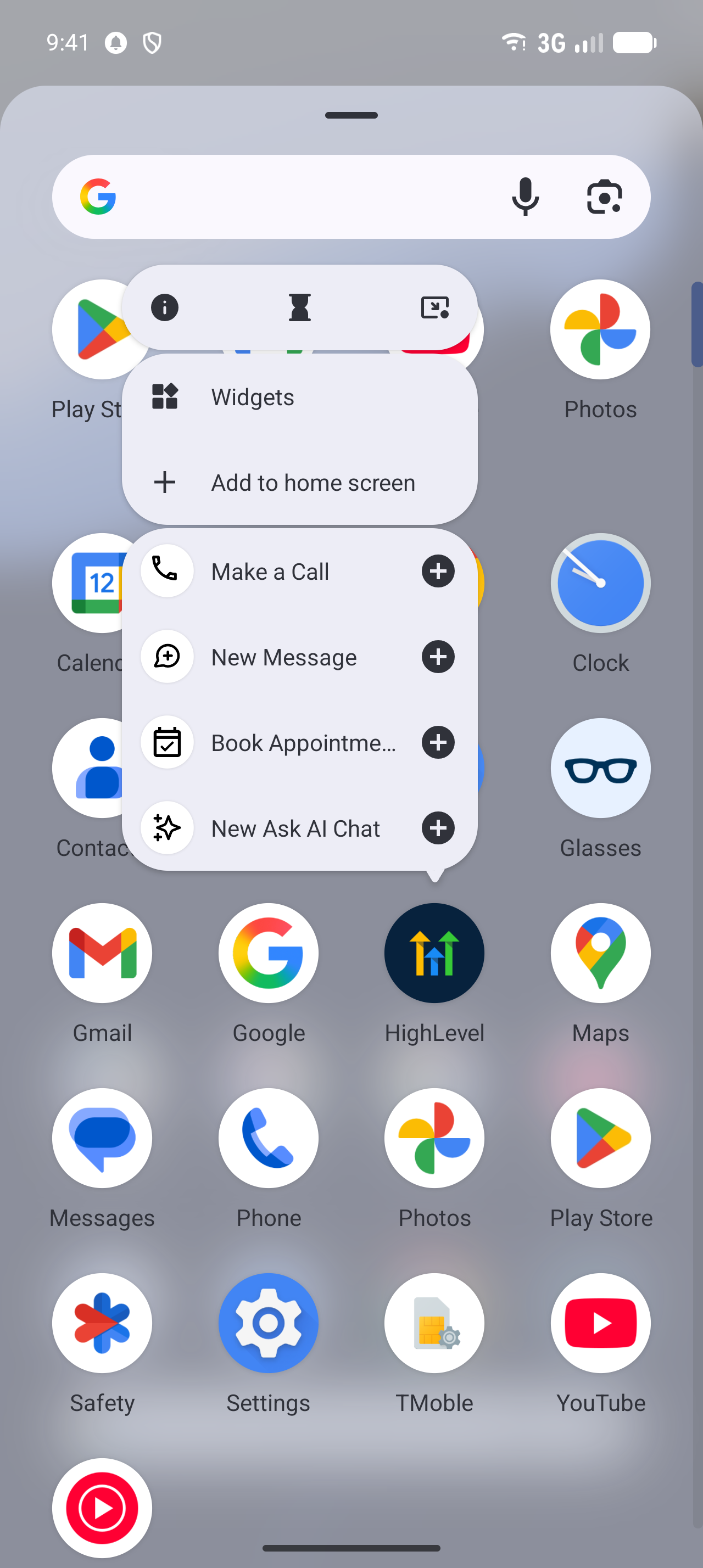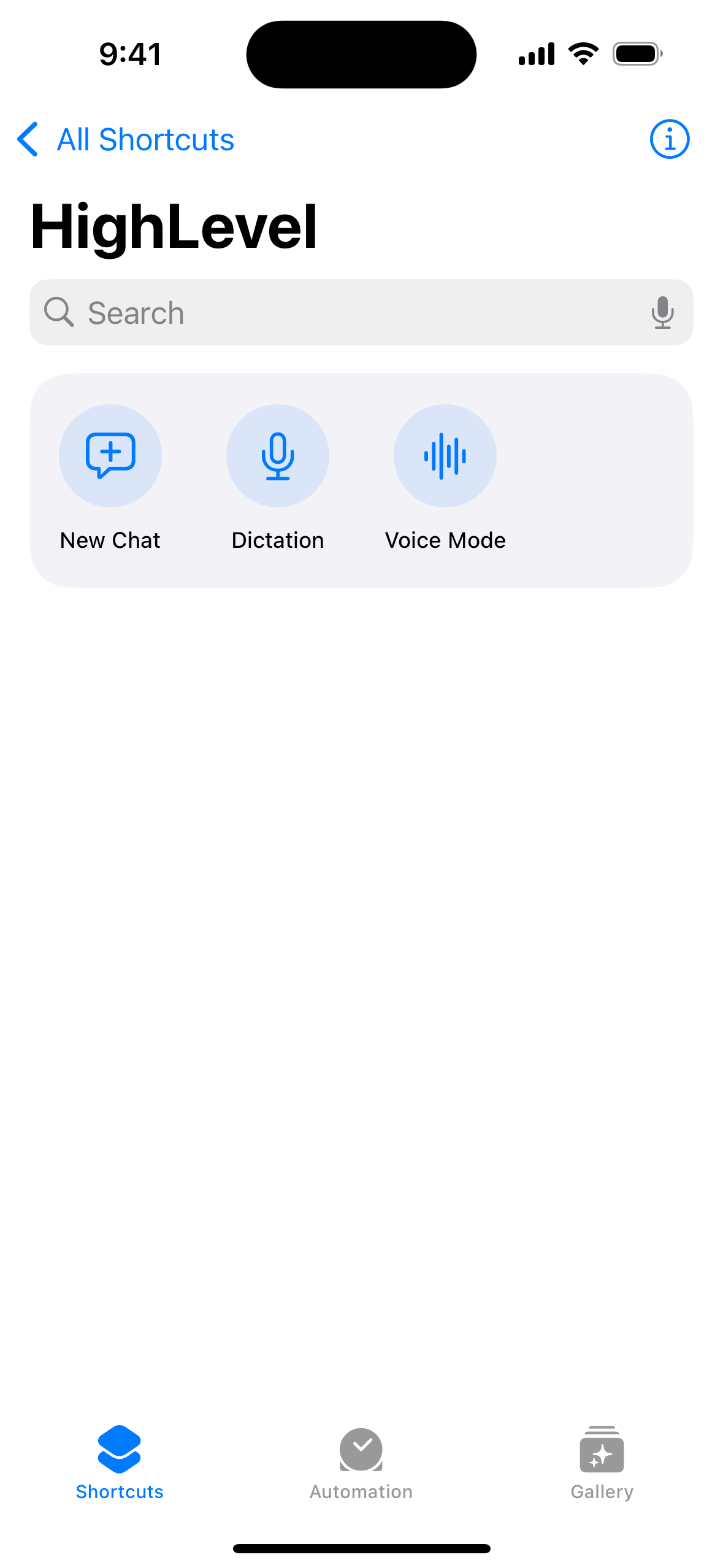
You can now open a brand-new Ask AI chat straight from your phone’s home screen. The "New Ask AI chat" shortcut lives on your EveryCatch app icon, in Quick Actions, and in your phone’s search, so a single tap takes you directly into an empty Ask AI chat, ready for your question.
The challenge
When a question comes up, such as how to word a follow-up message or check what is due today, getting into Ask AI used to take a few extra steps. You had to open the EveryCatch app, find Ask AI, and you would be taken back into your last conversation. Then you still needed to start a new chat before you could type. By that time, it is easy to lose your original thought or switch to another task.
Our solution
Ask AI now sits with your other quick actions in the EveryCatch mobile app. When you press and hold the app icon, tap the Quick Actions card, or search for Ask AI on your device, you go straight into a new, empty chat so you can start typing right away.
How this helps your business
Save time: go from your phone’s home screen to asking Ask AI a question with a single tap.
Start clean every time: each shortcut always opens a fresh chat, so earlier questions and context stay separate from your new request and do not affect the response.
Use it wherever you are: you get the same "New Ask AI chat" action on the app icon, on the Quick Actions card, and through your phone’s universal search, so it is easy to reach from different entry points on your device.
Visible only when relevant: the shortcut appears only for users and accounts that already have access to Ask AI in EveryCatch, so your team sees it when it is available to them.
How to get started
- Open the shortcut menu: Press and hold the EveryCatch app icon on your phone's home screen to bring up the shortcut options.
- Use the shortcut: Tap New Ask AI chat. You can also open it from the Quick Actions card inside the app or by searching for it on your device.
- Ask your question: Type your question into the new chat and review the answer from Ask AI.
Roll-out & availability
Release date: October 2026
Available version: EveryCatch mobile v4.27.0 and later
Status: Public release
Platform: EveryCatch
Product area: Ask AI in EveryCatch mobile
App type: WL app