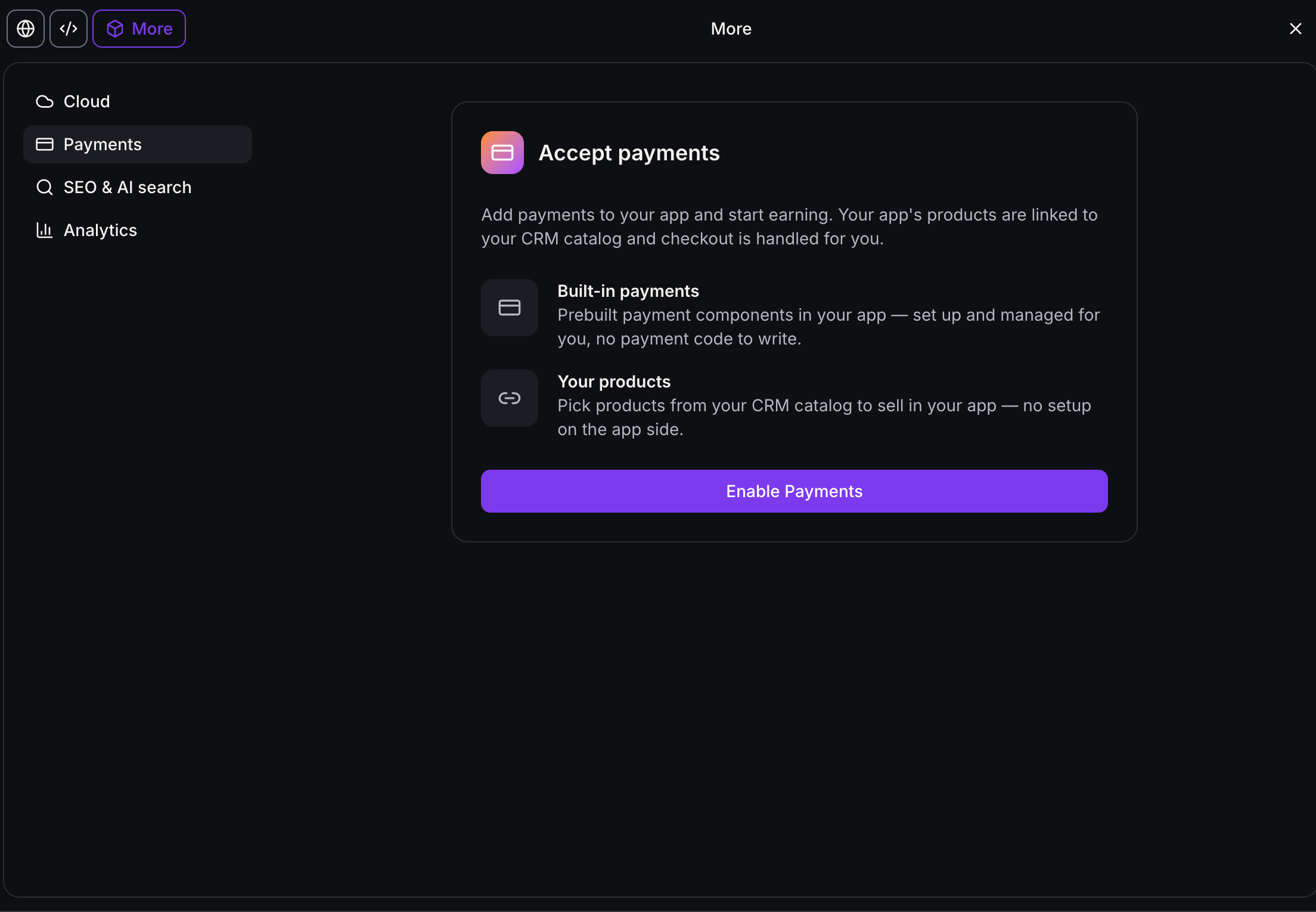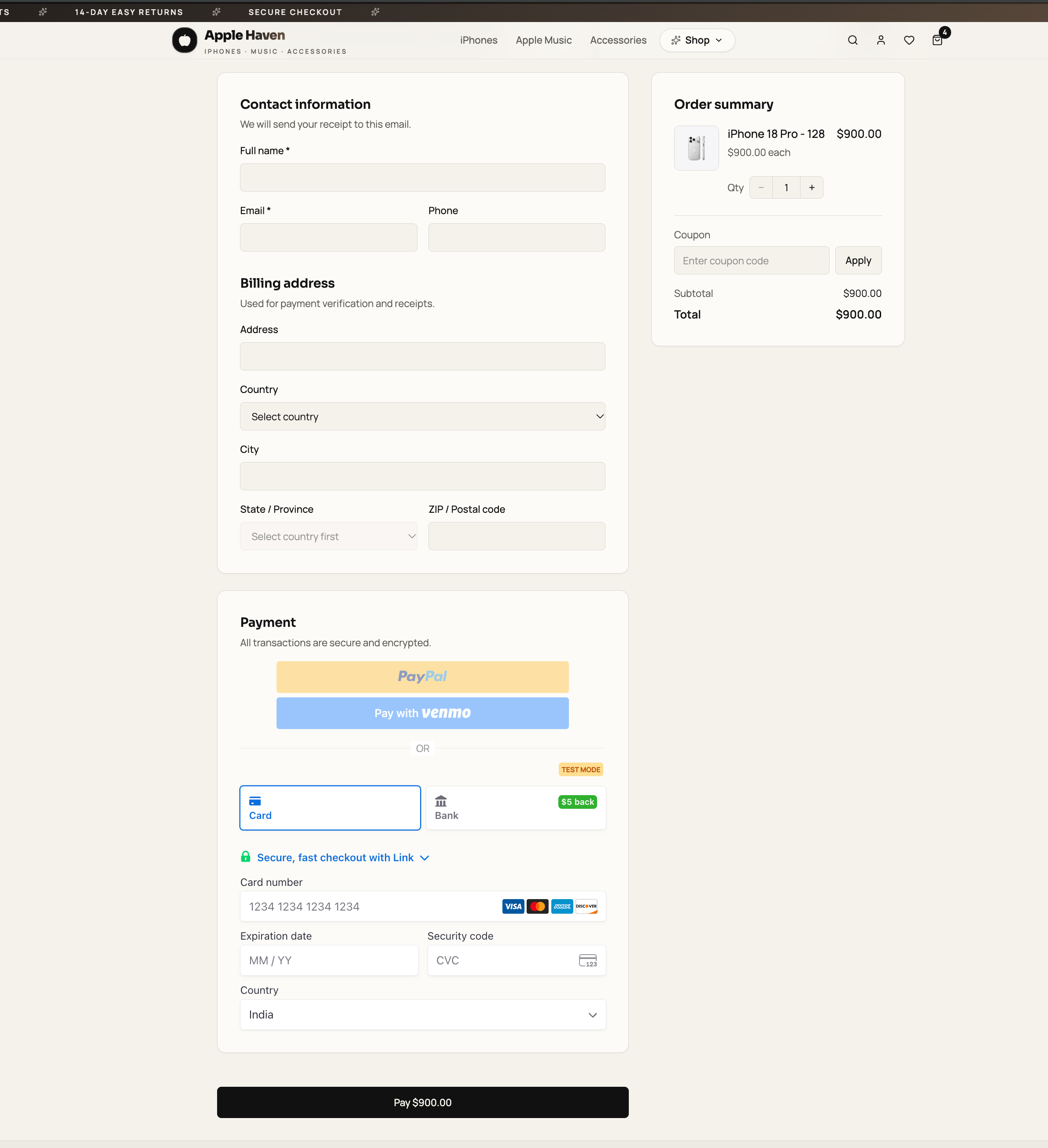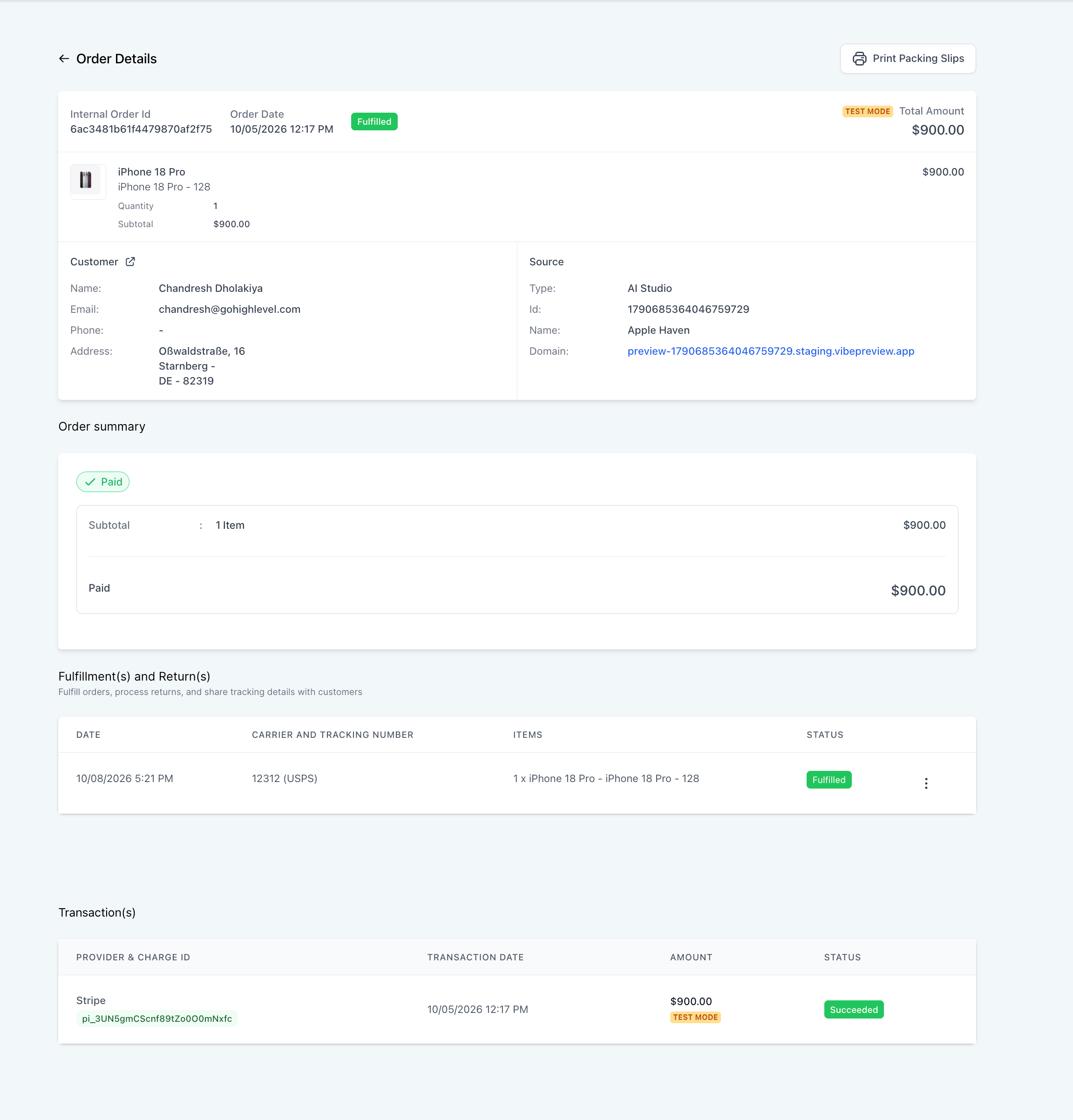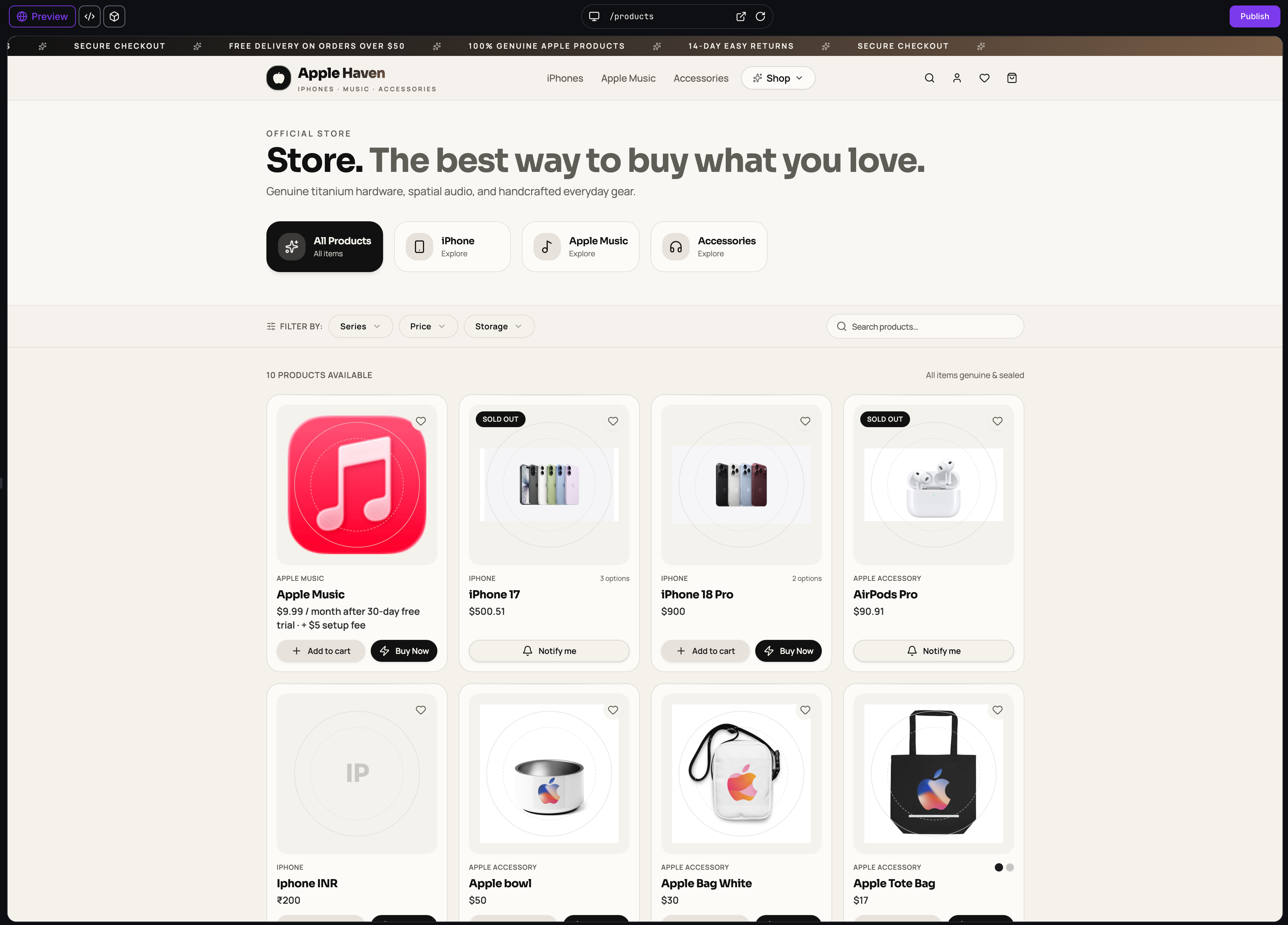
You can now take payments in apps built with AI Studio. Connect the products in your catalog, ask the agent to “add payments”, and your app gets a secure, hosted checkout.
Payments in AI Studio uses EveryCatch’s native payments. Your products, orders, payment providers and subscriptions are the ones already set up in your EveryCatch account. There’s nothing extra to set up.
What changed
Payments in a few clicks
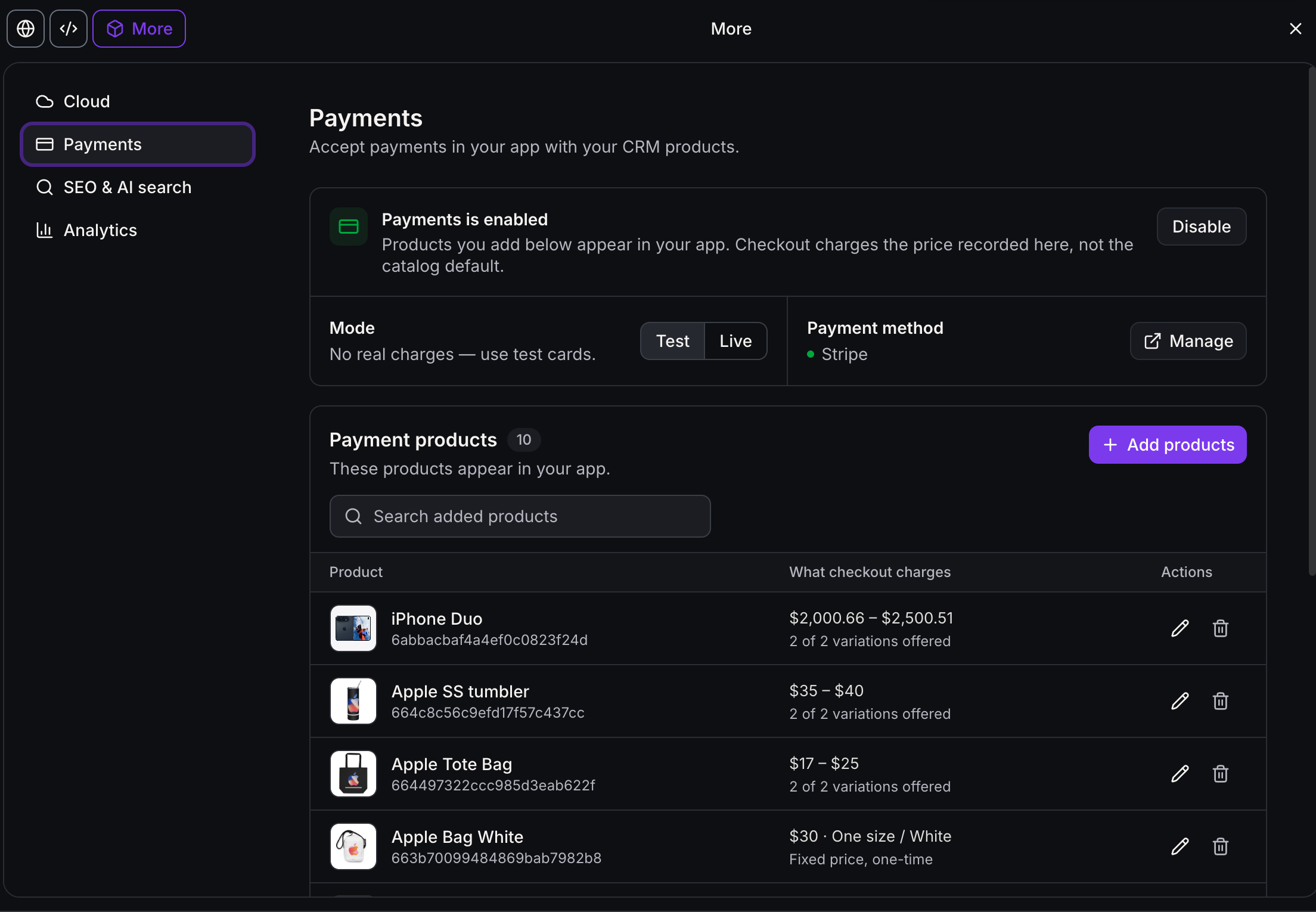
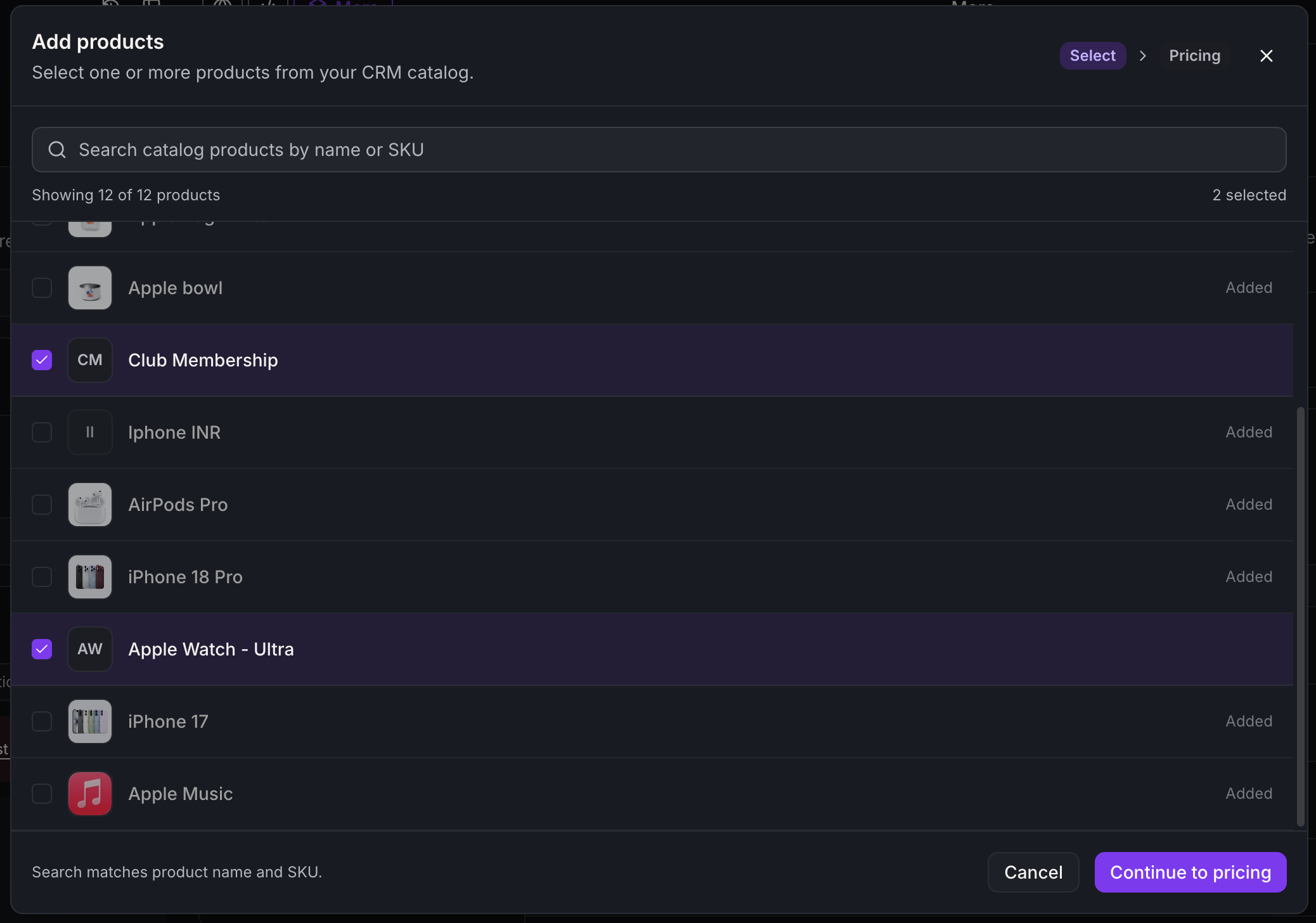
- More → Payments is a new settings tab. Turn Payments on, switch between test and live mode, and choose which catalog products your app can sell.
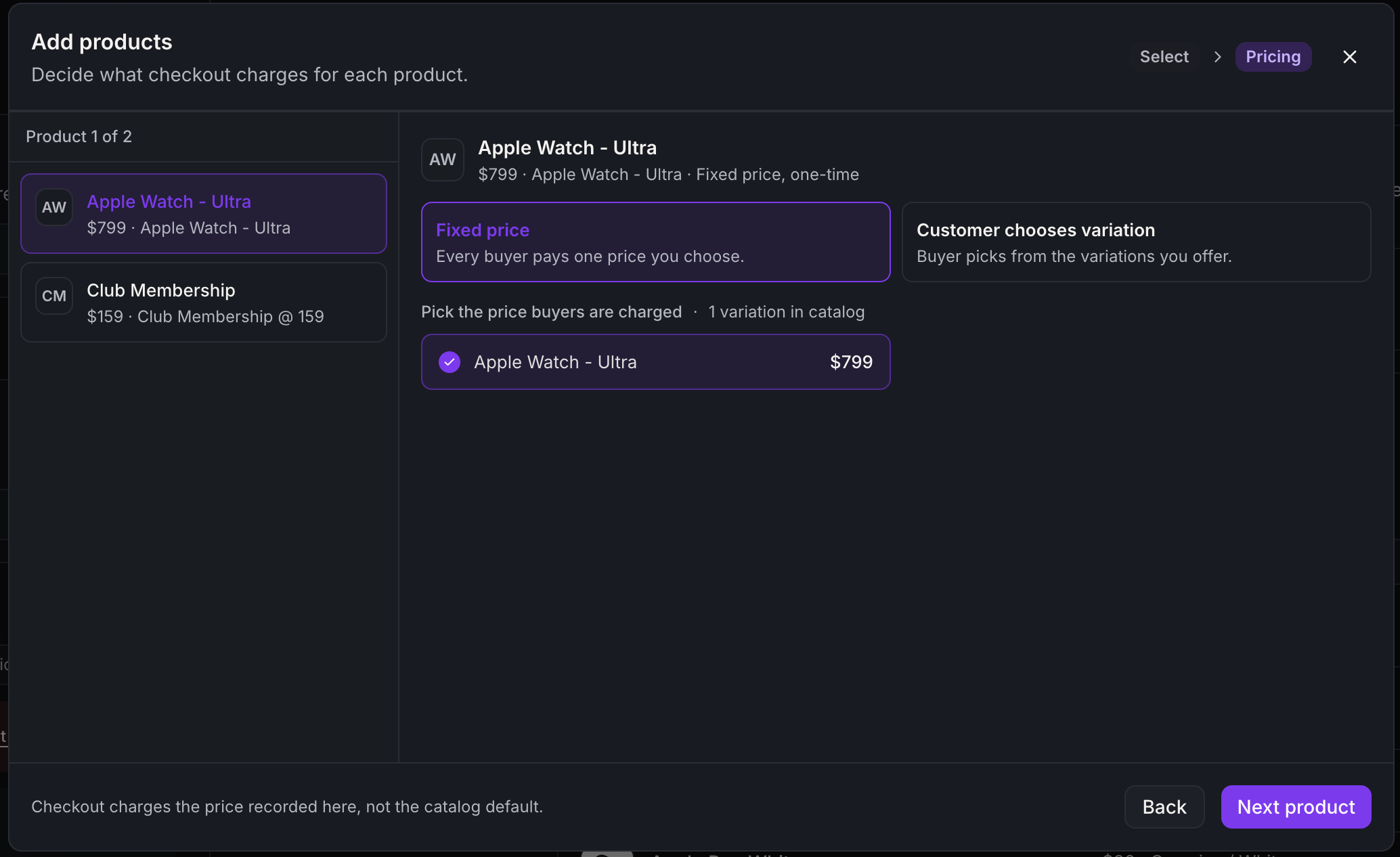
- Choose how each product is priced: one fixed price, a selected set of variations (sizes, tiers, plans), or the product’s full catalog.
- Only the products and prices you allow can be shown or charged. Your settings decide what buyers can buy.
The agent adds the checkout for you
- Ask the agent to add payments. It shows a card asking you to approve the connection, then builds a storefront and checkout into your app.
- The payment code is managed by the platform, so neither you nor the agent can break it by accident. Edits to it are restored on the next turn.
A hosted checkout
- Card details are entered and processed in the platform’s hosted checkout, never in your app’s code.
- PayPal express checkout is supported.
- Coupon codes can be entered at checkout, and a fully discounted order goes through without asking for a card.
- Subscriptions work in checkout and upsells, including carts with more than one subscription product.
- Your colours: the checkout picks up your site’s colour scheme instead of a fixed default.
- Bot protection runs on every purchase.
One-click post-purchase upsells
- After a successful purchase you can show buyers an offer page. They can accept it with one click, without entering card details again.
- One-click works with saved cards from Stripe (3D Secure supported), Square, Authorize.net, NMI, Adyen and Mercado Pago. Other payment methods use the regular payment form.
- An upsell can only be charged after the original order is paid, and only once per order, even with several tabs open.
Product pages
- Generated storefronts show product listings and detail pages from your catalog, with thumbnails and formatted descriptions.
Availability
- Payments currently works only with apps built on TanStack Start. Other project types won’t see the option yet.
- To use Payments in an existing React project, migrate it. Go to Project Settings → Migrate to SSR. This makes an upgraded copy of your project and leaves the original unchanged and live. You can also test the new copy before you publish it.