What’s fixed
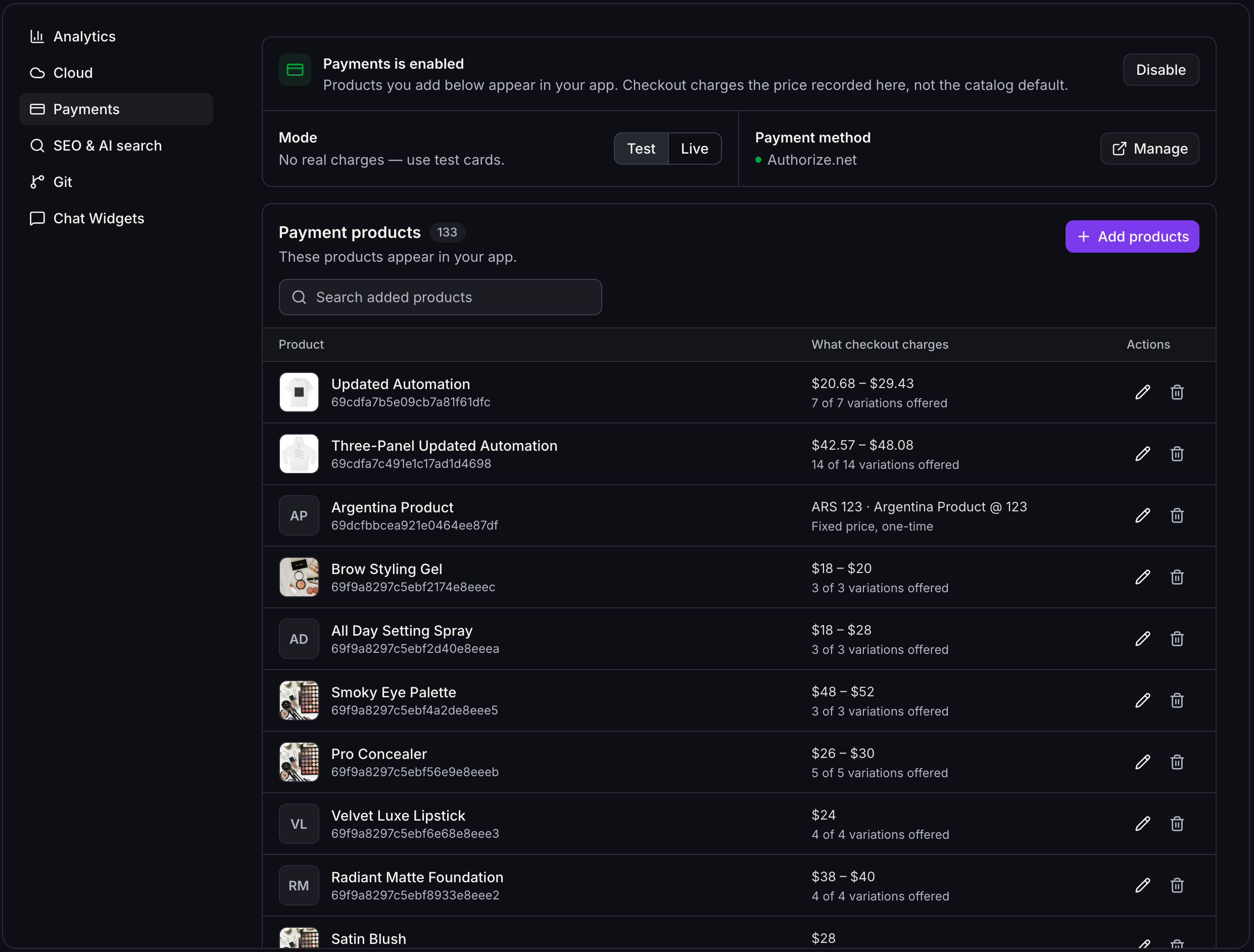
- No more 100-product limit in the Payments panel. You can now bring in as many products from your store as you need when setting up your AI studio site.
What’s improved
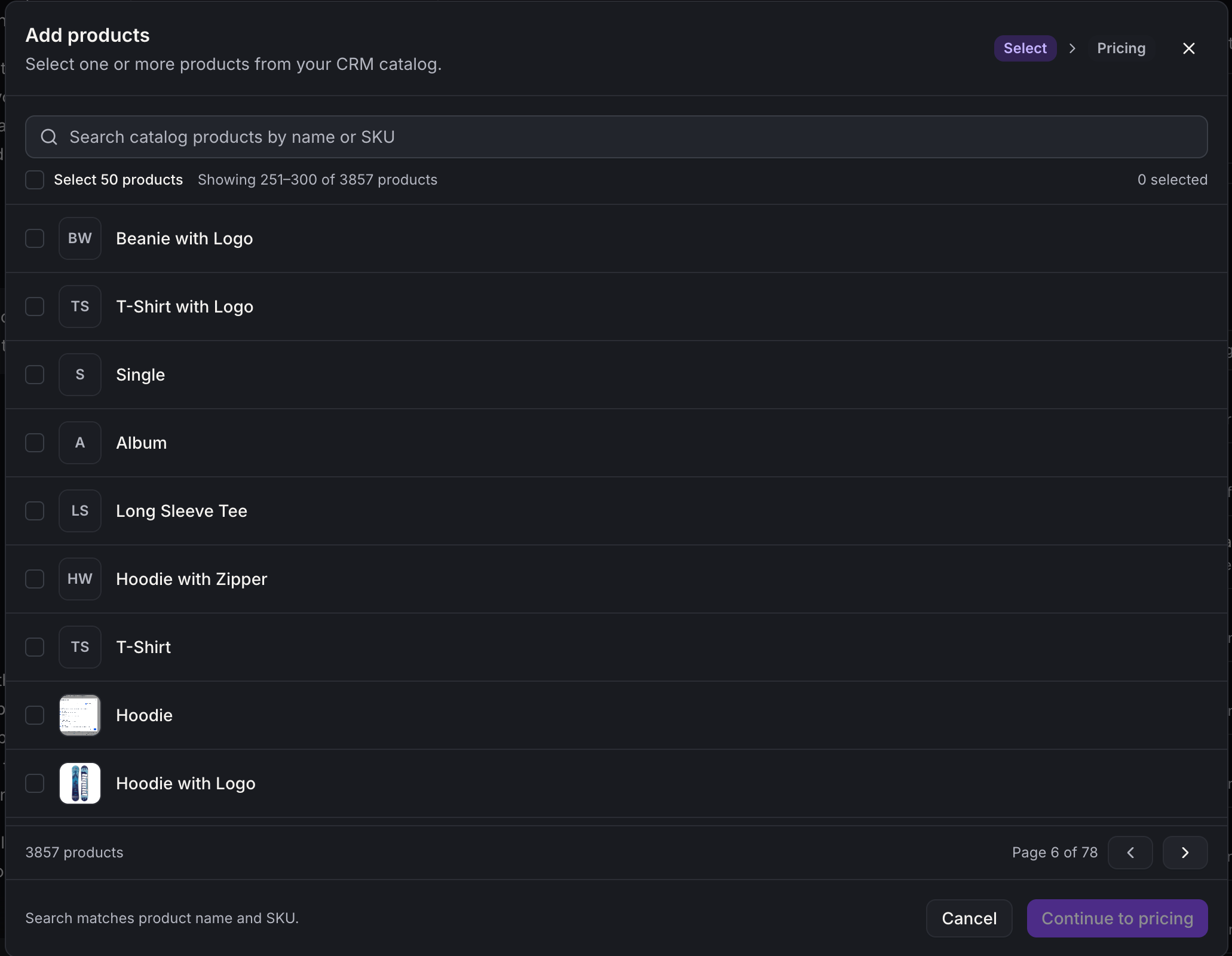
- Add products in bulk. In the product picker, you can now select an entire page of products at once and add them with a single save, instead of choosing items one by one.
- Use a faster product list. Your added products now load a page at a time, with search across all of them, so even very large catalogs stay quick to review and manage.
- Browse your full store. The product picker now pages through your whole store catalog and clearly marks the products you have already added to your AI studio site.
Good to know
- When checkout is set to “All products”, buyers still see the first 100 products from your catalog. If you want to sell items beyond those, choose specific products to offer in the checkout or link buyers directly to individual product pages.
- A storefront product list can display up to 500 products, and storefront search works across those same products. This helps keep browsing responsive for your visitors, even with larger catalogs.
You do not need to change anything. Your existing products, sites, and checkouts continue to work the same way as before with these improvements in place.