You can now see which certificates and badges your members earn, download, and share, all from a new Analytics page inside EveryCatch under Credentials.
Previously, you could issue certificates and badges without a clear view of how members engaged with them. Credential analytics now gives you that visibility in one place.
What changed
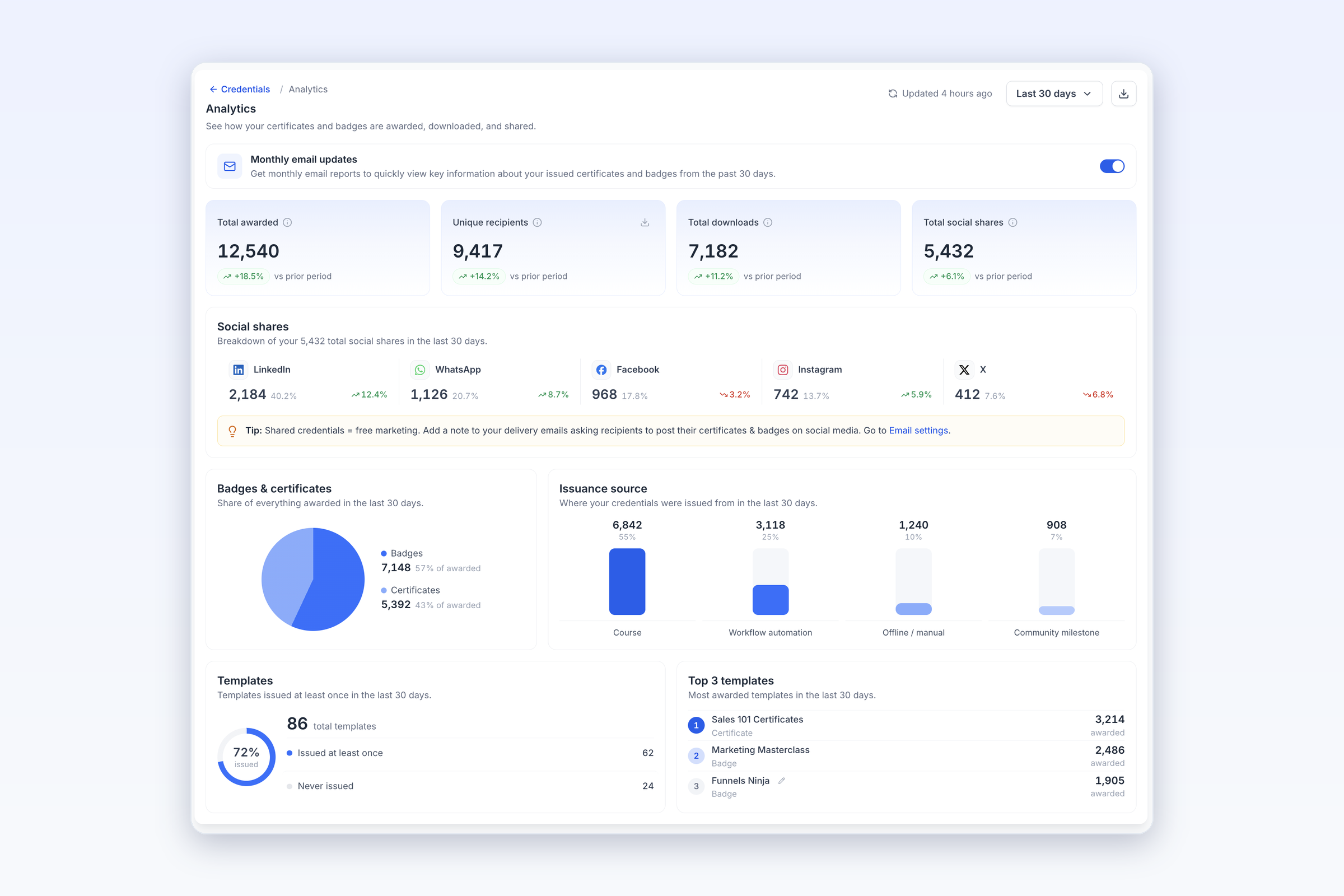
- Analytics page: A dedicated view under Credentials where you can review activity and export everything to CSV with one click
- Key metrics: Track credentials awarded, unique recipients, downloads, and social shares so you know how each credential is being used
- Template insights: See issued vs not-issued templates, your best-performing templates, the mix of badges vs certificates, and where each credential was issued from in EveryCatch
- Monthly summary email: An optional recap of the previous month sent to your inbox on the 1st, so you do not have to log in to stay updated
Why you'll love it
- Understand at a glance whether your credentials are resonating with members and driving engagement
- Quickly identify templates that are not being used, then decide whether to update, promote, or retire them
Get started
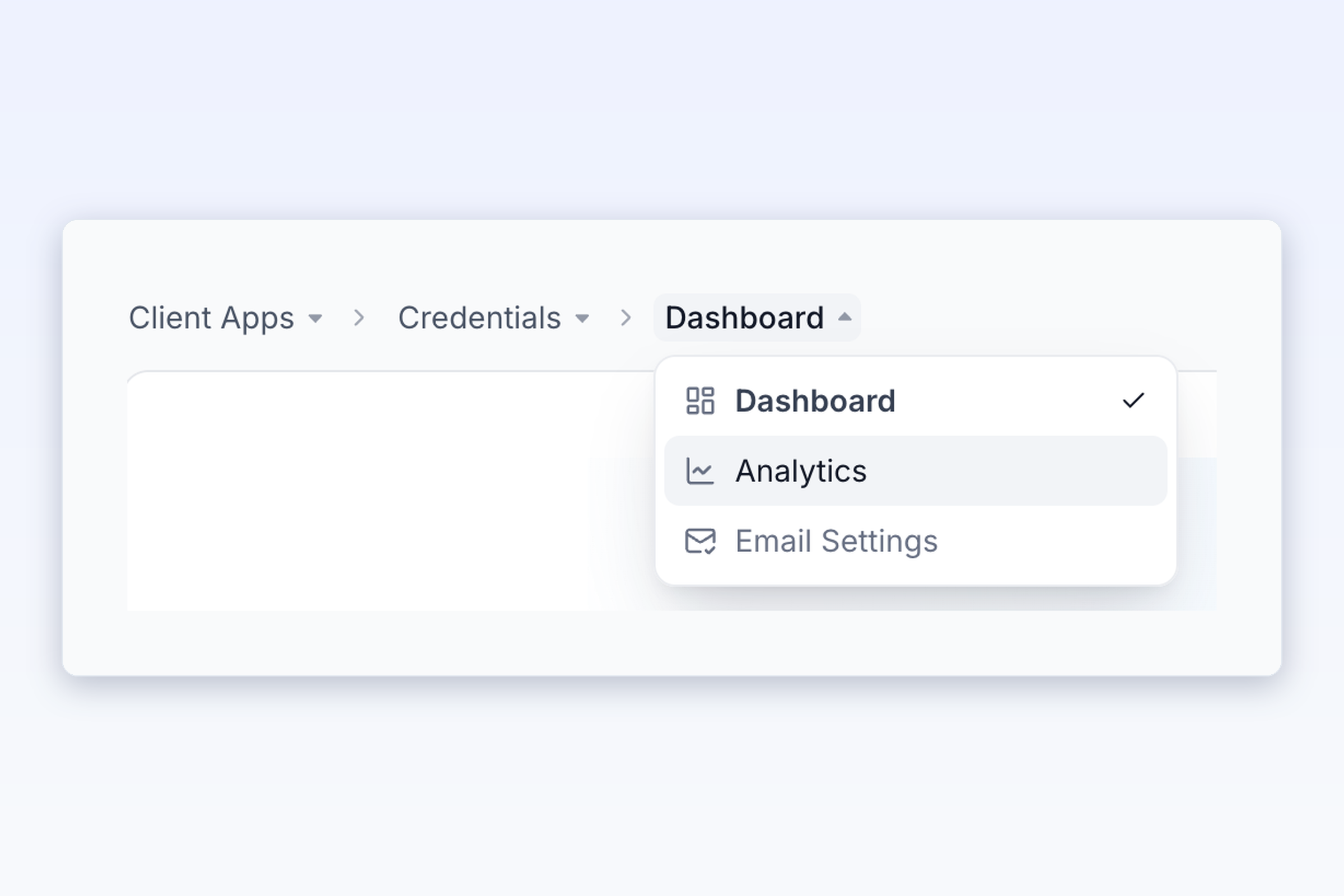
To try it, go to Memberships (or Client Apps) → Credentials → Analytics and explore your data. If you prefer to receive a regular snapshot, switch on the monthly email and EveryCatch will send your recap to your inbox on the 1st of each month.