Overview
You can now connect your community membership questions directly to CRM custom fields in EveryCatch.
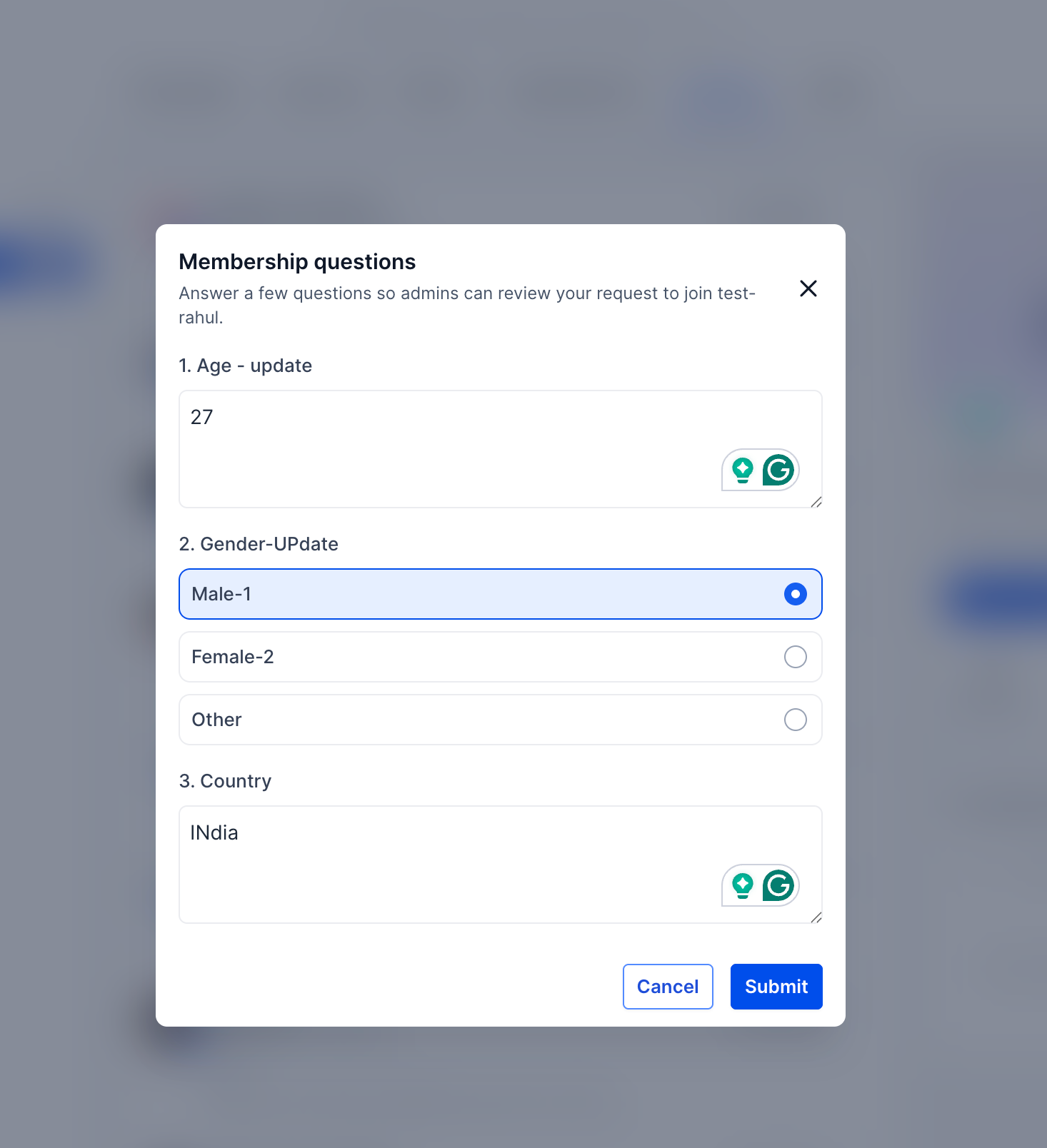
When someone joins your community and answers the membership questions, EveryCatch automatically writes their responses into the matching custom fields on their CRM contact record. This helps you collect key onboarding details up front and immediately use that data in your existing workflows and automations.
This update keeps membership answers in sync with CRM custom fields, so you can run automated approvals, trigger workflows, and keep contact records current without manual data entry.
How to use it
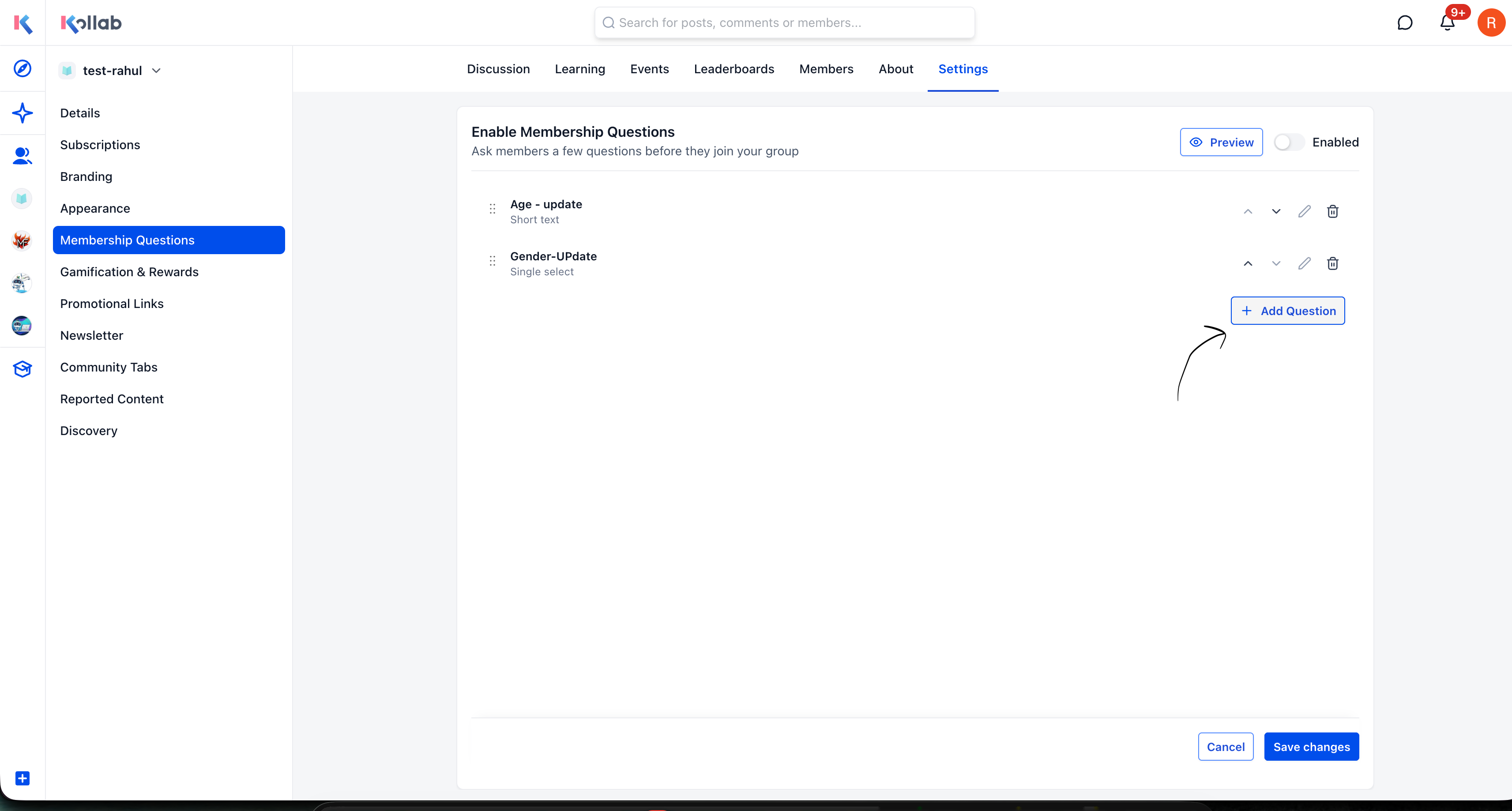
In your community, go to Settings → Membership questions.
- Click Add question.
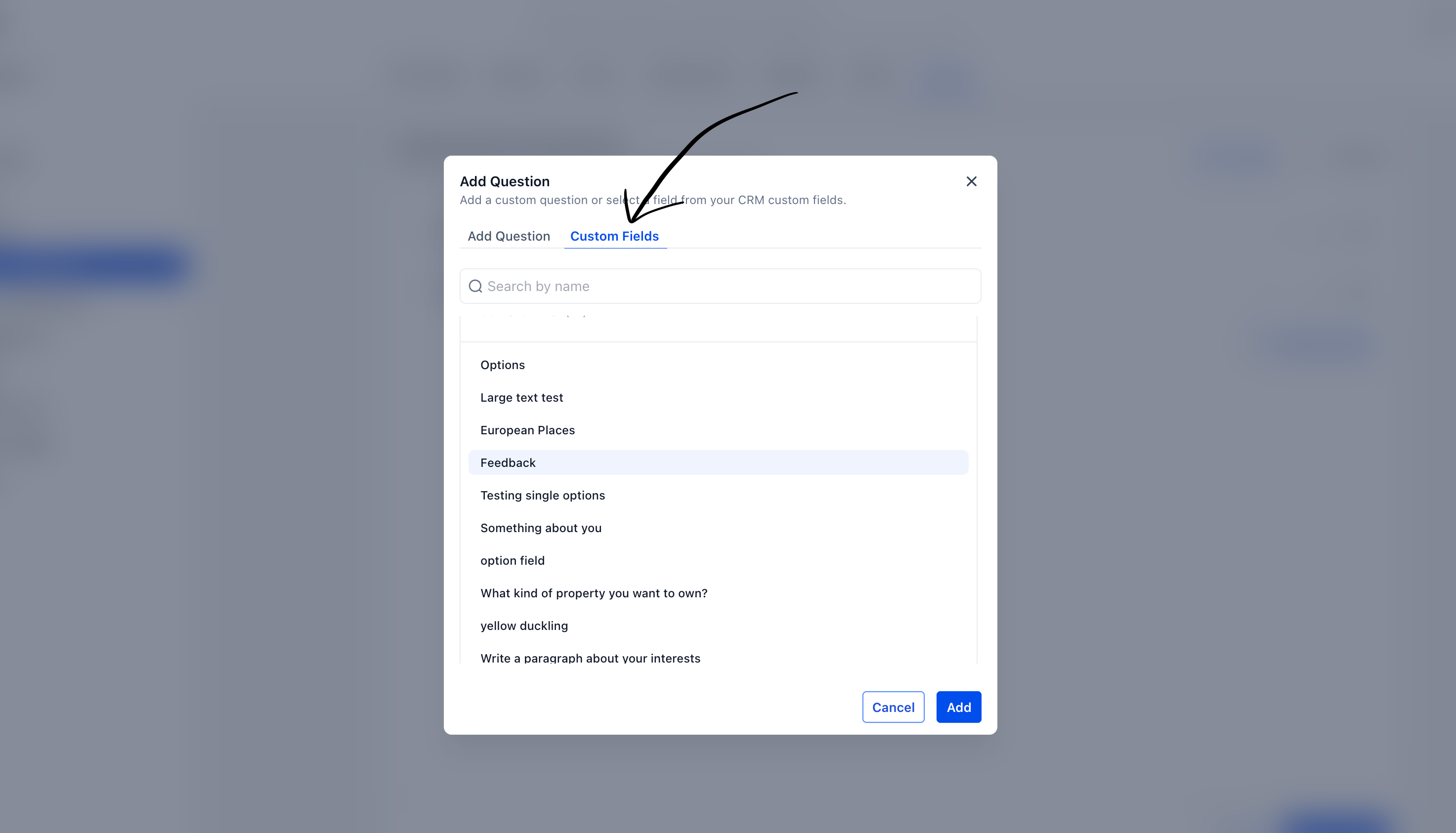
- Select the Custom fields tab.
- Choose the CRM custom field you want this question to update.
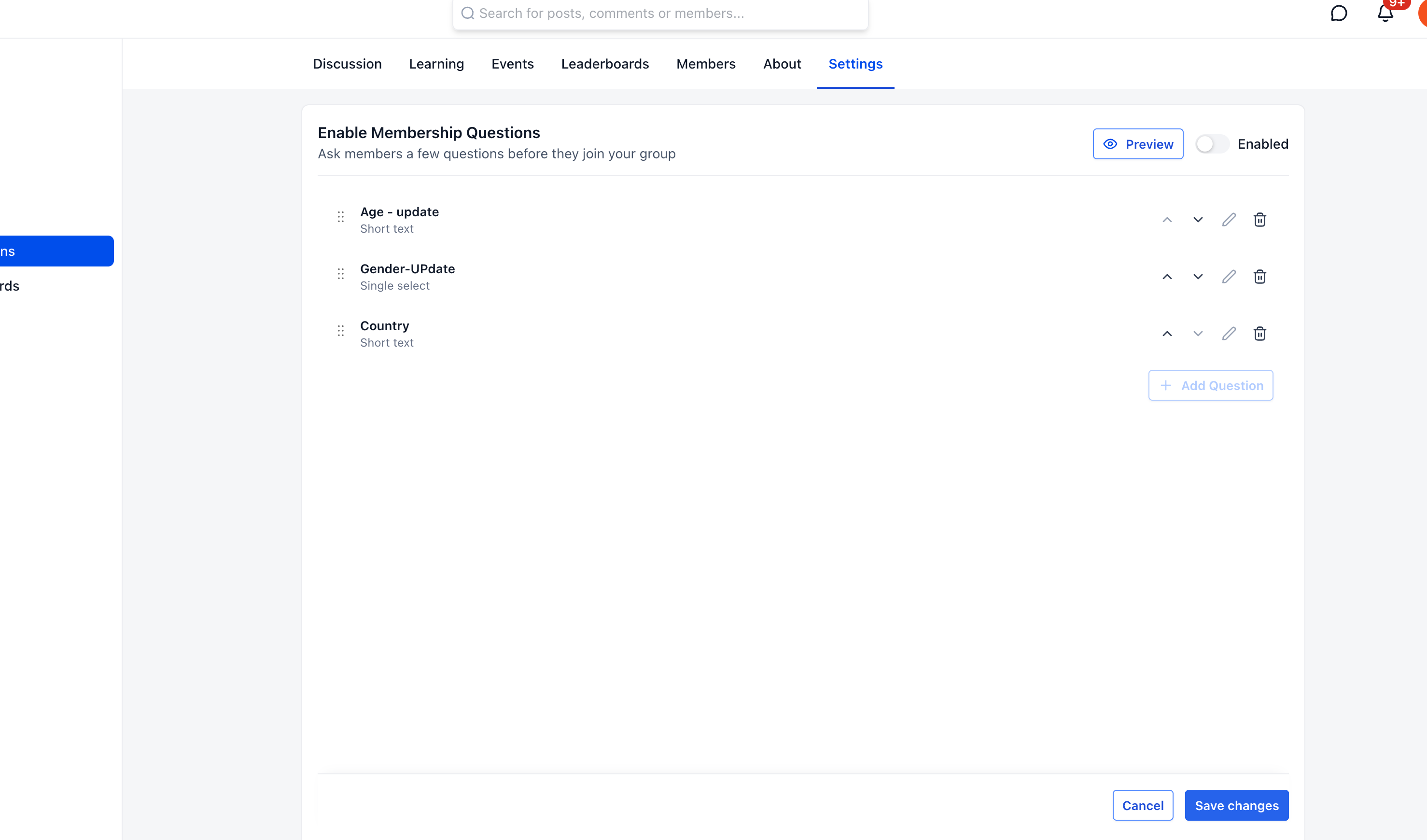
- Click Save.
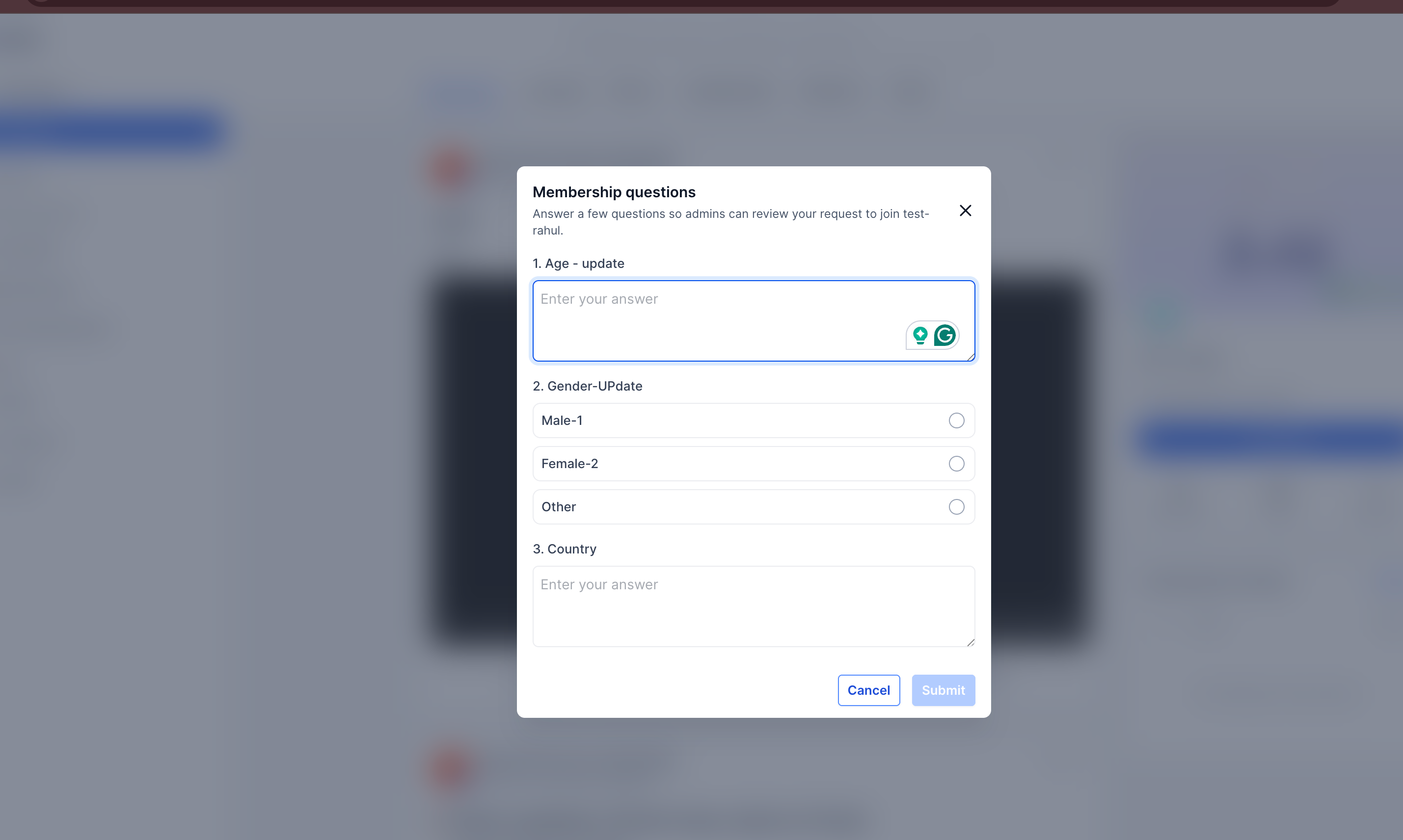
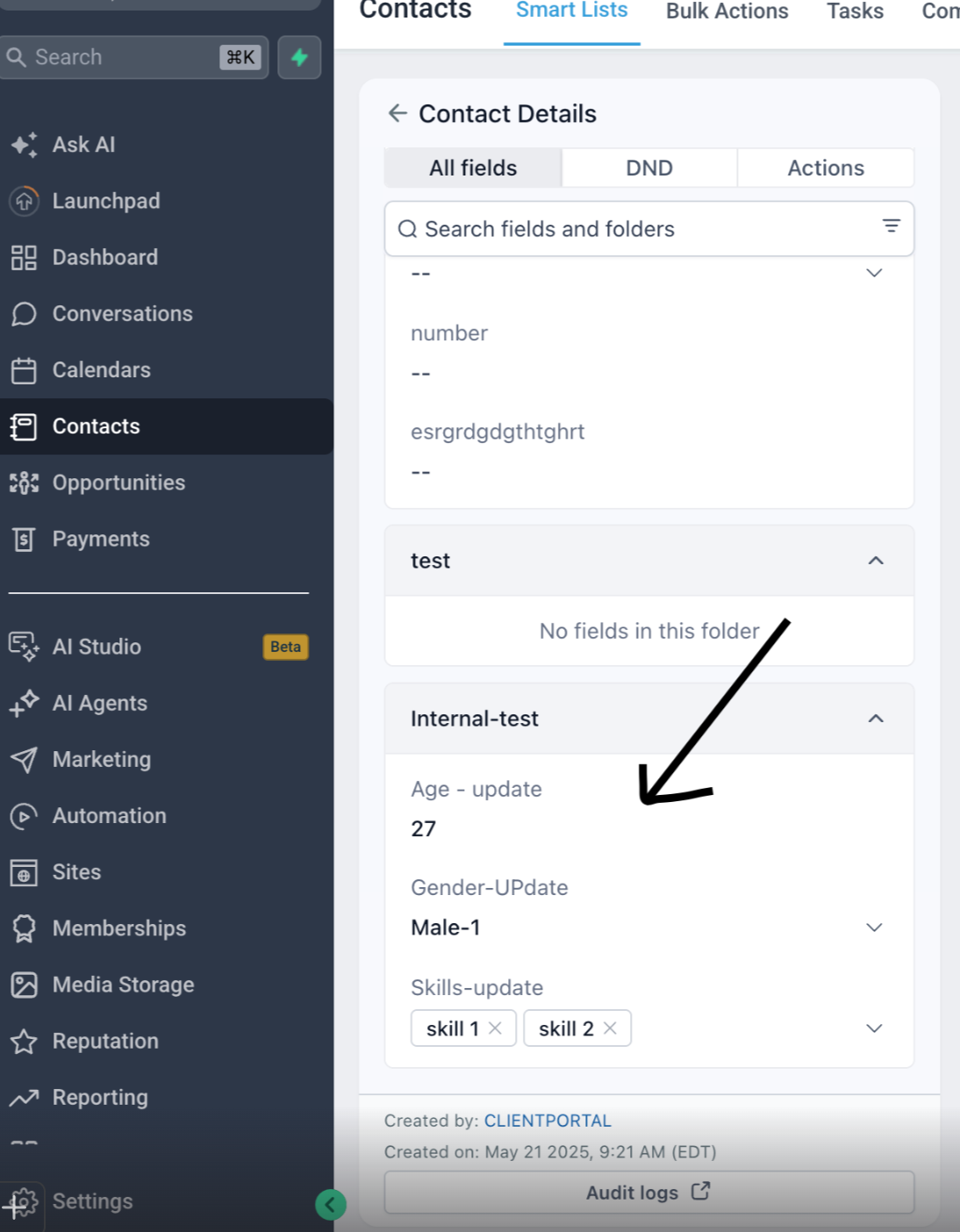
After a member joins and submits their answers, EveryCatch automatically updates the linked CRM custom fields with their responses.
You can review the submitted answers in the contact record, inside the custom fields folder where you saved that field.