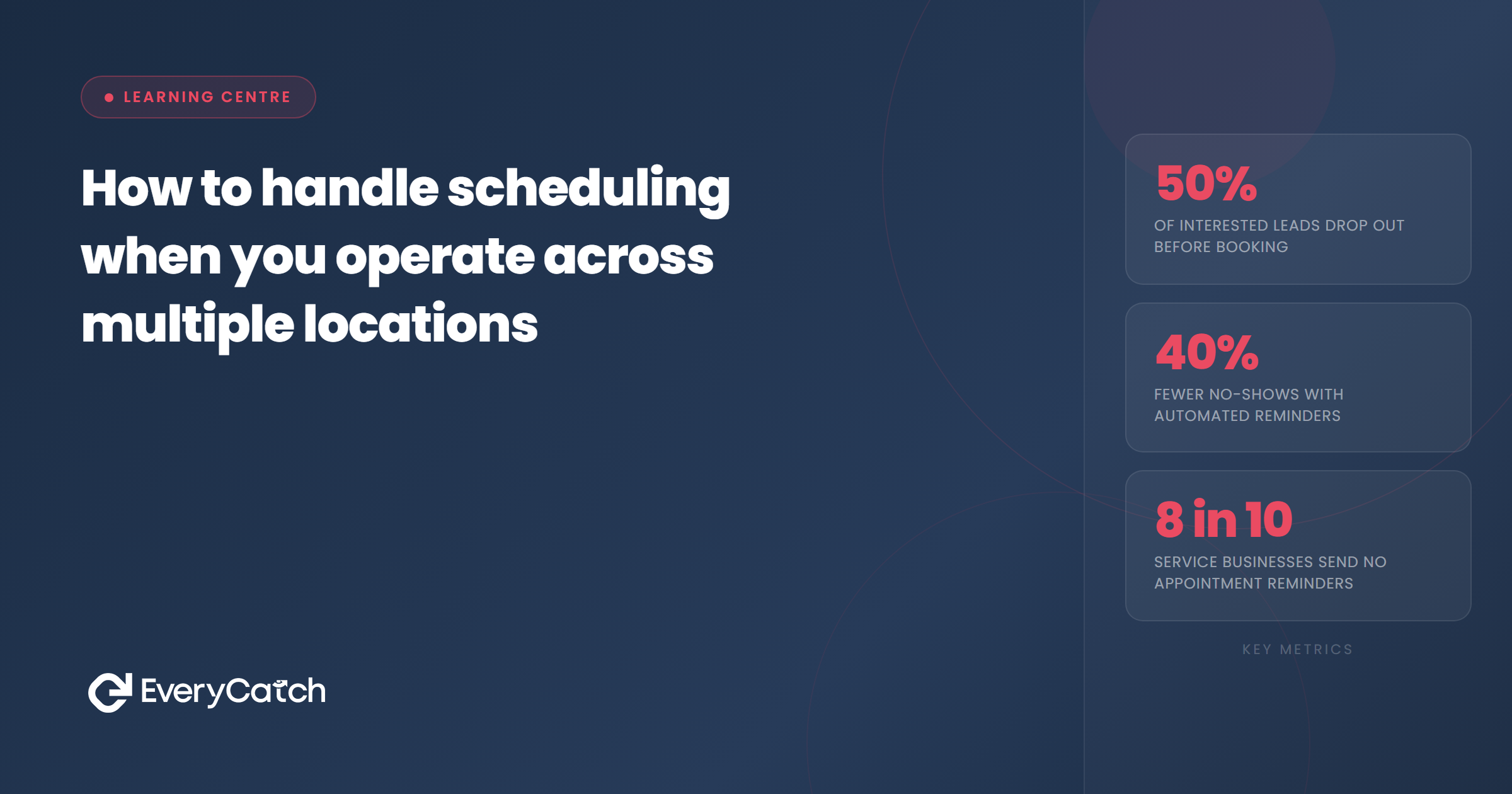
- Multi-location scheduling fails when each location runs its own separate system with no central view.
- The fix is per-location calendars that all feed into one central dashboard, so availability is visible across the whole business.
- Customers should be routed to the right location during the booking process, not asked to figure it out themselves.
- Staff who work across locations need a single calendar that updates in real time to prevent conflicts.
- Automated confirmation messages should include the specific location address, not just the appointment time.
To handle scheduling across multiple locations, you need each site to have its own calendar with its own availability, all feeding into a single central view. The customer asks about booking, the system identifies which location is relevant or asks them to choose, and slots from that location's calendar are offered. Without this structure, the booking process becomes a guessing game, and double bookings or missed appointments follow quickly.
Why scheduling across multiple locations breaks down
The most common failure is managing each location independently. One site uses a shared diary on someone's phone. Another has a wall planner. A third is tracked in a spreadsheet. Nobody has a complete view of the whole business. When a customer calls the central number asking to book, whoever answers has to check each location manually, risk getting availability wrong, and then call back to confirm. By that point, some customers have already moved on.
The second failure is routing. Customers who are not sure which location serves them end up contacting the wrong site, getting passed around, or simply booking at the wrong place. Each transfer is friction, and friction is where leads are lost. The issue is covered more broadly in the piece on why the booking step loses more leads than you think, but multi-location businesses experience it more acutely because the routing problem adds another layer.
The structure that makes multi-location scheduling work
A functioning multi-location setup has three components working together.
Per-location calendars. Each location has its own calendar with its own availability and its own staff allocations. Bookings at one location do not appear on another location's calendar. Opening hours, staff working patterns, and capacity limits are set per location, not globally. This is the foundation. Without it, everything else fails.
A central management view. All per-location calendars roll up into one interface that gives the business owner or manager a complete picture. Appointments across all sites are visible. Gaps in availability at one location can be spotted without switching between tools. If a location is fully booked this week, that is visible immediately, and staff can be considered for redistribution if appropriate.
Automated customer routing. When a customer books, the system asks for their location or postcode, or presents location options, before showing available slots. The customer selects the right site and sees only that site's availability. The confirmation message they receive includes the specific address, not just the appointment time.
Managing appointments across multiple sites?
EveryCatch gives you per-location calendars and a central view so nothing falls between the gaps.
Book a free discovery callHow to handle scheduling when staff move between locations
Staff who work across more than one site create a specific problem: their availability at Location A depends on what they are doing at Location B. A single global calendar for each staff member that updates across all locations is the only reliable solution. When a booking is made for a staff member at one location, that time slot becomes unavailable at all other locations automatically.
The alternative, which is checking manually and blocking time across multiple calendars, introduces lag. In that window, a double booking can occur. If your business relies on specific practitioners or technicians, this is not a theoretical risk. It happens regularly in businesses without proper integration.
EveryCatch's pipeline view gives a real-time picture of where every lead and appointment sits across the business, including which location is involved, so operational decisions can be made without trawling through individual calendars.
Routing customers to the right location automatically
The cleanest approach is to identify the customer's location during the initial enquiry and route them accordingly. This can happen automatically if the enquiry comes through a location-specific channel, such as a Google Business Profile listing for a particular site. It can also happen via a qualifying question early in the booking flow: "Which of our locations is closest to you?" or "What's your postcode?" maps to the nearest site without requiring the customer to know the answer.
Location-specific phone numbers or booking links for each site are another option. A customer who finds the business via the Northampton listing calls the Northampton number, which routes their enquiry to the Northampton calendar. No routing decision is required on the customer's part.
The confirmation message matters as much as the booking itself. A customer who booked at the right location but received a generic confirmation without the address is likely to show up at the wrong site. Location-specific confirmation templates that include the full address, any parking instructions, and the specific staff member they are seeing dramatically reduce this kind of confusion.

From the EveryCatch team
EveryCatch supports multi-location service businesses with per-site calendars, central oversight, and automated routing so bookings land in the right place without manual intervention. Each location operates independently while the owner sees everything in one view.



