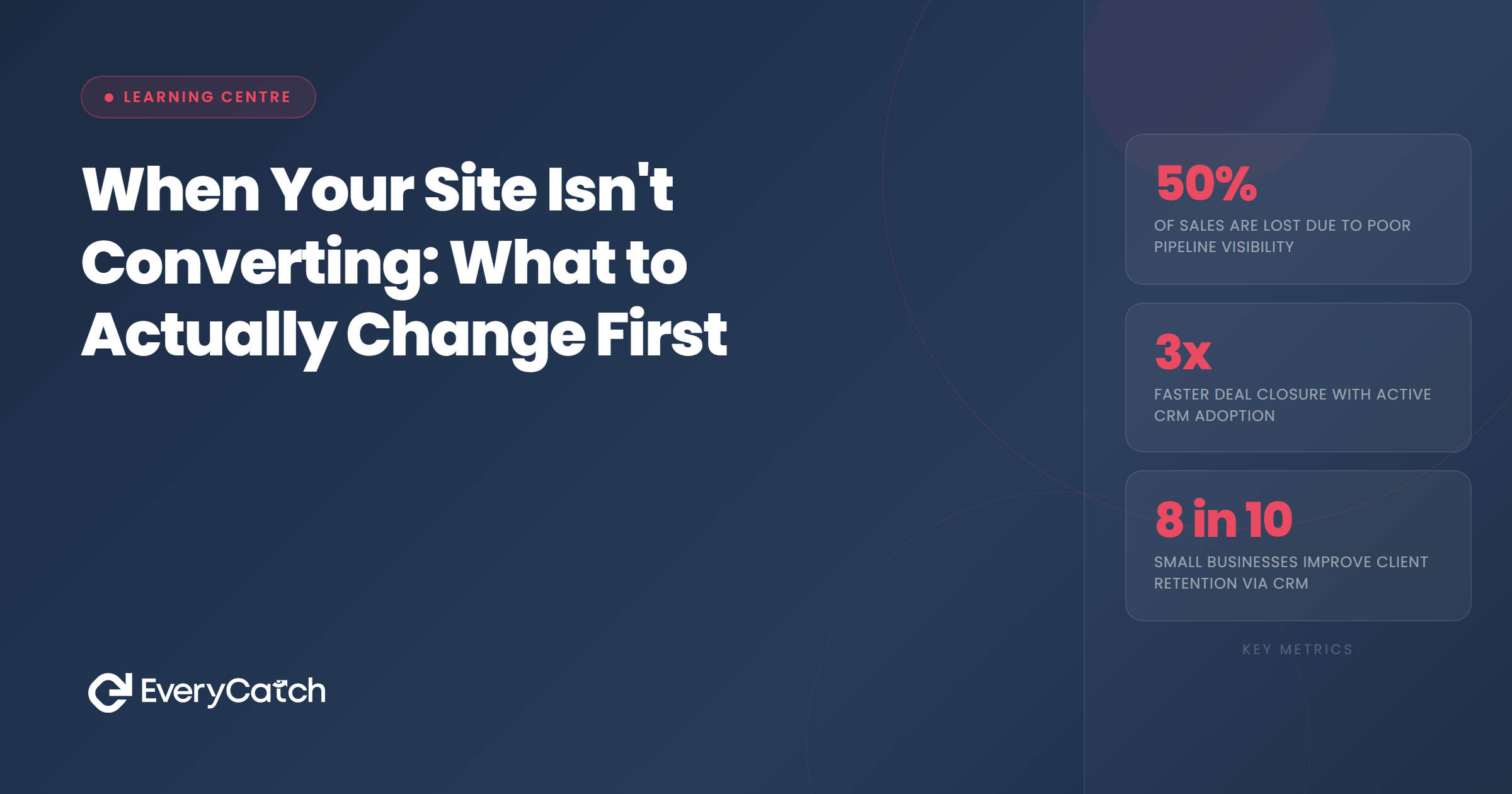

- "Not converting" means two entirely different things, and they need different fixes
- On-page issues (weak CTA, slow load, poor mobile UX) are real, but most take hours to fix, not weeks
- For most service businesses, the real conversion gap is post-submission: how fast you respond and whether you follow up
- A site generating 20 enquiries a week with only 3 bookings is almost always a response problem, not a page problem
- Fixing the follow-up process before touching the website will typically return more, faster
The two kinds of "not converting": why the diagnosis matters
When a business owner says their site isn't converting, they usually mean one of two things. Either the site isn't generating enquiries (form submissions are low, calls are rare, traffic comes and goes without contact) or enquiries are arriving but they're not turning into paid jobs. These are completely different problems that need completely different solutions. Conflating them is one of the most expensive mistakes in small business marketing.
If the site isn't generating enquiries, there's a legitimate case for looking at the page itself. Something in the experience is stopping people from taking action: a weak call to action, a form that feels invasive, no visible evidence of trust, or a page that loads slowly on mobile. These are real issues and they're worth addressing.
But if enquiries are arriving and they're not converting to jobs, working on the page is addressing the wrong problem entirely. The page already did its job. Something happened after the enquiry was sent that caused the lead to go elsewhere. That's where the investigation needs to start.
What actually affects on-page conversion
For businesses where the first problem applies, the fastest diagnostic is the three-second clarity test: within three seconds of arriving on the page, can a visitor answer three questions — what does this business do, do they serve people like me, and how do I get in touch? Most service business pages fail this not because they are designed badly, but because they were written by people who already know the business. Hand the page to someone unfamiliar with it and ask those three questions cold.
If the page passes that test, the next area to check is the call to action. A single clear action should appear before the visitor has to scroll, but the copy matters as much as the placement. "Contact us" is passive and tells the visitor nothing about what happens next. "Get a free quote" is common but functional. "Tell us what you need — we'll get back to you the same day" sets a commitment and gives the prospect a reason to complete the form now rather than closing the tab. Whatever the copy, make sure there is only one primary action on the page and that it appears immediately on load.
Trust signals are the friction-reducers that lower the "can I trust this business with my details?" threshold. On a service business page, the ones that genuinely move the needle are: a specific count of reviews from a named platform rather than a vague "five-star rated" claim, a photograph of the actual person or team behind the business rather than stock photography, a named local address or specific service area, and any trade accreditations relevant to the sector. These should be visible without scrolling. Burying them in an About section or a footer is the same as not having them at the point of decision.
Form friction is usually the easiest fix of all. Count the current fields. Name, phone number or email address, and a brief description of what the person needs is the functional minimum. Fields asking for project budget, preferred timeline, or how the visitor heard about the business exist for the business's convenience, not the customer's — and every additional field reduces completions. Remove them and gather that information in the first conversation instead. The technical baseline (run the page through Google PageSpeed Insights; confirm the phone number is a tap-to-call link on mobile; confirm the form submits correctly on a phone without horizontal scrolling) takes under an hour to check and costs nothing to address before spending anything on development.
The part most guides don't mention
Here is where the real money goes missing in most service businesses.
Most conversion guides stop at the moment someone fills in a form or clicks to call. For service businesses, that's only half the journey. The second half (what happens in the minutes and hours after that enquiry arrives) is where most conversion is actually won or lost.
Research into service business enquiry handling consistently shows that leads contacted within five minutes of submitting a form are many times more likely to convert than leads contacted after an hour. The prospect is still in active decision mode. They haven't started a conversation with a competitor yet. They haven't moved on to something else. After two hours, the gap grows sharply. By the time a callback arrives the following morning, the lead is often already booked with someone else and the only signal you receive is silence.
This is not a website problem. It is a response system problem. And it is invisible in a way that makes it particularly damaging. A business that generates 20 enquiries a week, responds to each within a few hours, and converts three or four to jobs sees a 15-20% conversion rate and assumes the website is underperforming. What it actually has is a significant revenue gap in its response process. The 16 or 17 enquiries that didn't become jobs didn't bounce off a bad landing page. They submitted the form, heard nothing quickly enough, and moved on.
The fix exists at different levels, and the right one depends on enquiry volume and how the team operates. The simplest starting point is an immediate confirmation sent when a form is submitted — most email platforms and website builders can trigger this automatically with no development required. A message that says "We've received your enquiry and will be in touch within the hour" keeps more leads warm because the prospect knows contact is coming. A team member whose first task when available is to check and respond to new enquiries brings a reliable manual process to businesses with manageable volume. For trades businesses where calls are the main channel and the team is on-site, a phone answering service handles inbound calls in the company name when nobody can pick up. Automated systems handle first contact, follow-up, and pipeline visibility across all channels simultaneously for businesses where volume or team structure makes manual response inconsistent. The right entry point is wherever the current process breaks down — and in almost every case, that entry point is faster and cheaper to fix than any website work.
Are leads going quiet after they contact you?
EveryCatch helps service businesses respond to every enquiry within minutes, automatically, so nothing falls through the gap between submission and conversation.
Book a free discovery callHow to know which problem you have
Three numbers tell you where the blockage is.
The first is your monthly form submissions as a percentage of unique page visitors. If this sits consistently below one percent, something on the page is creating friction. Above two percent and the page is working. If you don't have this number visible in Google Analytics or your website platform's dashboard, getting it should be the first step before anything else.
The second is your form-to-conversation rate. Of the people who submit an enquiry, how many have a real conversation with you (a phone call, a reply thread that goes beyond one message) within 24 hours? If this number is below 70%, the gap is in your response process. Calls are being missed. Emails are sitting unread. Enquiries are going into a system nobody checks regularly enough. The fix is not a new website.
The third is your conversation-to-booking rate. Of the people you actually speak with in a meaningful way, how many book or go on to become customers? If this is below 30 to 40%, there may be a separate issue with how the business is presented in those conversations, or a pricing or positioning question worth addressing. But most businesses never reach this question because the gap is in the second number, not the third.
The practical fixes for a response gap range from a simple immediate-confirmation email on form submission (which most website platforms and email tools can set up in minutes) through to a full system covering missed calls, follow-up sequences, and visibility across every open enquiry and its current status. A business receiving three or four enquiries a week can close this gap through a committed manual process. One receiving twenty or more needs something more systematic. In both cases, addressing the response gap is faster to implement and typically returns more than any equivalent investment in the website itself.

From the EveryCatch team
EveryCatch was built specifically for service businesses losing enquiries in the gap between submission and response. The platform handles first contact, follow-up, and pipeline visibility so that no enquiry goes unanswered, even when the team is busy on a job.



