Overview
We’re expanding custom fields to give you more flexibility in how you capture, structure, and manage information. With new field types and enhanced configuration options, you can collect richer data, control inputs more precisely, and tailor fields to fit your business needs.
What changed
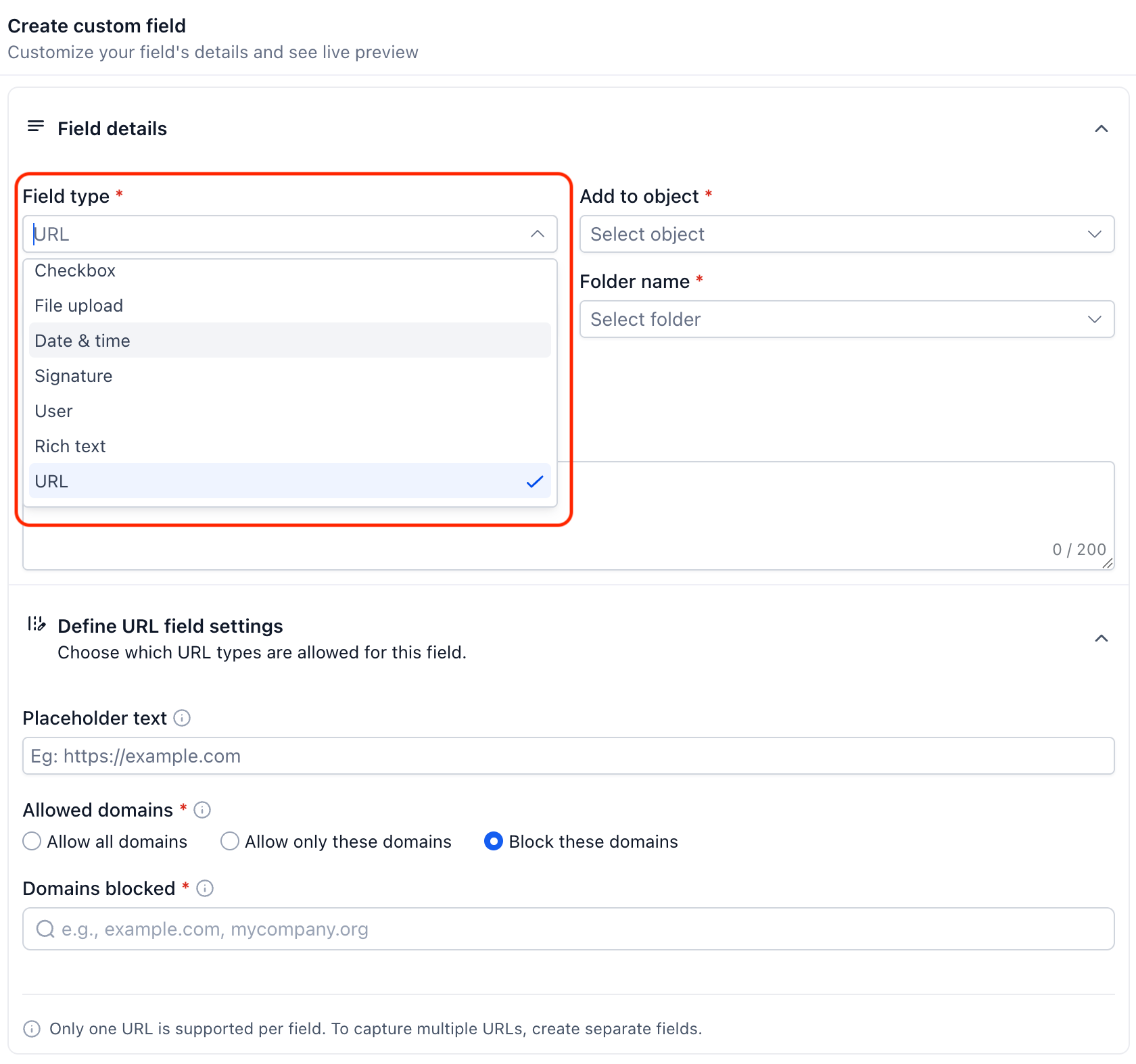
1. URL fields with domain controls
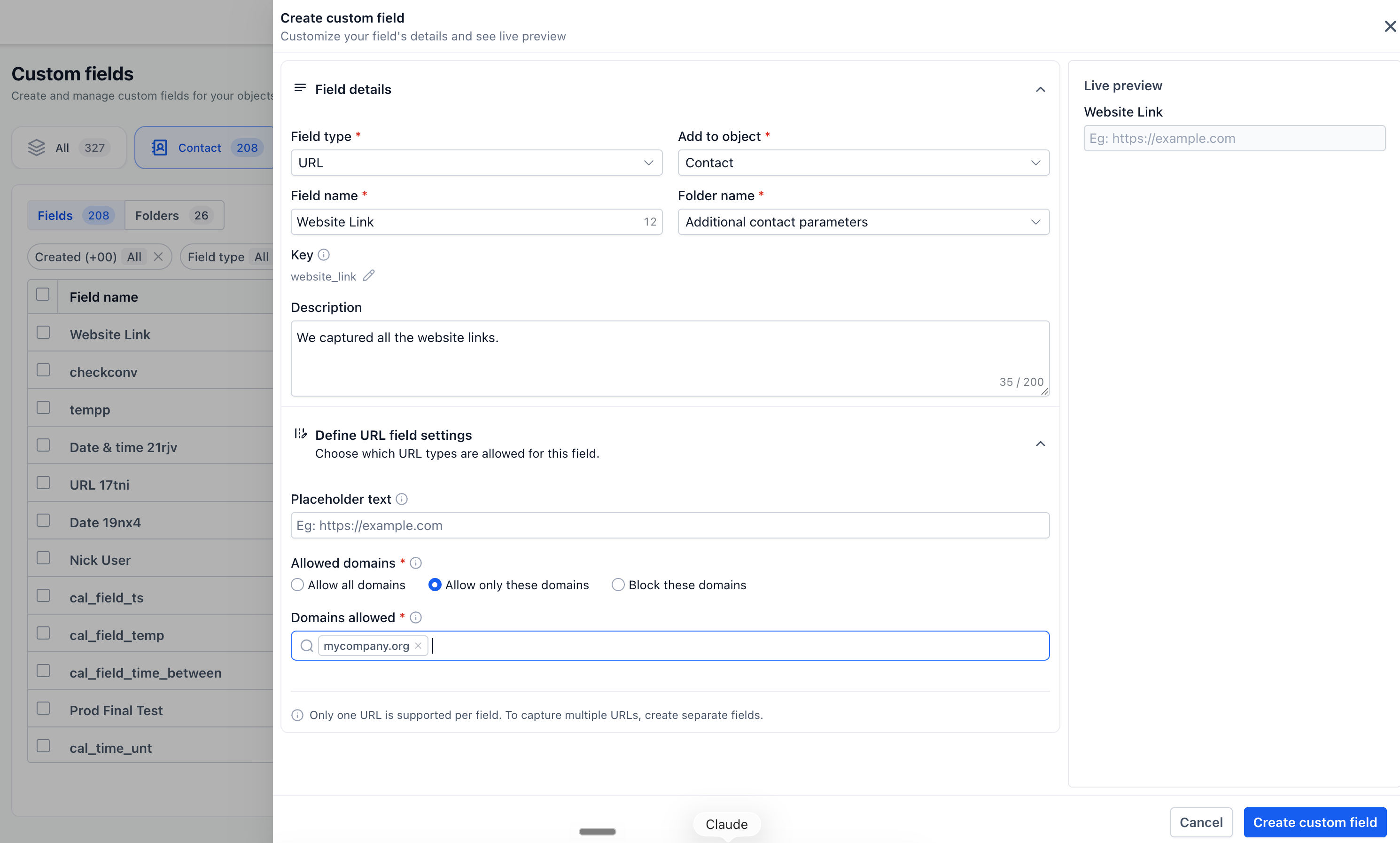
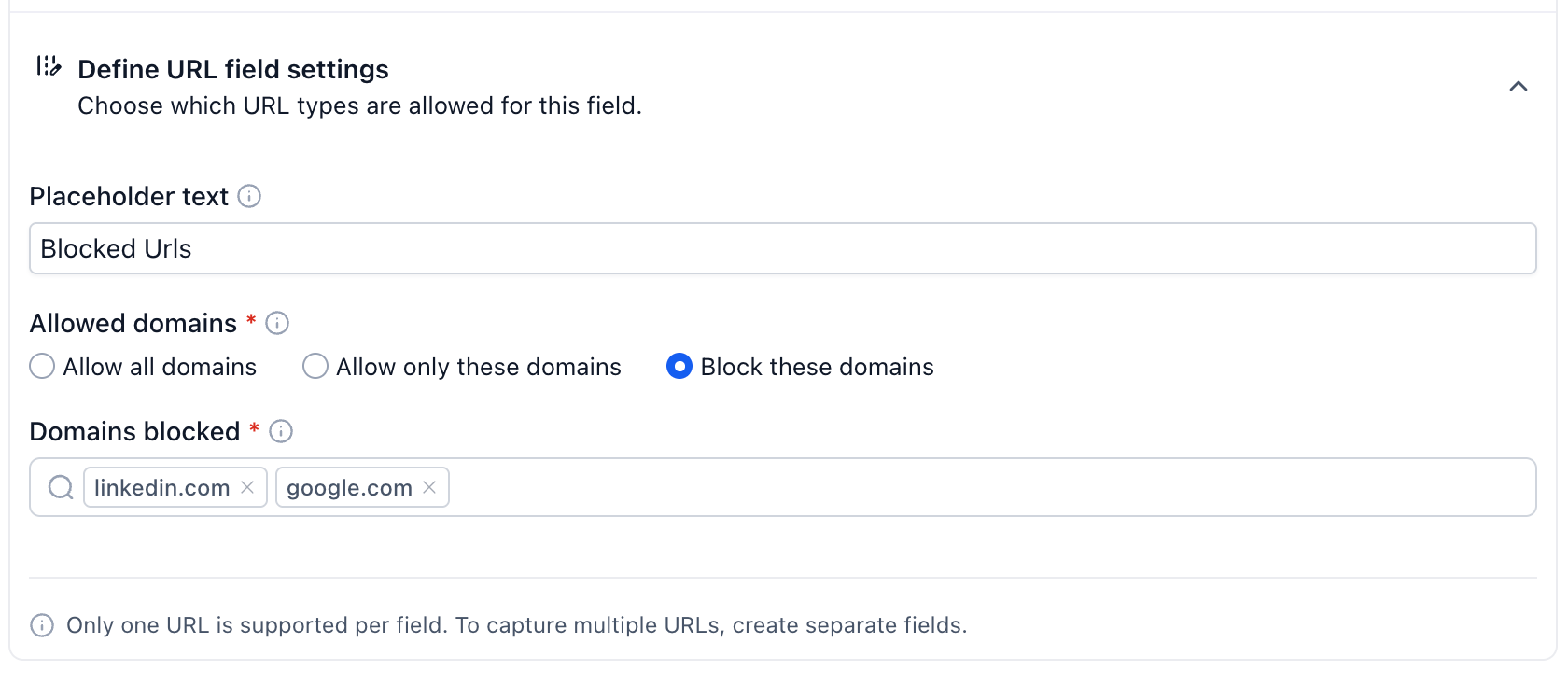
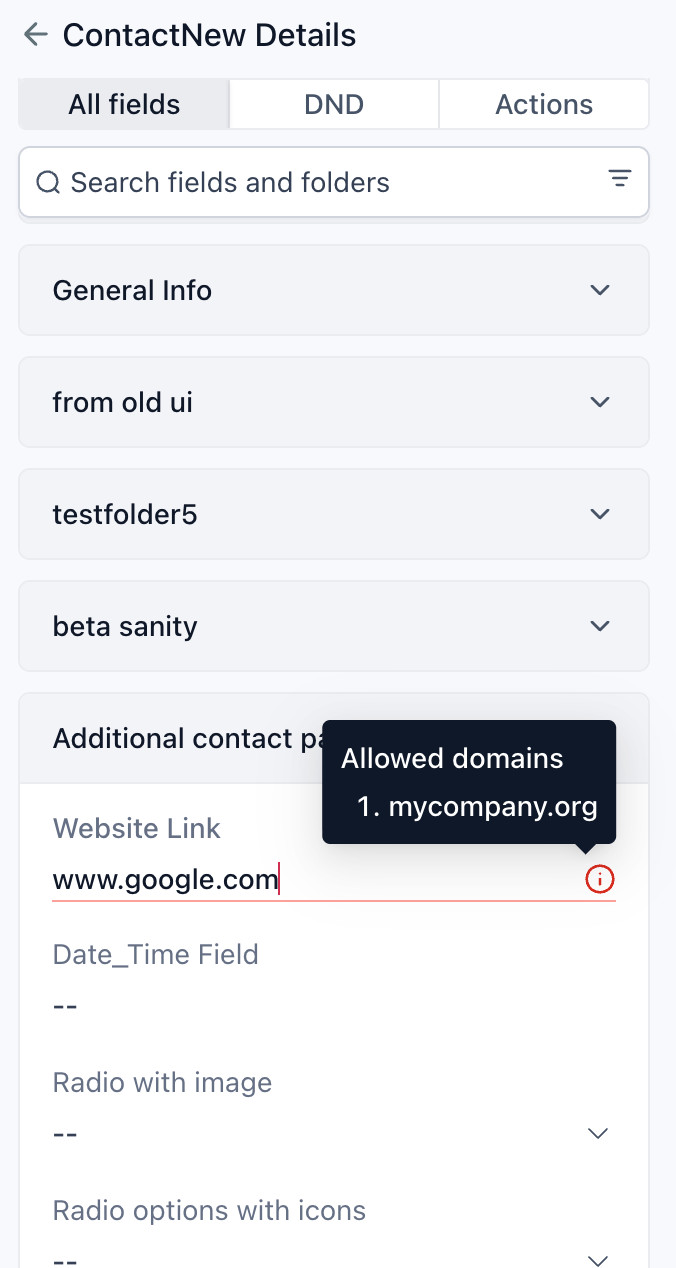
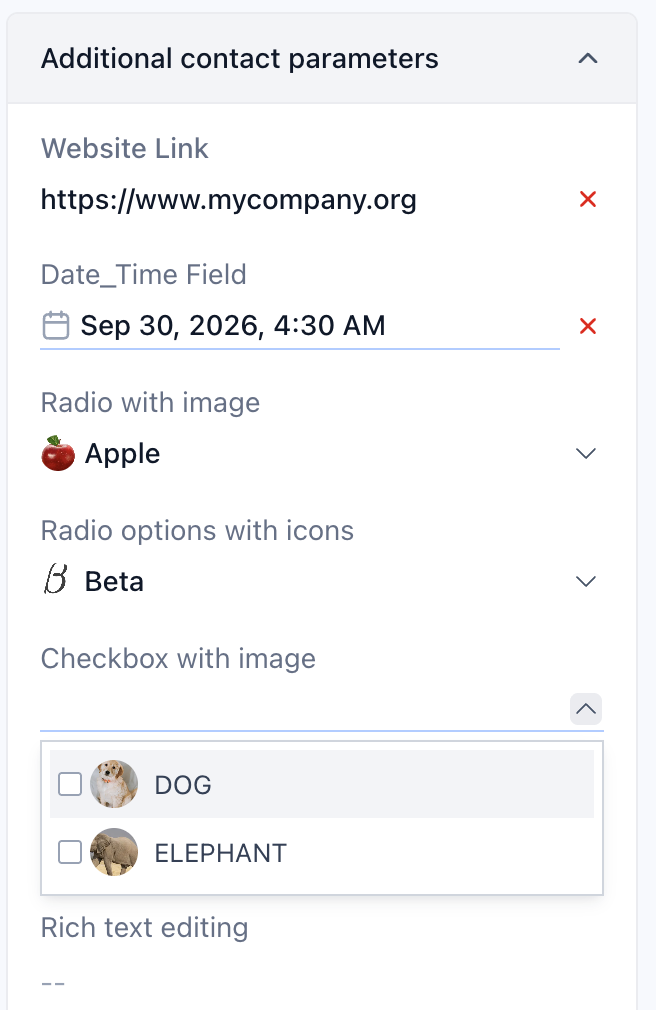
Create dedicated URL fields to capture website links, profile URLs, resource links, or other web addresses in a structured format. You can also control which URLs users can enter by choosing to allow all domains, allow only specific domains, or block specific domains. This helps ensure that the URLs being captured meet your business requirements.
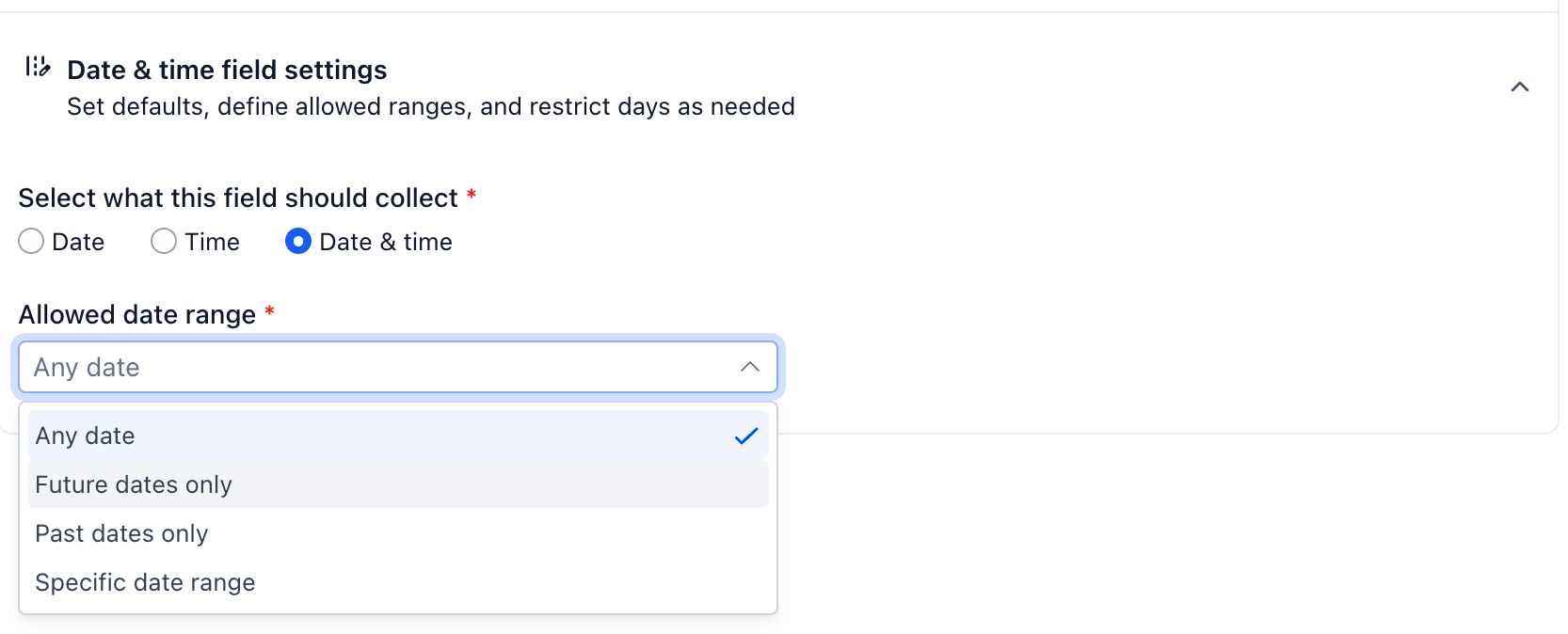
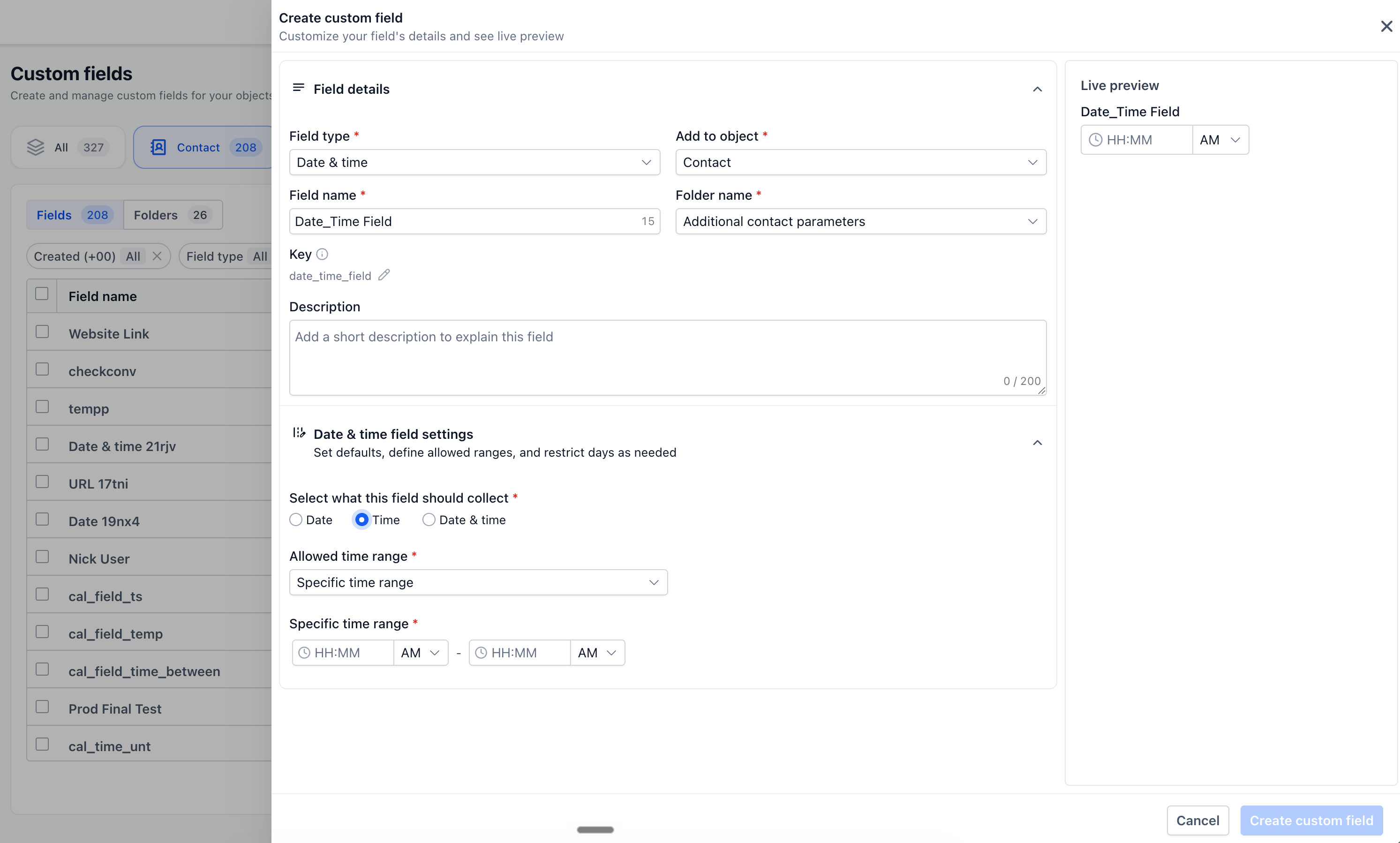
2. Flexible date & time fields
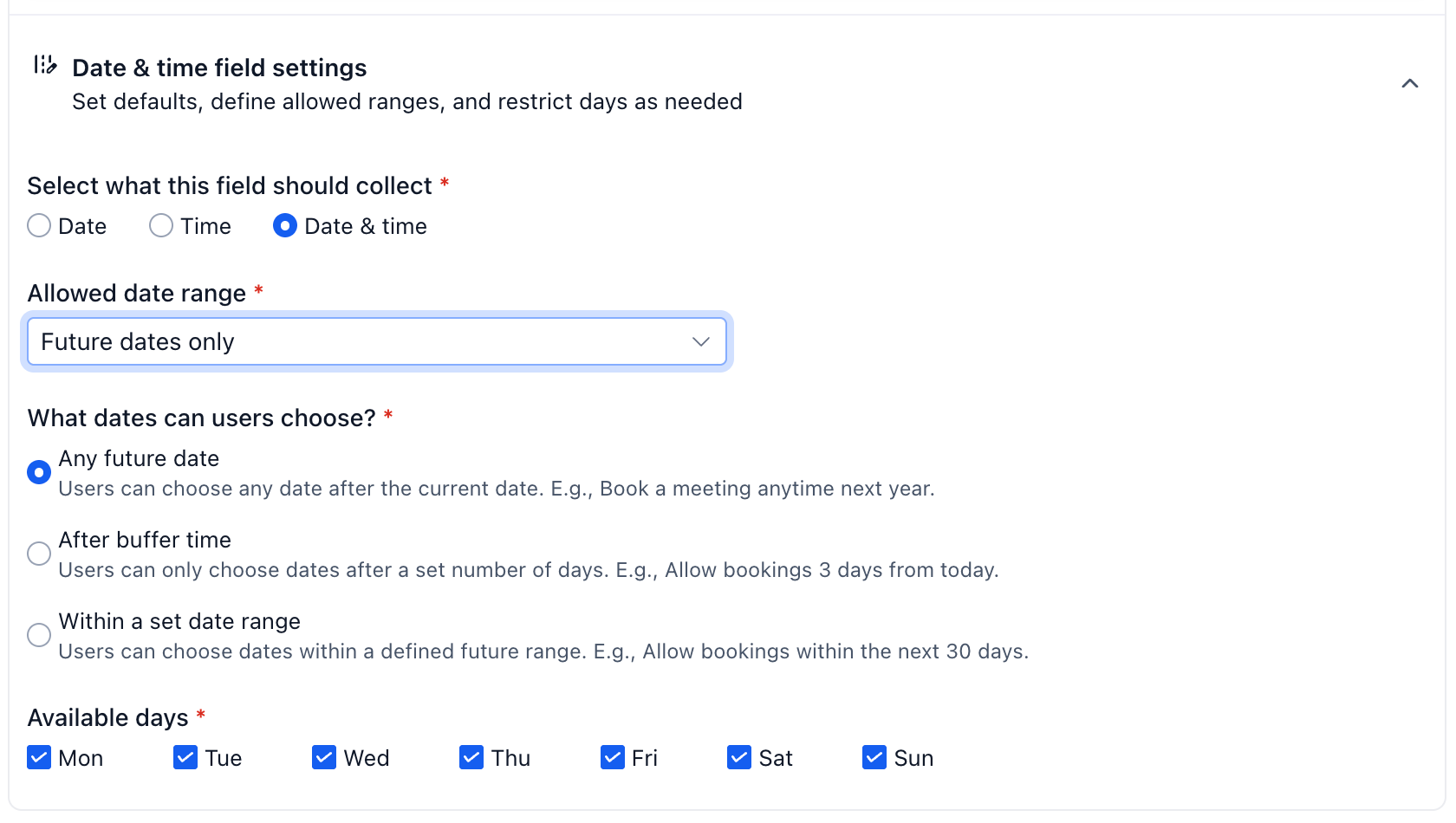
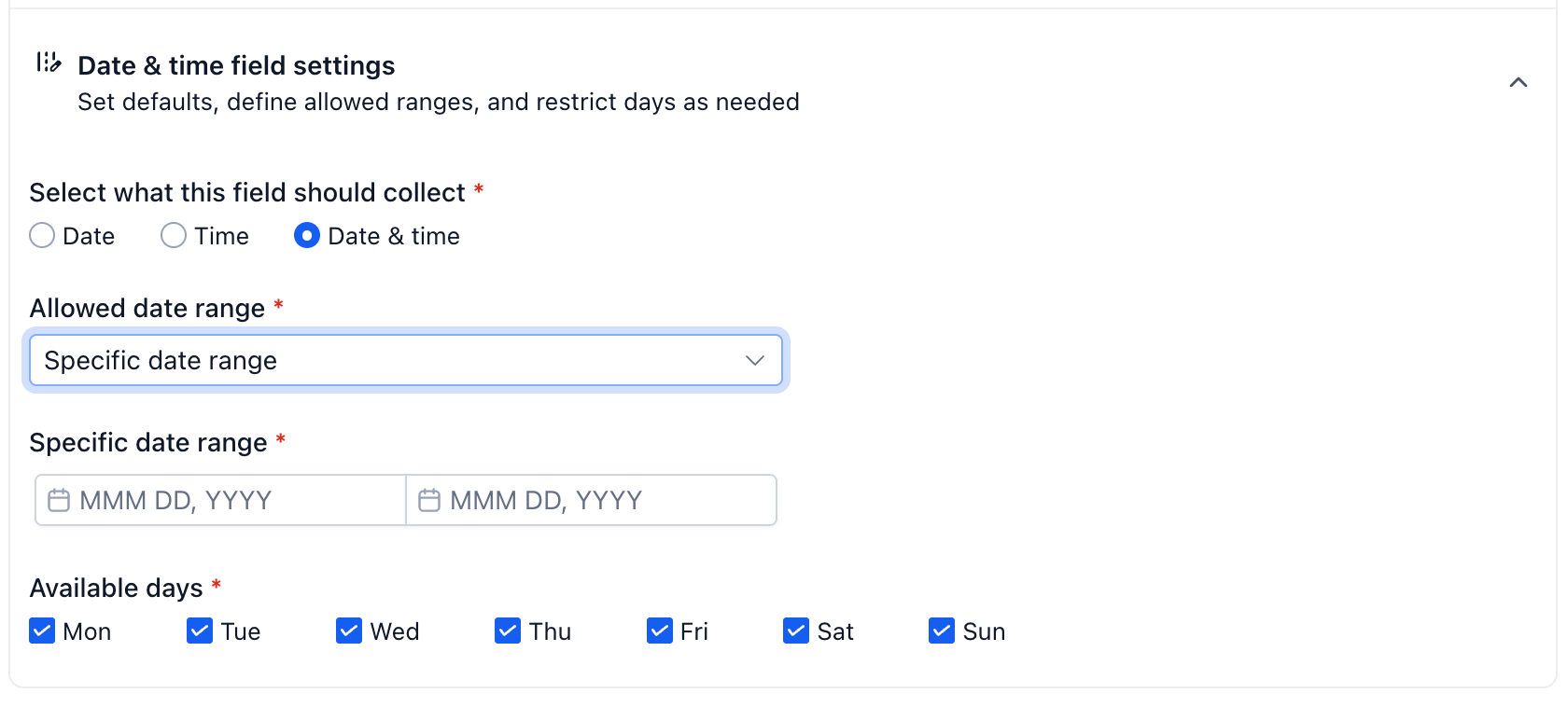
Capture date and time information in the format that best fits your use case. Choose between date & time, date-only, or time-only fields for information such as important dates, preferred contact times, renewal dates, or scheduled events. You can also restrict the selectable dates to future dates only, past dates only, or a specific date range, giving you greater control over the data entered.
3. Users fields
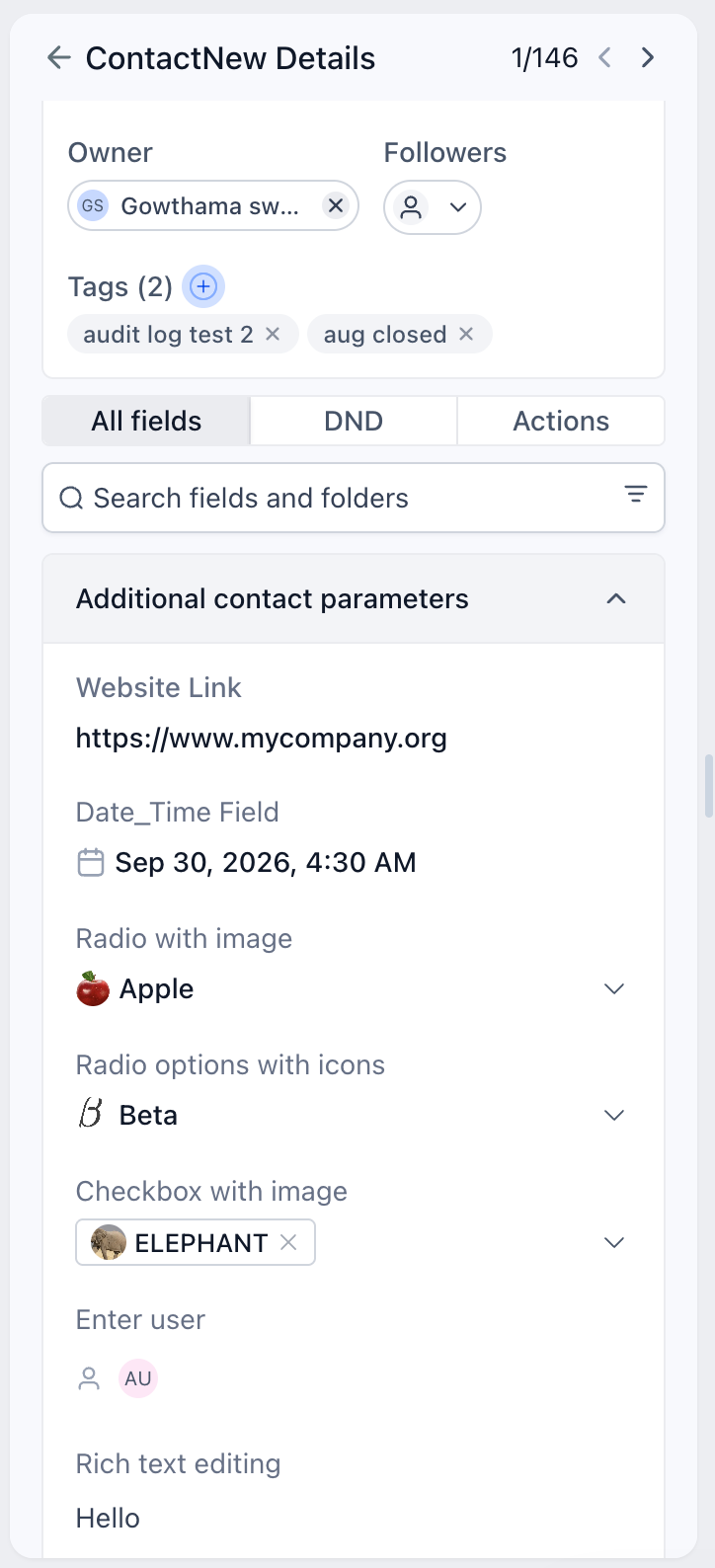
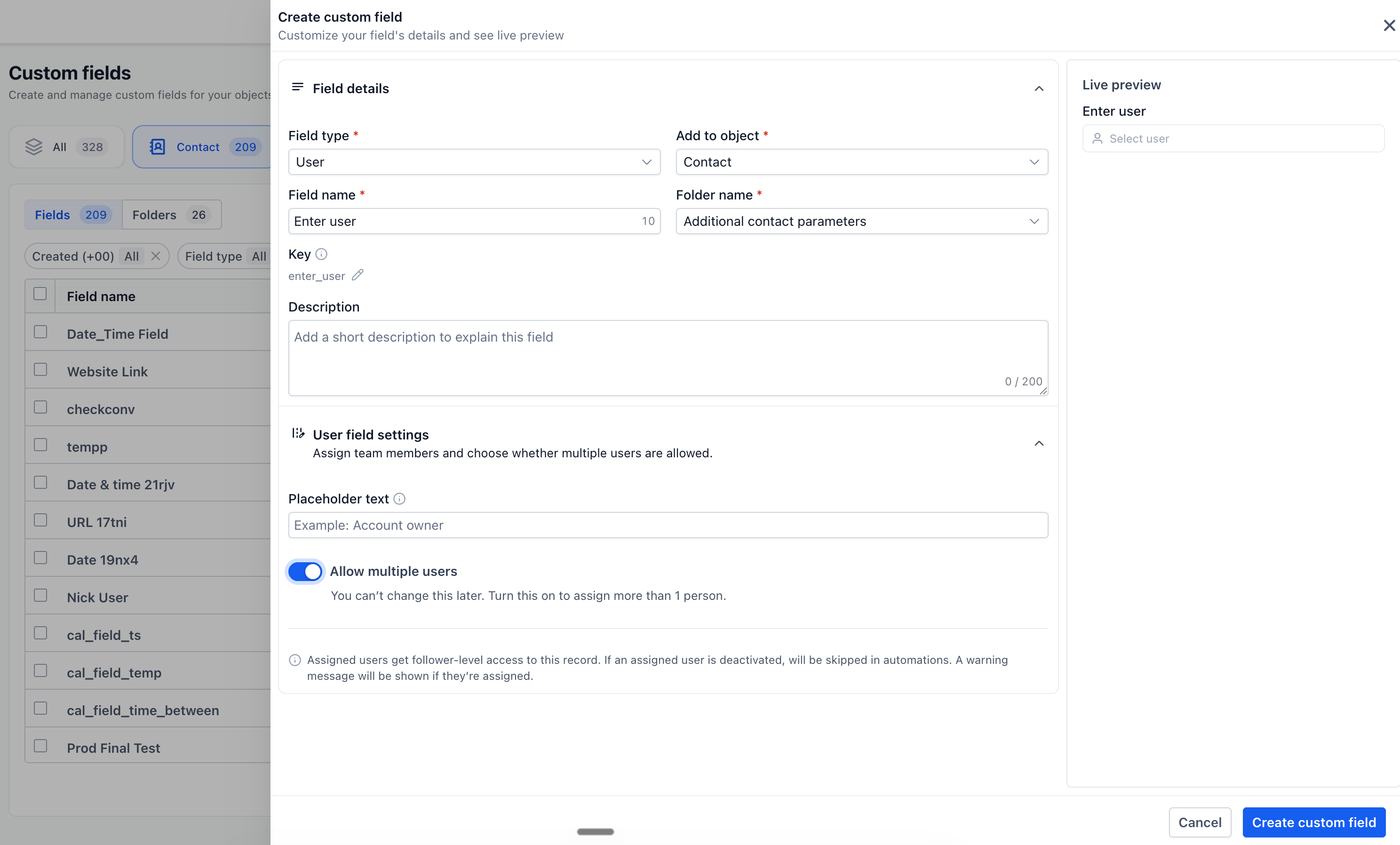
Associate the right team members with a record by selecting one or multiple users within a custom field. This can be useful when multiple people are responsible for managing or collaborating on the same record. Users assigned through this field will also receive follower-level access, helping the relevant team members stay connected to the record.
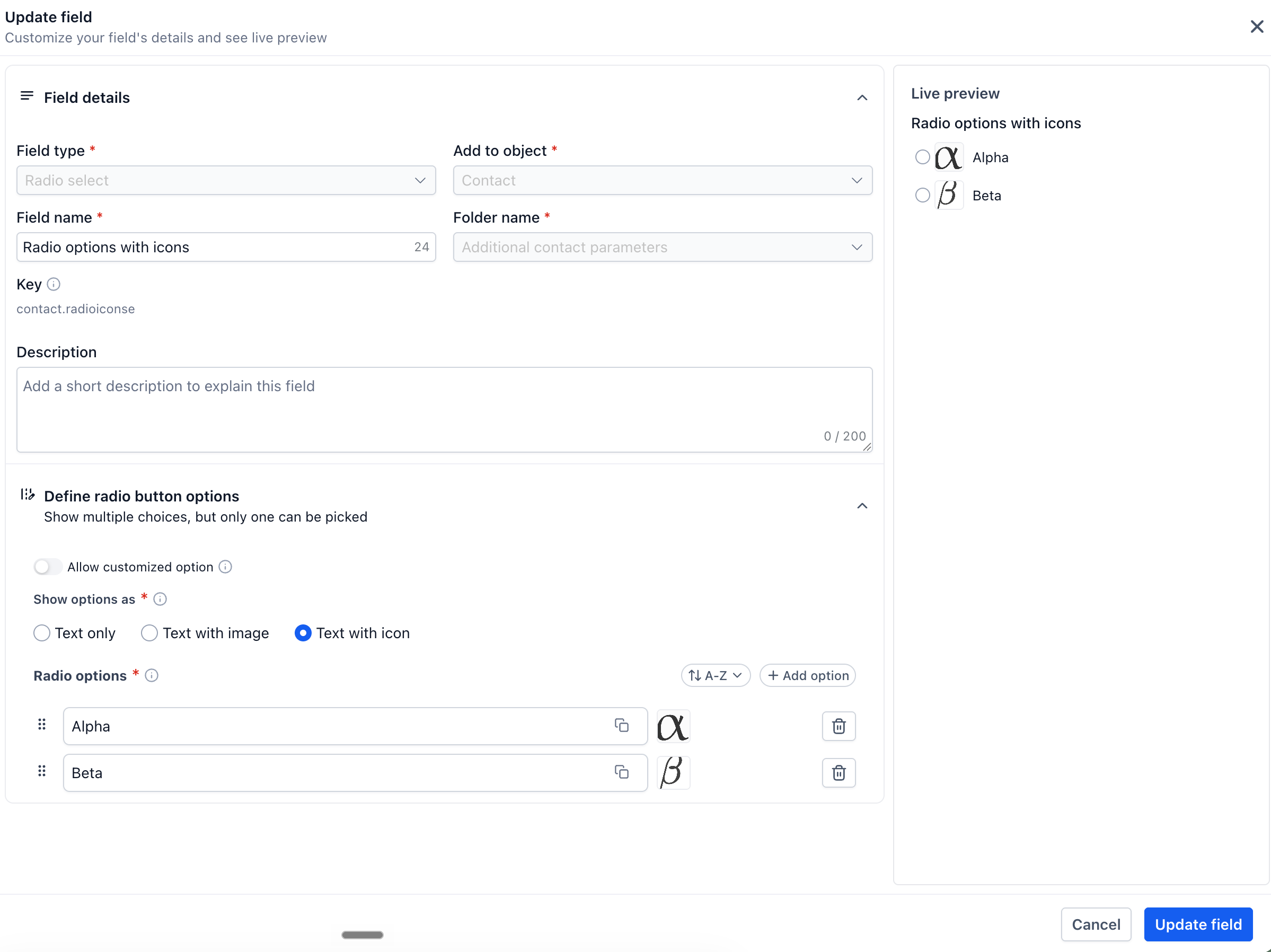
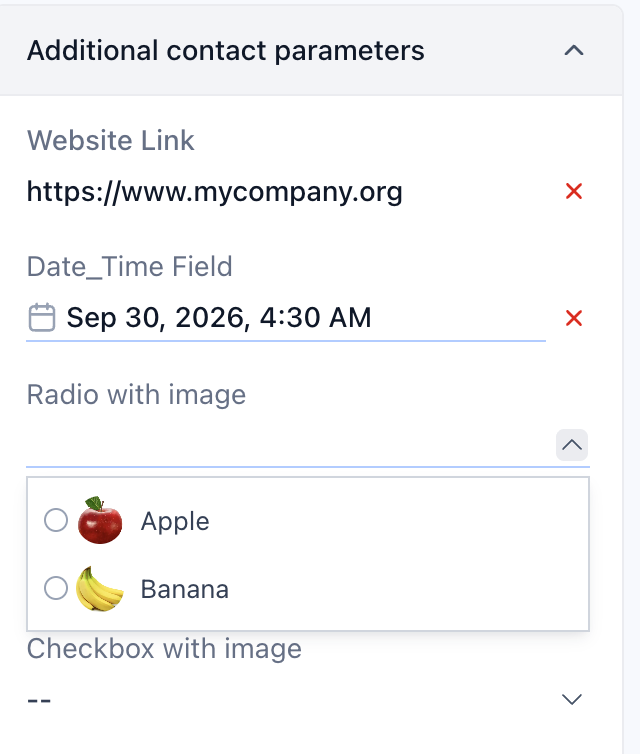
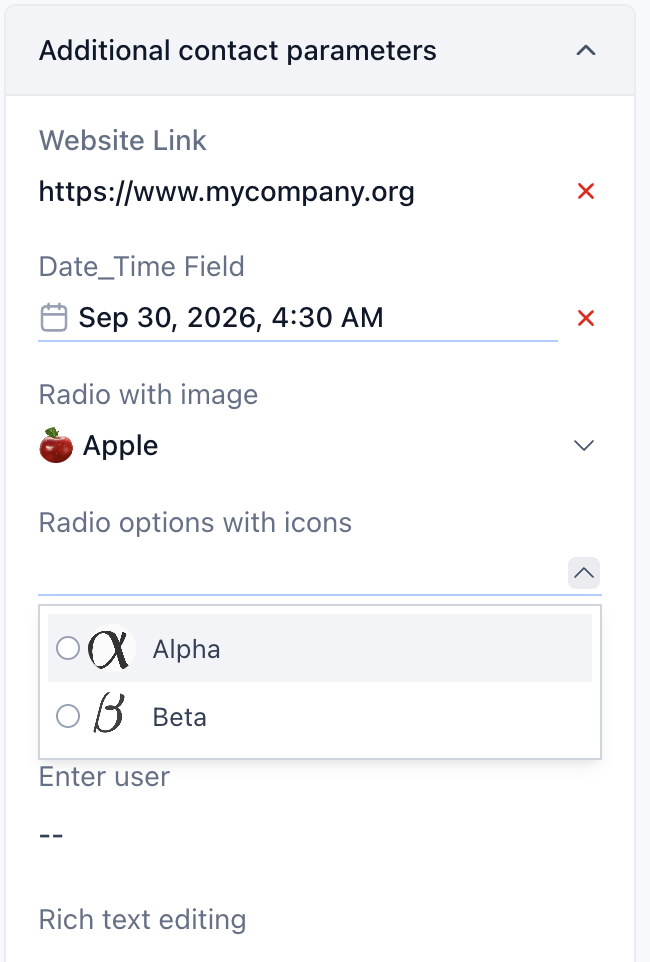
4. Images and icons for radio button options
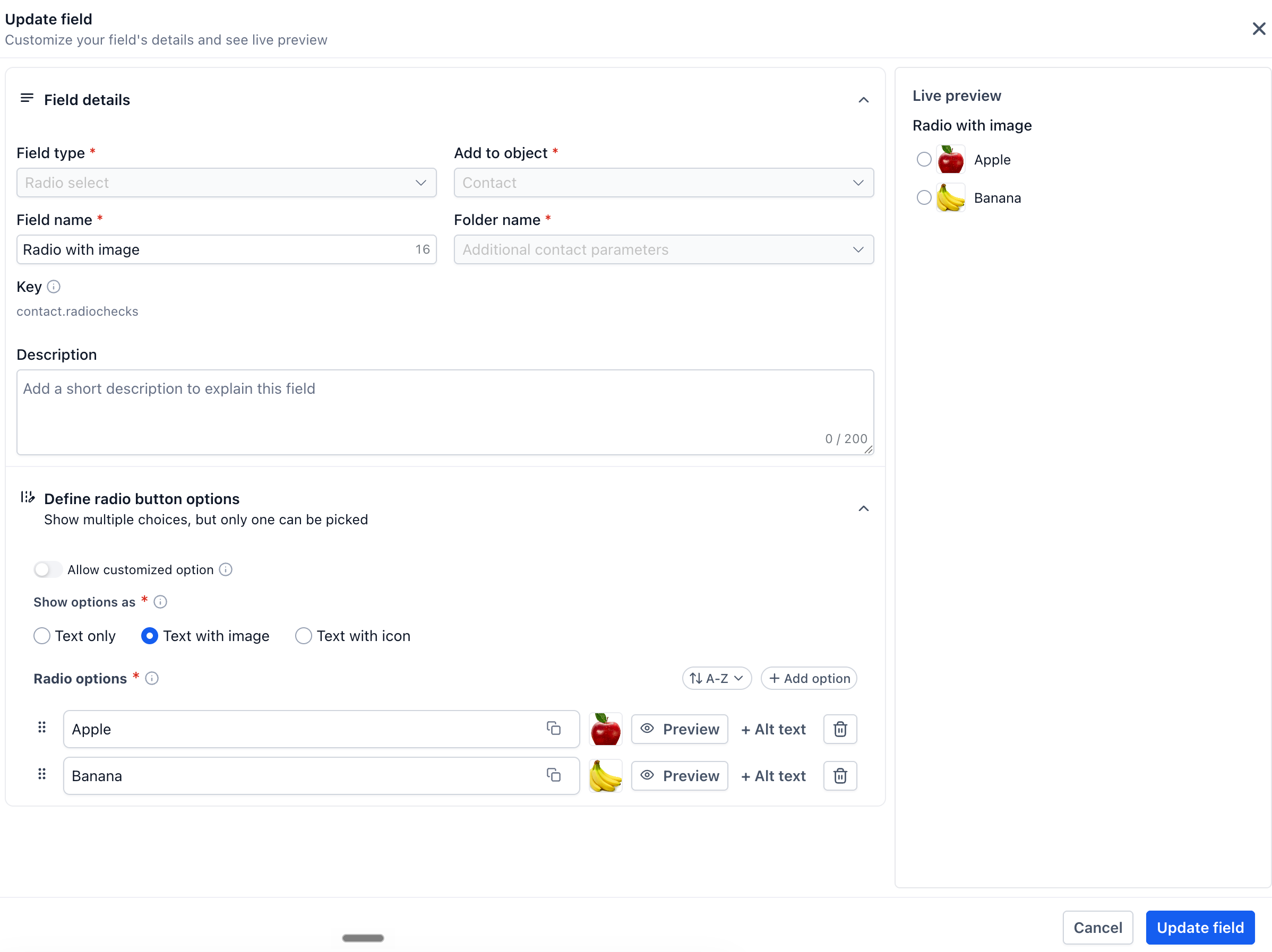
Radio button fields can now include images or icons alongside individual options. This provides additional visual context when users need to select a single option and makes choices easier to distinguish at a glance. It’s especially useful when the available options are better represented visually than through text alone.
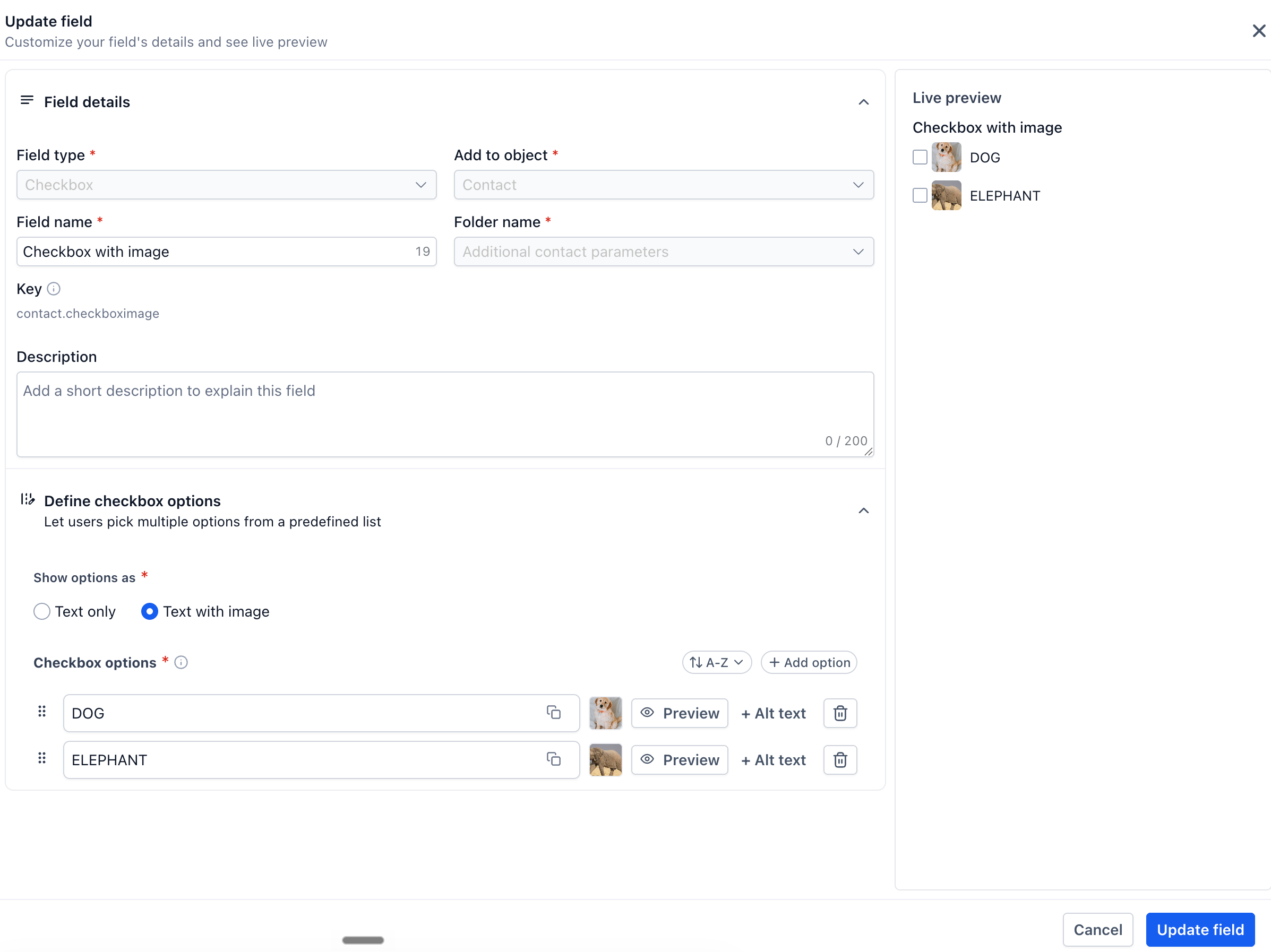
5. Images for checkbox options
Make checkbox fields more visual by adding an image to individual options. Instead of relying only on text, users can see an image alongside each choice, making options easier to recognize and select-especially for fields involving products, designs, categories, or other visual choices.
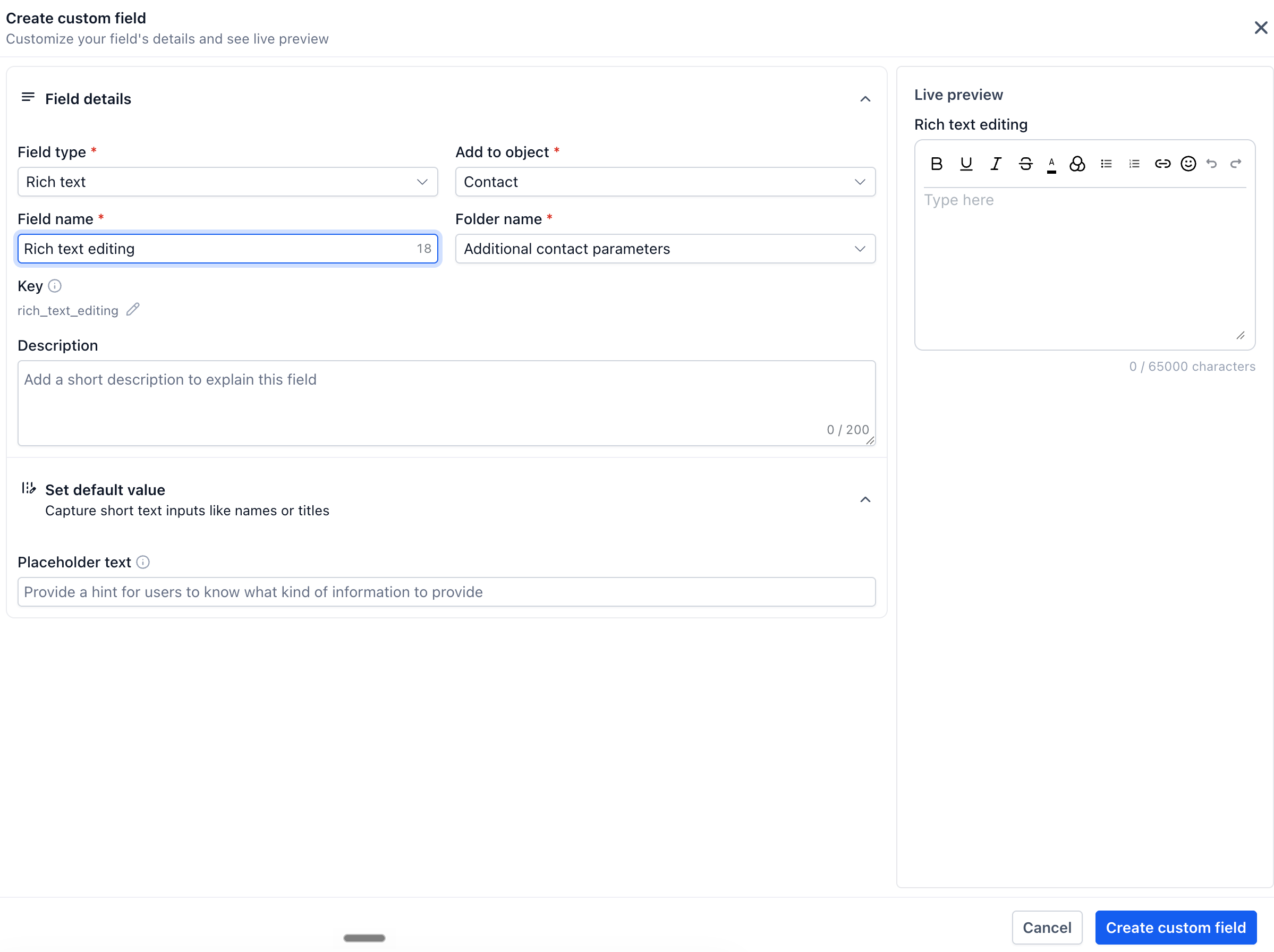
6. Rich text fields
Capture detailed information without being limited to plain text. Rich text fields support formatting options such as bold, italics, headings, lists, and more, helping users organize longer notes or structured information so that important details are easier to read and understand.