
- A CRM reports on entered leads only, so any enquiry that dies before someone logs it never appears in your loss figures.
- Missed calls with no voicemail, out-of-hours enquiries and slow first responses are the biggest sources of invisible loss.
- "Closed lost" records are usually the smallest part of your real losses, because most leads go quiet rather than saying no.
- Comparing your phone bill and form submissions against CRM entries reveals the gap in under an hour.
- Capturing every enquiry automatically at the point of contact is the only reliable fix, because it removes the human logging step entirely.
Ask most service business owners how many leads they lose in a month and they will open their CRM, filter for "closed lost" and read out a number. That number is almost always wrong, and it is wrong in one direction. It is too low, often dramatically so.
The reason is simple once you see it. A CRM is a record of leads that someone entered. It says nothing about the enquiries that died before entry. The caller who hung up on your voicemail, the web form that sat unanswered over a weekend, the WhatsApp message nobody saw until Tuesday. None of these become CRM records, so none of them show up as losses. Your dashboard reports a survivorship-biased sample and presents it as the whole story.
Your CRM only counts what goes in
Every CRM figure depends on a human or a system creating a record. In most small service businesses, that step happens when someone actually speaks to the prospect or reads their message and decides it is worth logging. Everything upstream of that moment is invisible.
Consider what has to go right before a lead exists in your system. The call has to be answered, or the voicemail has to be left and then listened to. The form notification has to be seen among fifty other emails. Someone has to have time, on a busy day, to open the CRM and type in the details. If any of those steps fails, the lead vanishes without a trace. It was never won, never lost, never counted.
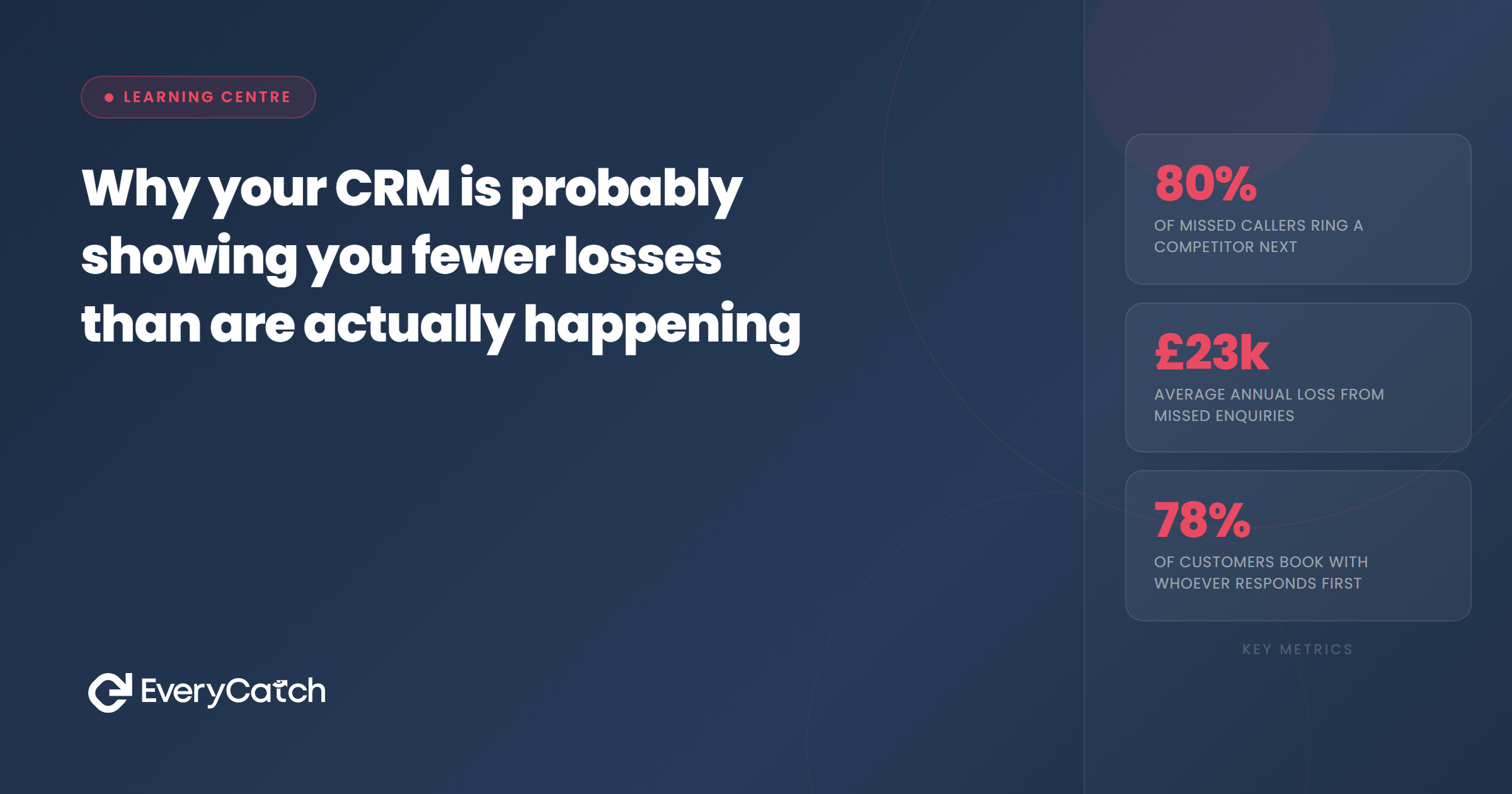
Research on missed calls makes the scale of this obvious. Around 85 per cent of callers who reach voicemail do not leave a message, and most of them ring a competitor next. Those people were real leads with real budgets. Your CRM has no idea they existed. If your phone rings 100 times a month and you answer 70, you are potentially losing 25 or more leads that your reporting will never mention.
Where the missing losses hide
The invisible losses cluster in four predictable places, and it is worth checking each one against your own operation.
The first is missed calls with no voicemail. These are the purest form of untracked loss. The prospect rang, got nothing, and moved on. Unless you reconcile your call log against your CRM, these losses do not exist anywhere in your data. We cover the mechanics of recovering these in our guide to what happens to callers who hang up on your voicemail.
The second is out-of-hours enquiries. A large share of consumer enquiries arrive in the evening or at the weekend, when the buyer finally has time to sort the problem out. If your first response lands on Monday morning, a meaningful percentage of those buyers have already booked someone else. Your CRM will show a lead that was contacted and did not convert, or more likely it will show nothing at all, because nobody logs an enquiry that felt dead on arrival.
The third is leads that go quiet during follow-up. When a quote goes out and the prospect stops replying, most businesses simply let the record sit. It never gets marked as lost. It just goes stale, sitting in an "open" or "quoted" stage for months. Stale-open deals flatter your pipeline and suppress your loss count at the same time.
The fourth is manual entry gaps. On a chaotic day, enquiries handled by phone or text often never make it into the system. The ones that convert eventually get entered because there is an invoice to raise. The ones that do not convert never get entered at all. This is the quiet killer, because it systematically removes losses from your data while keeping the wins.
Want to know your real missed-lead number?
We will walk through your call logs and enquiry channels with you and show you the gap between what your CRM reports and what actually happened.
Book a free discovery callWhy "closed lost" is the smallest number
Think about how a lead actually earns a "closed lost" label. Someone has to have logged it, worked it, followed up on it and then made a deliberate decision to mark it as dead. That is a lot of process for a small business to apply consistently, and very few do.
Most lost leads never announce themselves. Buyers rarely ring back to say they chose someone else. They just stop responding. So the honest hierarchy of your losses looks like this: the largest group never entered your CRM at all, the next largest sits in your pipeline as stale-open records, and the smallest group carries an actual "lost" label. Your dashboard shows you the tip of the iceberg and labels it the iceberg.
This matters commercially because it distorts decisions. If your CRM says you lose five leads a month, spending money on faster response or automated follow-up looks optional. If the true figure is twenty-five, it is one of the highest-return investments available to you. The bad data does not just hide the problem, it hides the case for fixing it.
How to get a truer picture
You can estimate your real loss rate in about an hour, and the exercise is uncomfortable but worthwhile. Pull your phone provider's call log for last month and count inbound calls. Count your form submissions, your social messages and your directory enquiries at source, not in the CRM. Then compare those totals against the number of new leads your CRM actually recorded in the same period. The difference is your invisible-loss estimate, before you even look at what happened to the logged leads. Our article on auditing your missed leads in one afternoon gives a step-by-step version of this.
The permanent fix is to remove the manual logging step altogether. When every inbound call, missed call, form fill and message creates a contact record automatically at the moment of contact, nothing can die before it is counted. This is how EveryCatch is built. A missed call triggers an instant text back and a logged record, an out-of-hours form gets an immediate reply and enters a follow-up sequence, and every enquiry lands in one pipeline whether a human touched it or not.
Once capture is automatic, your loss data becomes honest for the first time. Stale deals get flushed by follow-up sequences that either revive them or confirm they are dead. Missed calls become visible line items rather than silence. You may find the first month's numbers sobering. That is the point. You cannot recover losses you refuse to count, and every month you run on flattering data is a month of leaking revenue with a clear conscience.

From the EveryCatch team
EveryCatch helps service businesses capture and respond to every enquiry, including the ones that would otherwise vanish before reaching a CRM. We write these guides to show exactly where leads leak and what fixes actually work.



