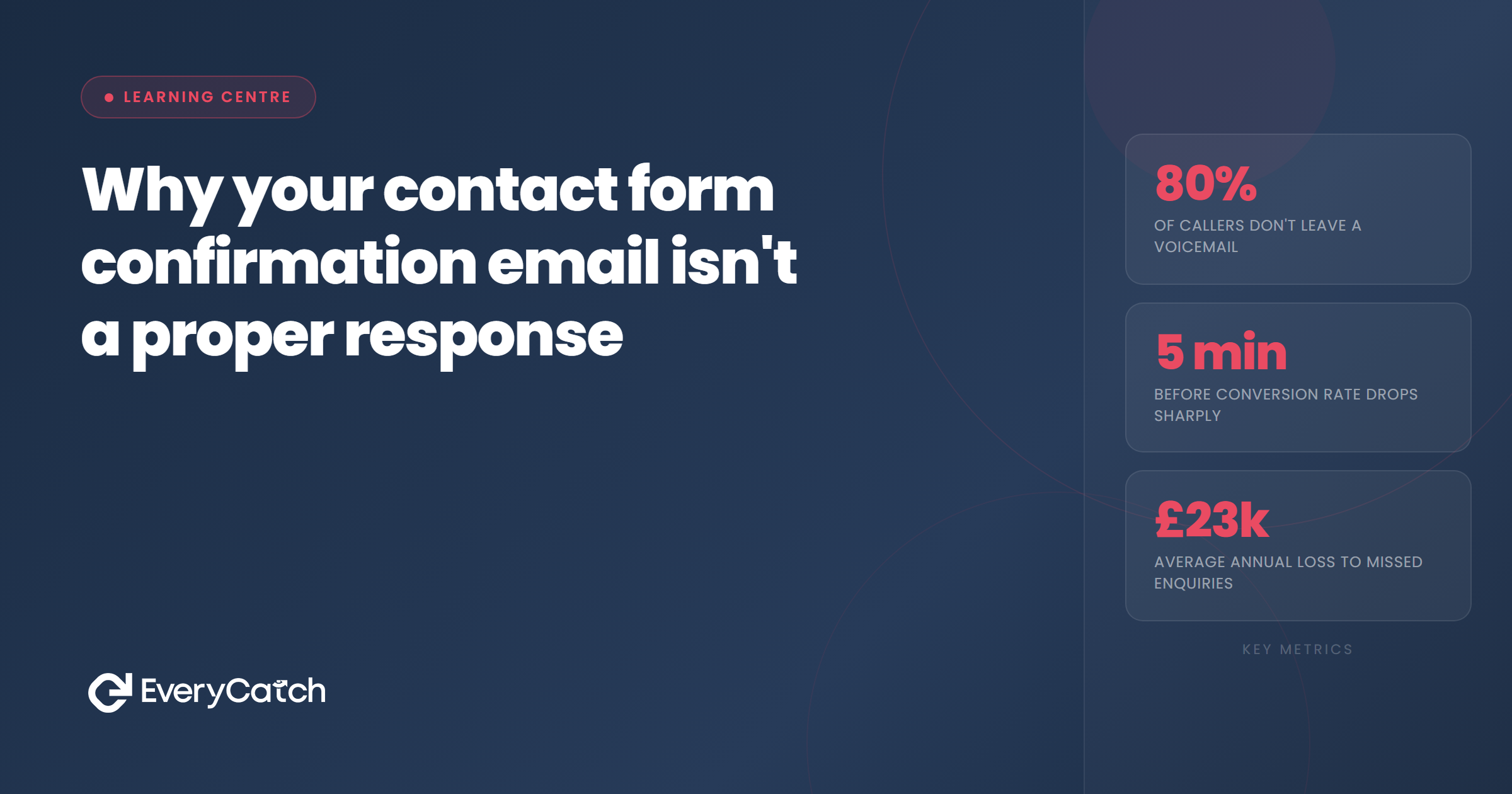
- Confirmation emails tell people you received their enquiry but provide zero useful information
- Customers don't distinguish between automated and human messages when measuring response time
- Generic acknowledgements create false confidence that you've responded when you haven't
- Real response means providing value, answering questions, or moving the conversation forward
- Your competitors who pick up the phone first win, regardless of what your autoresponder says
Your website sends an automated confirmation email the moment someone fills in your contact form. "Thank you for your enquiry. We've received your message and will get back to you soon." You see this land in your CRM, feel satisfied that the lead has been acknowledged, then continue with your current task. No urgency. The system has handled it.
The customer sees something different. They submitted a request for information or help, received a templated message that told them nothing useful, and now they're waiting. Waiting for a real person to engage. Waiting to find out if you can help them. Waiting to understand pricing, availability, or whether you even service their area. That confirmation email didn't answer any of those questions.
Many service businesses treat these automated messages as if they've completed the first response. They track their metrics from when a real person calls or emails, not from form submission, because "the system already acknowledged them." This distinction matters to you but means nothing to the customer, who is now on the phone to your competitor.
What confirmation emails actually say
Most confirmation emails follow the same pattern. "We've received your enquiry." Then a vague timeline like "we'll be in touch shortly" or "someone will contact you within 24 hours." Sometimes there's a reference number. Occasionally there's a link to a FAQ page or a list of services. None of this constitutes engagement.
These messages exist to stop people wondering if their form submission worked. They prevent the "did it go through?" doubt and the duplicate enquiries that follow. That's their only function. They confirm technical success, not business intent.
The lead submitted the form because they had a specific need. They wanted to book a service, get a quote, understand if you can solve their problem. Your confirmation email addressed none of those motivations. It simply told them their data successfully traversed the internet and landed in your database. Congratulations to your web host.
Some businesses include helpful information in these emails. Office hours, typical response times, links to case studies or testimonials. This content might reduce anxiety slightly, but it still doesn't answer the question the customer actually asked. They wanted information about their situation, not generic content about yours.
Why leads ignore these messages
People have received hundreds of automated confirmation emails. Every online purchase, every form submission, every newsletter signup triggers the same pattern. Subject line contains "confirmation" or "received." Opening paragraph says "thank you for your enquiry." Closing paragraph promises future contact. The format is so predictable that many customers don't even open these messages anymore.
Email clients now automatically categorise these confirmations into separate folders or tabs. Gmail puts them in Updates or Promotions. Outlook sorts them away from the inbox. The platforms themselves have recognised that these messages hold minimal value for recipients. They're processing receipts, not correspondence.
When customers do open confirmation emails, they scan quickly for anything useful. A direct answer to their question. A phone number to call. A specific person's name. Failing to find any of these, they close the email and continue their search elsewhere. The confirmation didn't reduce their need for information. It just confirmed you're not providing it yet.
Your competitor who picks up the phone within minutes makes an impression. You sent an email that looked like every other automated message the customer has ignored this week. One business demonstrated they're ready to help right now. The other demonstrated they have a functioning email server.
Response versus acknowledgement
Response means addressing what the person asked. If they wanted a quote for a specific job, response means providing that quote or the information needed to create one. If they asked whether you cover their area, response means answering that question. If they requested availability, response means checking your calendar and offering options.
Acknowledgement means confirming receipt. It's passive. It creates no forward momentum. The lead is in exactly the same position after receiving your confirmation email as they were thirty seconds after hitting submit. They still don't know if you can help them, still don't know what it costs, still don't know when you're available. Nothing has progressed.
This distinction becomes invisible in your CRM. The system logs an outbound communication. Your email counter increments. If you're tracking response times, you might measure from when a human gets involved, not from form submission. But the customer started their timer the moment they clicked submit. Every minute between that click and genuine engagement counts as waiting.
Service businesses compete on speed now more than almost any other factor. The research shows this repeatedly. Respond within five minutes and you're dramatically more likely to convert. Respond within an hour and you're competing with four other businesses who've already spoken to the customer. That confirmation email didn't stop this clock. It started it.
How fast do you really respond to new enquiries?
Most businesses overestimate their response speed by several hours. Let's measure what's actually happening with your leads.
Book a free discovery callWhat happens after the confirmation
After sending the confirmation email, most businesses rely on someone checking the enquiries queue. This might happen immediately if the notification reaches the right person. It might happen in an hour when they finish their current job. It might happen tomorrow morning when they return to the office. The system considers the lead handled. The human schedule determines when actual engagement begins.
Meanwhile the customer has moved on. They've submitted forms to three other businesses. They've called two more. They're actively comparing options because they need this problem solved and waiting 24 hours for a response isn't part of their plan. Your confirmation email sits unopened in their Updates folder while they book a job with someone who answered the phone.
Some enquiries convert despite slow response. The customer was only getting one quote for budget purposes. They're loyal to your brand and will wait. The job isn't urgent and they're willing to hear from multiple businesses over several days. These situations represent a minority of service industry enquiries. Most people want help now, which is precisely why they're searching for providers right now.
The confirmation email creates a false record of diligent response. When you lose the job and later review what happened, the timeline shows an immediate outbound message. Someone might conclude the lead wasn't serious or chose purely on price. The data suggests you responded straight away. The reality suggests the customer never received anything worth responding to.
What a proper response looks like
Proper response requires information specific to the customer's enquiry. If they asked about availability for a particular service in their area, you need to address those exact points. This might mean a phone call where you gather additional details and provide an immediate answer. It might mean a personalised email that answers their questions and offers next steps.
The channel matters less than the content. Some customers prefer email. Others want a phone conversation. The common requirement is substance. Did you tell them what they wanted to know? Did you move them closer to a decision? Did you provide value beyond "we received your form"?
Speed amplifies the impact of quality response. A detailed, helpful message within five minutes feels dramatically different to the same message twelve hours later. The first scenario suggests you prioritise new enquiries and have systems ready to help immediately. The second suggests you eventually got around to it. Both might contain identical information. The timing changes everything.
Automated systems can deliver proper response if they're designed to provide value rather than just acknowledgement. An immediate text message that answers the three most common questions for that service category provides more utility than a confirmation email. A phone call triggered by form submission and connected to a team member who has the customer's details ready provides genuine engagement within seconds.
The businesses winning on response speed have removed the gap between enquiry and engagement. Form submission triggers immediate action from a human or a genuinely useful automated process. The customer experiences help beginning straight away, not acknowledgement that help might begin later. This approach requires different systems and different thinking about what counts as response.
Your confirmation email will continue arriving in customers' inboxes, probably forever. Email platforms expect it. CRM systems default to sending it. The question isn't whether to send the confirmation. The question is whether you're confusing that automated receipt with the actual response your customer is waiting for. One prevents technical doubt. The other wins the job.

From the EveryCatch team
We help service businesses respond to every lead within seconds, using automated systems that provide genuine value instead of generic acknowledgements. Real engagement, not auto-replies.



