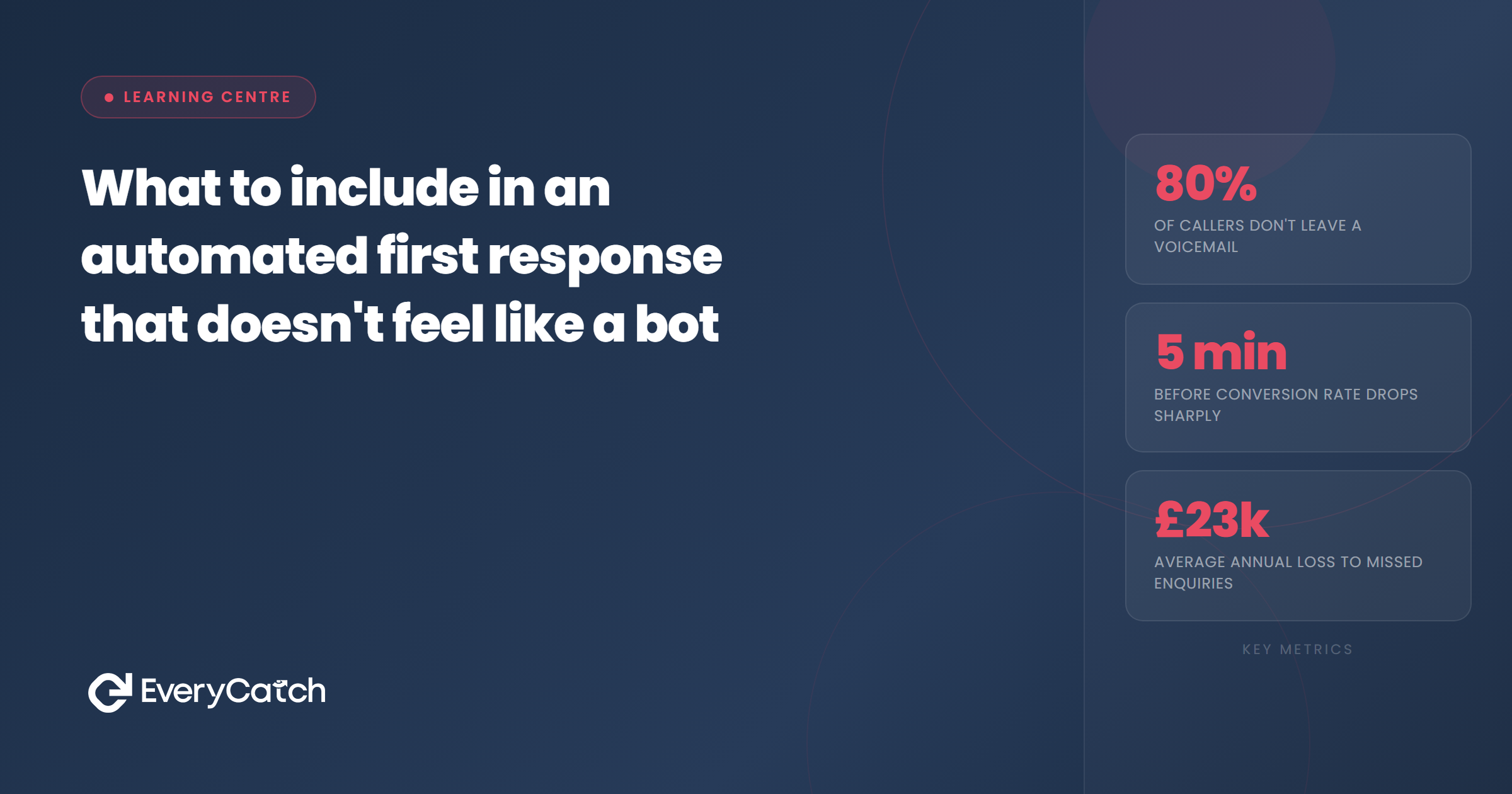
- Name personalisation only works when you pull the correct field and format it naturally
- Referencing what someone enquired about transforms a generic message into a relevant one
- Expectation-setting prevents follow-up frustration and keeps the conversation moving
- Specific next steps reduce confusion and increase conversion rates significantly
- Bot language destroys trust faster than delayed responses do
Automated first responses get a bad reputation because most of them deserve it. People send enquiries expecting a human on the other side, not a template that sounds like it was written by a compliance team in 2012.
The problem is not automation itself. The problem is lazy automation. When you set up an automated response correctly, people cannot tell the difference between your system and a real person typing in real time. When you set it up poorly, every recipient knows within three words that they are speaking to a robot.
The difference lies in specific elements that either preserve or destroy the illusion of individual attention. These elements are not subjective. You can test them, measure them, and refine them. Here is how to build automated responses that feel personal, relevant, and useful enough to generate replies rather than silence.
Use their name properly
Name personalisation is the baseline. Everyone does it. The issue is that most businesses do it wrong. They pull a name field that contains "John Smith Plumbing Ltd" and the message opens with "Hi John Smith Plumbing Ltd." Or they capitalise everything because their CRM stored the name in uppercase. Or they use a formal salutation when the enquiry came through Facebook Messenger at 11pm on a Saturday.
Proper name usage requires clean data capture and field mapping that separates first names from full names, business names, and titles. Your automation should pull the first name only. If the name field is empty, the message should skip the name entirely and open with a context-specific greeting instead. "Thanks for your message about kitchen fitting" works better than "Hi there."
Match the formality of the channel. Text messages and social media platforms call for casual greetings. Email enquiries allow slightly more formality. But even in email, "Hi Sarah" performs better than "Dear Ms Thompson" unless you are a solicitor or an accountant.
Reference their enquiry
Generic responses die in inboxes because they apply to anyone. When your automated message could have been sent to a thousand other people without changing a single word, the recipient knows they are not speaking to someone who read what they wrote.
Reference the specific service, product, or question they asked about. If someone filled in a form requesting a bathroom quote, your response should mention bathrooms. If they asked about availability for a specific date, acknowledge that date. If they submitted a question through your contact form, repeat part of their question back to them.
This requires dynamic field insertion, not static templates. Your form needs to capture the enquiry type, the service category, or the free-text question, then feed that data into your message template. The best systems go further. They use conditional logic to vary the entire message structure based on what type of enquiry came in.
Someone asking about pricing gets a different response from someone asking about availability. Someone enquiring about emergency repairs gets a different tone from someone planning work six months out. The same automation system can handle all of these variations if you map the logic correctly.
Set expectations immediately
People tolerate automation when it gives them certainty. They hate it when it creates ambiguity. Your first response should answer three questions before the recipient has time to wonder about them.
First, when will they hear from a human? If your response goes out at 9pm and your team starts work at 8am, say that. "Someone will call you tomorrow morning between 8 and 10" gives the recipient permission to stop worrying. "We'll be in touch soon" leaves them checking their phone every twenty minutes.
Second, what happens next? Does someone call them? Do they need to book a slot? Are you sending a quote by email? Spell it out. Assumptions create drop-off. Clarity creates compliance.
Third, what should they do in the meantime? If you have a frequently asked questions page that covers their query type, link to it. If they submitted a form without uploading photos and you need photos to quote accurately, ask for them now. If they contacted you outside business hours and it is an emergency, give them an emergency contact option.
Are your automated responses killing conversations?
We will audit your current lead response process and show you where you are losing people.
Book a free discovery callGive clear next steps
Clarity drives action. Vagueness drives silence. Your automated response should contain one primary call to action that moves the conversation forward. Not three options. Not a paragraph of instructions. One clear step that makes sense for the context.
If you need more information before you can help them, ask for it specifically. "Can you reply with your postcode so we can check if we cover your area?" works. "Please provide any additional details" does not.
If the next step is on your side, tell them what you are doing and when. "I've passed this to Sarah on our bathroom team. She'll call you tomorrow between 9am and 12pm to discuss your project" removes uncertainty and sets a deadline you must meet.
If you want them to book a call or appointment, the link should appear in the message with context. "Pick a time that suits you" is weak. "Book a 15-minute call here so we can understand exactly what you need" tells them what will happen and how long it takes.
Next steps should feel inevitable, not optional. You are guiding the conversation, not waiting to see if they reply. The best automated responses make inaction feel like the harder choice.
Avoid bot language
Certain phrases immediately signal automation. They sound like customer service scripts from 2008. People recognise them instantly and their brains switch off.
"Thank you for contacting us" is the worst offender. Nobody speaks that way. "Thanks for getting in touch" sounds like a human. "Your enquiry is important to us" signals corporate automation. "I've got your message about the kitchen extension" signals personal attention.
"Please be advised" should never appear in any message to anyone ever. Same with "we appreciate your patience" when they have not been asked to be patient yet. Same with "at your earliest convenience" when you mean "today would be good."
Write your automated responses the way you would text a friend who asked you a professional question. Not casual to the point of being unprofessional, but conversational enough that the formality does not create distance. Read it aloud. If it sounds like a press release, rewrite it.
Short sentences work better than long ones. Paragraphs should break after two or three sentences maximum. Bullet points help when you are listing things. But the overall message should read like a human wrote it quickly because they wanted to help, not like a marketing team wrote it slowly because they were worried about compliance.
Timing matters more than you think
An automated response that arrives within 60 seconds feels attentive. One that arrives within five minutes still feels good. One that arrives 30 minutes later feels slow. One that arrives two hours later makes the recipient assume you are either understaffed or uninterested.
Speed compounds the effectiveness of everything else in this article. A perfectly written message that arrives instantly will outperform a mediocre message that arrives in three minutes. But speed without quality still loses. Someone who gets a fast, generic, unhelpful reply is more frustrated than someone who waits ten minutes and gets something useful.
Your automation should trigger immediately when an enquiry comes in. Not batched every 15 minutes. Not queued for review. Immediate. If your platform cannot do that, your platform is the problem.
Timing also applies to follow-up. If your first automated response says someone will call within two hours and nobody calls within two hours, you have destroyed trust. If you promise a quote by email within 24 hours and it arrives in 26 hours, the delay matters more than the quality of the quote. Automation lets you set expectations. Meeting them is non-negotiable.

From the EveryCatch team
We help service businesses turn enquiries into conversations by replacing generic automation with messages that feel personal. Every response is fast, relevant, and designed to get replies rather than silence.



