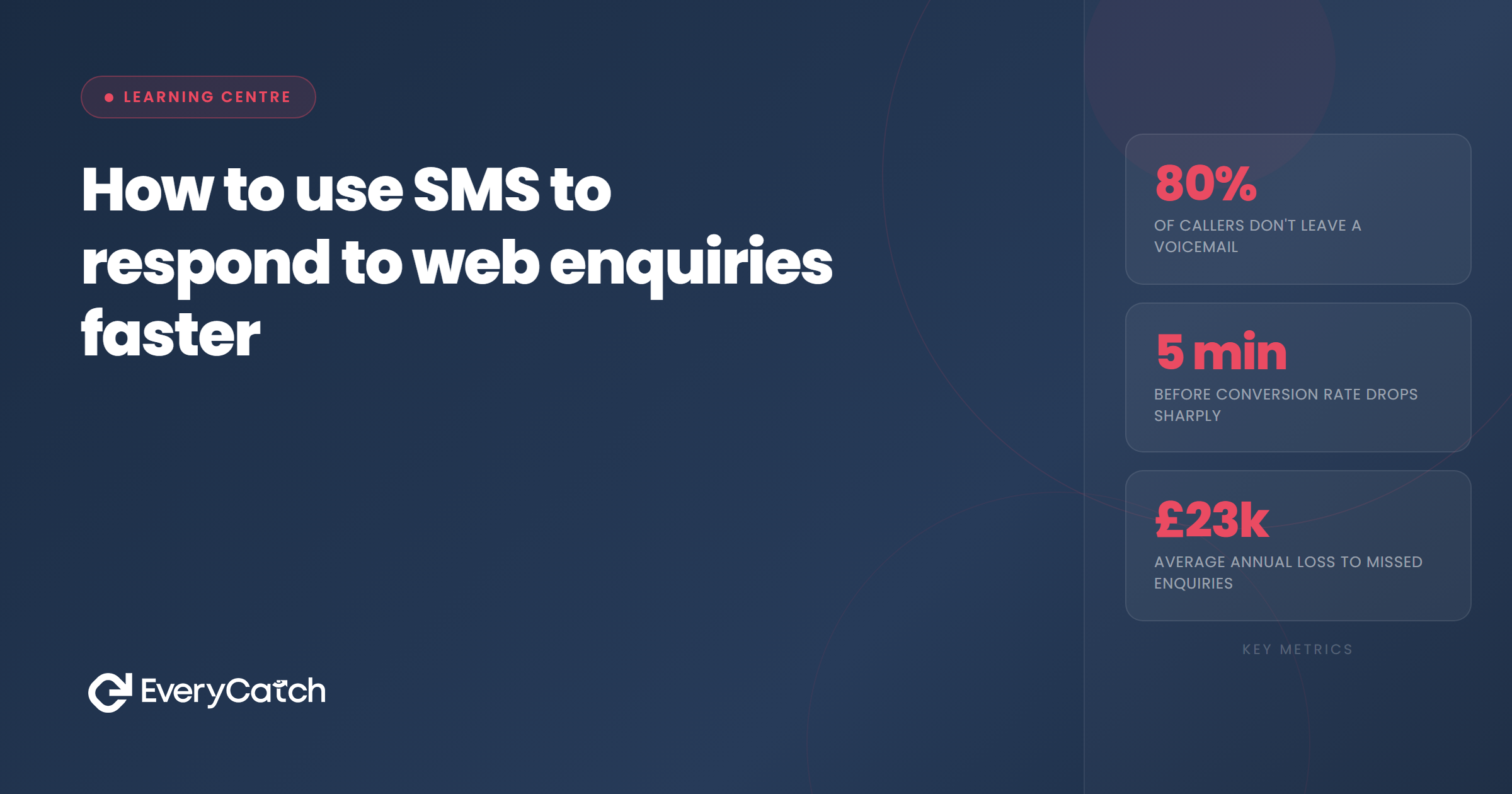

- SMS arrives instantly and gets read within minutes, making it the fastest way to acknowledge web enquiries
- A short, personal text buys you time to call properly without the prospect assuming you're not interested
- Automated SMS responses free you from monitoring forms constantly while maintaining speed
- The text should confirm receipt, set a timeframe for your call, and invite a reply if urgent
- SMS is a bridge to phone contact, not a replacement for the conversation
When someone fills out a contact form on your website, they expect to hear back quickly. Wait too long and they move on to the next business. Phone calls are still the gold standard for converting web enquiries, but you cannot always drop everything to dial in the first 60 seconds. SMS gives you a middle ground: instant acknowledgement that keeps the prospect warm while you prepare to call.
Text messages get opened faster than email. They feel personal. They prove someone is paying attention. Sending an SMS the moment an enquiry arrives reassures the prospect that their request has landed and that you will be in touch soon. That single message can be the difference between winning the job and losing it to a competitor who got there first.
Why SMS beats email for first contact
Email sits in an inbox alongside dozens of other messages. It can be ignored, missed, or filtered into a folder the recipient checks once a day. SMS appears on a locked screen. Most people read a text within three minutes of receiving it, which makes SMS the fastest way to confirm receipt of an enquiry.
Speed matters because web enquiries represent people in buying mode. They have searched for a service, visited your site, and taken the time to fill out a form. Their intent is high, but their patience is short. If they hear nothing for an hour, they assume you are not interested and move on. An SMS arrives before they close the browser tab.
Text messages also feel more personal than automated email replies. A short, conversational message reads like a human sending it, even when triggered by software. That human touch makes a difference when the prospect is comparing businesses. The company that texts feels more responsive than the one sending a formal autoresponder.
What to say in your first SMS
Your first text should do three things: confirm you received the enquiry, tell the prospect when you will call, and give them a way to respond if their need is urgent. Keep it short and conversational. Avoid corporate language or long explanations. The goal is reassurance, not a sales pitch.
A good template looks like this: "Hi [Name], thanks for getting in touch. We've got your enquiry and I'll call you in the next hour to discuss. If it's urgent, just reply and I'll bump you to the front."
That message does everything it needs to do in two sentences. It uses the prospect's name, sets a clear timeframe, and opens a two-way conversation. The tone is friendly without being overly casual. It reads like something you would send to a friend, which makes the prospect feel like a person rather than a ticket number.
Avoid vague phrases like "we'll be in touch soon" or "someone will contact you shortly." Those messages create uncertainty. The prospect does not know whether "soon" means ten minutes or two days. Specific timeframes reduce anxiety and set expectations. If you say you will call within an hour, the prospect knows when to expect contact and is more likely to wait.
When to send the text
The SMS should go out immediately after the enquiry arrives. Waiting even five minutes reduces the impact. Instant means instant. The prospect should receive the text before they finish closing the form on their phone or computer.
Timing becomes trickier outside business hours. If an enquiry comes in at 10pm, sending an immediate text still makes sense, but the message needs to adjust. Instead of promising a call in the next hour, you might say: "Hi [Name], thanks for your enquiry. I'll give you a call first thing tomorrow morning. If it's urgent, reply and I'll get back to you sooner."
That message acknowledges the enquiry without creating the expectation of an instant phone call. It also gives the prospect an escalation path if they need help tonight. Most people understand that businesses do not operate 24 hours a day, but they still want confirmation that their message has been received.
How many enquiries are you losing to slow response times?
We'll show you how to respond in seconds, not hours.
Book a free discovery callSMS as a bridge to the phone call
SMS is not a replacement for calling. It is a bridge. The text buys you time to prepare for the conversation, look up the prospect's details, and block out a few minutes to give them your full attention. That preparation leads to better calls.
The prospect receives your text, feels acknowledged, and relaxes. They are not refreshing their email or wondering whether you received their enquiry. They know you are going to call, so they wait. That gives you 30 to 60 minutes to follow up properly rather than scrambling to dial within seconds while unprepared.
When you do call, reference the text. Say something like: "Hi [Name], it's [Your Name] following up on the enquiry you sent through a few minutes ago." That continuity reinforces that you are organised and responsive. The prospect already has a positive impression from the SMS, and the phone call builds on that foundation.
If the prospect replies to your text before you call, treat that as a signal. A reply usually means the enquiry is more urgent than average or the prospect has a specific question. Prioritise those replies and call them first. The fact that they engaged with your message indicates higher intent.
Automating your SMS response
Manually sending an SMS after every enquiry is not practical unless you receive one or two per week. For businesses getting enquiries daily, automation is the only way to maintain speed without burning out. The good news is that automated SMS feels just as personal as manual texts if you write the message properly.
Most CRM systems and form builders support SMS automation through integrations or built-in features. When a form submission arrives, the system triggers an SMS to the mobile number the prospect provided. The message sends within seconds, and you receive a notification to follow up with a call.
The key to good automation is keeping the message human. Avoid templates that sound robotic or overly formal. Write the SMS the way you would text a friend, then plug in dynamic fields for the prospect's name and any other personalisation. Test the message by sending it to your own phone and checking whether it reads naturally.
Set up monitoring so you know when texts are being sent. If your automation sends 20 messages on a Monday morning and you only call back three people, the system is not helping you convert. SMS without follow-up is worse than no SMS at all because it creates an expectation you then break.
Automation also lets you add intelligence to your SMS strategy. You can send different messages depending on the time of day, the type of enquiry, or the source of the lead. A prospect who filled out a quote request form might receive a different text than someone who asked a general question. That level of personalisation improves response rates without adding manual effort.
Finally, track which enquiries convert after receiving an SMS. If you notice that texted leads close at a higher rate than email-only leads, that data justifies expanding SMS into other parts of your follow-up process. The goal is not just speed, but measurable improvement in conversion.

From the EveryCatch team
We help service businesses respond to every enquiry in seconds using automated SMS and follow-up systems that feel personal. If you are losing enquiries because you cannot respond fast enough, we can fix that.



