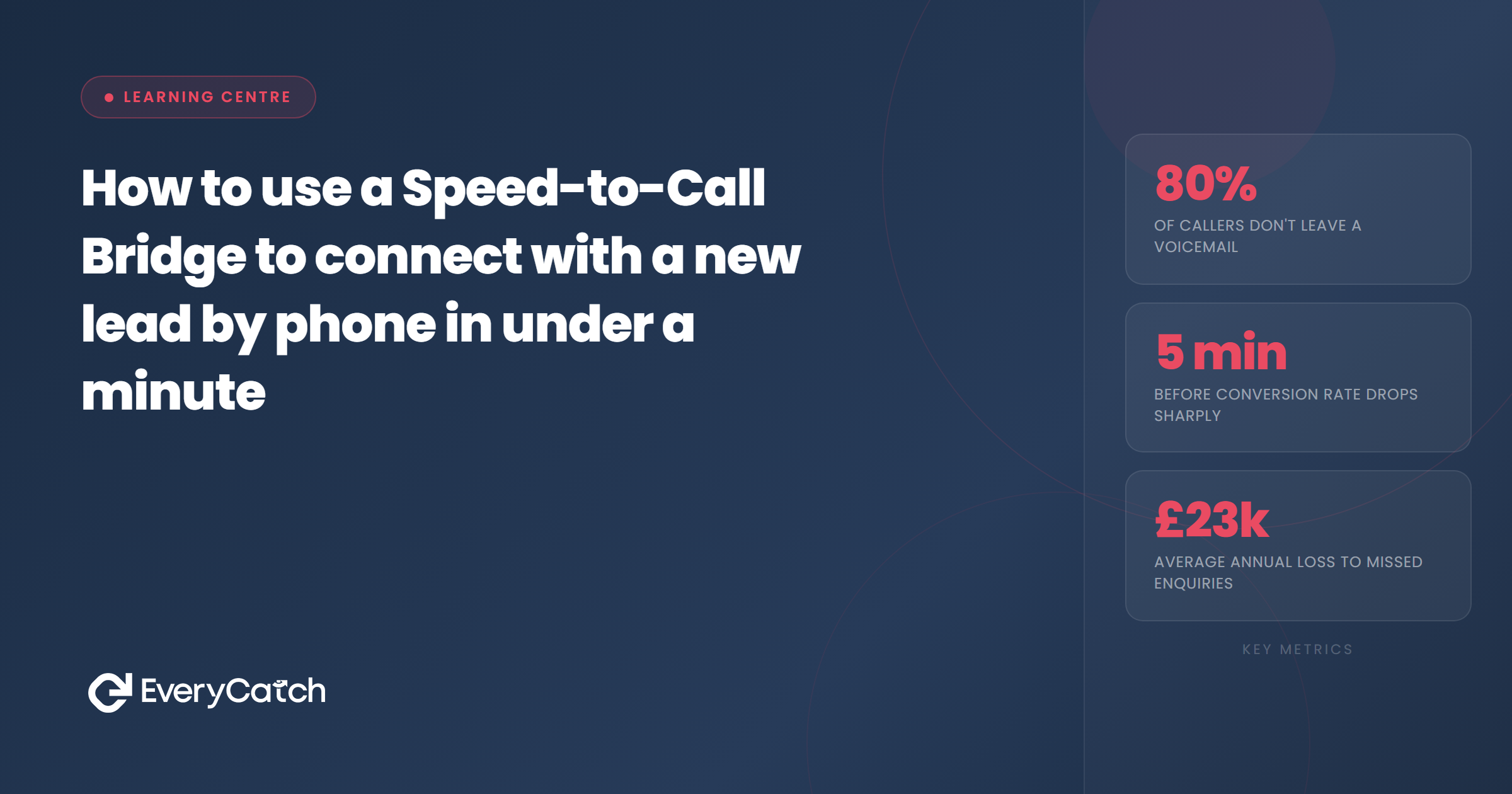

- Speed-to-Call Bridges connect you to new leads in under 60 seconds by automating the dialling sequence between form submission and live conversation
- The system rings your phone first, then rings the lead, creating a two-way bridge that removes all delay from first contact
- You need a CRM with workflow automation, VoIP integration, and conditional logic to trigger calls based on lead source and time of day
- Your opening line matters because the lead expects a text or email, not a voice call, so you must establish context immediately
- Speed-to-Call Bridges multiply conversion rates by catching leads while intent is highest, before they move on to the next search result
A Speed-to-Call Bridge is a piece of automation that removes the delay between form submission and voice conversation. The lead fills in a contact form on your website. Within seconds, your phone rings. You answer. The system then rings the lead and bridges the two calls together. You are now speaking live to someone who just expressed interest in your business.
Most service businesses lose leads because they wait. They rely on email notifications, manual dialling, or batch call-back sessions at the end of the day. By the time they pick up the phone, the lead has contacted three competitors and forgotten they even submitted your form. The Speed-to-Call Bridge solves this by automating first contact and making it happen while the lead is still on your website.
The difference in outcome is measurable. Studies show that calling a lead within one minute increases your chance of qualifying them by up to seven times compared to calling after five minutes. After ten minutes, the advantage is lost. The bridge exists to capture that first-minute window automatically, without requiring you to sit at your desk staring at form notifications.
What is a Speed-to-Call Bridge
The term "bridge" describes the technical process. When a lead submits a form, the automation system triggers two separate phone calls and connects them mid-ring. Your phone rings first. The lead's phone rings second. When both parties answer, the system bridges the audio streams so you hear each other.
This is not a three-way conference call. It is a two-party conversation facilitated by software. The system joins you directly to the lead without adding latency, hold music, or robotic introductions. From the lead's perspective, they get a call from a real person seconds after requesting information. From your perspective, you answer your phone and someone is already on the line.
The bridge approach differs from click-to-call widgets or callback schedulers. Click-to-call widgets require the lead to initiate a phone conversation, which most will not do because they prefer low-commitment contact first. Callback schedulers ask the lead to choose a time slot, which introduces delay and gives them time to change their mind. The Speed-to-Call Bridge bypasses both barriers by automating immediate contact at the moment intent is highest.
How the bridge works step by step
The sequence starts when a lead submits a form on your website. The form captures name, phone number, and whatever additional fields you collect. The moment the lead clicks submit, the form data flows into your CRM. A workflow trigger watches for new contact records and checks whether the lead meets the criteria for an instant call.
If the criteria match, the system fires a VoIP call action. The first call goes to your phone. You see "New Lead" on the caller ID, or a similar label you have configured. You answer. The system plays a brief message in your ear, something like "Connecting you to John from Manchester, interested in boiler repairs." You hear that message for three seconds while the system starts the second call.
The second call dials the lead's number. The lead's phone rings. They answer. The system removes itself from the audio path and you are now speaking directly to the lead. The entire sequence takes 20 to 45 seconds depending on how quickly the lead answers their phone.
If the lead does not answer, the system hangs up your call and logs the attempt. Some systems allow you to leave a voicemail automatically. Others drop into a follow-up sequence that sends an SMS or email explaining you tried to call. You do not waste time listening to dial tones or leaving manual voicemails.
Technical setup requirements
You need three components to build a Speed-to-Call Bridge. First, a CRM that supports workflow automation. Second, a VoIP provider with an API that your CRM can call programmatically. Third, conditional logic rules that decide when to trigger the bridge and when to send a text instead.
The CRM must be able to trigger actions based on form submissions without manual intervention. Most modern platforms meet this requirement. The workflow listens for a new contact record, checks lead source and time of day, then fires the appropriate action. If the action is "call now," the CRM sends an API request to your VoIP provider with two phone numbers: yours and the lead's.
The VoIP provider handles the call bridging. Providers like Twilio, Vonage, or integrated telephony platforms within all-in-one CRMs support this natively. You configure the bridge parameters in your workflow. Ring your number first, wait for answer, then ring the lead. If your number goes to voicemail, cancel the sequence. If the lead's number is busy, log it and trigger an SMS instead.
Conditional logic is what separates a useful bridge from an annoying one. You do not want the bridge to fire at 11pm or on Sunday mornings. You do not want it to dial leads who specifically requested email-only contact. You do not want it to ring your phone if you are already on another call. Good setup includes time-of-day filters, lead source filters, and availability checks.
Most businesses configure the bridge to run Monday to Friday, 9am to 6pm. Outside those hours, the workflow sends a text instead. They also add lead source filters so the bridge only triggers for high-intent forms like quote requests or booking pages, not newsletter signups. This keeps the system focused on genuine sales opportunities rather than every web visitor who fills in a field.
Want EveryCatch to set this up for you?
We build Speed-to-Call Bridges that work in under 60 seconds, no technical knowledge required.
Book a free discovery callWhat to say when the lead answers
The first five seconds determine whether the lead stays on the line or hangs up confused. Most leads expect an email or text message after filling in a form. They do not expect a phone call, especially not one that happens before they close the browser tab. Your opening line must immediately establish context and give them a reason to continue the conversation.
Start with their name and reference the form submission. Something like: "Hi, this is Andrew from EveryCatch. You just requested a quote for boiler repairs on our website, is now a good time to run through what you need?" This tells the lead three things. You know who they are. You know what they asked for. You are calling because they took action, not because you are cold calling.
Do not apologise for calling quickly. Phrases like "sorry to bother you so fast" introduce doubt and frame speed as a negative. Speed is your advantage. The lead submitted a form because they want help now. You are providing it. Own that.
If the lead seems surprised, acknowledge it lightly and move on. "Yes, we call straight away when someone requests a quote, it helps us get you sorted faster. Tell me what's going on with the boiler." Most leads appreciate the efficiency once you explain it. Some will comment that they have never been called so quickly. Use that as social proof and get to the needs conversation.
The goal of the first call is not to close a sale. It is to qualify the lead, understand their problem, and book a site visit or send an accurate quote. Keep the call short. Five minutes is often enough to gather the information you need and agree next steps. If the lead needs time to think, schedule a follow-up call rather than letting them disappear into the "I'll get back to you" void.
Common problems and how to fix them
The most common problem is the lead not answering. Mobile phone users often ignore calls from unknown numbers. You can reduce this by sending an SMS immediately before the call that says "Calling you now regarding your quote request." The text primes them to expect the call and increases answer rates by around 30%.
Another issue is poor call quality. If you or the lead experience dropouts, echo, or latency, check your VoIP provider's settings and network reliability. Low-quality calls damage trust and make leads less likely to convert. Switch to a better provider if quality problems persist. Your conversion rate depends on sounding like a professional, not a budget conference line.
Some businesses worry about interrupting leads at inconvenient moments. This is why time-of-day filters are essential. If a lead fills in a form at 7am or 9pm, assume they are browsing outside normal business hours and want asynchronous contact. Send a text instead and offer to call during business hours. This respects boundaries while still responding quickly.
Capacity management becomes a challenge as lead volume grows. If you are a sole trader receiving ten leads a day, the bridge works perfectly. If you are receiving fifty leads and have a team of three, you need call routing logic that distributes bridge calls among available staff. Most CRMs support round-robin or skill-based routing. Configure this before launching the bridge at scale, or you will overwhelm one person while others sit idle.
Finally, some leads will request not to be called. Honour that request immediately and update your CRM so future workflows skip them. Most jurisdictions require explicit consent for sales calls, even if the lead submitted a form. Your form should include a tick box that says "Call me to discuss my enquiry." If they do not tick it, the workflow defaults to email or SMS. This keeps you compliant and avoids wasting time on people who do not want phone contact.

From the EveryCatch team
We build Speed-to-Call Bridges for service businesses every week. The setup takes about 90 minutes and most clients see their conversion rates double within the first month. If you would like us to configure this for you, book a discovery call and we will walk through your current lead process.



