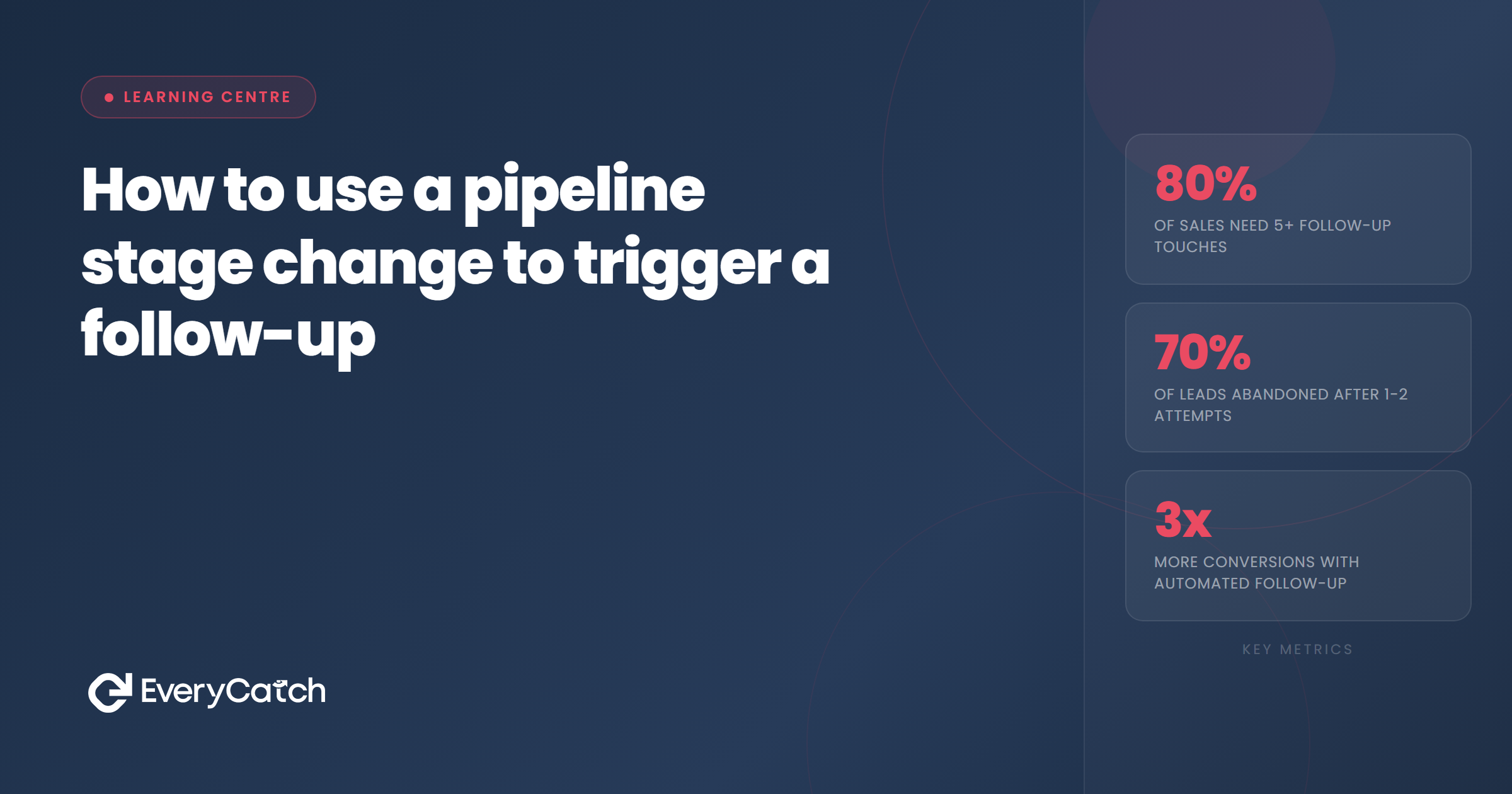
- Pipeline stage changes represent natural moments when prospects expect or need communication
- Automating follow-ups at these points ensures consistency and eliminates reliance on manual memory
- Most CRMs support stage-change triggers, but not all make them simple to build or maintain
- Match your message tone and content to the specific stage transition, not just generic templates
- Track what actually moves leads forward, and adjust triggers based on response rates
What is a pipeline stage trigger?
A pipeline stage trigger fires when you move a lead from one stage to another in your CRM. It could be a text message sent the moment someone moves from "New Lead" to "Contacted", or an email that goes out when you shift them into "Quote Sent".
Unlike calendar-based follow-ups that run on a fixed schedule, stage-based triggers respond to what actually happens in your sales process. The clock starts when you take action, not on an arbitrary date.
Think of it as attaching context to automation. When someone moves into "Awaiting Decision", the system knows exactly where they are in the journey and can send the right nudge at the right moment.
Why it works better than manual reminders
Manual reminders rely on memory, discipline, and spare capacity. On a quiet Tuesday, you might remember to follow up with everyone. On a day when the phone won't stop ringing, you might not.
Stage-based triggers remove that variability. Every lead who enters a particular stage receives the same communication at the same interval, whether you're flat out or watching paint dry.
They also scale without effort. Following up manually with five leads is doable. Following up with 50 becomes a job in itself. Automation handles both with identical reliability.
The other advantage is timing. People forget to send follow-ups, or send them too late. Automated triggers fire the instant the condition is met, while the lead's interest is still warm and your quote is still fresh in their mind.
Common stage changes that should trigger follow-ups
Different businesses have different pipelines, but certain transitions appear in almost every service business and nearly always benefit from automated follow-up.
When a lead first enters your pipeline
This is the "New Lead" to "Contacted" transition. The lead has just enquired or been added to your system. An immediate acknowledgement, sent within minutes, shows you're paying attention. It sets the tone for responsiveness and reassures them they've reached the right place.
After you send a quote
Most quotes sit in inboxes and get forgotten. Moving a lead into "Quote Sent" should trigger a follow-up sequence that checks in a day or two later, answers common objections, and offers to talk through the details.
When someone books a consultation or site visit
Confirmation messages reduce no-shows. If a lead moves into "Appointment Booked", send an immediate confirmation with date, time, and what to expect. Then send a reminder 24 hours before the appointment.
After a job completes
When you mark a job as "Complete", trigger a thank-you message, a request for a review, and perhaps an invitation to refer friends or book future work. This stage often gets neglected because the revenue has already landed, but it's one of the best moments to generate reviews and referrals.
When a lead goes cold
If someone moves into "Not Interested" or "Lost", you can still send a polite message thanking them for their time and inviting them to get back in touch if circumstances change. It keeps the door open without being pushy.
Want stage-based triggers built for you?
We'll design your pipeline, map the key transitions, and set up the follow-up automations that actually move leads forward.
Book a free discovery callHow to set up your first stage-based trigger
The mechanics depend on your CRM, but the logic is consistent across platforms. You're telling the system to watch for a specific change and respond with a specific action.
Step one: define your stages clearly
Your pipeline needs discrete, unambiguous stages. "Quote Sent" is clear. "Maybe interested?" is not. If your stages are vague, your triggers will fire inconsistently or not at all.
Review your existing pipeline or build a new one. Each stage should represent a meaningful point in the buyer's journey, and the path from stage to stage should follow a logical sequence.
Step two: identify the transitions that matter
You don't need to automate every stage change. Focus on the transitions where communication makes a commercial difference. Moving from "New Lead" to "Contacted" matters. Moving from "Hot Lead" to "Very Hot Lead" probably doesn't.
Start with three to five key moments: initial contact, quote follow-up, appointment confirmation, post-job thank-you, and perhaps a re-engagement attempt for cold leads.
Step three: build the automation workflow
In most CRMs, you'll create a workflow or automation that starts with a trigger. The trigger condition is usually something like "Contact stage changed to Quote Sent".
From there, you add actions. Send an email immediately. Wait two days, then send a text. Wait another three days, then send a final nudge. The sequence can be as simple or as detailed as you need.
Step four: write the messages
Generic templates waste the advantage of context. If someone just received a quote, don't send a message that says "Thanks for your enquiry". Reference the quote. Offer to answer questions. Make it easy for them to say yes.
Keep messages short, specific to the stage, and focused on the next logical step. Don't try to sell again if you've already sent the quote. Just make it easier for them to decide.
Step five: test and monitor
Move a test contact through your pipeline and watch what fires. Check the timing, the tone, and the delivery method. Make sure the automation behaves as expected before you rely on it with real leads.
After it's live, track open rates, reply rates, and conversion rates for each message. If nobody responds to the day-two follow-up, try changing the timing or the content.
What to send at each stage
The message you send should match the lead's headspace at that moment in the pipeline. Someone who's just enquired needs reassurance and next steps. Someone who's received a quote needs clarity and confidence.
New lead: acknowledge and set expectations
Send a quick message confirming you've received their enquiry and explaining what happens next. Tell them when they'll hear from you and how. It calms nerves and stops them ringing your competitors while they wait.
Quote sent: remind and invite questions
Wait 24 to 48 hours, then send a gentle nudge. "Just checking you received the quote I sent on Tuesday. Happy to talk through any questions." Don't assume silence means disinterest. Often it just means they're busy or unsure.
Appointment booked: confirm and reduce friction
Send an immediate confirmation with all the details, then a reminder the day before. Include your contact number in case they need to reschedule. Make it easy for them to show up.
Job complete: request reviews and open the door for more work
Thank them for choosing you, ask for a review if they're happy with the work, and mention that you're available for future jobs. This is when goodwill is highest, so make the most of it.
Common mistakes to avoid
Setting up triggers is straightforward. Using them well requires attention to detail and a bit of restraint.
Sending too many messages too quickly
Don't bombard people. If you send a quote confirmation, a two-day follow-up, a four-day follow-up, and a seven-day follow-up, you're not being diligent, you're being annoying. Three touches over ten days is usually plenty.
Using the same message for every stage
Generic templates waste the advantage of knowing exactly where someone is in the pipeline. Tailor your message to the stage. Acknowledge what just happened and focus on the next step.
Forgetting to stop the sequence
If someone replies, books, or buys, stop sending follow-ups. Most CRMs let you set conditions that pause or cancel workflows when a contact moves to a different stage. Use them.
Not reviewing performance
Set it and forget it doesn't work here. Check response rates every month or so. If a particular message isn't working, change it. If a timing feels off, adjust it. Automation doesn't mean static.

From the EveryCatch team
We help service businesses build follow-up systems that actually run themselves. If you're tired of relying on memory and sticky notes, we'll set up the triggers, write the messages, and make sure nothing falls through the cracks.



