- Google review enquiries arrive through the messaging feature on your Business Profile, often from people already comparing local service providers
- Speed matters more than polish. Most enquirers contact three to five businesses and book whoever responds first with a clear answer
- A good response acknowledges the specific question, provides a direct answer, and includes a clear next step
- Most businesses lose these leads by waiting hours to reply, or by sending generic responses that don't address the question
- Automated acknowledgement within minutes keeps you in the race while you prepare a full reply
What is a Google review enquiry
A Google review enquiry happens when someone clicks "Message" on your Google Business Profile. The feature sits prominently near your reviews and star rating, which makes it a natural place for people who are already interested to ask a question.
The person has usually searched for a service, scrolled through local results, and found your listing. They have seen your reviews. They have looked at your photos. Now they want to know something specific before they commit to calling or booking. It might be about pricing, availability, whether you serve their postcode, or whether you can handle their particular job.
The question arrives as a text message. Google sends it to whichever phone number or email you have set up to receive messages. If you have enabled desktop notifications through Google My Business, you will see it there too. The interface looks casual, but the intent is commercial. This is a buying signal.
Why these enquiries matter more than you think
Google review enquiries feel informal, which makes people underestimate them. They sit in a different channel from phone calls and website forms. They arrive with no caller ID, no context beyond the text itself. That casualness is deceptive.
Someone who messages you through Google has already done the hard work of filtering. They have searched. They have read reviews. They have looked at enough of your profile to decide you are worth contacting. Most people do not message five businesses. They message two or three, and they book whoever gives them confidence first.
Your response time determines whether you stay in that shortlist. Research from multiple studies on local search behaviour shows that 78% of mobile local searches result in an offline purchase, and most of those purchases happen within 24 hours. If you reply after the person has already booked someone else, your careful answer does not matter. You are too late.
The other variable is substance. A fast reply that says "Thanks for getting in touch, someone will call you back" does not move the person closer to booking. It stalls them. They want the answer now, which is why they messaged instead of calling. A slow reply or a vague one sends the same message: you are not ready to help.
How quickly should you respond
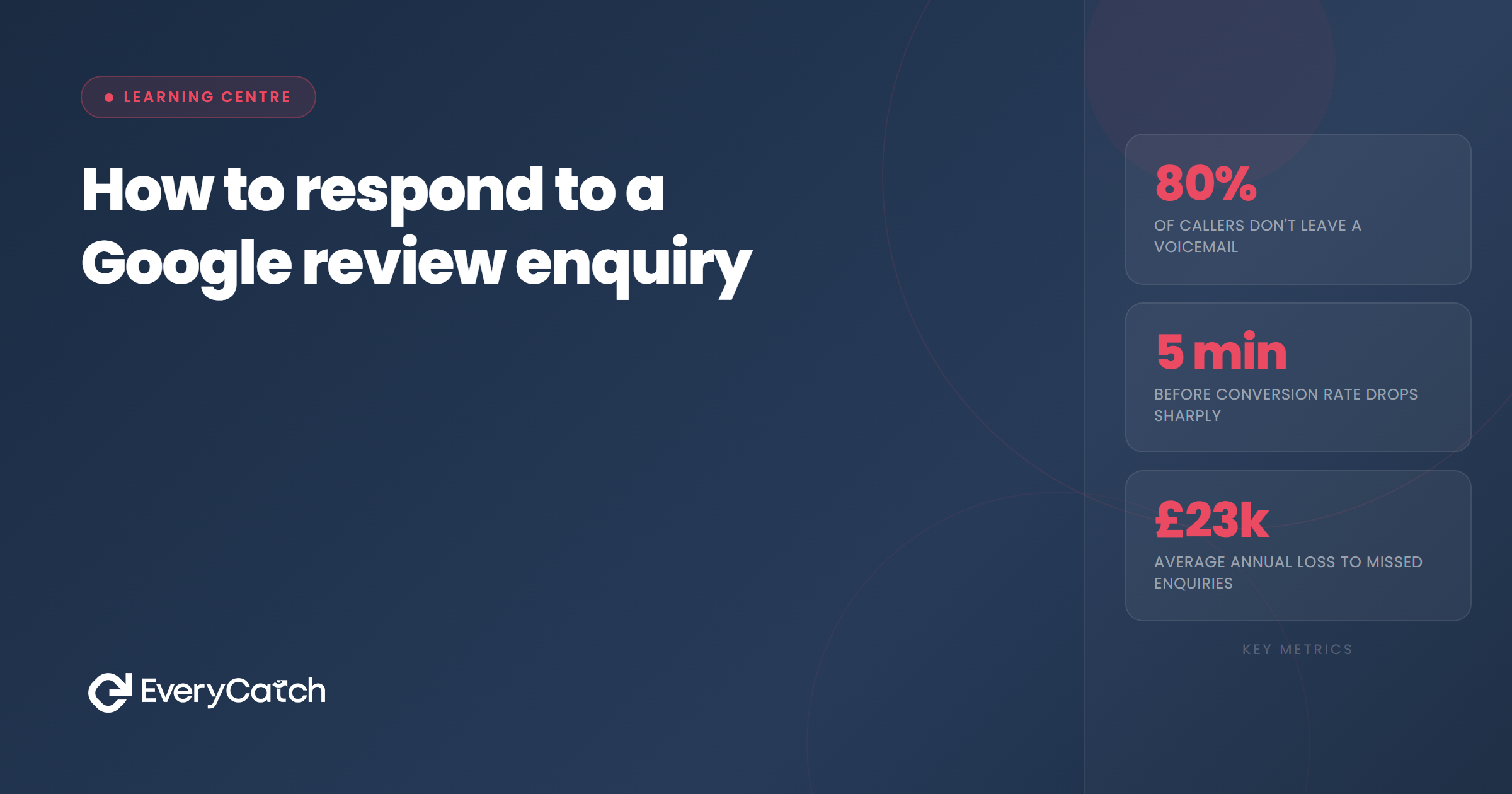
Responding within five minutes gives you the best chance of converting the enquiry. That timeframe sounds strict, but it reflects how people behave when they are comparing options. If someone messages three plumbers on a Saturday morning because they have a leak, the first one to reply with a clear "I can come this afternoon" wins the job.
Most service businesses do not hit that five-minute window. They see the message when they finish the current job, or when they check their phone at lunch, or when they sit down at the end of the day. By then, the person has moved on.
If you cannot reply immediately, an automated acknowledgement buys you time. A message that says "Thanks for your message. I'm with a customer right now but I'll reply with full details within the hour" keeps you in the conversation. It shows you have seen their question. It sets an expectation. That is better than silence.
The outer limit is one hour. After that, your chance of converting drops sharply. The person will have received replies from other businesses, and they will be making their decision based on who has given them the information they need.
Struggling to keep up with enquiries?
We will show you exactly where leads are getting lost, and how to plug the gaps.
Book a free discovery callHow to structure your response
A good response to a Google review enquiry follows a simple pattern. You acknowledge the question, you answer it directly, and you give the person a clear next step. That structure works whether the question is about price, availability, or something technical.
Start by addressing the specific thing they asked. If they want to know whether you cover their area, say yes or no before you say anything else. If they want a ballpark price, give one. Do not bury the answer in three paragraphs of background. People skim messages on their phone. If they have to hunt for the information, they will stop reading.
After you answer the question, add one piece of relevant context. If they asked about price, mention what is included. If they asked about availability, say when you could visit. If they asked whether you handle a specific type of job, give a one-sentence example of a recent similar project. This builds confidence without overwhelming them.
Finish with a next step. Do not end on "Let me know if you have any other questions." That is passive. Instead, say "I can come out Tuesday afternoon if that works, or I can call you now to talk through the details." Give them two options, both of which move towards a booking. That makes it easy for them to say yes.
Keep the tone conversational but professional. You are not writing a formal email. You are having a quick back-and-forth with someone who wants help. Use their name if they have given it. Use plain language. Avoid jargon. Do not use emojis unless that fits your brand. Most service businesses should stick to straightforward text.
Common mistakes that kill the lead
The most common mistake is not answering the question. Someone asks "Do you work in Croydon?" and you reply with a paragraph about your 20 years of experience and your commitment to quality. They do not care yet. They want to know whether you work in Croydon. Answer that first.
The second mistake is asking for too much information before you help. Responding with "Can you send me your full address and three photos of the problem?" makes the person do work. They wanted a quick answer. Now you are giving them homework. If you need details to give an accurate quote, say that, but offer to call them instead of making them type everything out.
Being vague about price kills leads. If someone asks what you charge and you say "It depends," you have not helped them. They know it depends. They want a range. "Most jobs like that run between £150 and £300 depending on X" is useful. "I'd need to see it first" is not. Yes, you do need to see it. Give them a range anyway.
Ignoring the enquiry because it arrived at an inconvenient time is another own goal. You might see the message while you are driving, or in the middle of a job, or after hours. If you can take 30 seconds to send an acknowledgement, do it. If you cannot, set up an auto-reply. A delayed acknowledgement is better than none.
Finally, treating the message as less important than a phone call costs you work. People who message instead of calling are not less serious. They are often more deliberate. They have chosen a channel that lets them compare answers side by side. Give them the same quality of response you would give on the phone.

From the EveryCatch team
We help service businesses respond to every enquiry, from every channel, without adding hours to your day. Our tools make sure nothing falls through the cracks, even when you are flat out.



