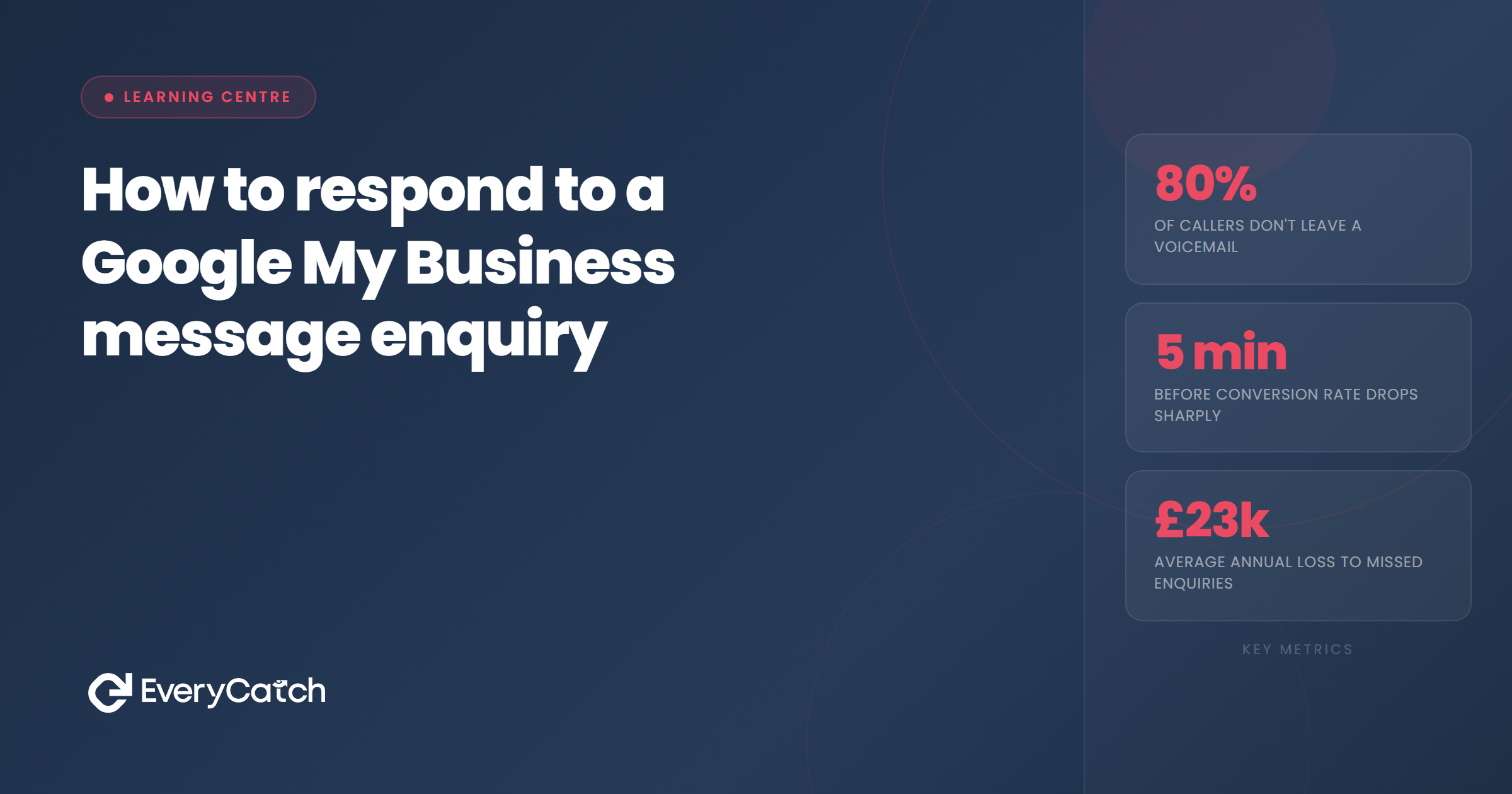
- You have around five minutes to respond before prospects start contacting competitors
- Your first message should acknowledge receipt and provide either next steps or a direct booking option
- Personalisation matters more in Google messages than in any other channel because the lead already sees your reviews
- Most Google enquiries convert immediately or not at all, follow-up windows are narrow
- Template responses work well if you customise the first line and answer the specific question asked
Google My Business messages appear when someone finds your profile and clicks the message button. They've already decided you're worth contacting. They've probably looked at your star rating, scrolled through photos, and read a few reviews. Your response needs to capitalise on that initial trust.
Most service businesses treat Google messages like email enquiries. They wait hours, sometimes a full day, before replying. By that time, the prospect has moved on. Google messages sit in a different category. People send them expecting a quick reply, similar to texting a friend or messaging on social media.
When someone messages your business at 2pm on a Tuesday, they're comparing you with two or three other local providers who also appeared in their search results. The first one to reply with a useful, personalised message usually wins the job.
The immediate response window
Research shows you have approximately five minutes before a prospect sends the same enquiry to your competitor. That sounds dramatic, but Google makes it incredibly easy to message multiple businesses. One tap opens your profile, another tap opens the message window, and their question auto-fills if they've used it before.
The expectation for response speed depends partly on when the message arrives. An enquiry sent at 9am on a weekday should get a reply within 10 minutes. One sent at 8pm can wait until the next morning, but not much longer. Weekend messages sit somewhere in between, depending on your industry.
Speed matters more than perfection in that first reply. A quick acknowledgement that says "Got your message, I'll send full details in 10 minutes" beats a perfectly crafted response that arrives an hour later. The prospect knows you're there and paying attention.
Many business owners ask whether automated instant replies damage credibility. They don't, as long as the message acknowledges it's automated and promises a personal follow-up soon. What damages credibility is silence for three hours followed by a generic "thanks for your enquiry" message.
Structure of an effective response
Your response needs three components. First, acknowledgement that shows you've actually read their message. Use their name if they've provided it, and reference the specific service they asked about. This takes 10 seconds but makes an enormous difference.
Second, provide the answer or information they requested. If they asked whether you cover their postcode, confirm yes or no and mention your typical service area. If they want a price estimate, give a range with context about what affects the final cost. Answer the question directly rather than forcing them to ask again.
Third, make it easy for them to take the next step. Include a booking link, offer specific appointment times, or ask one clarifying question that moves the conversation forward. Never end with "let me know if you're interested" because that puts the burden back on them.
Your tone should match the enquiry. Someone asking about emergency plumbing at midnight needs efficiency and reassurance, not chattiness. Someone requesting a quote for garden landscaping in three months' time appreciates a bit more detail and personality.
Response templates by enquiry type
Availability enquiries make up the largest category. Someone asks "Are you available next Tuesday?" or "How soon could you come out?" Your template should confirm availability and offer a specific time slot, not just "yes, we're available."
A solid template reads: "Hi [name], yes we can definitely help. I have slots free on Tuesday between 9-11am or after 2pm. Which works better for you? Once you confirm, I'll send a booking confirmation with all the details."
Price enquiries need careful handling. You want to provide enough information to qualify the lead without pricing yourself out before they understand the value. A good template includes a range, context about variables, and an invitation to discuss their specific situation.
Try this structure: "Hi [name], thanks for getting in touch. For [service type] we typically charge between £X and £Y depending on [key variable]. To give you an accurate quote, I'd need to know [one specific question]. Would you prefer to book a quick call or should I send over a detailed quote by email?"
Service area enquiries happen frequently if you're in a trade or mobile service. Keep a template that lists your primary coverage area and mentions whether you occasionally travel further for larger jobs. People appreciate knowing immediately whether you serve their location.
General enquiries where someone just says "I need a [service type]" require a bit more detective work. Your template should ask two or three qualifying questions that help you understand urgency, budget bracket, and project scope. Keep it conversational rather than firing off an interrogation.
Wondering how many Google messages you're missing?
Most businesses don't realise Google messages arrive at unpredictable times when they're busy or away from their desk.
Book a free discovery callWhen and how to follow up
If someone doesn't reply to your first message within two hours during business hours, send a gentle follow-up. Keep it brief and add new information rather than just saying "did you see my last message?"
A good follow-up reads: "Just wanted to add that we could also fit you in on Wednesday morning if Tuesday doesn't work. Let me know either way, happy to help." You've provided additional value and made it easy for them to re-engage.
After 24 hours with no response, send one final message. Make it clear this is your last attempt but leave the door open. Something like: "No worries if you've found someone else or timing doesn't work. If you need us in future, just message again and we'll sort you out." This graceful exit sometimes prompts a reply from people who got busy and forgot.
Some prospects message you, you reply instantly with perfect information, and then they vanish. This happens constantly. Don't take it personally. They might be comparing three quotes, their plans changed, or they got distracted. Your job was to respond well and make it easy to proceed. That's all you control.
Track how many Google messages convert compared to other enquiry channels. If your conversion rate sits below 20%, your responses probably lack either speed or substance. Above 40% and you're doing well. The exact number depends on your industry and how qualified Google traffic is for your business type.
Automating your first response
Google My Business doesn't offer built-in automated responses, which creates a gap most businesses haven't filled. You can connect messaging to your CRM or use third-party tools that monitor your Google profile and send instant acknowledgements.
The simplest automation approach is a holding message that buys you time to craft a proper response. "Thanks for your message. I'll reply with full details within the hour" works if you actually reply within the hour. Break that promise twice and you've trained the prospect not to trust you.
More sophisticated automation can route different enquiry types to specific templates based on keywords. Someone who mentions "emergency" or "urgent" gets a different instant reply than someone asking about "quote" or "estimate." This requires setup time but handles the most common scenarios without human input.
Whatever automation you use, make sure it sounds like a human wrote it. The goal is not to trick people into thinking you're personally typing at that exact moment. The goal is to acknowledge their message immediately and set clear expectations about when they'll get your full attention.
If you're manually responding, enable Google notifications on your phone and check them compulsively during business hours. This feels tedious, but it's the reality of competing in local search. Your competitors who respond in three minutes win the jobs you lose while waiting 90 minutes to check your messages.
Common mistakes to avoid
Asking people to email or call you instead of continuing the conversation in Google messages. They chose this channel for a reason, probably because it's convenient and low-pressure. Forcing them to switch channels adds friction and reduces conversion.
Sending your full company introduction, history, and credentials in the first message. They've already looked at your profile. They know who you are. Just answer their question and give them a clear next step.
Treating every enquiry identically regardless of intent or urgency. Someone who messages "Can you come today, I have a leak?" needs a completely different response speed and tone than someone asking about a renovation project in six months.
Failing to use the prospect's name or reference what they asked. This signals template syndrome and makes people feel like a number. Even if you're using templates, customise the opening line.
Ending your message without a call to action. Never leave the conversation dangling with "Let me know what you think" or "Hope that helps." Always include a specific next step, whether that's booking a time slot, confirming their address, or answering one clarifying question.
Ignoring messages that seem like time-wasters or tire-kickers. You never know which enquiry converts into a great customer or leads to referrals. Treat every message professionally, even if you suspect they're just browsing.

From the EveryCatch team
We help service businesses respond to every enquiry within minutes, automatically. Our system monitors all your lead channels and sends intelligent first responses while you're busy with actual work.



