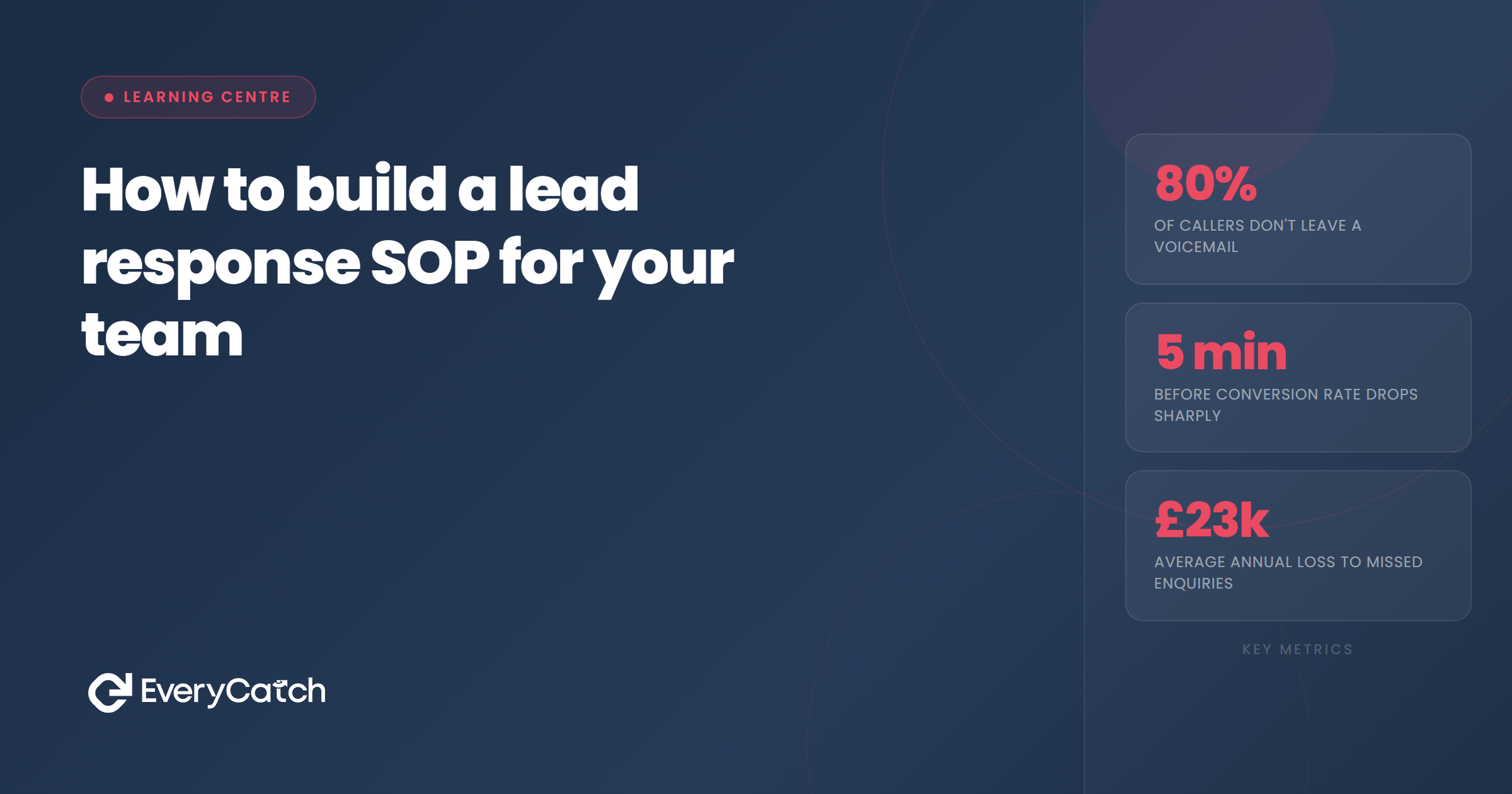

- An effective SOP turns your best lead response practices into a repeatable system anyone can follow
- Document response tiers, timing expectations, qualification questions, and escalation paths in one place
- Pre-written templates save time but must leave room for personalisation to avoid sounding robotic
- Train new team members using real lead scenarios, not just reading the document
- Audit compliance regularly to catch drift before it costs you conversions
Most service businesses operate without a written lead response process. New team members shadow someone for a week, pick up habits, and make it up as they go. The result is inconsistency. Some leads get called within minutes, others sit for days. Some get a detailed email, others get a text with a booking link.
A standard operating procedure fixes this. It documents how your team should respond to every type of lead, in what order, using what channels, and what to do when things go wrong. The process becomes portable. You can hand it to a new hire, and they will respond to leads the same way your best salesperson does.
Why document your process
Verbal instructions decay. Tell someone to follow up "quickly" and they might interpret that as five minutes or five hours. Tell someone to "qualify the lead" and they might ask three questions or fifteen, depending on their mood.
Written procedures create a shared definition of what good looks like. They also protect you when someone leaves. If your top salesperson walks out with all the knowledge in their head, you lose more than a person. You lose institutional memory, tone, and timing.
Documentation also exposes gaps. When you sit down to write "what we do when a lead comes in at 11pm," you might realise you have no process at all. That forces you to make decisions now, not during a panicked Monday morning.
Define response tiers
Not all leads deserve the same treatment. A high-intent lead who filled out a quote form during business hours needs immediate attention. A newsletter signup can wait. Your SOP should categorise leads into tiers and assign different response workflows to each.
Start by listing every lead source you have. Web forms, phone calls, emails, social media messages, referrals. Then classify each by urgency and value. A phone call is always tier one. A form fill asking for a quote is tier one. A general enquiry form is tier two. A newsletter signup is tier three.
For each tier, document the target response time and the channel you use first. Tier one might be "call within 5 minutes, follow with SMS if no answer, email if still no contact within 30 minutes." Tier two might be "email within 2 hours, call the next business day if no reply." Write it down so there is no ambiguity.
Build a template library
Speed matters, but so does quality. Your team should not spend ten minutes crafting the perfect introductory email from scratch every time. They should use a template that already works, then personalise the relevant details.
Build a library of templates for common scenarios. First contact email. Voicemail script. SMS follow-up. Quote request response. Each template should include placeholders for the lead's name, service requested, and any details from the form. The rest stays consistent.
Good templates sound like a human wrote them, not a mail merge. Avoid corporate jargon and overly formal language. Write the way you talk. If you would not say "I hope this message finds you well" on the phone, do not put it in the template.
Test each template before you roll it out. Send it to yourself. Read it aloud. Does it sound natural? Does it make the next step obvious? If a lead reads it, will they know what to do?
Tired of manually chasing every lead?
We will show you how automated follow-up can keep your pipeline moving without constant effort.
Book a free discovery callCreate a decision tree
Your SOP needs to handle more than the happy path. What happens when a lead does not answer? What happens when they ask for something you do not offer? What happens when they want a quote but have not provided enough detail?
Map out the decision tree for each scenario. Start with "lead comes in." Then branch. Did they answer the phone? Yes: qualify and book. No: leave voicemail, send SMS, schedule second call. Did they reply to the email? Yes: move to booking. No: wait 24 hours, send follow-up email with different angle.
Write the logic explicitly. Do not assume people will figure it out. Include specific timeframes, specific messages, and specific escalation points. If a lead does not respond after three attempts over five days, they move to a nurture sequence. If they respond but are not ready to book, they go into a follow-up calendar for two weeks later. Spell it out.
Set timing rules
Response speed is one of the biggest predictors of conversion, but you cannot mandate "respond instantly" if you do not define what that means. Set explicit timing rules tied to lead tier and time of day.
Business hours leads should get a response within five minutes for tier one, within one hour for tier two. After-hours leads should get an automated acknowledgment immediately, then a human follow-up within 30 minutes of your next business day opening. Weekend leads get the same treatment as after-hours.
Document what happens if someone misses the target. If a lead comes in at 9:05am and no one responds by 9:10am, who gets the alert? Does it escalate to a manager? Does it round-robin to the next available person? Make the fallback explicit.
Document qualification criteria
Not every lead should go straight to booking. Some need qualification first to make sure they are a good fit for your service, have the budget, and are ready to proceed. Your SOP should define what questions to ask and what answers disqualify a lead.
Write out the qualification script. Include the exact questions your team should ask. "What prompted you to reach out today?" "What timeline are you working to?" "Have you had this type of work done before?" The answers tell you whether the lead is ready, curious, or price shopping.
Define what makes a lead qualified. If they need the service within your timeframe, have a realistic budget, and have decision-making authority, they are qualified. If they are "just looking" or "getting some prices," they go into a different follow-up track. Write the criteria so a new hire can apply them on day one.
Structure handover protocols
In many businesses, the person who takes the lead is not the person who delivers the service. The handover is where things fall apart. Details get lost. Leads get ghosted because someone assumed someone else was handling it.
Your SOP should define exactly how and when a lead moves between team members. When does the sales team hand off to operations? What information must be passed along? Who confirms receipt?
Create a handover checklist. Lead name, contact details, service requested, agreed price, timeline, any special requirements. Nothing moves forward until the receiving person confirms they have everything. Build in a notification if the handover sits unacknowledged for more than two hours.
Train and test
Writing the SOP is half the job. The other half is making sure your team actually follows it. You cannot hand someone a 12-page document and expect them to absorb it. You need structured training and regular audits.
Walk new hires through the SOP in a live session. Show them where the templates live. Roleplay a lead response. Give them a fake lead and watch them work through the decision tree. Answer questions and correct mistakes in real time.
Run monthly audits. Pull a random sample of leads and check if they were handled according to the SOP. Did the first contact happen within the target time? Did they use the right template? Did they ask the qualification questions? If not, retrain.
Update the SOP when something breaks. If you find yourself repeatedly making exceptions for a certain type of lead, it means your process has a gap. Add a new section. Clarify the wording. Keep the document alive.

From the EveryCatch team
We have built lead response systems for hundreds of service businesses. The ones that document their process always outperform the ones that wing it.



