
- Most service businesses have no accurate measure of their lead response time, which makes improvement impossible
- An audit requires tracking the time from enquiry arrival to first meaningful contact for at least 50 leads
- Average response time alone hides the distribution problem – some leads get fast replies, most wait hours or days
- The audit will expose which channels, times of day and enquiry types create the longest delays
- Results give you the baseline to fix problems and measure whether changes actually work
You cannot improve what you do not measure. That sentence applies to nearly everything in business, but it particularly matters when the thing you're not measuring determines whether leads become customers or disappear. Lead response time sits at the top of that list.
Most service business owners believe they respond quickly. When asked, they estimate their response time at somewhere between 15 minutes and an hour. When those same businesses audit their actual performance, the average sits closer to four or five hours, with plenty of leads waiting 24 hours or longer. The gap between perception and reality costs jobs.
An audit shows you what actually happens, not what you think happens. It gives you numbers, patterns and evidence. Once you have those, you can fix problems that you didn't know existed.
Why audit your response time
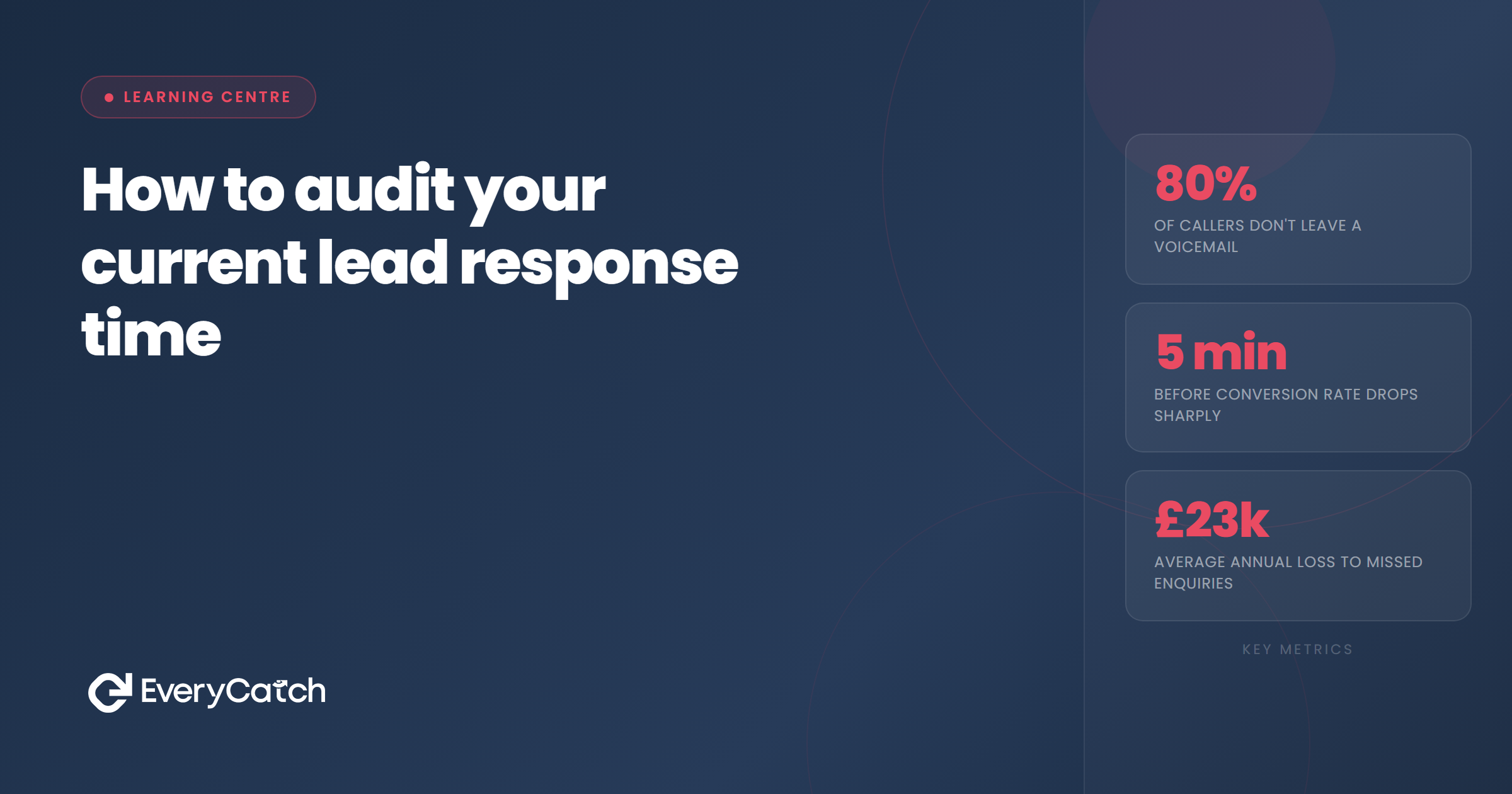
The case for speed is well established. Research consistently shows that contact within five minutes produces dramatically higher conversion rates than contact after an hour. After 24 hours, your chances of booking an appointment drop to single-digit percentages.
But knowing speed matters is different from knowing how fast you actually are. Without an audit, you're operating on guesswork. You might have one person who replies within minutes and another who takes three hours. You might respond quickly to email enquiries but leave phone messages unanswered for days. Some leads might arrive at 6pm on Friday and sit untouched until Monday morning.
An audit exposes all of that. It tells you which channels fail, which times of day create black holes, and how much variation exists between your fastest and slowest responses. It also gives you a baseline. When you implement changes, you need to know whether those changes improve performance or just shuffle the same problems around.
Define what counts as contact
Before you collect any data, decide what counts as first contact. This definition must be consistent, otherwise your numbers mean nothing.
First contact is the moment a human on your team makes meaningful outreach to the lead. That includes a phone call where someone answers, a text message sent directly to the lead's mobile, or a personal email that addresses their enquiry. It does not include automated replies, generic acknowledgement emails or internal notes in your system.
The reason for this distinction matters. Automated responses do not advance the relationship. They tell the lead you received their enquiry, but they do not answer questions, discuss pricing or move towards a booking. Humans convert leads. The audit measures how quickly your team makes human contact.
Write your definition down. Share it with everyone involved in the audit. When you review your data later, this consistency prevents arguments about what the numbers actually mean.
Collect your data
You need at least 50 leads to get meaningful results. Fewer than that and you're looking at anecdotes. More than 100 gives you better pattern recognition but takes longer to process. Start with 50.
For each lead, record the following information:
- Date and time the enquiry arrived
- Channel it came through (phone, email, web form, social media)
- Date and time of first contact by your team
- Who made the contact
- Type of contact (call, text, email)
If you use a CRM or lead management system, pull this data from there. Most systems timestamp enquiries and log when team members take action. If you don't have that level of tracking, you'll need to reconstruct it manually from email threads, call logs and calendar entries.
Manual tracking is tedious but not impossible. Go back through your email inbox, find 50 recent enquiries, and work out when they arrived and when you first replied. Check your phone log for calls. Cross-reference with your diary to see when appointments were booked. It takes time, but the result gives you real numbers instead of guesses.
Avoid cherry-picking. Don't only track the leads you remember responding to quickly. Include every enquiry that came in during your sample period, whether you converted them or not. Leads you never contacted at all count as infinite response time, which tells you something important.
Want to see where your leads are going?
We'll show you exactly what's happening to every enquiry and help you fix the gaps.
Book a free discovery callCalculate your metrics
Once you have your data, calculate four metrics. Each one tells you something different about your performance.
Average response time
Add up the response time for all 50 leads, then divide by 50. This gives you your mean response time. If your total comes to 300 hours and you tracked 50 leads, your average is six hours.
The average tells you roughly where you sit, but it hides problems. One lead that waits three days pulls your average up, even if most leads get contacted within an hour. That's why you need the next metric.
Median response time
List all 50 response times in order from fastest to slowest. The middle number is your median. This metric ignores outliers and shows you what a typical lead experiences.
If your median is two hours but your average is six hours, you know that a small number of very slow responses are dragging your average up. That tells you where to focus attention.
Percentage contacted within one hour
Count how many of your 50 leads received first contact within 60 minutes of their enquiry arriving. Divide that number by 50 and multiply by 100 to get your percentage.
This metric tells you how often you hit the speed threshold that research shows converts best. If only 10% of your leads get contacted within an hour, you now know why your conversion rate sits lower than it should.
Percentage never contacted
Count how many leads in your sample never received first contact at all. These are enquiries that came in, went into a system or inbox, and were never followed up. Divide by 50 and multiply by 100.
This number should be zero. If it's not, you're leaving money on the table. Even a 5% no-contact rate means one in 20 leads walks away without anyone from your business ever reaching out.
Identify patterns and bottlenecks
Raw numbers give you the overview. Patterns tell you where the problems actually live. Break your data down by channel, time of day, day of week and team member to see what drives delays.
Look at each enquiry channel separately. Calculate average response time for phone leads, then for email leads, then for web form leads. You'll often find that one channel consistently performs worse than the others. Phone calls might get returned quickly, but web form enquiries sit unread for hours.
Plot your leads by time of day. If most of your delayed responses happen to enquiries that arrive after 5pm or before 9am, your problem is coverage, not effort. Leads arriving outside business hours wait until the next morning, and by then they've contacted three other businesses.
Check for differences between team members. If one person responds within 30 minutes and another takes four hours, you have a training issue or a workload distribution problem. The audit shows you which.
Look for day-of-week patterns. Many service businesses see Friday afternoon enquiries fall into a black hole because the team mentally checks out for the weekend. Those leads sit until Monday, by which point they've already booked someone else.
Act on your findings
An audit without action is a waste of time. The point of measuring performance is to improve it. Your audit results should lead directly to specific changes.
If your average response time sits above one hour, you need a faster alert system. Enquiries should ping someone's phone the moment they arrive, not sit in an email inbox waiting to be checked. If you're using a CRM, enable mobile notifications. If you're not, set up email forwarding or SMS alerts.
If certain channels perform worse than others, route those channels differently. Web forms that currently go to a general inbox should go directly to the person responsible for following up. Phone calls that go to voicemail should trigger an immediate callback process, not wait for someone to check messages at the end of the day.
If out-of-hours enquiries create delays, you need either extended coverage or an automated response that sets expectations. Leads arriving at 7pm should receive an immediate text or email saying someone will contact them by 9am the next morning. That doesn't solve the speed problem, but it stops leads from thinking you're ignoring them.
If some team members respond slowly, find out why. They might be overloaded with other work, unclear about priorities, or unaware that speed matters. Training, workload redistribution or clearer processes can all fix this.
Once you implement changes, repeat the audit. Track another 50 leads and calculate the same metrics. If your average response time drops from six hours to 45 minutes, you know the changes worked. If it stays the same, you're fixing the wrong problem.

From the EveryCatch team
We help service businesses track every lead, respond instantly, and turn enquiries into booked jobs. Our tools do the audit for you, automatically, every single day.



