Two-step checkout for ecommerce stores
What changed
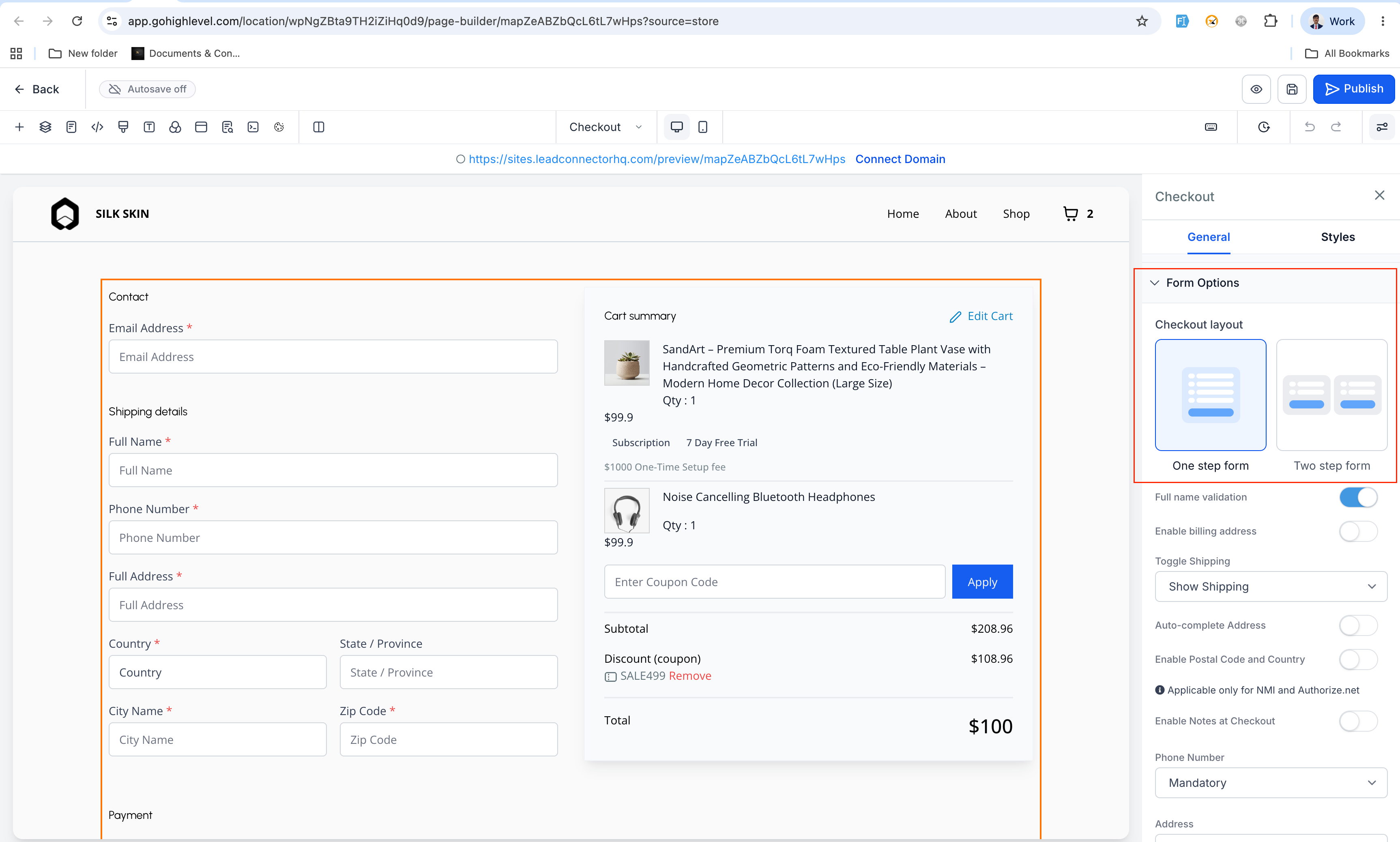
You can now choose whether your store uses a one-step checkout or a two-step checkout, directly from the Checkout element’s Form options in the EveryCatch Store Builder.
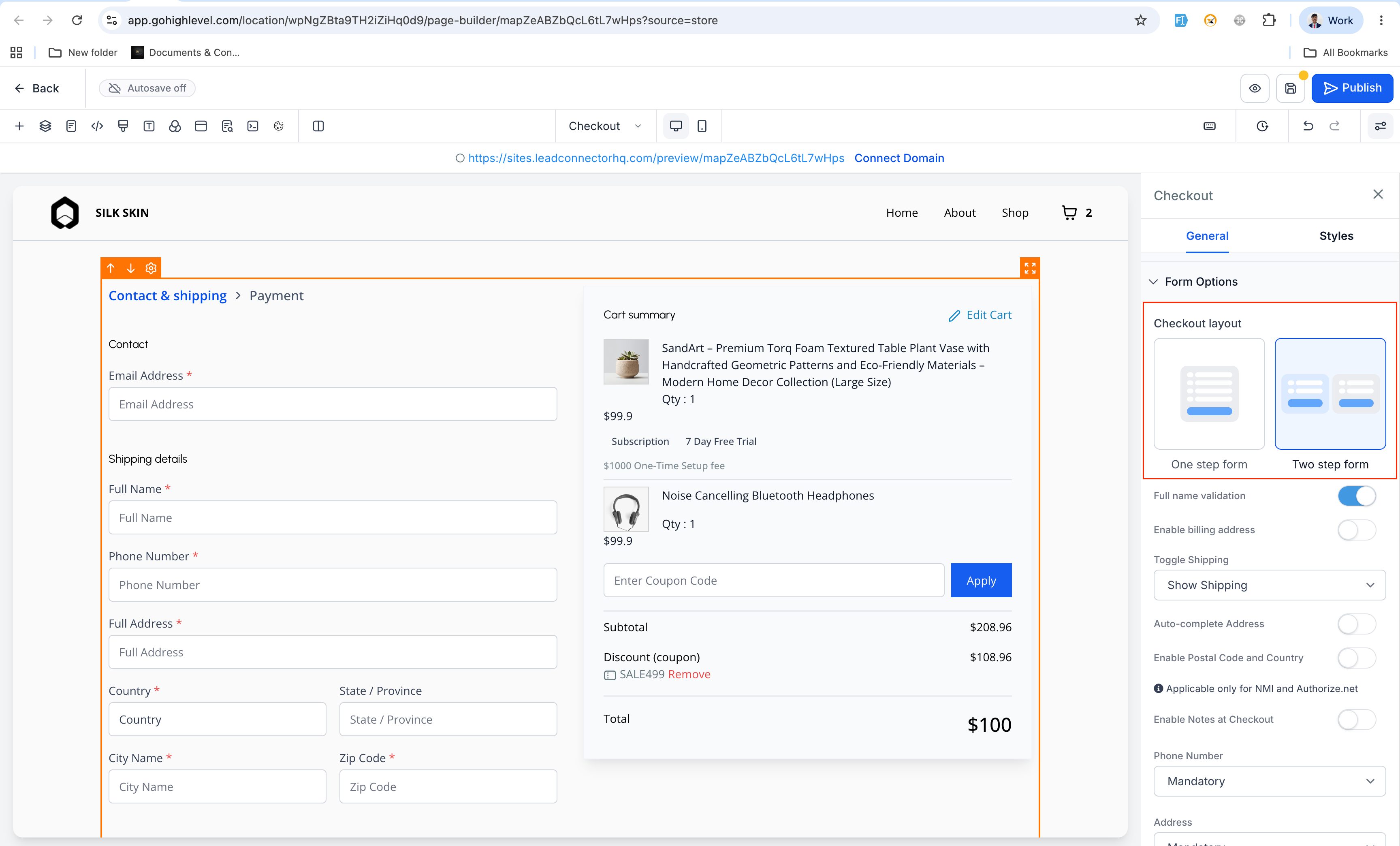
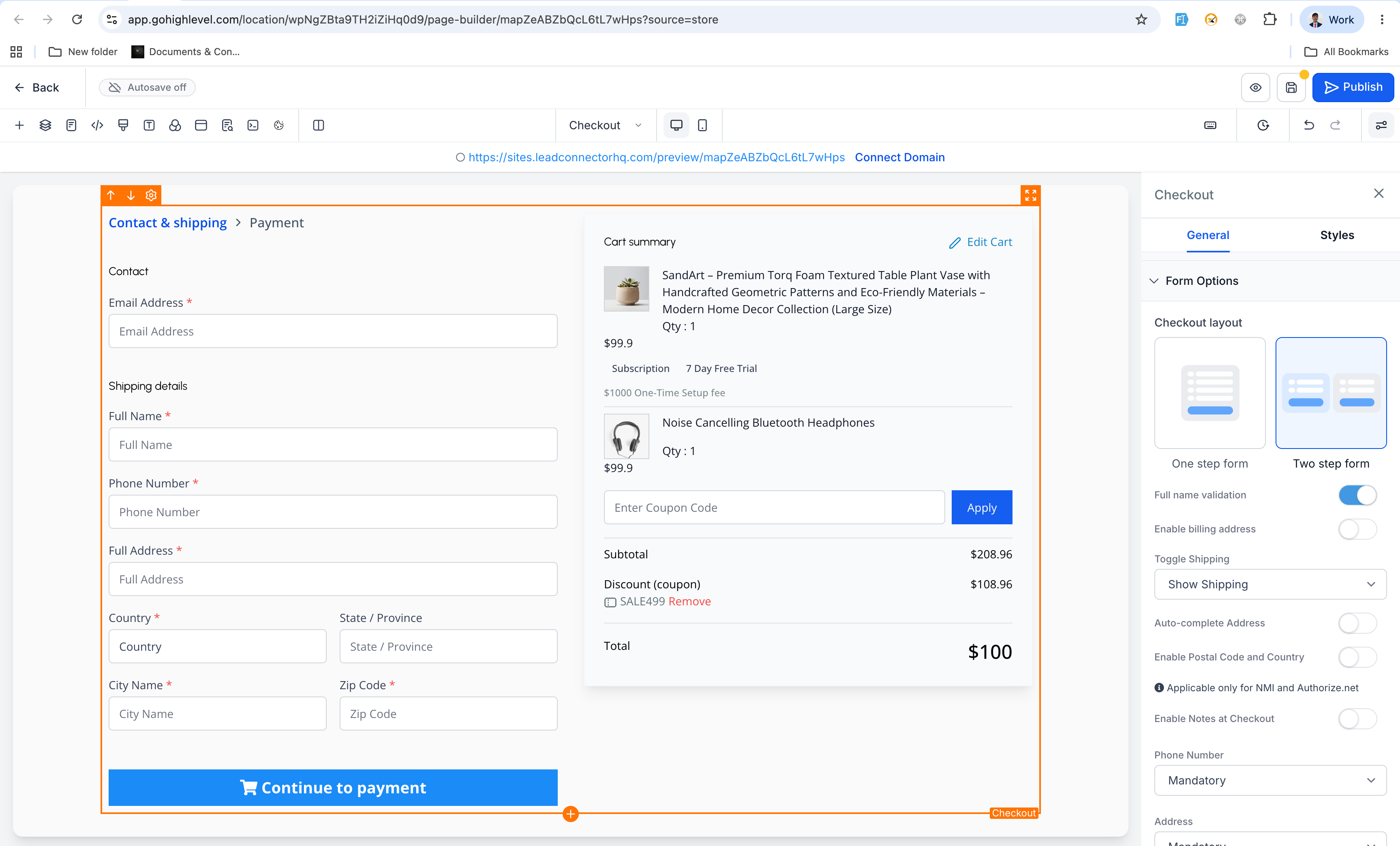
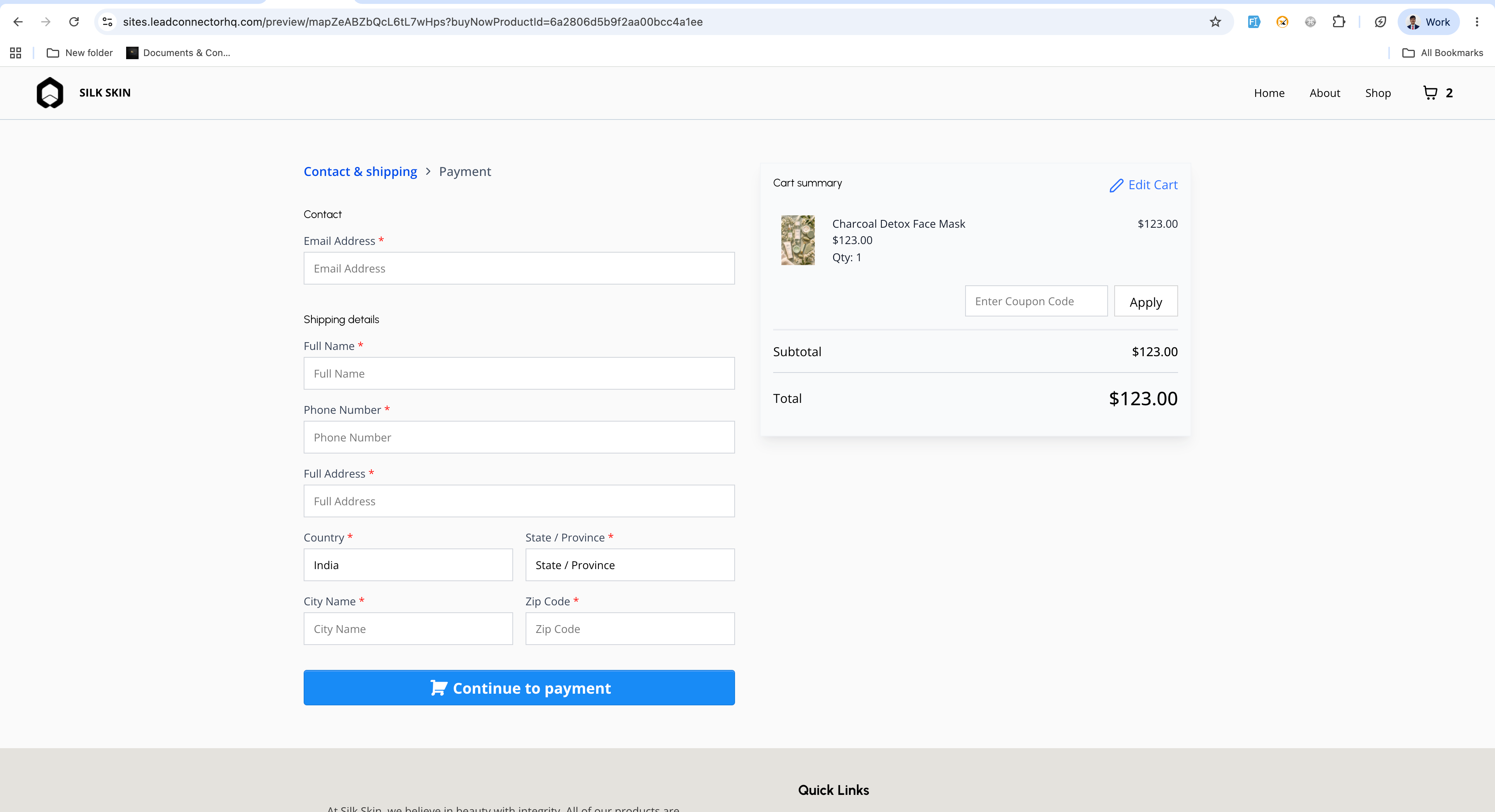
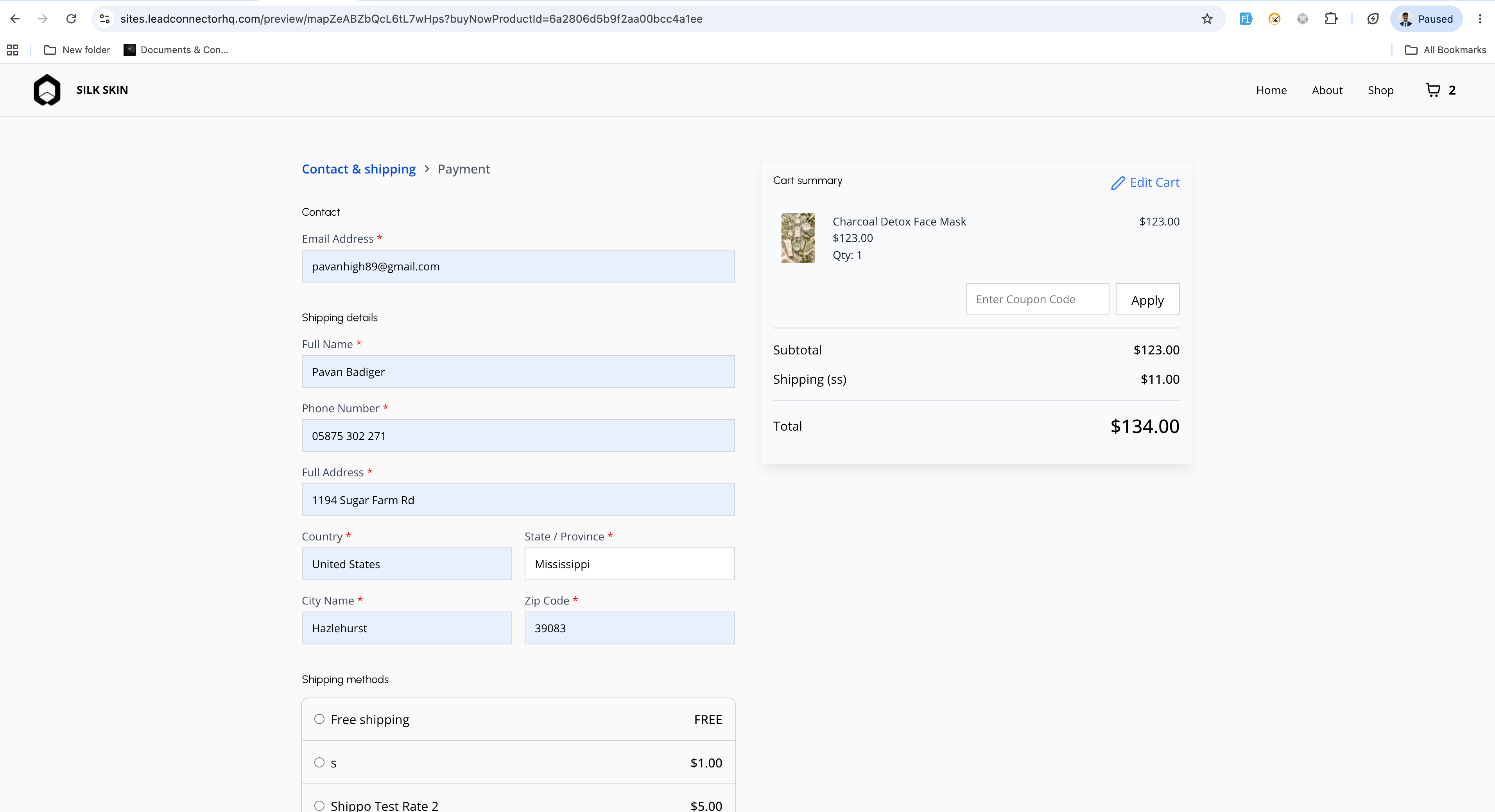
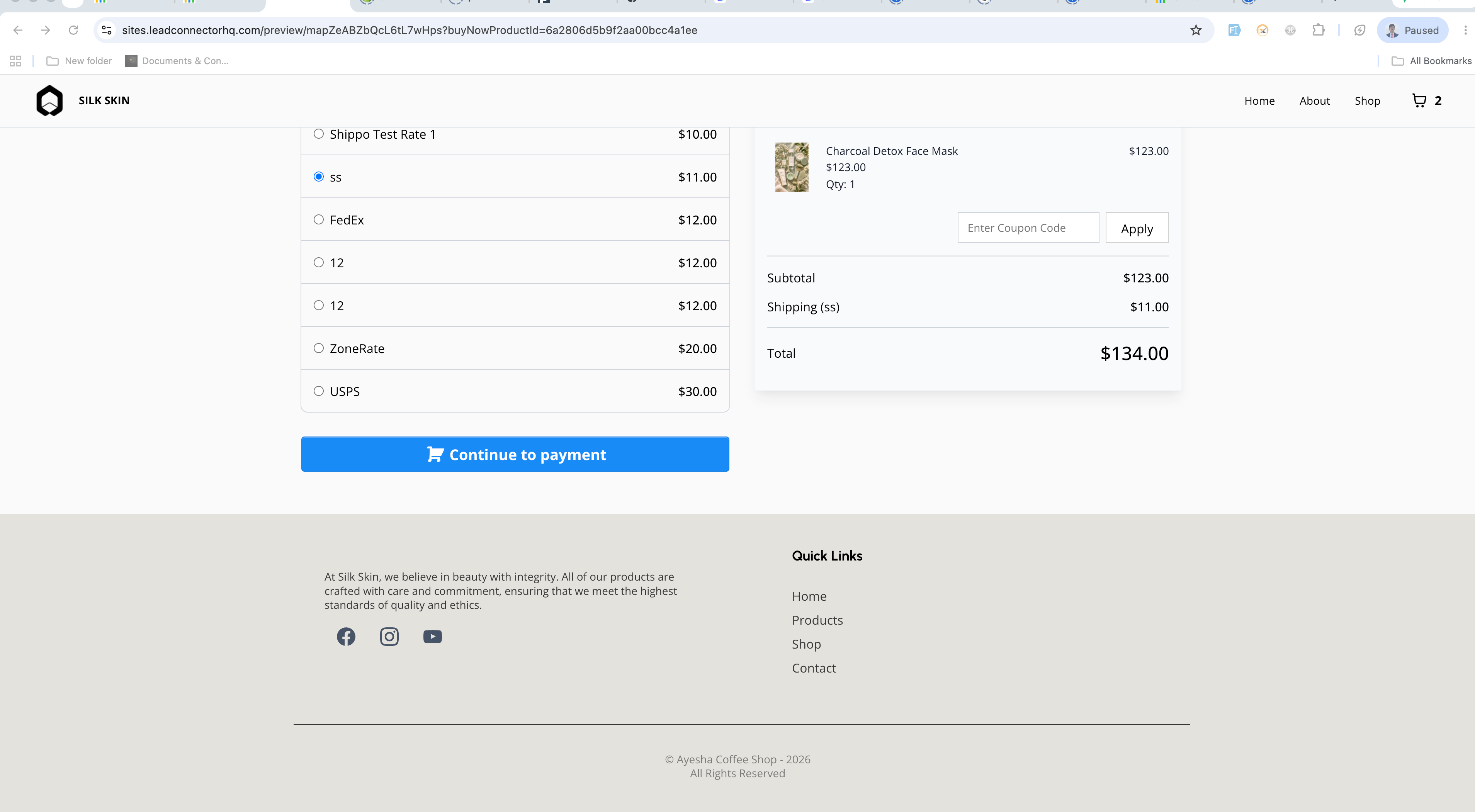
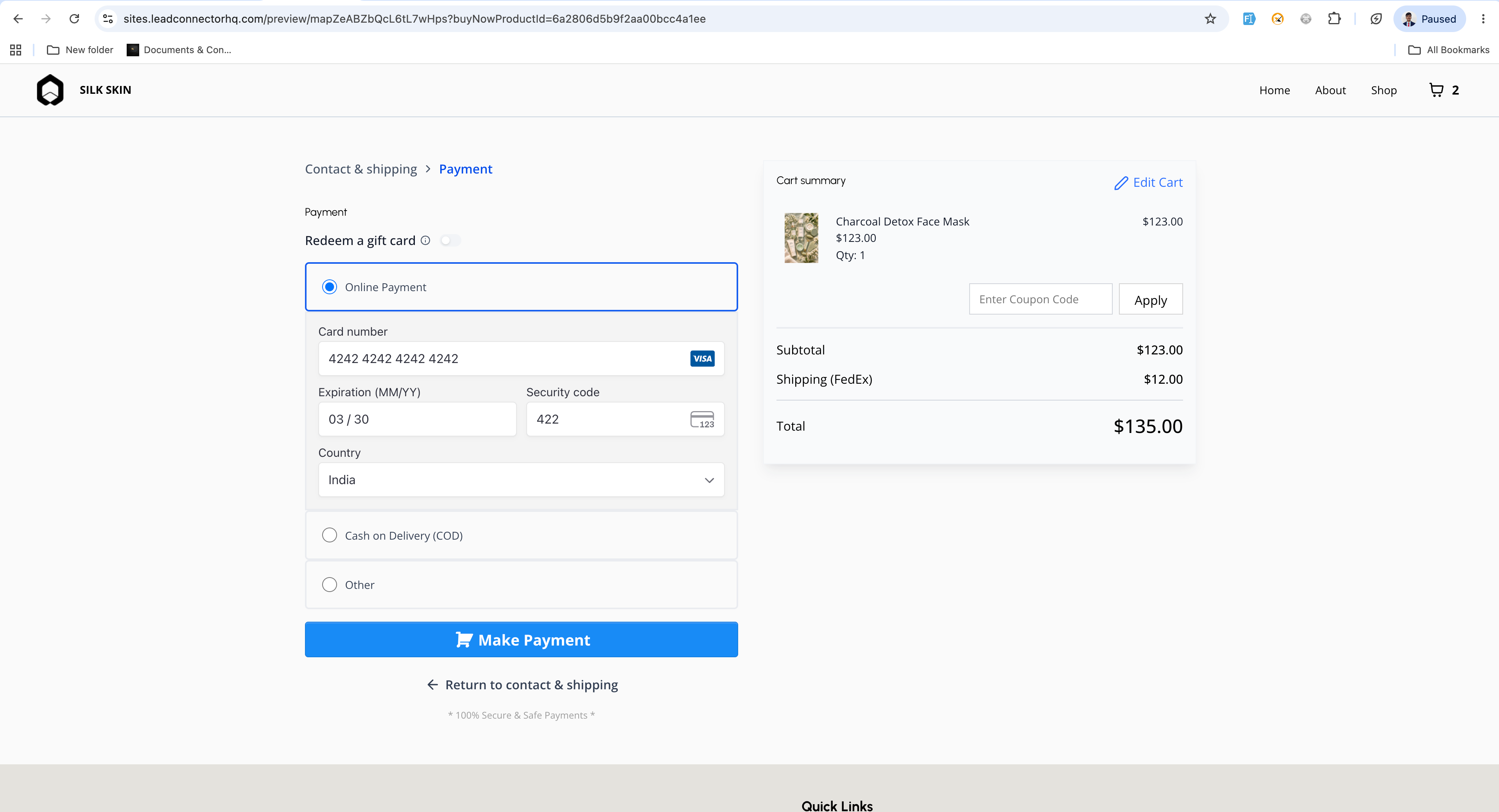
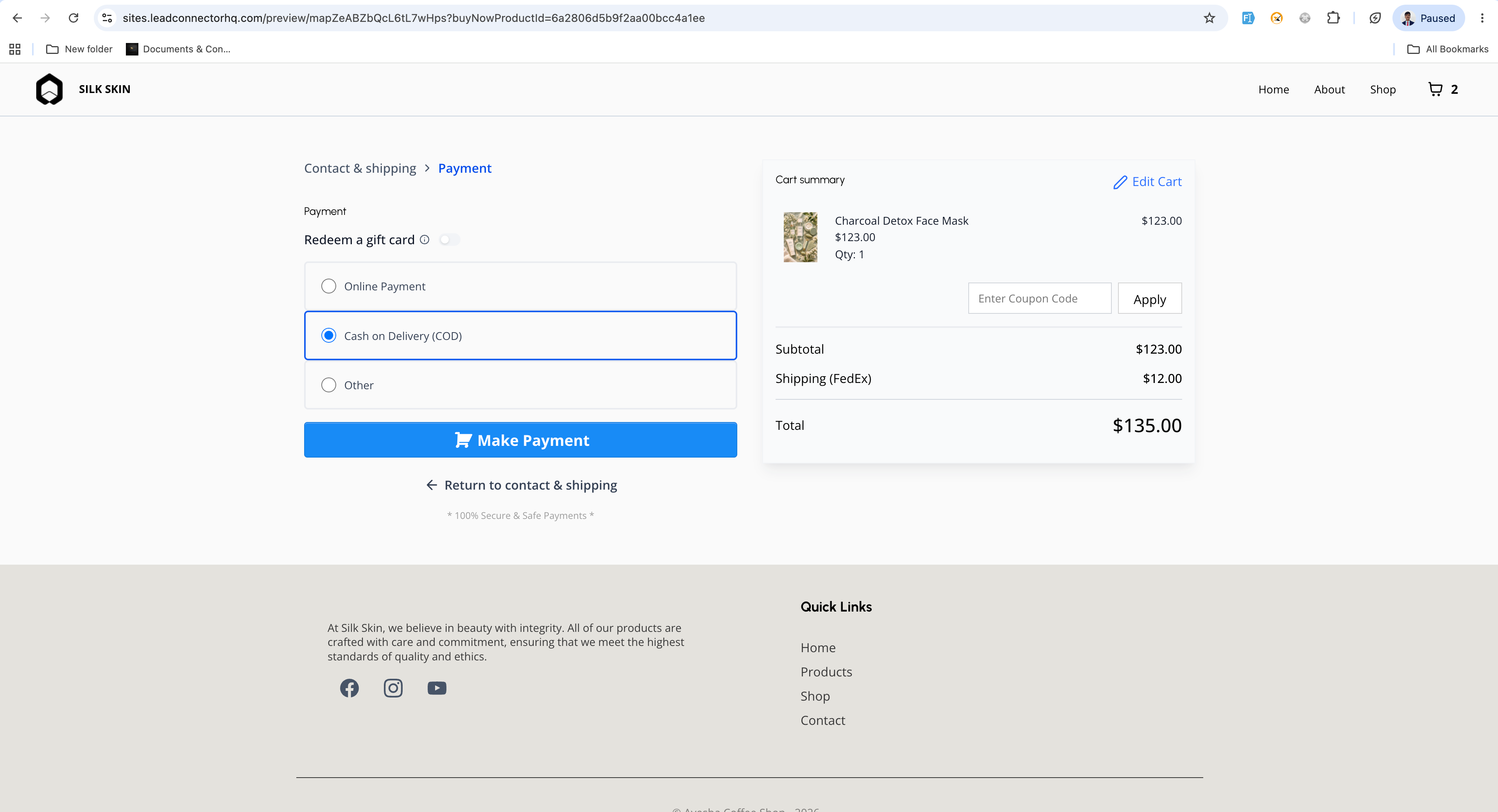
With two-step checkout, your customers first submit their contact and shipping details. In the second step they complete billing, payment, and a final order review before placing the order.
- Checkout type selection
- A new "Checkout type" setting is available for the Checkout element in the builder.
- You can choose between two options: One-step checkout or Two-step checkout.
- Two-step checkout flow
- Step 1: Collects first name, last name, email, phone number, and shipping details.
- Step 2: Collects billing and payment details, shows an order review, and then lets the customer place the order.
- Default behavior
- One-step checkout remains the default option for all checkout pages.
- All of your existing checkout pages keep working exactly as they do today until you switch them to two-step checkout.
How to use it
- Open the Store Builder in EveryCatch and edit your checkout page.
- Click to select the Checkout element on the page.
- In the settings panel, open the Form options section.
- Use the "Checkout type" dropdown to choose either One-step checkout or Two-step checkout.
- Save your changes and publish the page so customers see the new checkout experience.
A few details to know
- Two-step checkout lets you capture customer contact and shipping information earlier in the process, which can help with follow-up if they do not finish paying.
- Customers can move to step 2 only after they enter valid details in step 1, so you get cleaner contact and shipping data.
- The checkout type is set per Checkout element, so you can use different checkout flows on different pages in the same store.
Images
Need help with this?
If you'd like help setting this up or want to know what it means for your account, book a quick call and we'll walk you through it.
