Instagram unified onboarding (instagram direct connection)
EveryCatch now offers a unified Instagram integration in Labs, so you can connect Instagram accounts directly without first linking a Facebook Page. This gives you more flexibility in how you connect and manage Instagram, and it prepares your account for upcoming Instagram-native features that will only work with the direct connection flow.
What changed
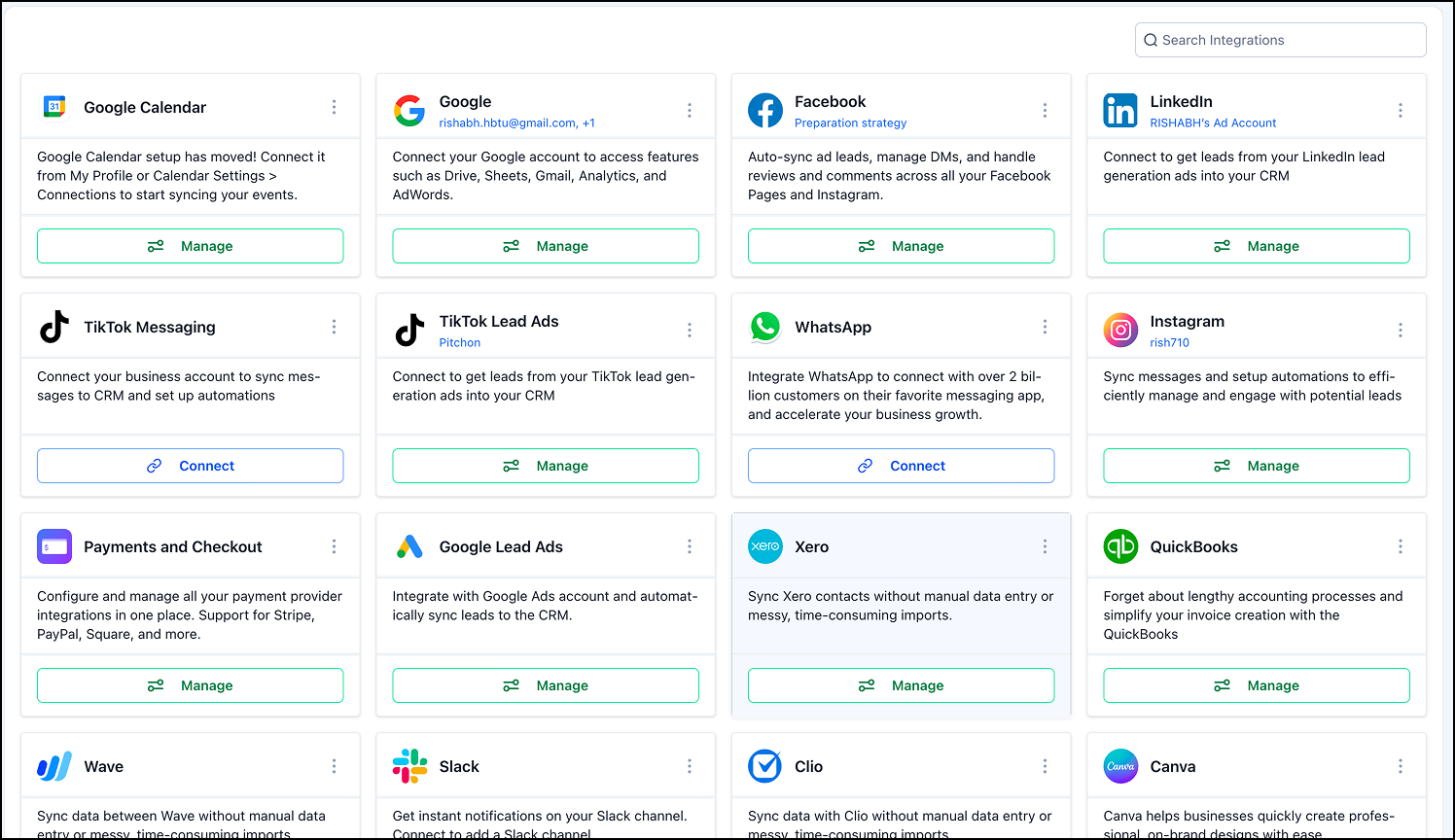
- New Instagram integration card under Settings → Integrations
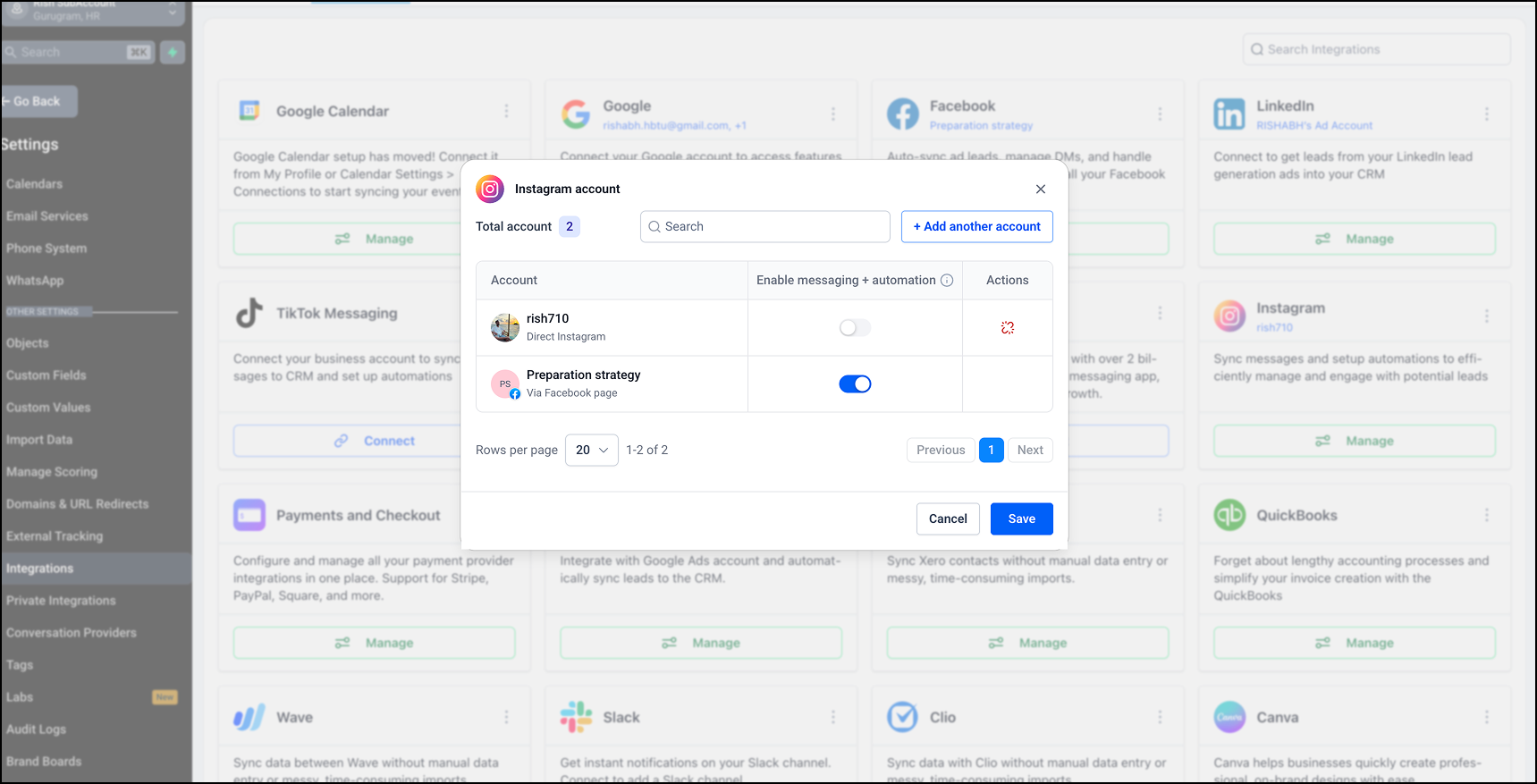
- A single, central view of all Instagram accounts connected to your location
- Support for both connection types in one place:
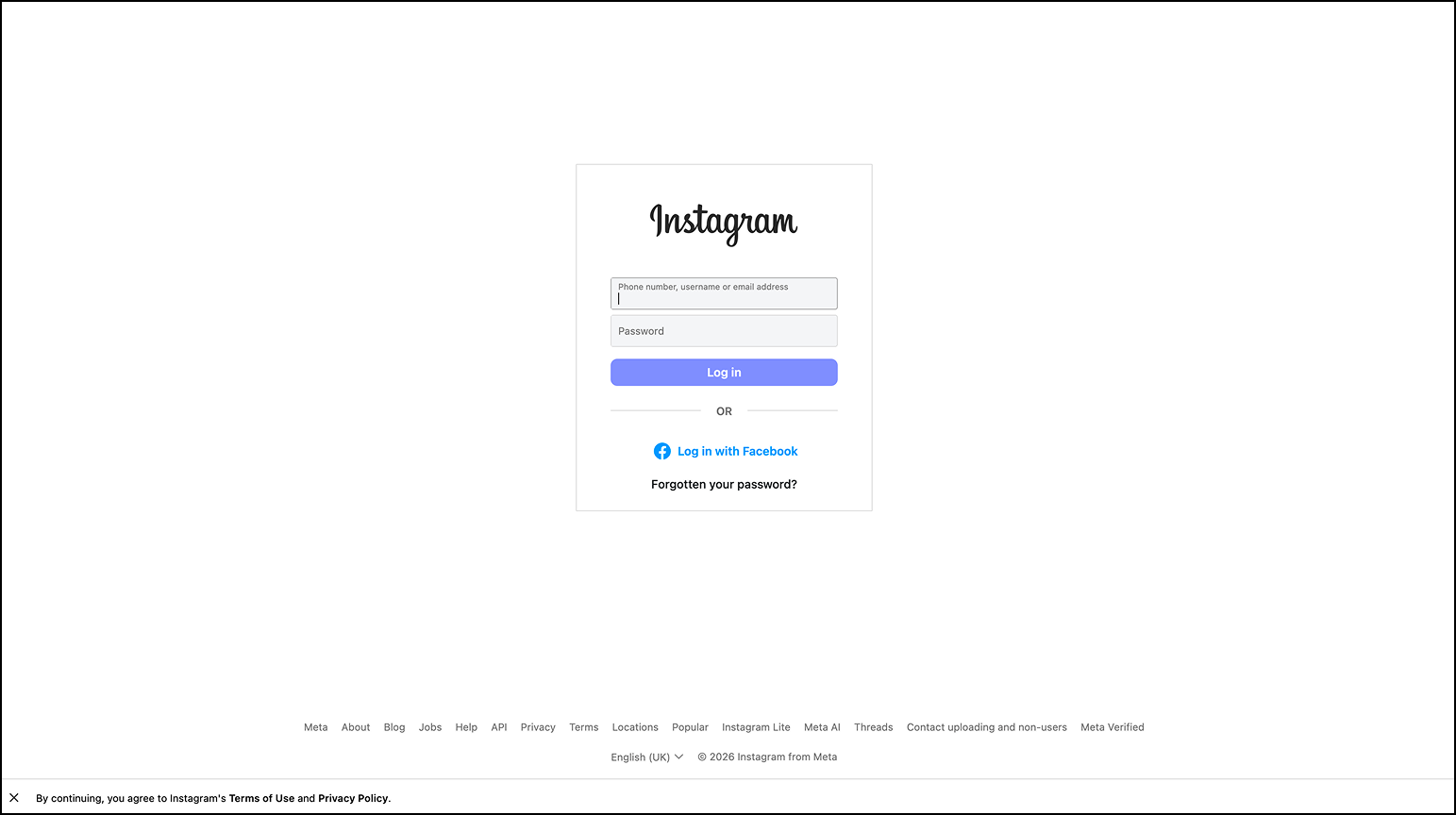
- Direct Instagram connections (no Facebook Page needed)
- Facebook Page based Instagram connections
- A Messaging & automations toggle so you can turn Instagram messaging and automations on or off at the account level
Supported capabilities
- Sync Instagram Direct conversations into your EveryCatch CRM
- Create and manage contacts directly from Instagram conversations
- Trigger workflows and automations based on Instagram interactions
- See and handle Instagram conversations together with your other messaging channels in EveryCatch
To try this, first enable it in Labs under Labs → Instagram direct integration. After you turn on the Labs feature, go to Settings → Integrations → Instagram to set up or manage your connections.
Important notes
- Existing Facebook Page based Instagram connections will keep working as they do today.
- When you connect an Instagram account using the direct connection flow, EveryCatch will automatically turn off the toggle for the Facebook Page based connection for that same account.
- If an Instagram account is connected through a Facebook Page, you cannot disconnect it individually. You must disconnect the associated Facebook Page first.
- Your existing workflows and automations will keep working if you switch the same Instagram account between Facebook Page based and direct connection methods.
- If you turn off the Messaging & automations toggle for an Instagram account, both messaging and automation features for that account will stop working until you turn it back on.
- Some upcoming Instagram-native features from Meta (for example, DM to followers, poll reply handling) will require the direct Instagram connection method.
- Any Instagram account you connect in the integration area will also be available in Social Planner, and any account you connect in Social Planner will appear in the integration area, because both use the same Meta app.
Why this matters
- Instagram is a key communication and lead generation channel for many businesses, and direct Instagram integration helps you manage it more effectively:
- You get greater flexibility in how you connect and manage Instagram accounts in EveryCatch.
- You gain clearer visibility into all connected Instagram accounts in one place.
- You can complete setup without depending on a connected Facebook Page, which simplifies onboarding.
- You are ready for upcoming features like Follow-to-DM and poll reply automations as Meta makes them available.
- Your account is built on a stronger foundation for future Instagram messaging and automation capabilities inside EveryCatch.
- This update aligns EveryCatch with new and future enhancements and beta features released by Meta.
Next step: We are preparing support for DM to follower functionality as soon as Meta makes it available through the direct Instagram connection.
Preview
Need help with this?
If you'd like help setting this up or want to know what it means for your account, book a quick call and we'll walk you through it.
