Enhanced document privacy and access controls in labs
When you work with sensitive client information, you need clear control over who can open each document. EveryCatch now includes enhanced document privacy and access controls for files stored in a contact record’s documents panel. You get more precise options for how you share documents so you can follow internal security policies, align with client requirements, and keep your workflows consistent and reliable.
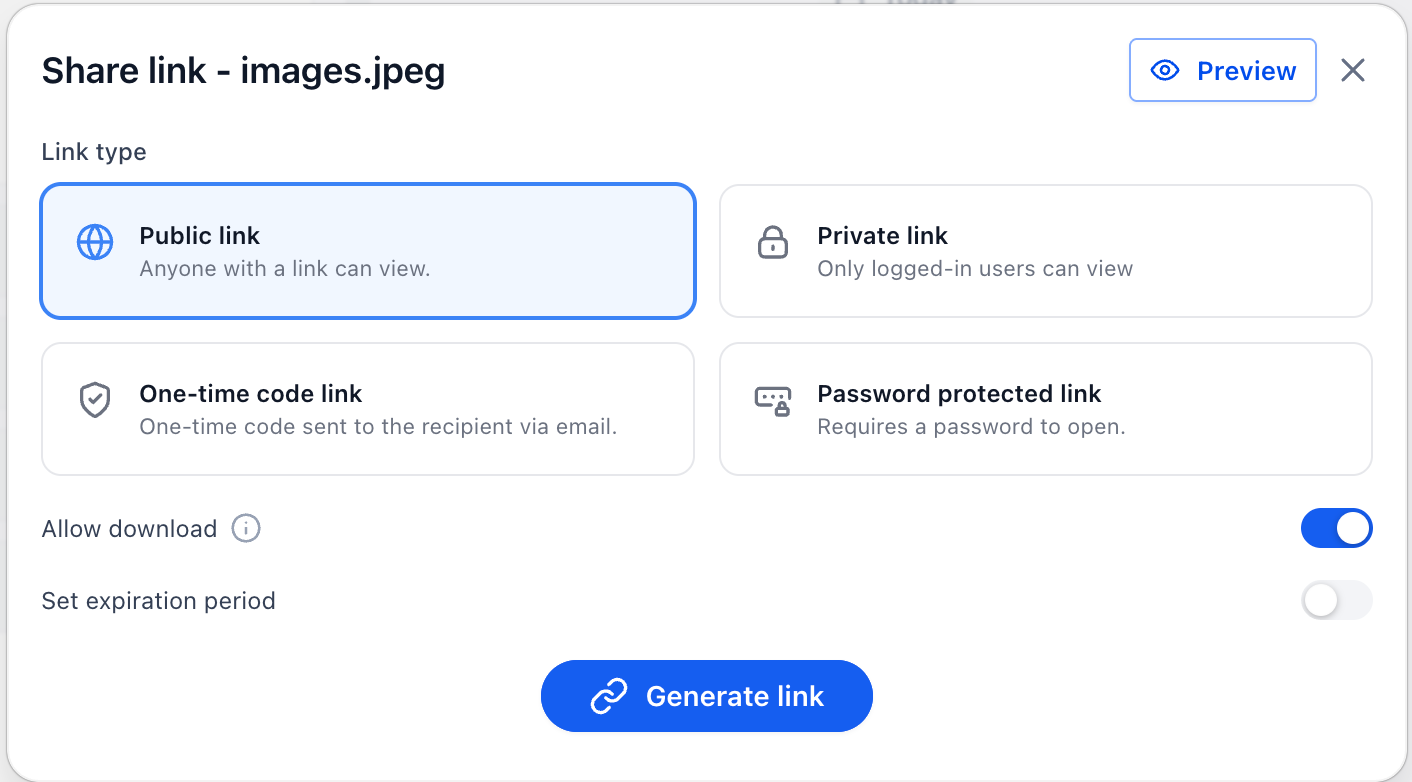
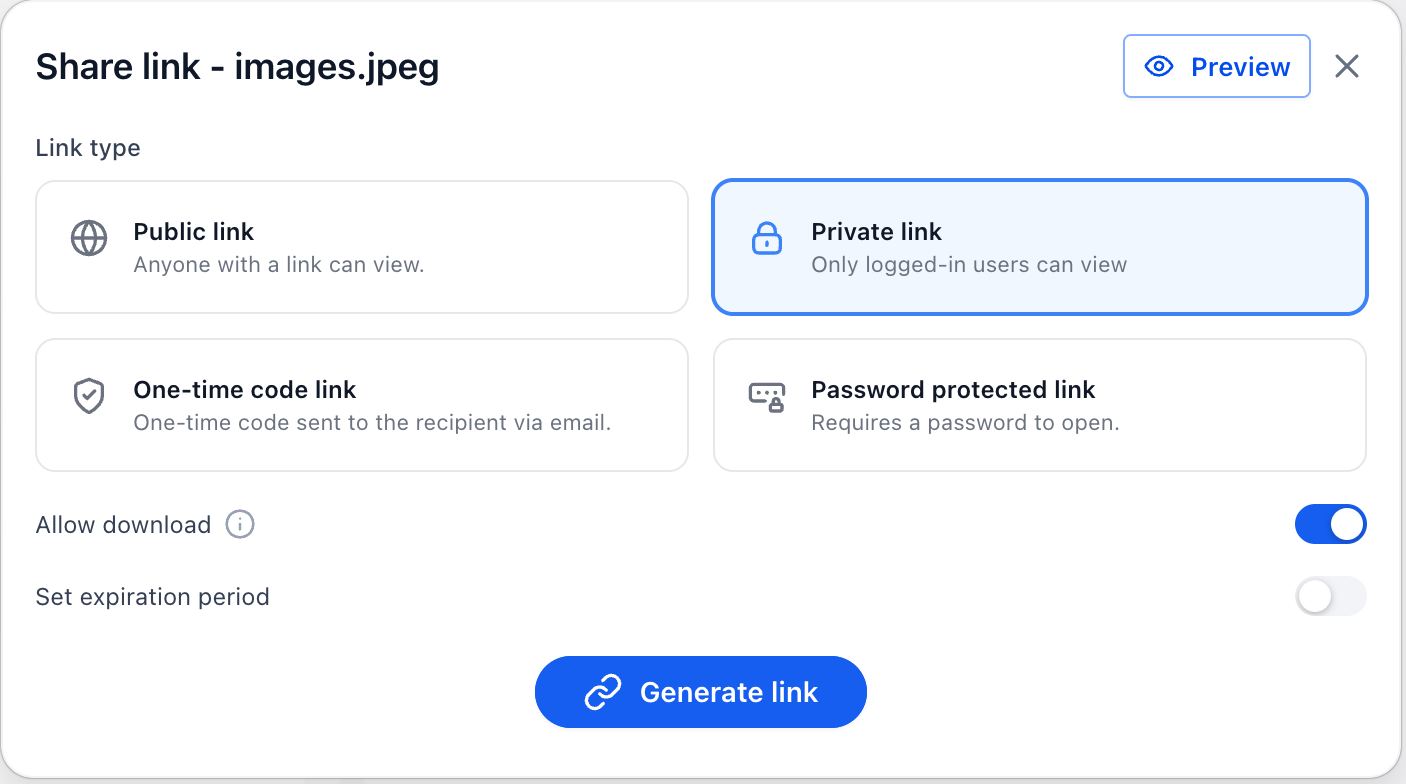
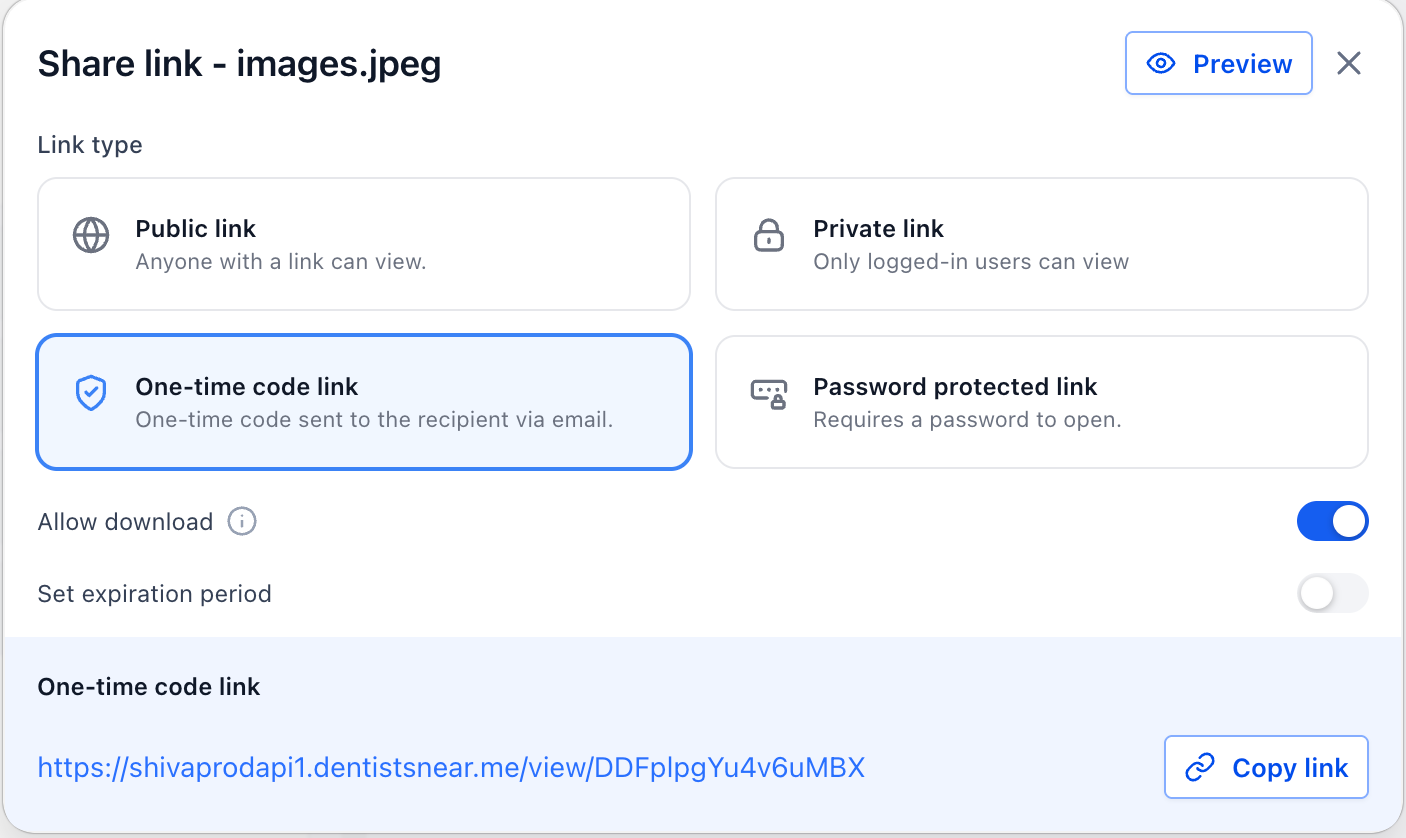
You can now generate configurable document links with different access levels each time you share a file from the documents panel.
Public link – Anyone who has the link can open the document, without signing in to EveryCatch.
Private link – Only logged-in, authorized EveryCatch users who already have access to that contact can open the document.
One-time code link – The recipient’s access is verified using a one-time password that EveryCatch sends to the contact’s email address before the document opens.
Password-protected link – The document only opens after the recipient enters a passcode that you create and share with them separately.
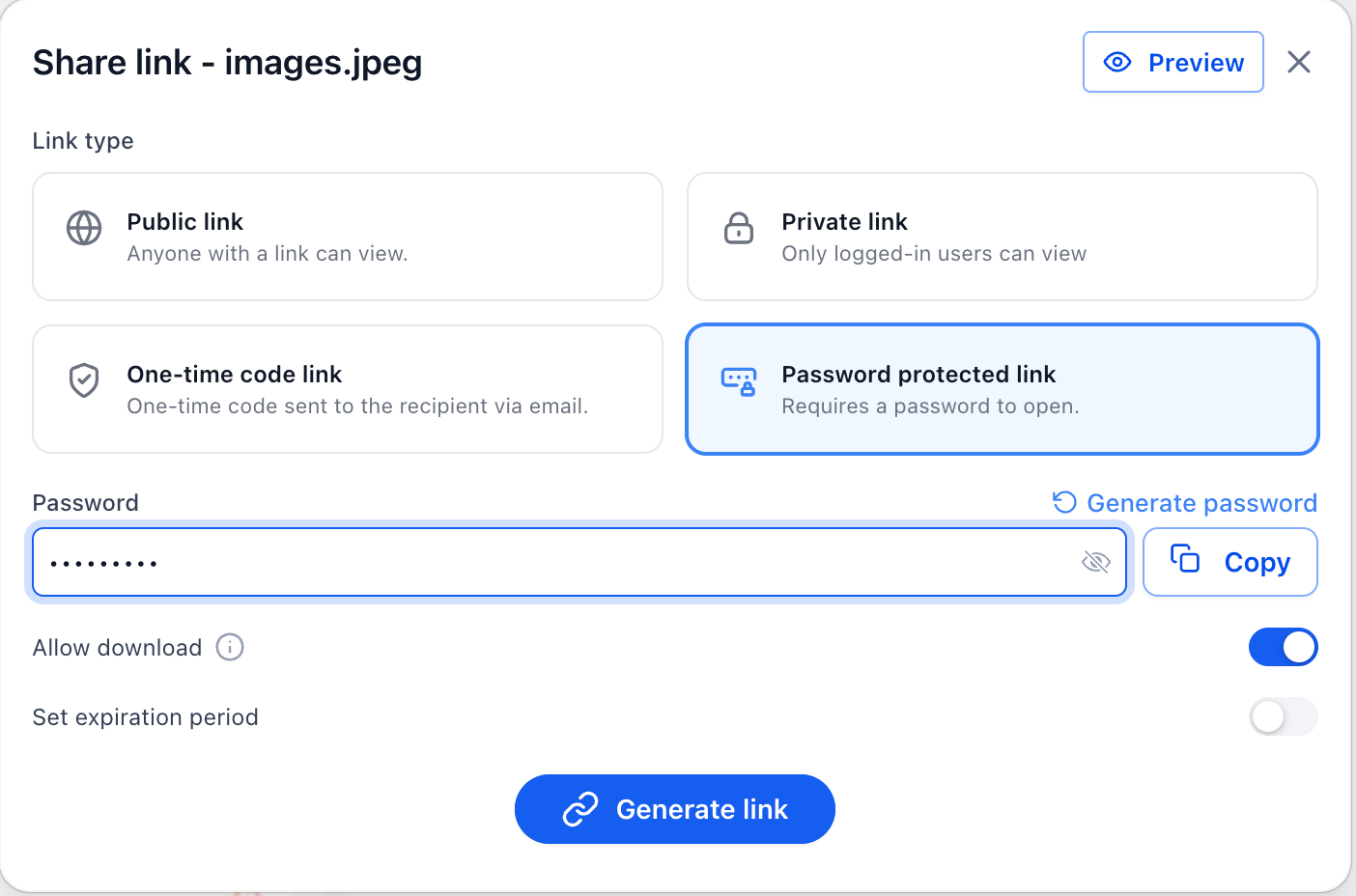
Additional controls include
Setting an expiration date for each shared link so that access automatically stops on the date you choose.
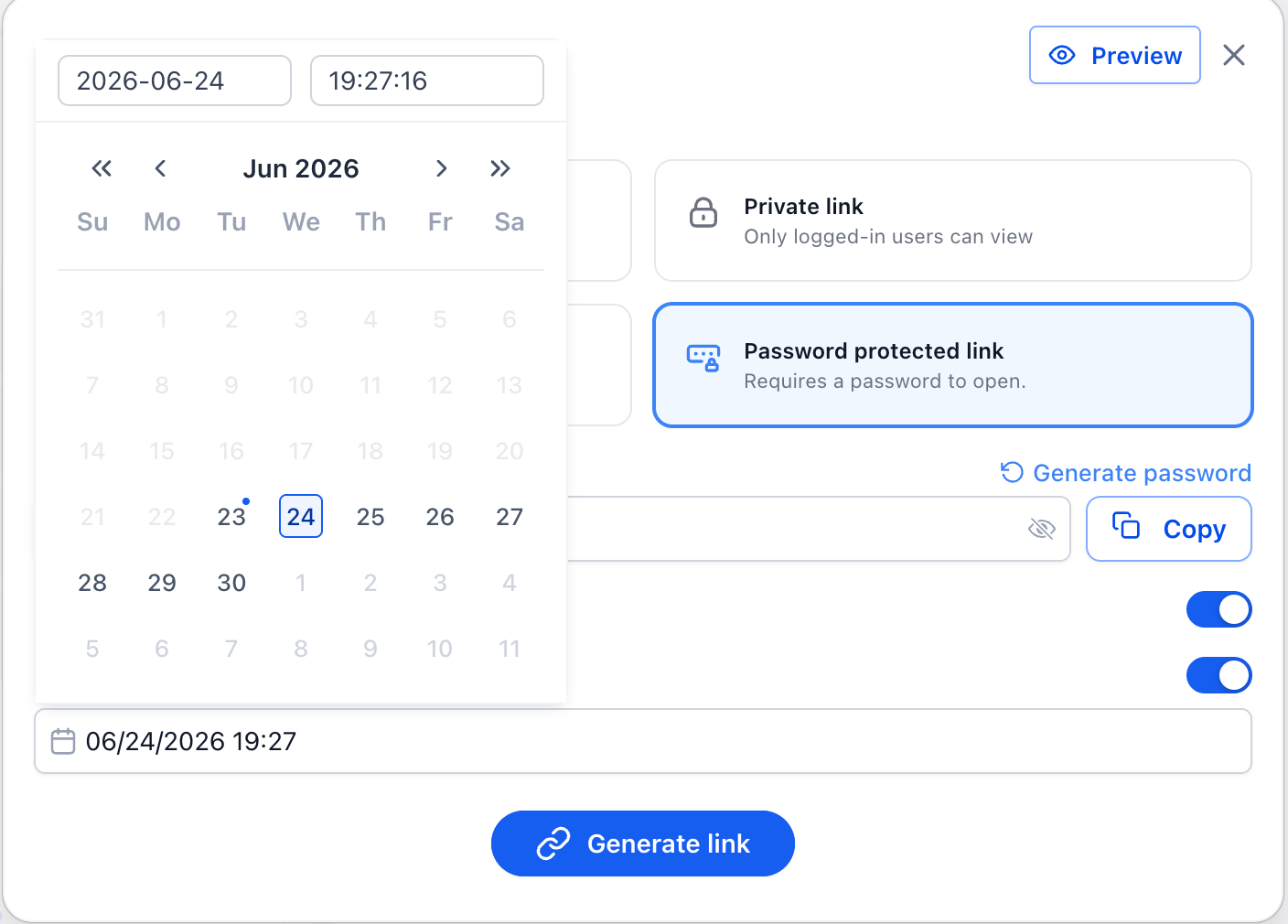
Allowing or blocking downloads so you can decide whether recipients only view the document in the browser or can save a copy.
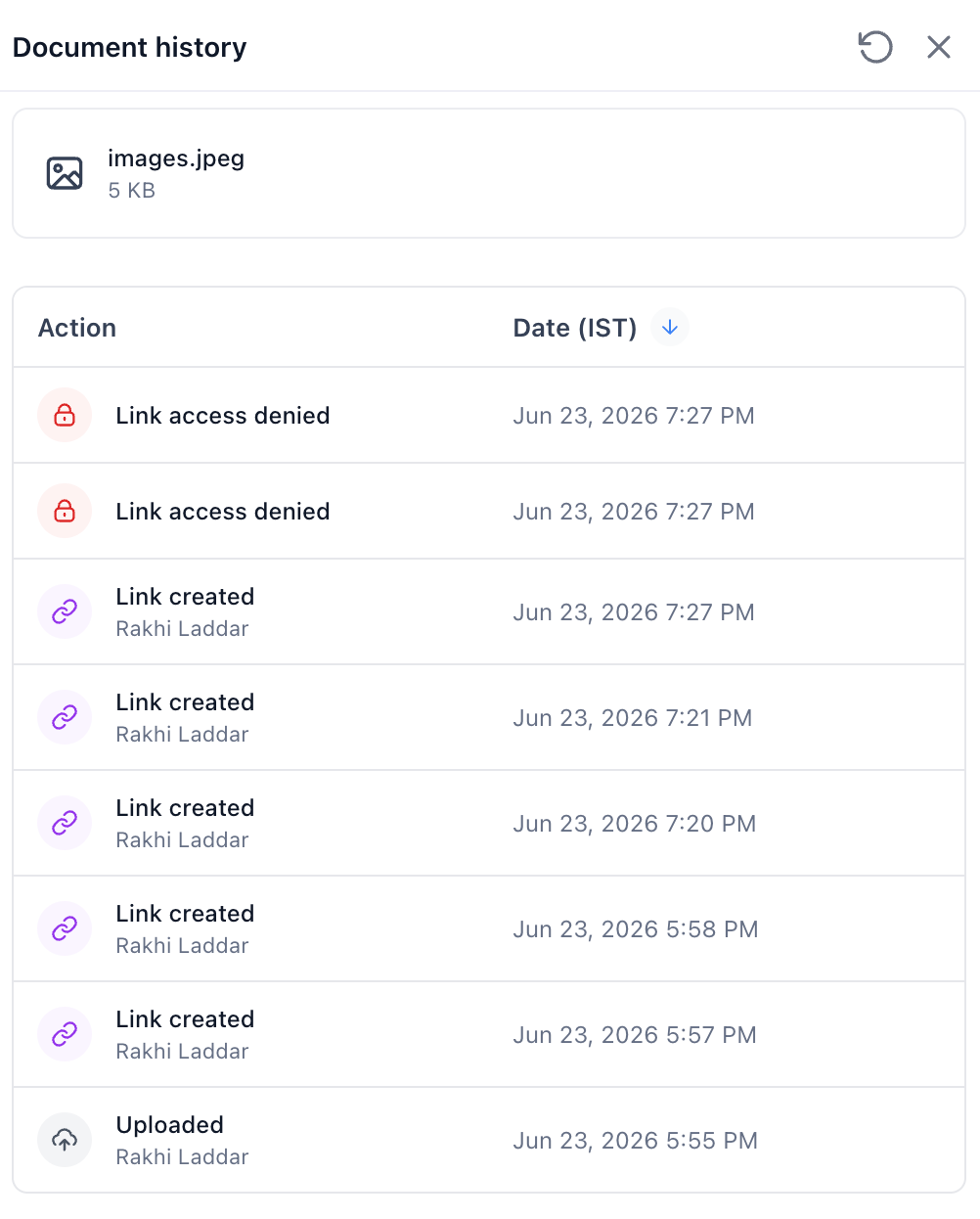
Viewing document details and access history so you can see who accessed a file and when, which supports internal reviews and basic auditing.
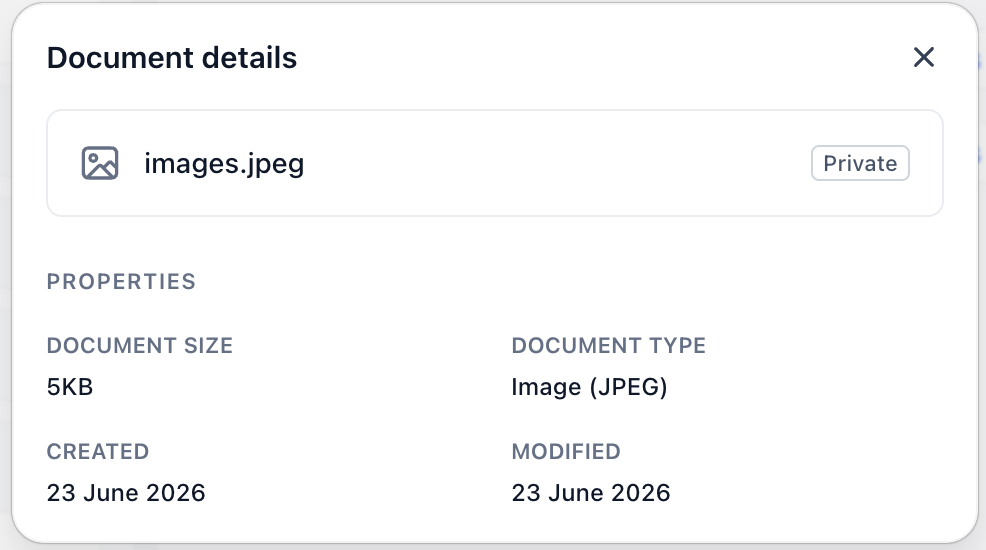
By default, EveryCatch treats new document links as internal/private. If you want to send a public, one-time code, or password-protected link externally, you will need to change the access setting at the time you share.
EveryCatch is continuing to add privacy and data controls so you can extend document security across more areas of your account. In an upcoming phase, the same privacy and access options will be available for document attachments shared through notes and custom fields, so your document-sharing rules stay consistent across EveryCatch.
These improvements also support stronger protection for email attachments sent through marketplace apps, giving you better control and visibility when documents are included in automated communications.
Need help with this?
If you'd like help setting this up or want to know what it means for your account, book a quick call and we'll walk you through it.
