Company smart lists
Managing companies just got more flexible.
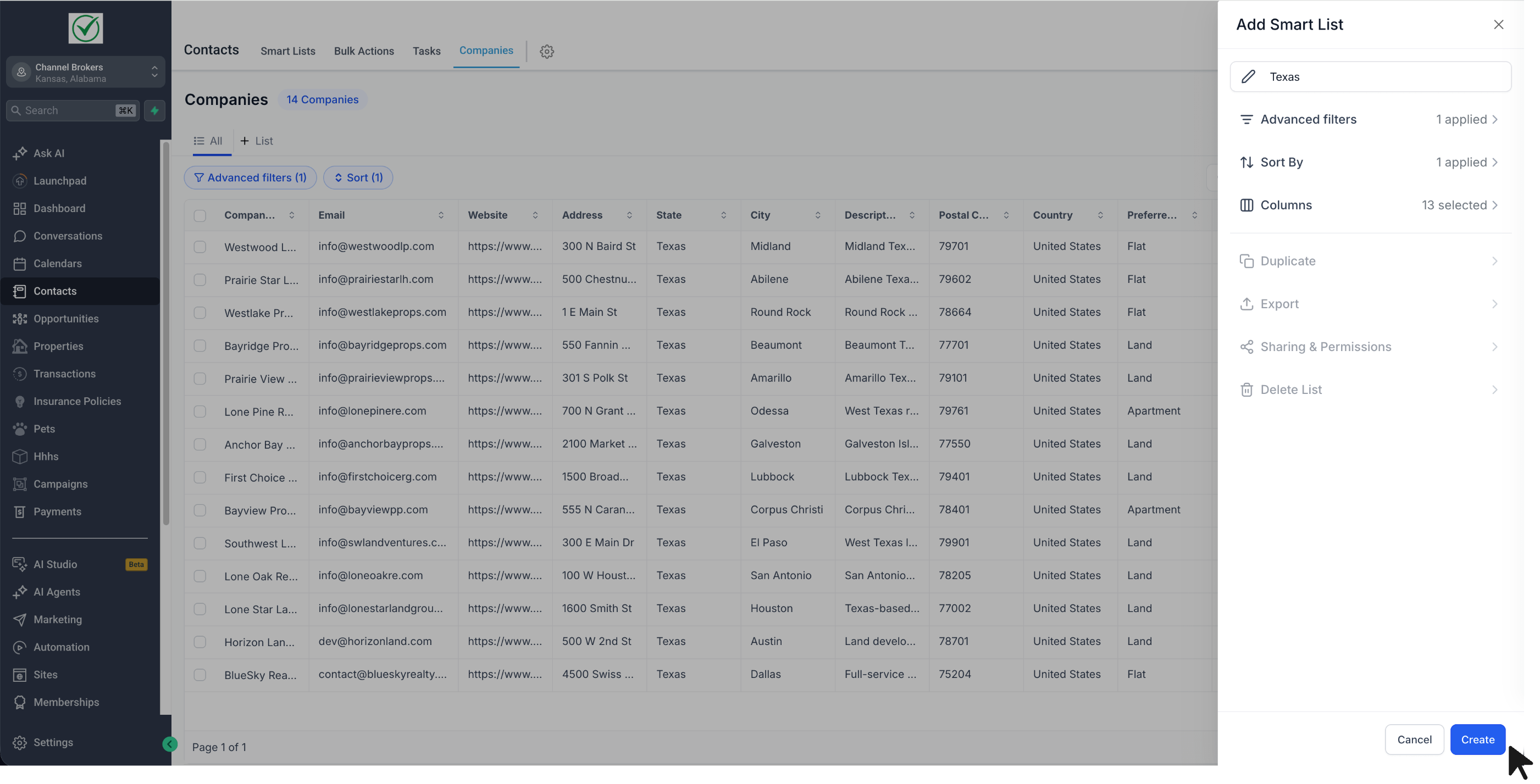
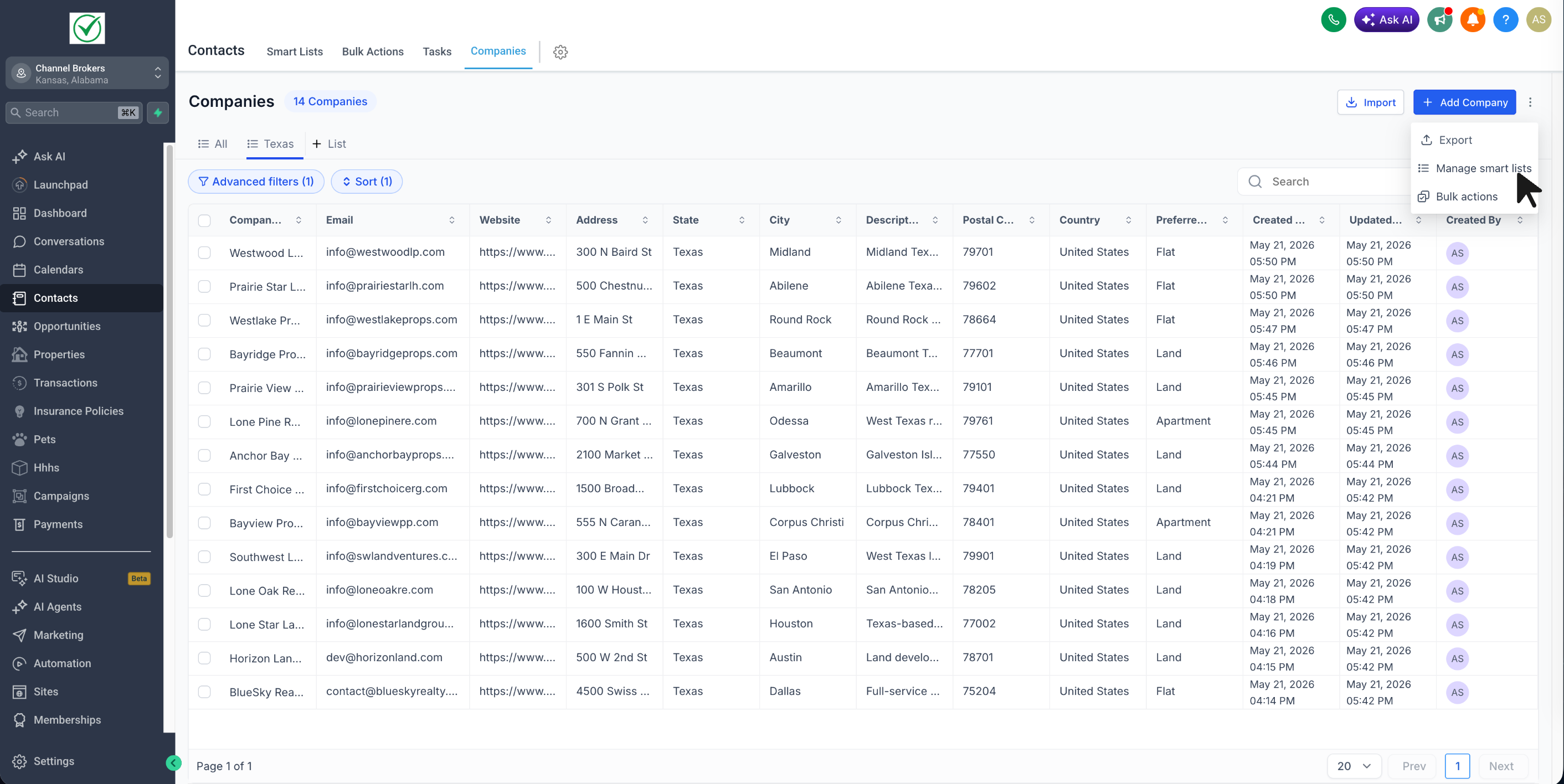
You can now create Company Smart Lists to save a customized company view with your preferred filters, sorting, and visible fields - and reuse that list anytime without setting it up again.
What changed
- Added Company Smart Lists inside Companies
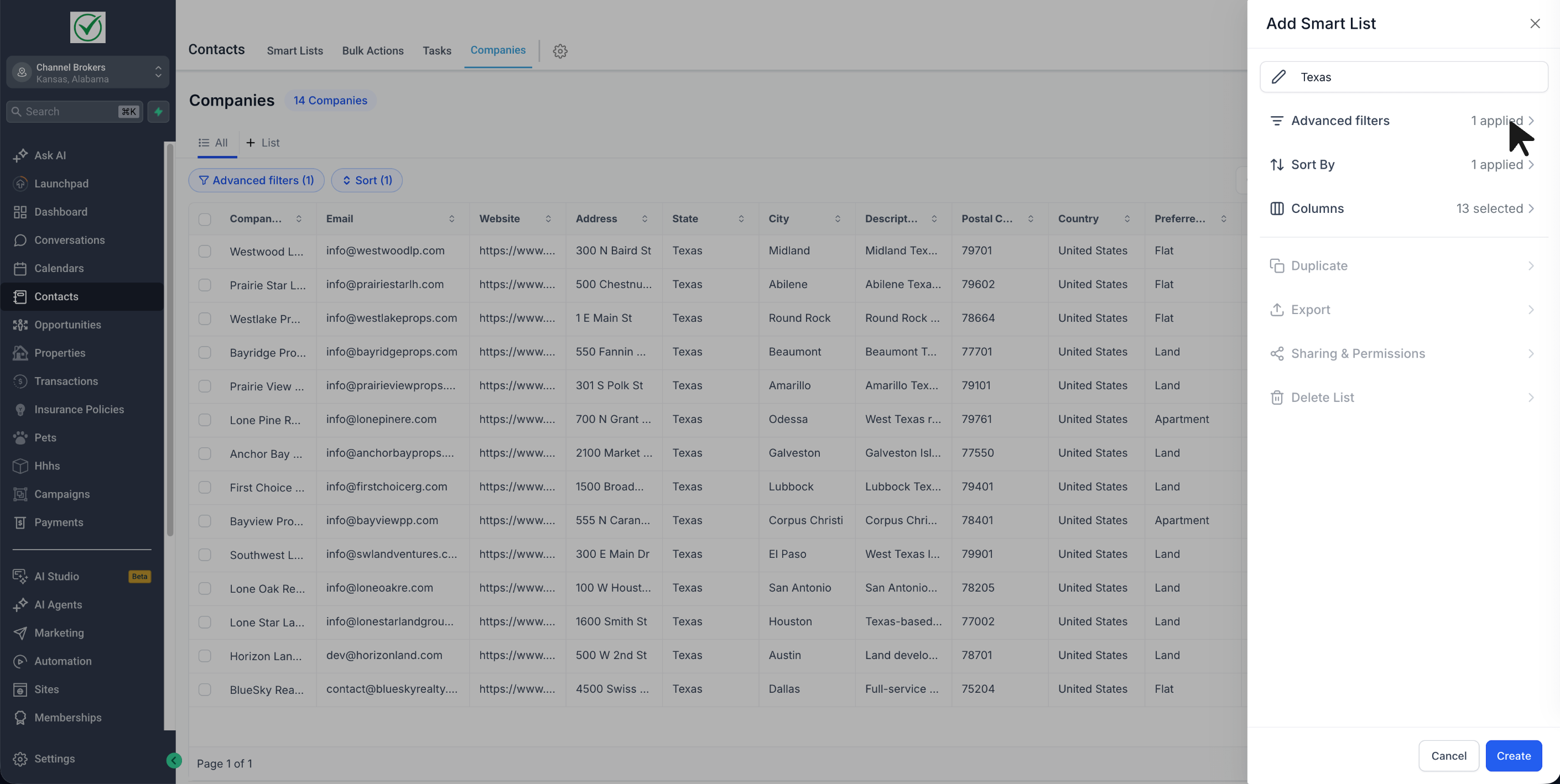
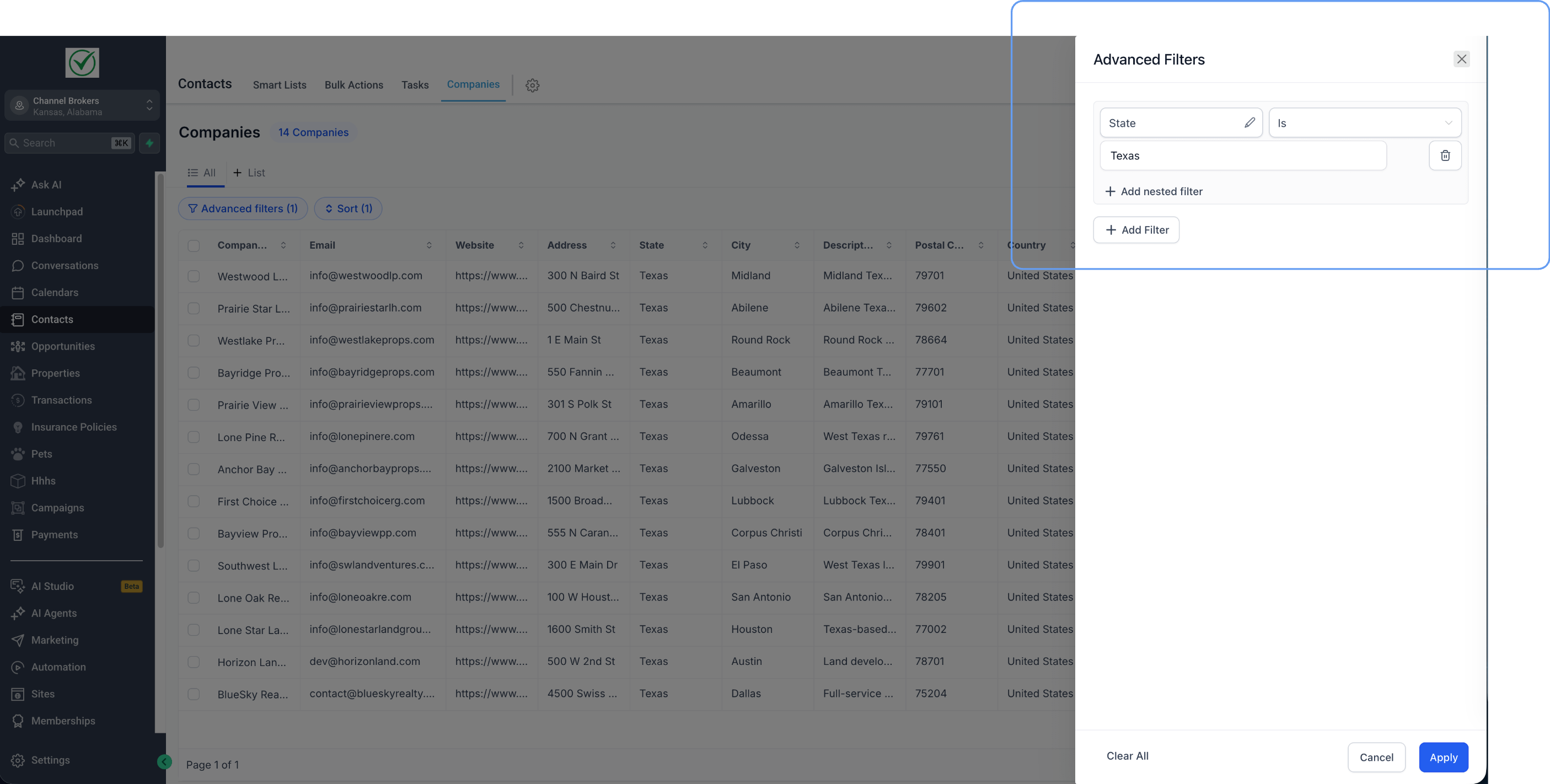
- Save your preferred: advanced filters, sort order, and visible fields
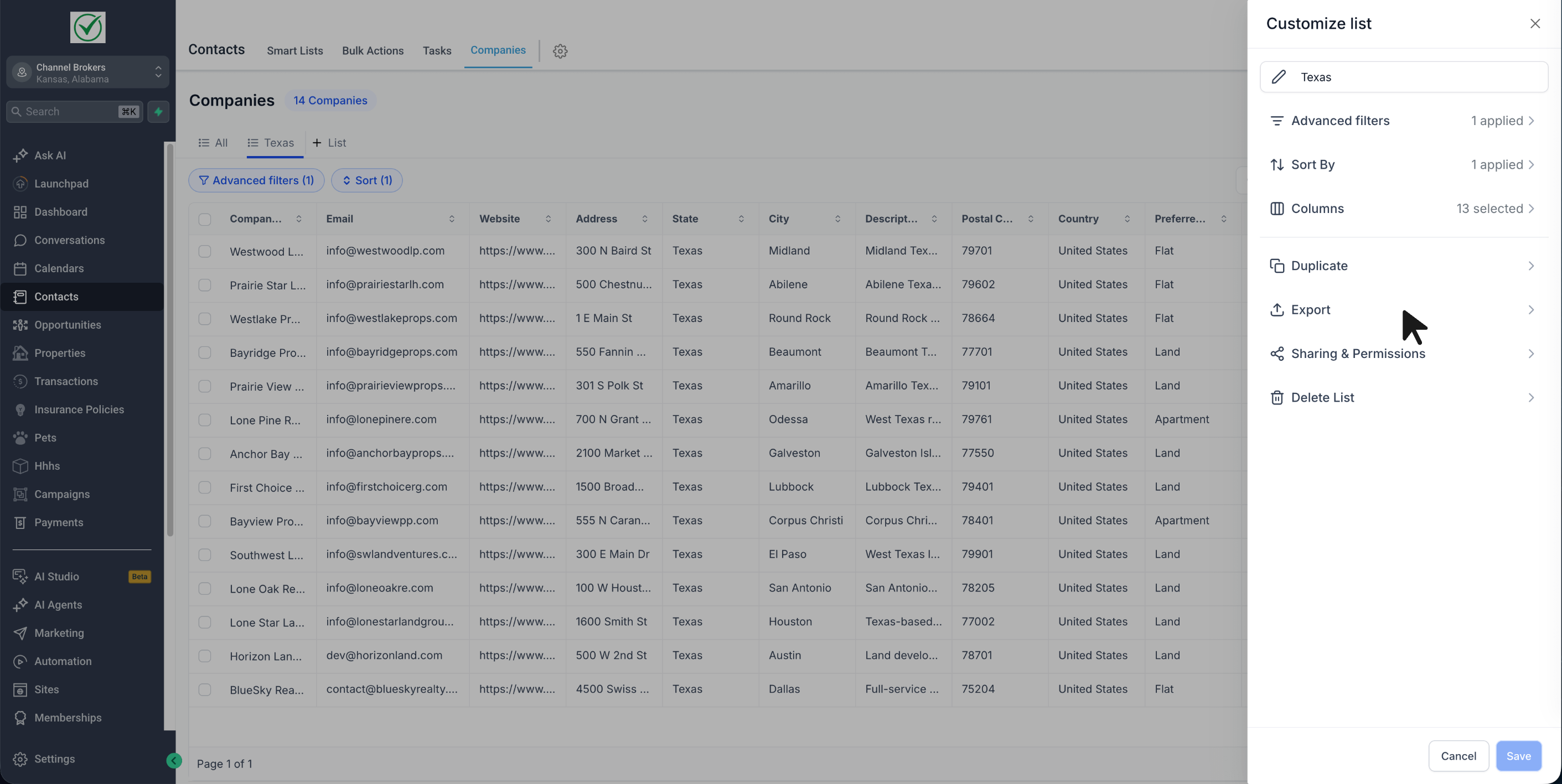
- Duplicate an existing Smart List to quickly create another version
- Export Smart List results to CSV
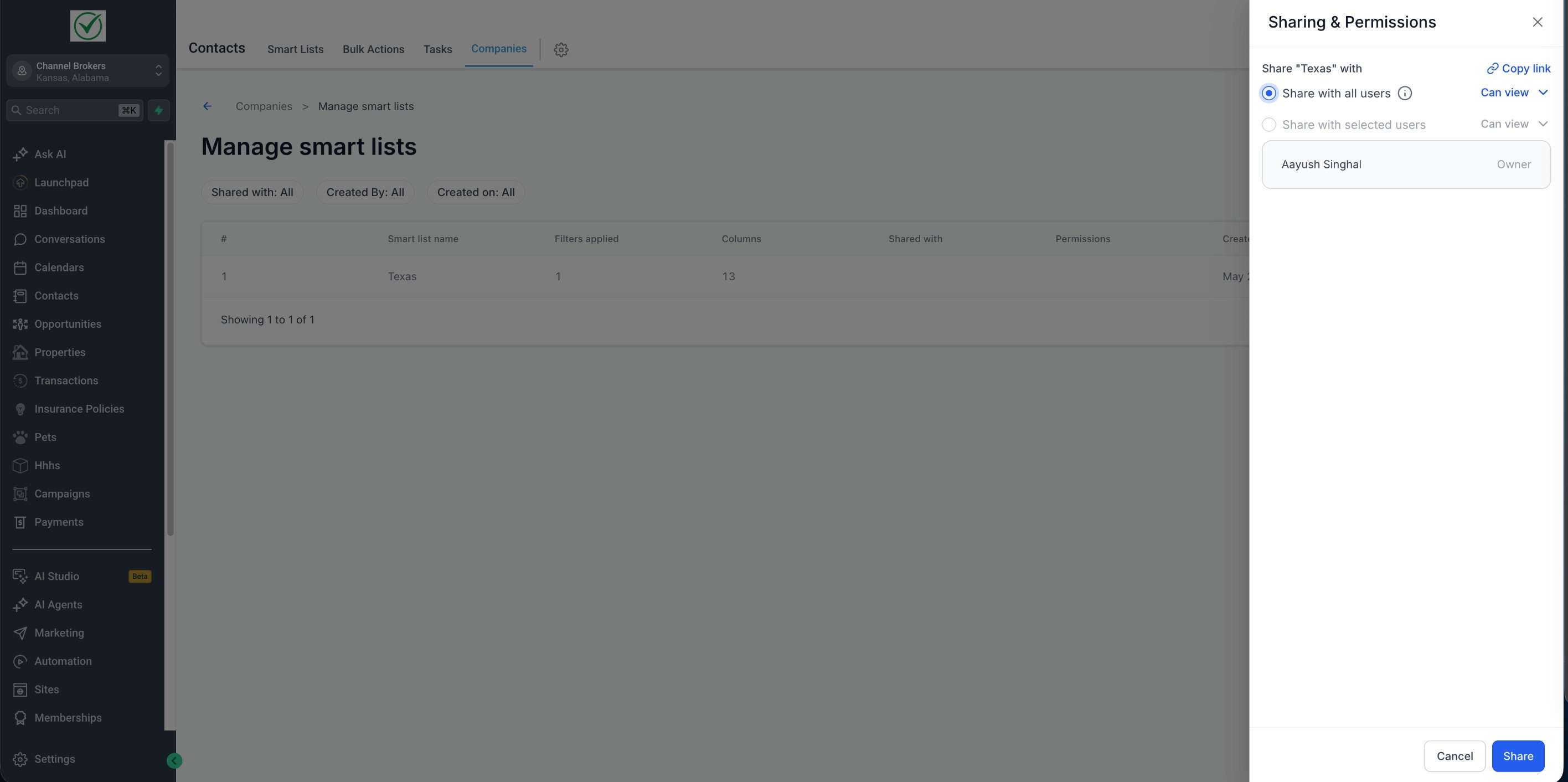
- Share Smart Lists with: all users or selected users
- Give shared users either view access or edit access
- Copy and share a direct link to a Smart List
- Save updates back to the same Smart List or save them as a new one
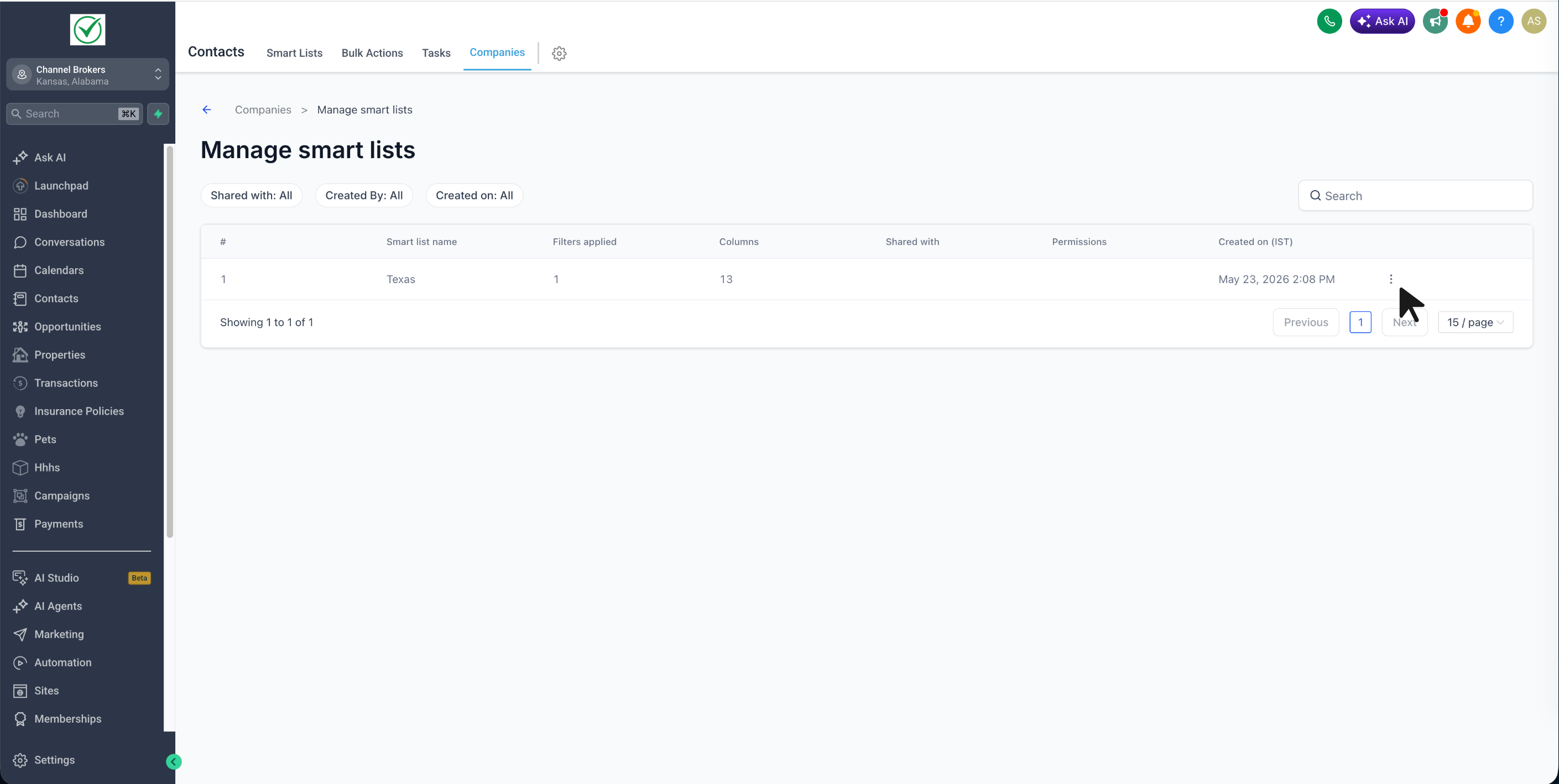
- Manage Smart lists page to review all Smart Lists in one place
How it works
- Turn on Company Smart Lists from Account Labs
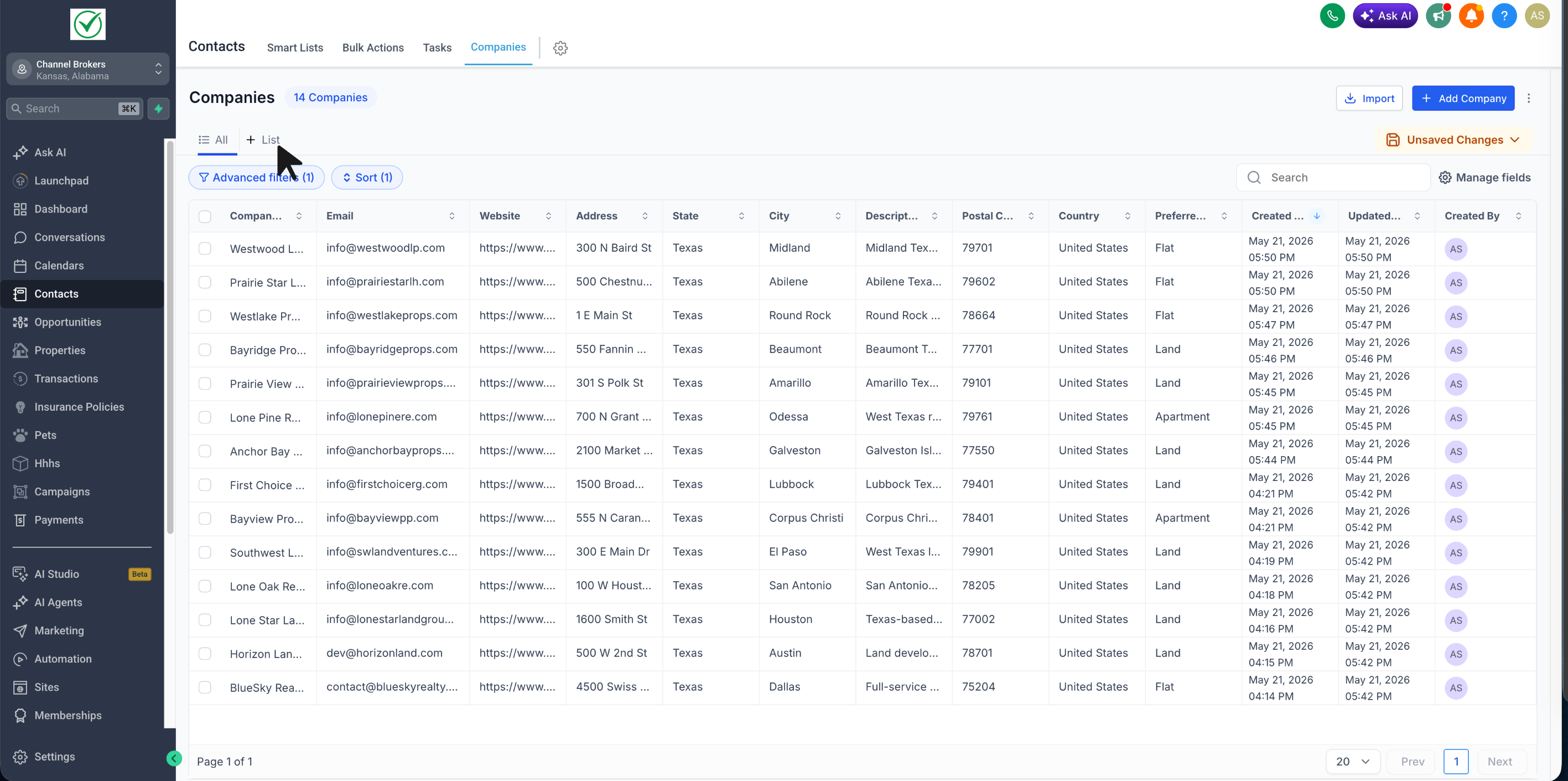
- Go to Contacts → Companies
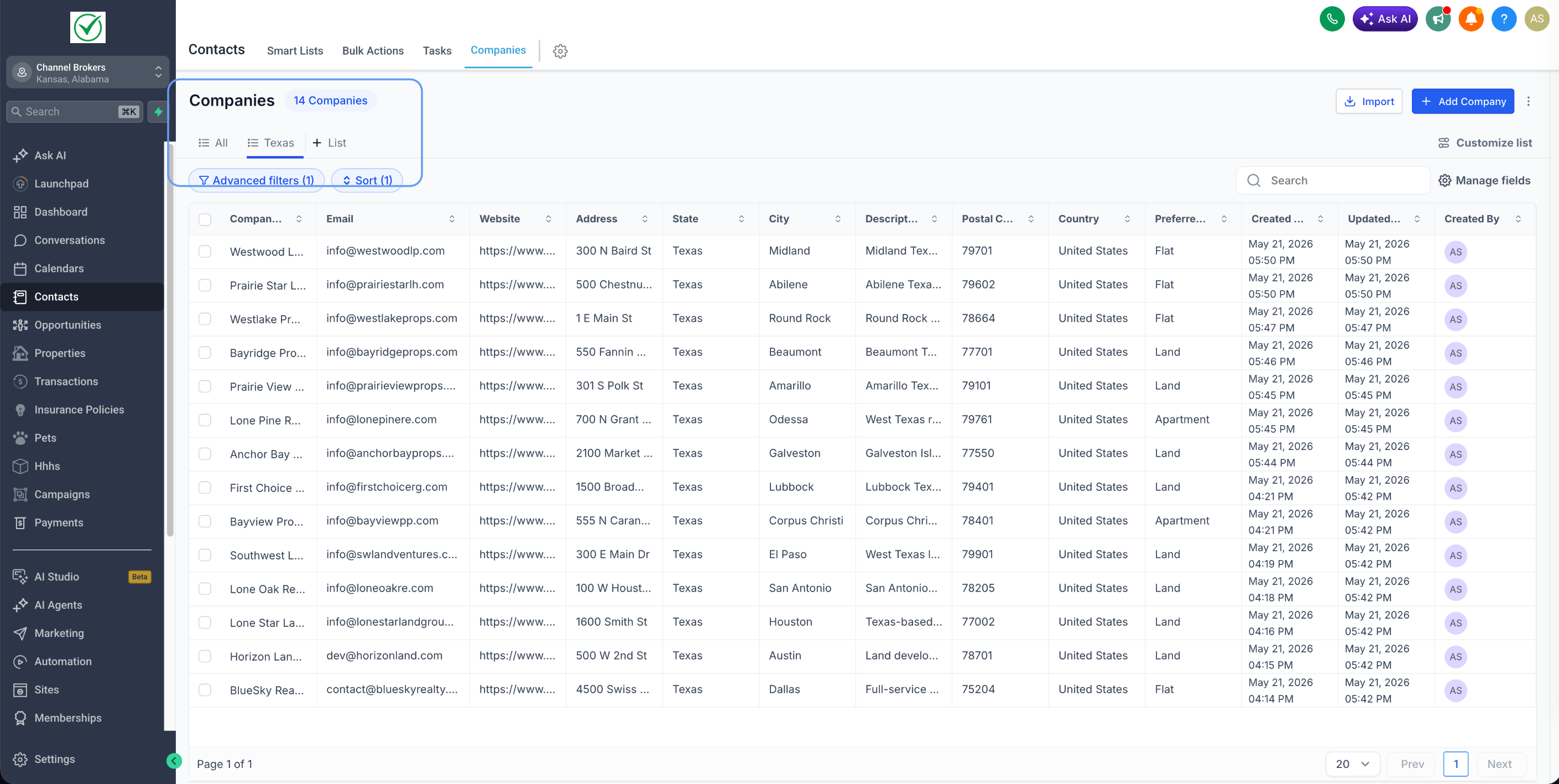
- Click on + List
- Apply the filters, sorting, and fields you want
- Name the Smart List and save it
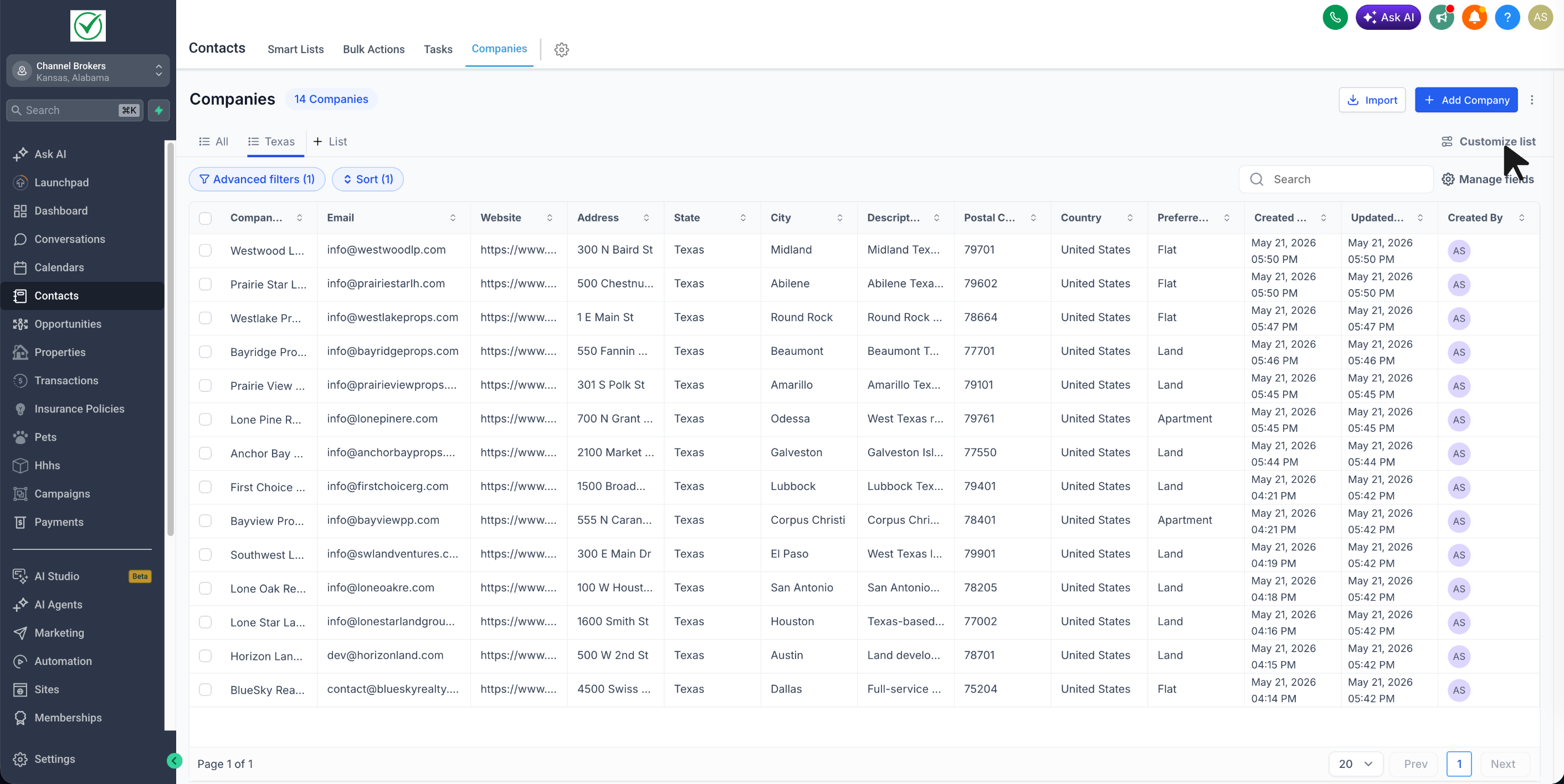
- Reopen it anytime to continue editing, sharing, exporting, or duplicating it
- Open Customize list to manage: Duplicate, Export, Sharing & Permissions, and Delete List
Why it matters
- Reduces repetitive setup for teams working with Companies
- Makes it easier to return to the exact lists you use most
- Helps standardize account lists across users
- Makes sharing important filtered lists much easier
Notes
- This feature is currently available in Account Labs
- Users with edit access can also change sharing permissions
Need help with this?
If you'd like help setting this up or want to know what it means for your account, book a quick call and we'll walk you through it.
