Ask AI for your whole team now on mobile
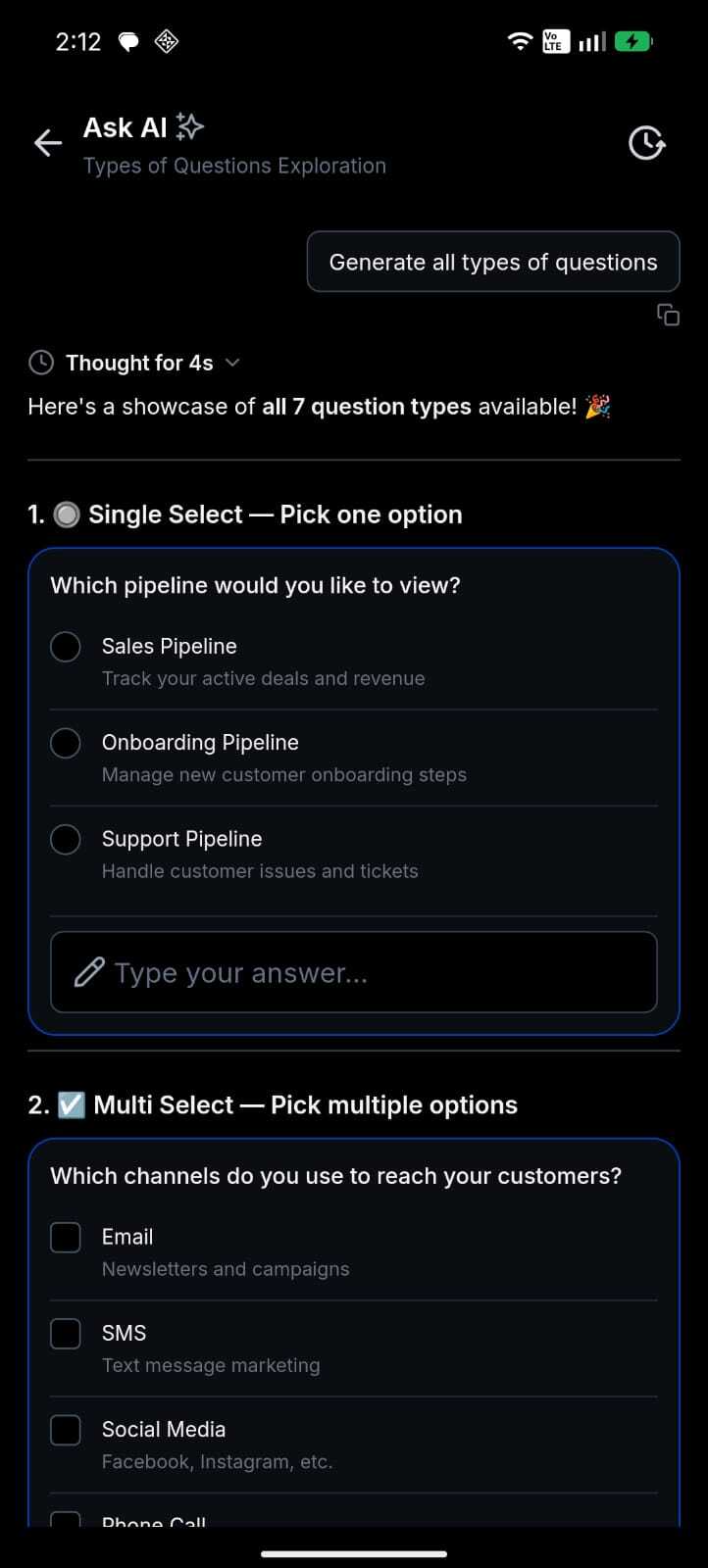
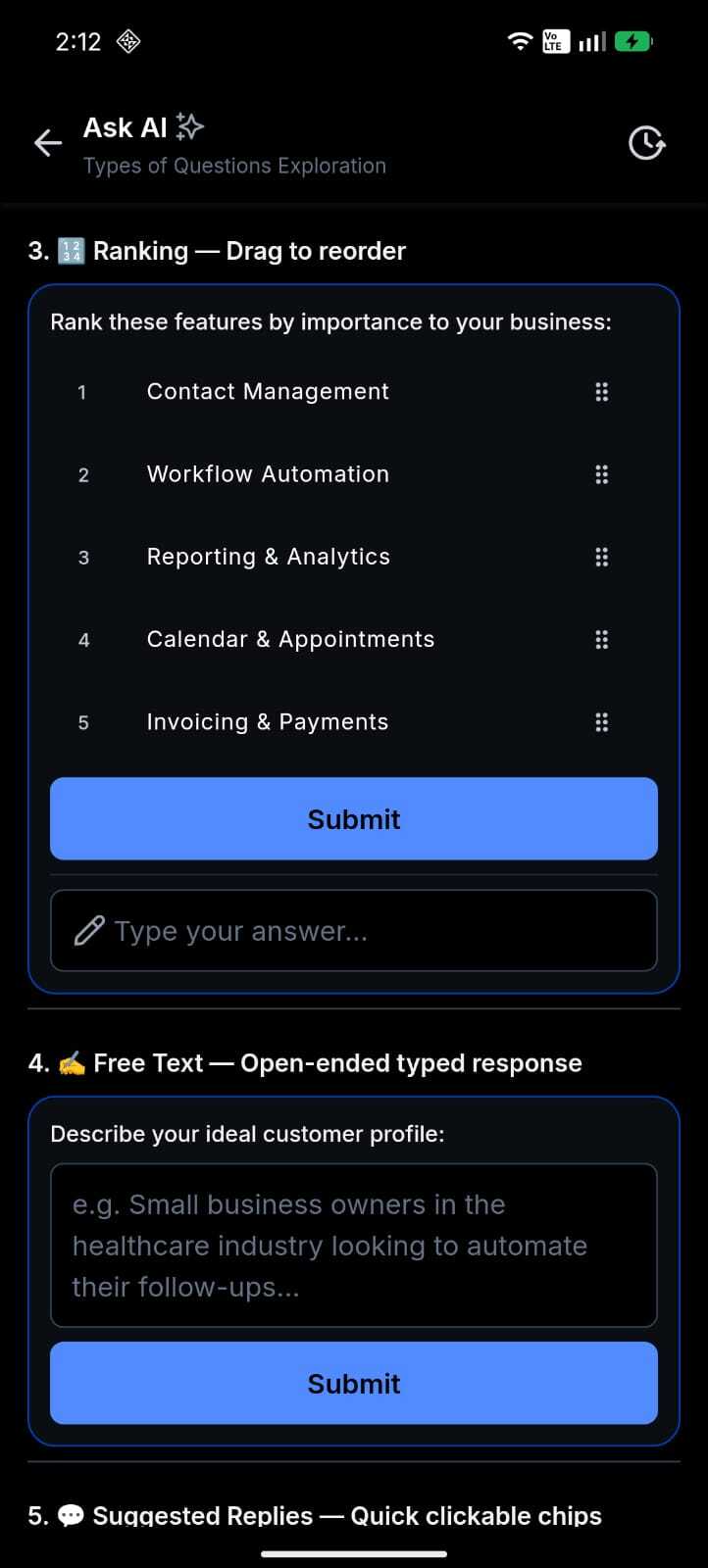
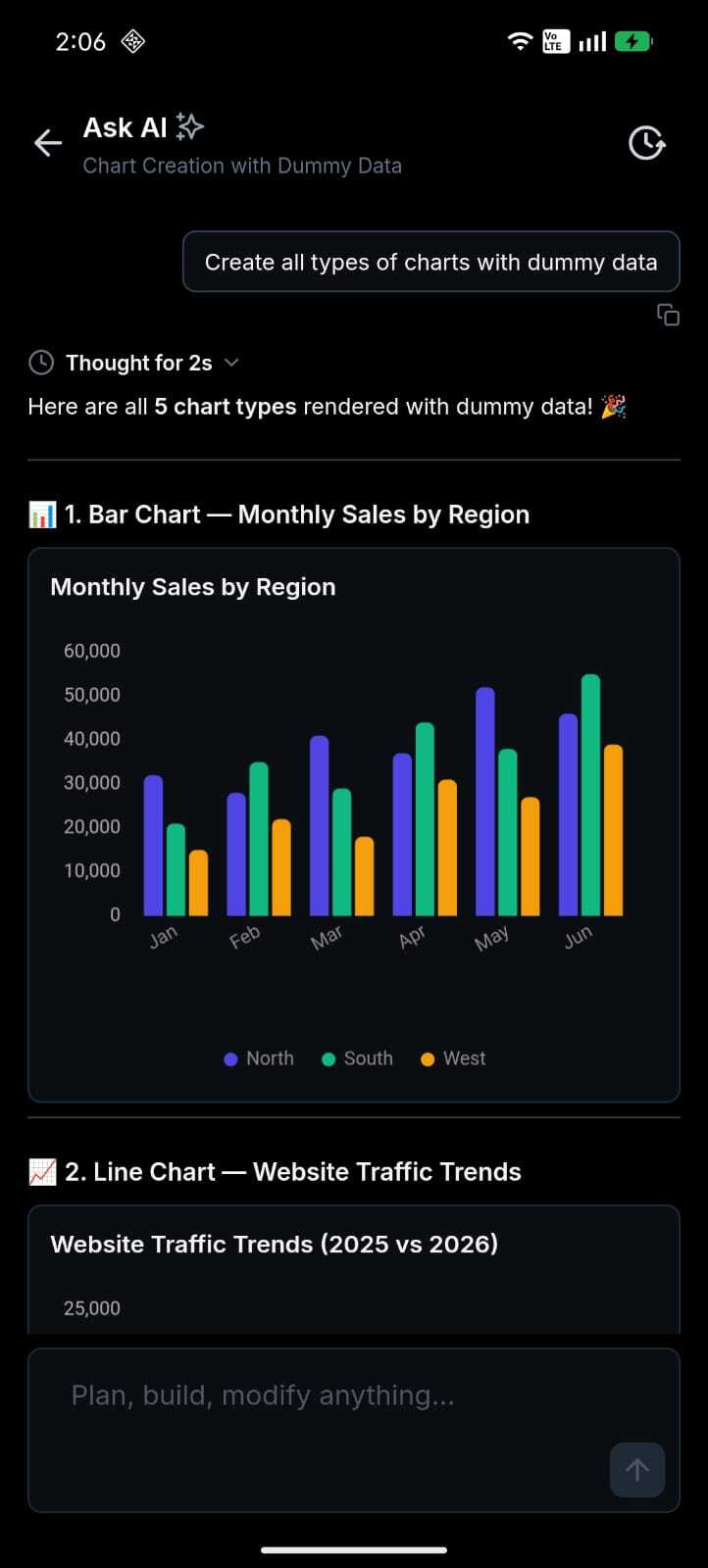
Ask AI on mobile now follows the same per-user access settings you configure on the web. Once you grant a teammate access in your EveryCatch account, they can use Ask AI from the EveryCatch mobile app as well. Access is no longer limited to agency admins, so your whole team can stay supported while they work away from their desks.
The challenge
Previously on mobile, only agency admins could use Ask AI, even if you had already enabled it for account users in the web app. Your team could collaborate with AI in a browser, then lose that support in the mobile app right where they handle many on-the-go tasks and quick responses.
The solution
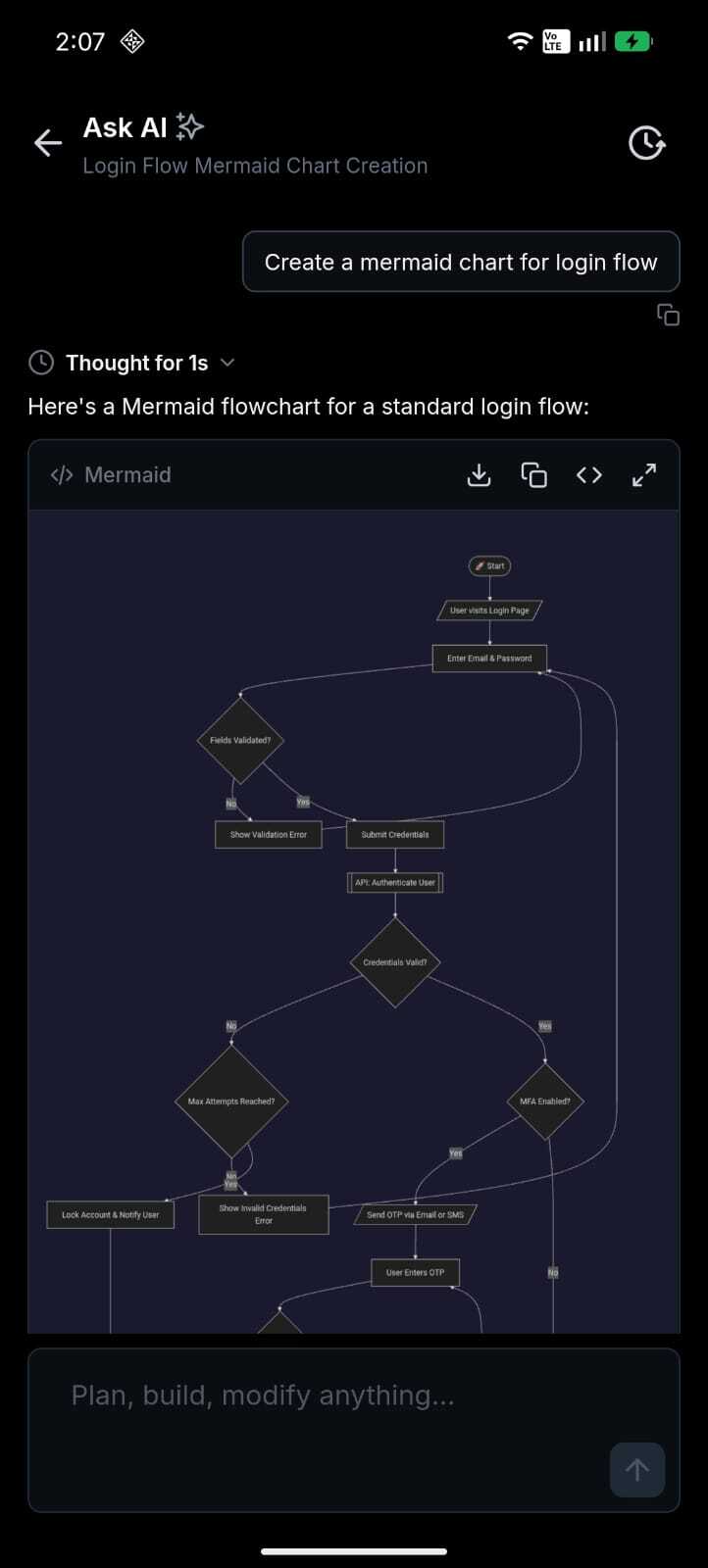
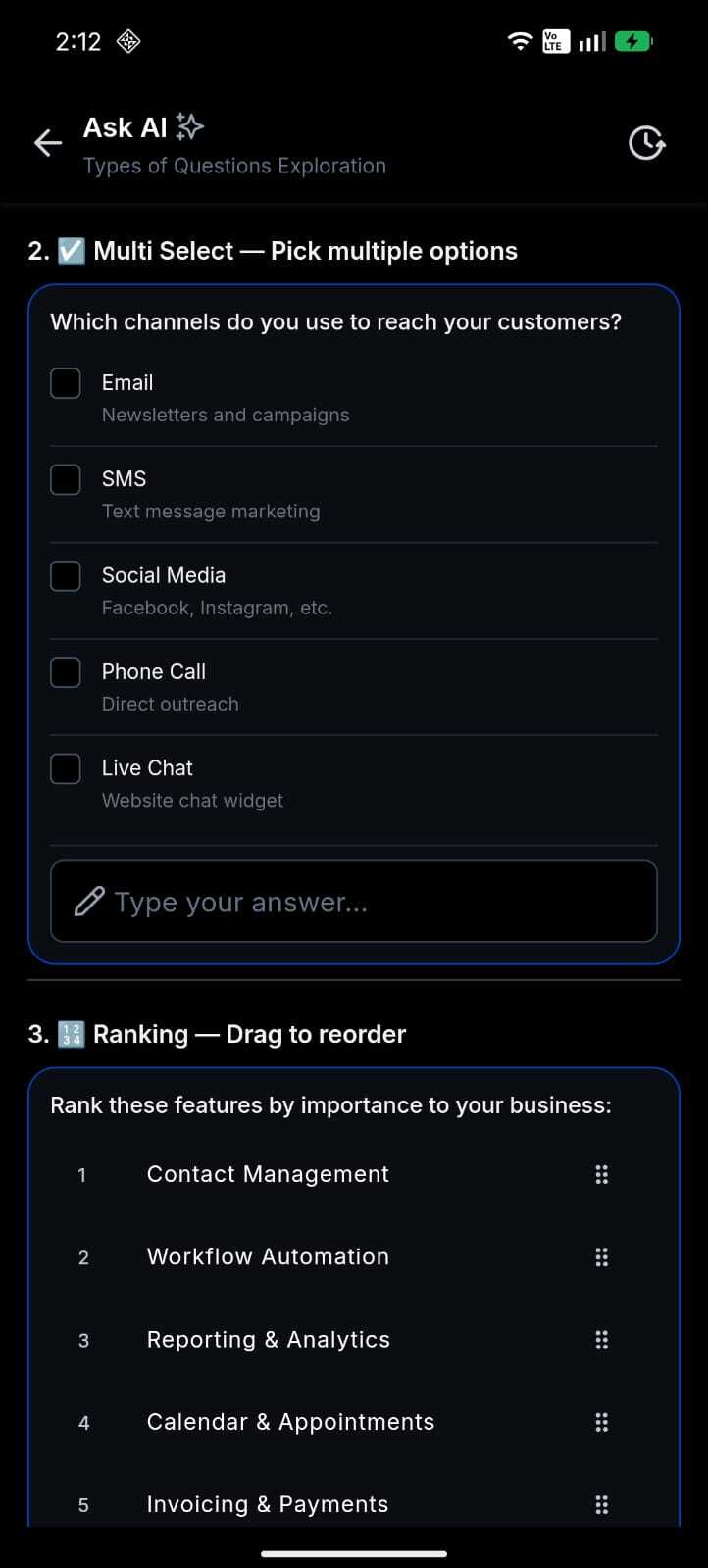
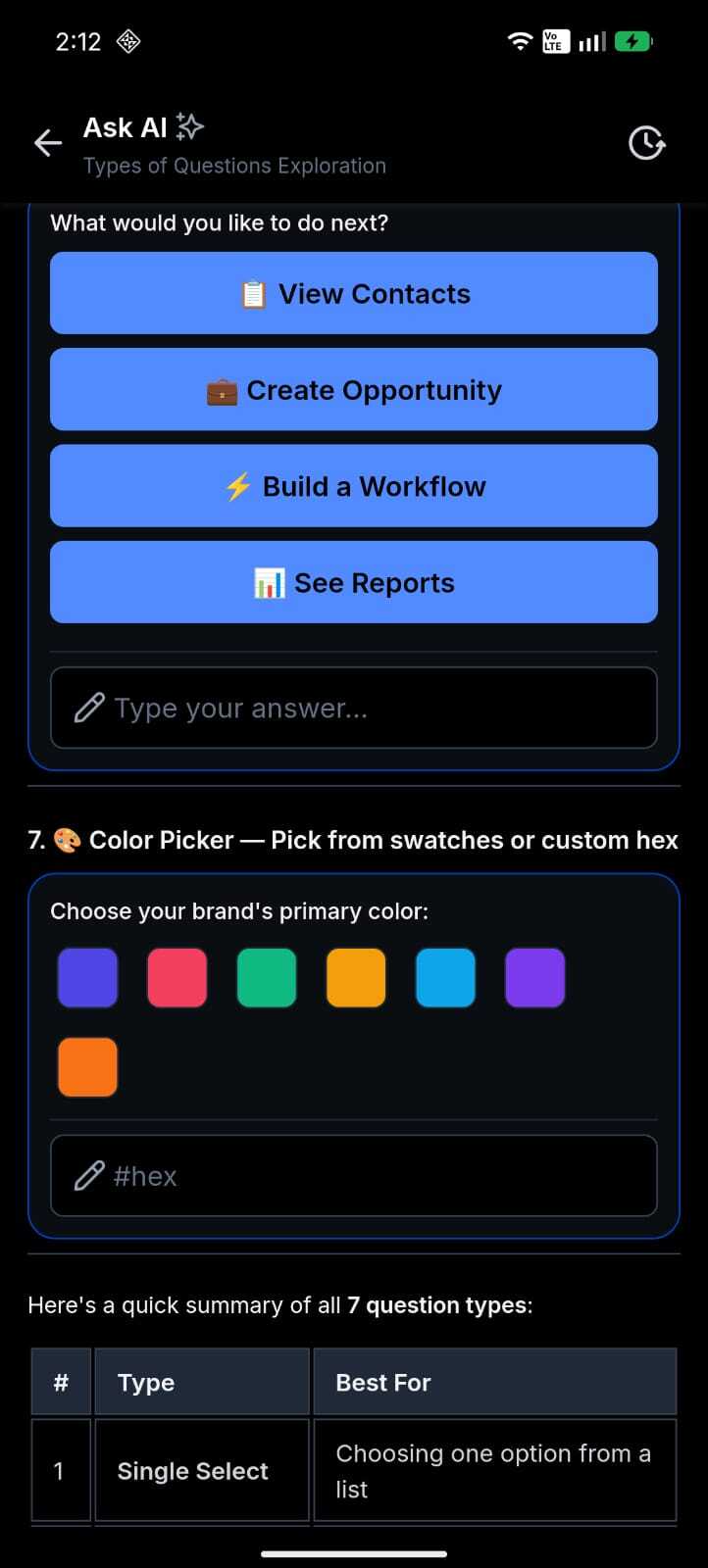
The mobile app now applies the same per-user Ask AI permissions that you set on the web. Any teammate with Ask AI enabled for their user can see Ask AI in the app and start chatting as usual. Users without access simply do not see the Ask AI entry point, which keeps the experience clean and avoids confusion.
Agency users also see a clear, non-blocking banner when some account teammates still need access, so you know to finish setup on the web. If a message is blocked by a usage limit or policy, you now see a specific explanation inside the chat instead of a generic "failed to send" message, which makes it easier to understand what to do next.
How this helps your business
- Put AI where your team works: Account users can now use Ask AI from their phones when they are in the field, with clients, or on the go.
- Stay in control: You assign access per user, instead of relying on an admin-only lock.
- Roll out without leaving chat: Agency admins can see who still needs access directly in the app.
- Fewer support issues: When there are limits or access problems, the app shows specific guidance instead of a generic error.
How to get started
- Grant access on the web: Enable Ask AI for the account users who should be able to use it from Settings in your EveryCatch web app.
- Open the mobile app: Sign in as a user with Ask AI access (agency admin, agency staff, or account user).
- Start chatting: Tap Ask AI from the floating action button (FAB), home screen, or dashboard, then send your first message.
- Finish team rollout (agency only): If some users still do not have access, you will see a banner above the composer. Tap it to complete access setup on the web. The composer stays enabled for users who already have access.
What is coming next
- Paid-feature consent will return on mobile when metered Ask AI billing goes live, aligned with the web experience.
- Ongoing improvements to keep the mobile and web Ask AI experiences closely matched.
Roll-out & availability
Release date | June 18, 2026
Available version | 4.18.1 (build 833)
Status | Public
EveryCatch
EveryCatch
WL app
Platforms | iOS & Android
Good to know
- Who can see Ask AI: Only users who have been granted access. Everyone else will not see the entry point, and direct links will show "not available."
- Agency setup banner: Shown only to agency-type users when some teammates still need access. It is advisory and never blocks the composer for users who already have access.
- Account users without access: They will not see Ask AI until an agency admin grants access on the web.
- Usage limits: If an account reaches its monthly limit or access is blocked, you will see a specific banner inside the chat and the composer will be disabled until the issue is resolved.
- Offline: If access cannot be verified, you will see a retry screen instead of a broken chat view.
- Paid consent: Not collected on mobile during the current free period (Summer of AI), in line with the web experience.
We want to hear from you
Speak with us: https://speakwith.us/nikhilsatish
Product feedback email: [email protected]
Need help with this?
If you'd like help setting this up or want to know what it means for your account, book a quick call and we'll walk you through it.
